
Summary
Clone Hero servers can be played cooperatively or in 'Versus Mode', which pits players in a head-to-head battle against each other, competing for a higher score. Versus mode is a fantastic gamemode for one-on-one tournaments, or can be a fun way to play with friends. Players can also restrict access to their server with a password, allowing only known users to play against them.
How to Enable Versus Mode on a Clone Hero Server
1. Log in to the BisectHosting Starbase panel.
2. Stop the server.
3. Go to the Startup tab.
4. Navigate to the Versus Mode section.
5. Select the Toggle Button to enable versus mode.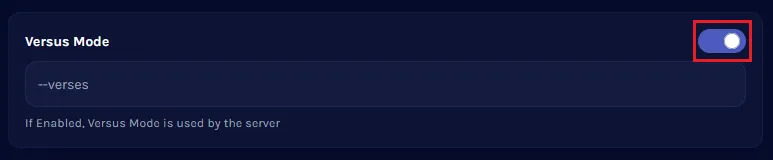
6. Start the server.