Summary
Clone Hero servers are a great way to play an endless amount of community-created songs, as well as some of the greatest hits from past Guitar Hero and Rock Band titles. By adding a password to a Clone Hero server, users can restrict access, allowing only authorized users to join and play. This can be especially helpful for users running private tournaments or just looking to play with friends.
How to Add a Password to a Clone Hero Server
1. Log in to the BisectHosting Starbase panel.
2. Stop the server.
3. Go to the Startup tab.
4. Navigate to the Server Password section.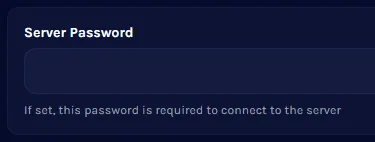
5. Enter a Secure Password.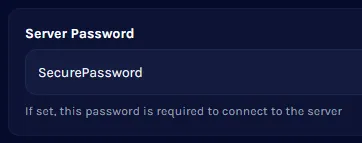
6. Start the server.
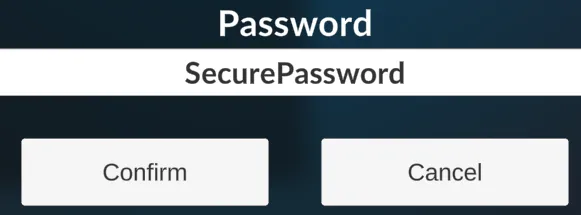
7. Enter the password when joining a server.