Summary
Joining a Clone Hero server allows you to play with a community of other rhythm game enthusiasts, fostering a fun and competitive environment. Many servers host regular tournaments, events, and challenges, providing structured ways to test your skills and earn recognition. Ultimately, the server provides a central hub for sharing custom songs, getting feedback, and staying engaged with the active Clone Hero community.
How to Join a Clone Hero Server
1. Log in to the BisectHosting Starbase panel.
2. Start the server.
3. From the Home tab, take note of the IP Address.
4. Go to the Startup tab.
5. Take note of the Server Password if set.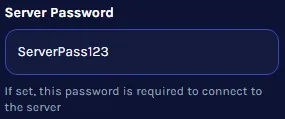
6. Launch Clone Hero.
7. Press Start to choose a profile.
8. Select Online.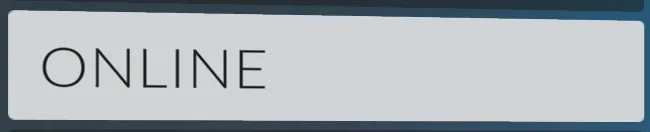
9. Choose Join Server.
10. Hit the key for Add Server. L on the keyboard by default.
11. Enter the server Address and Port from step 3.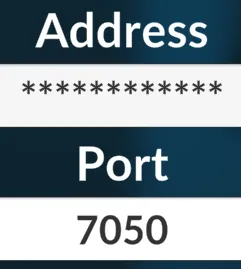
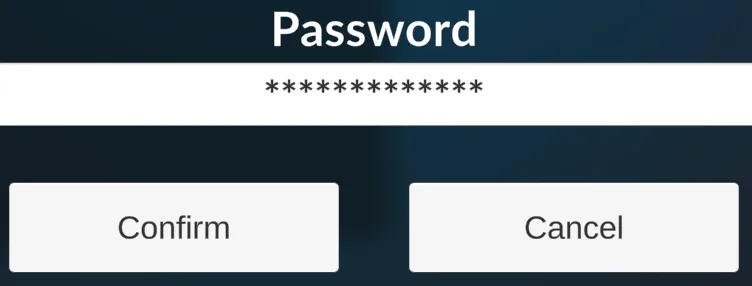
12. Input the Password from step 5 if any and press Confirm.