Summary
Generating One-Time Password (OTP) token logins for an Operation: Harsh Doorstop server adds a robust layer of security by requiring a unique, temporary password for each user to log in. This way of joining a server significantly reduces the risk of unauthorized access and automatically whitelists the user upon successful login, streamlining the process of adding trusted players. It's an excellent method for private servers to maintain control over who can join, ensuring a more secure and curated gameplay experience.
How to Generate OTP Tokens on an Operation: Harsh Doorstop Server
1. Log in to the BisectHosting Games panel.
2. Go to the Startup tab.
3. Ensure the Server Password field is empty.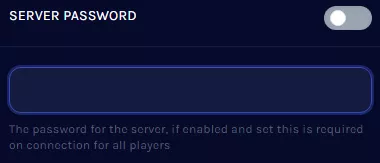
4. Go to the Console tab.
5. On the Console field, enter the following: generatetokens .
6. To reload the configs, enter the following: reloadservercfg .
7. Go to the Files tab.
8. Find the following directory: /home/container/HarshDoorstop/Saved/Config/LinuxServer .
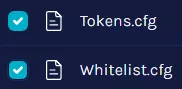
9. Open the Tokens.cfg file. Tokens.cfg will password lock the server.
10. Copy the desired OTP.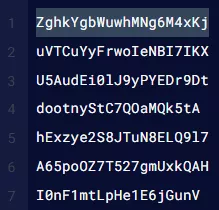
| Note | Users can add and save user-defined OTPs in a new line. After saving the config file, reload the server config like Step 6. |
11. From the game, join the server.
12. Enter the OTP from Step 10. The server will add the user to Whitelist.cfg, and the entered OTP will be deleted from Tokens.cfg.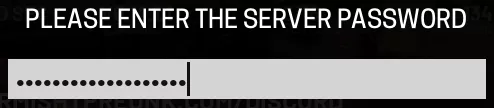
13. After a successful login, enter any space to join the server again.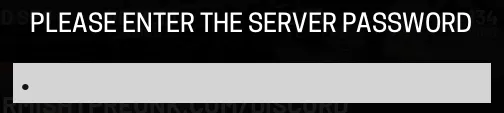
14. To disable or reset OTP connections, delete the Tokens.cfg and Whitelist.cfg files.