
Summary
V Rising is an open-world action survival game developed by Stunlock Studios. Players step into the role of a centuries-old vampire in V Rising, regaining their power and reclaiming land from the humans who have taken over the area. Gathering resources in V Rising can be slow if the server doesn't have a lot of players; however, server owners have access to various settings that can compensate for this, such as the gather rate.
How to Change Game Server Settings in V Rising
1. Log in to the BisectHosting Starbase panel.
2. Stop the server.
3. Choose the Config Files dropdown menu and select Game Settings. 
4. Change the game server settings within this config. For details on which settings change which properties in-game, follow the official guide. 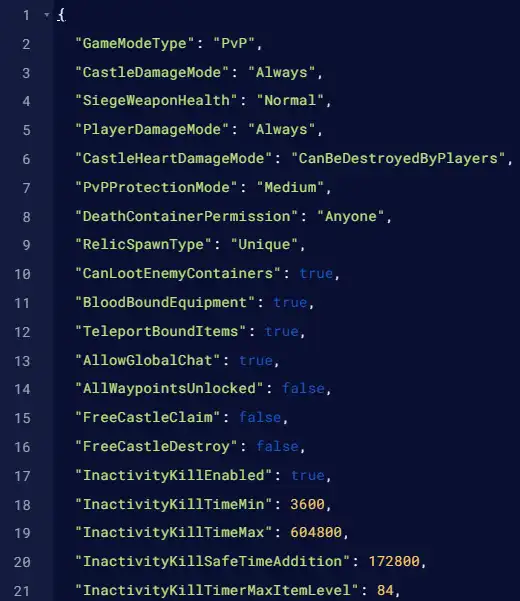
| Note | If the settings PDF does not load properly, try an alternate web browser. |
5. Once finished editing, click the Save button. 
6. Start the server.