

How to Get the Aurora Minecraft Cape Code
Posted on by

Share:

Share on X

Share on Facebook

Share on Threads

Share on Bluesky

Copy to Clipboard

Share via email
Mojang is celebrating the release of Minecraft Dungeons 2 with a Java Edition and Bedrock Edition cape that is among the most stunning released to date! So, today, we explain step by step how to get the Aurora Minecraft Cape code and redeem it right away.
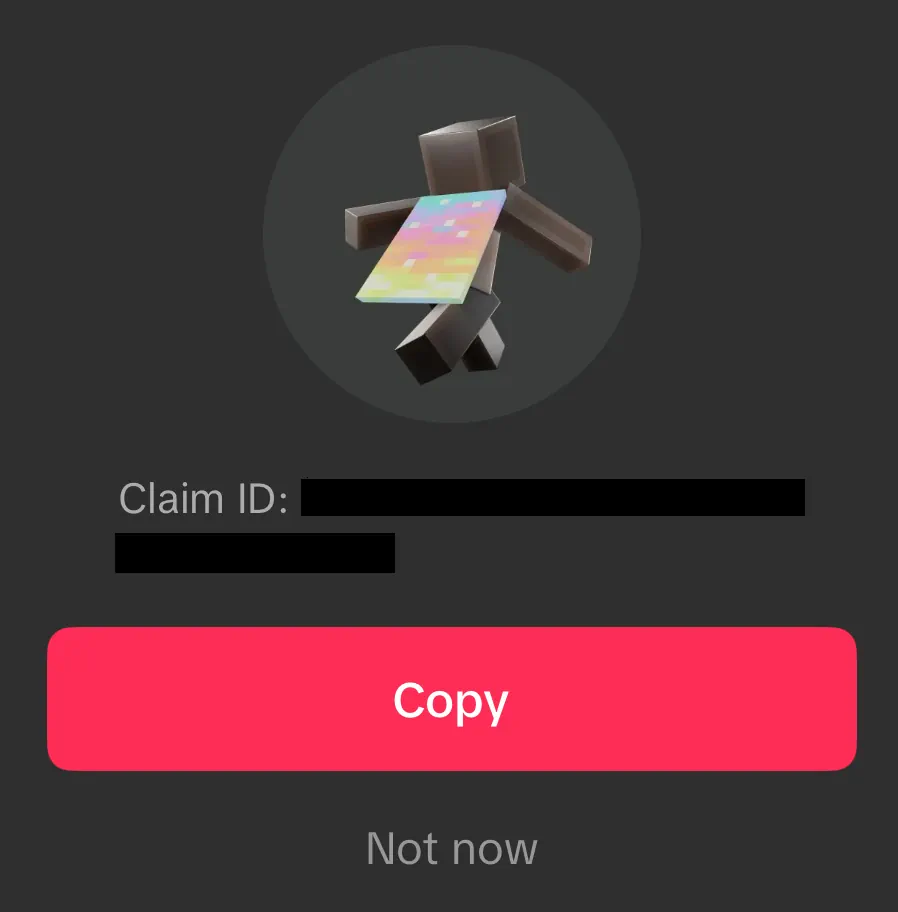 From September 29, 2026, at 7:00 UTC to October 15, 2026, at 6:59 UTC, Minecraft fans can earn an Aurora Minecraft Cape Code through viewership quests on either Twitch or TikTok. Twitch requires viewing 15 minutes of a partner or affiliate livestream in the Minecraft Dungeons 2 category, while TikTok requires viewing three minutes of an eligible Minecraft Dungeons 2 livestream. Both codes can be earned, but only one can be redeemed per Microsoft account. All Aurora Cape Codes expire October 31, 2026.
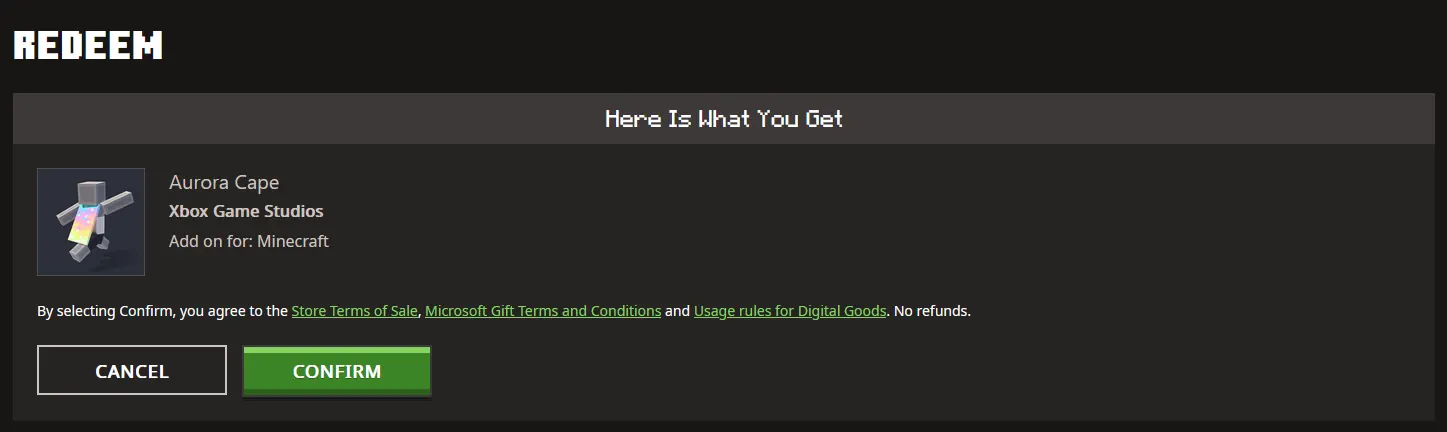 Once a code has been claimed from either Twitch or TikTok, it can be redeemed on the official Minecraft Redemption webpage, following the steps below:
How to Get the Aurora Minecraft Cape Code
From September 29, 2026, at 7:00 UTC to October 15, 2026, at 6:59 UTC, Minecraft fans can earn an Aurora Minecraft Cape Code through viewership quests on either Twitch or TikTok. Twitch requires viewing 15 minutes of a partner or affiliate livestream in the Minecraft Dungeons 2 category, while TikTok requires viewing three minutes of an eligible Minecraft Dungeons 2 livestream. Both codes can be earned, but only one can be redeemed per Microsoft account. All Aurora Cape Codes expire October 31, 2026.
Twitch:
- Log in or create a Twitch account.
- Open the Minecraft Dungeons 2 category.
- Watch 15 minutes of a partner or affiliate Minecraft Dungeons 2 livestream.
- Claim the code on the Twitch Drops & Rewards webpage.
- Redeem the code on the official Minecraft Redemptions webpage.
TikTok:
- Log in or create a TikTok account on the TikTok mobile app.
- Watch 3 minutes of an eligible Minecraft Dungeons 2 livestream.
- Claim the provided code by tapping the reward icon or reward notification.
- Redeem the code on the official Minecraft Redemption webpage.
How to Redeem Minecraft Codes
Once a code has been claimed from either Twitch or TikTok, it can be redeemed on the official Minecraft Redemption webpage, following the steps below:
- Open the official Minecraft Redemption Code webpage.
- Paste the 25-character code into the text box provided.
- Click “Redeem.”
- Sign in to your Microsoft account if not already done.
- Click “Confirm.”
Join our Newsletter
Subscribe for the latest updates on all things gaming!

How would you rate this blog?
Share your opinion and help us make our blogs even better!
Didn't like
Neutral
Liked

Need a game server?
Rent a game server where you and your friends can play privately with low latency and custom settings. Choose from 110+ games, invite people from around the globe, and enjoy private matches, or build your own online community with your own rules.

Relevant Blogs







GET THE INSIDE SCOOP!
Join our email for updates on our hosted games, company news and exclusive deals. Stay in the loop!













