

GTA VI: How to Save & Autosaves Explained
Posted on by

Share:

Share on X

Share on Facebook

Share on Threads

Share on Bluesky

Copy to Clipboard

Share via email
It's been a long 13 years waiting for the next larger-than-life entry in the Grand Theft Auto series. Now that it's finally here and playable, however, GTA VI is jam-packed with details. One detail that isn't so clear, however, is how autosaves work, and how you save your game manually. While the game does have an opening prologue to teach you the controls, it doesn't explain much about how saving works. Here, we'll tell you exactly how to save your game in GTA VI and how autosaves work.
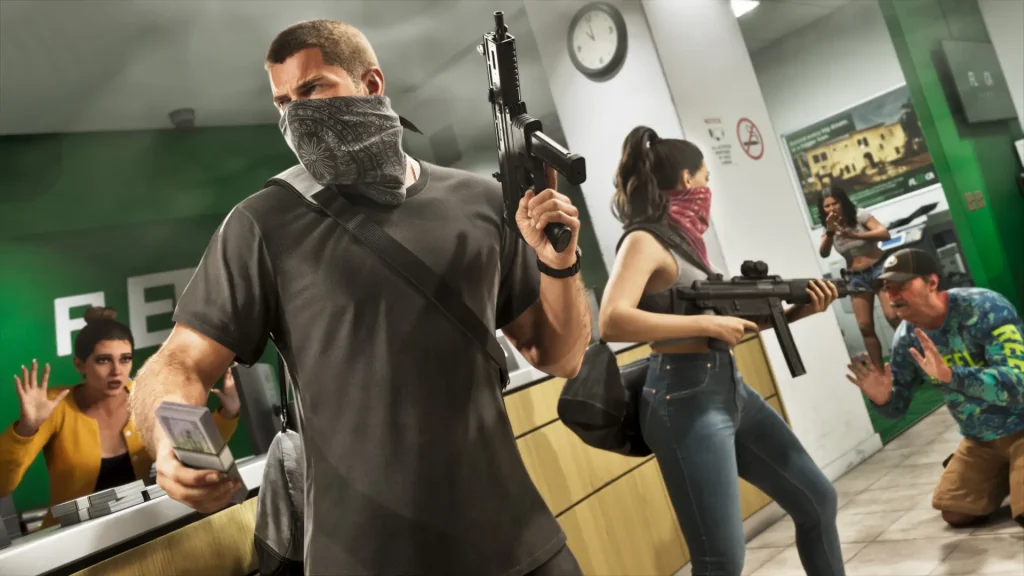 First and foremost, yes, you can manually save your game in GTA VI! All you need to do is press pause, which is the Select button if you're on PlayStation or the Menu button on Xbox, and you'll see a few options. Select the tab labeled Game, and you'll see this list:
How to Save & How Autosaves Work in GTA VI
First and foremost, yes, you can manually save your game in GTA VI! All you need to do is press pause, which is the Select button if you're on PlayStation or the Menu button on Xbox, and you'll see a few options. Select the tab labeled Game, and you'll see this list:
- Save Game
- Load Game
- New Game
Join our Newsletter
Subscribe for the latest updates on all things gaming!

How would you rate this blog?
Share your opinion and help us make our blogs even better!
Didn't like
Neutral
Liked

Need a game server?
Rent a game server where you and your friends can play privately with low latency and custom settings. Choose from 110+ games, invite people from around the globe, and enjoy private matches, or build your own online community with your own rules.

Relevant Blogs







GET THE INSIDE SCOOP!
Join our email for updates on our hosted games, company news and exclusive deals. Stay in the loop!













