
7 Days to Die Combine Station Guide: Overview, How to Use, & More
Posted on by

Share:

Share on X

Share on Facebook

Share on Threads

Share on Bluesky

Copy to Clipboard

Share via email
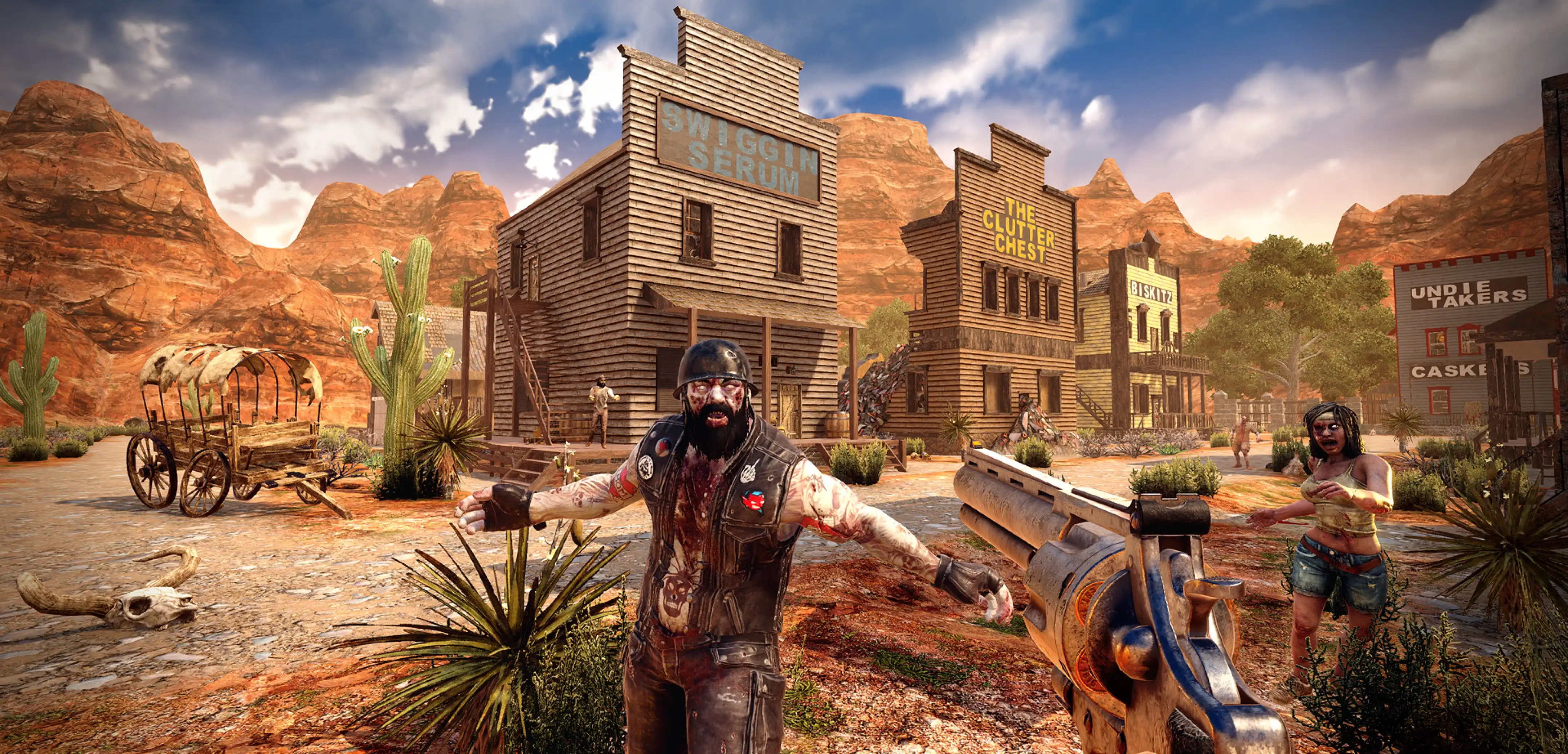
The zombie apocalypse in Navezgone got even more interesting with the 7 Days to Die 3.0 update (also known as the Dead Hot Summer Update). In particular, developer The Fun Pimps introduced a game-changing workstation called the Combine Station, allowing players to merge the stats of similar items to optimize their combat and survival capabilities. Here we'll cover how to use the Combine Station and how to get the most out of it in the 3.0 update!
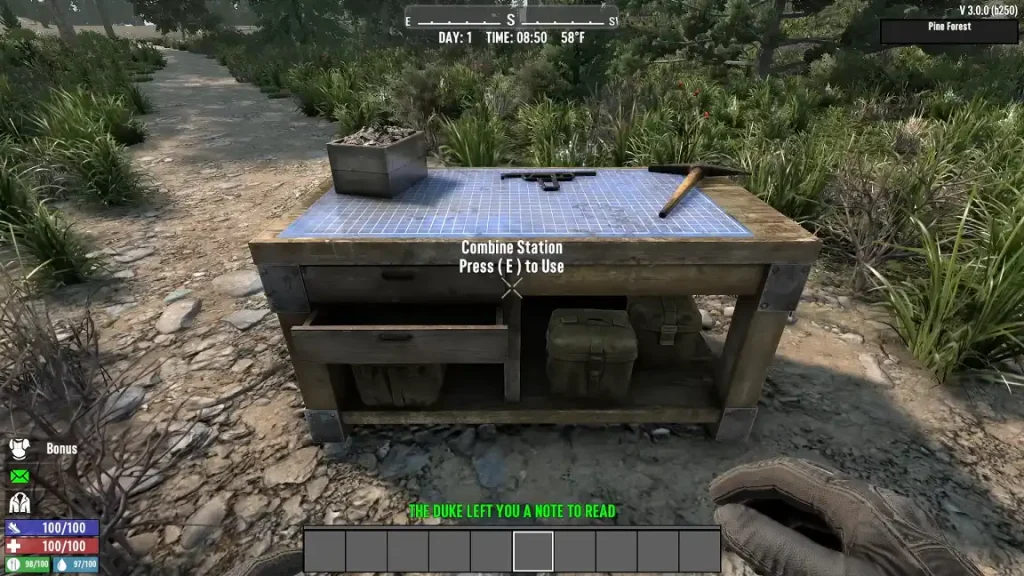 Note: Image courtesy of Capp00.
As mentioned earlier, the Combine Station is a new workstation introduced in the 7 Days to Die V3.0 Dead Hot Summer Update. Players in the Experimental Branch can take advantage of this functional structure since June 15. Its primary purpose is to allow survivors to combine the attributes of similar items, such as two shotguns, increasing their power. Doing so allows survivors to potentially min-max their equipment for optimum survivability.
Arguably, the Combine Station is the ultimate upgrade bench. Before this update, a player finding a Tier 6 weapon could see the item as the tool to use in the endgame. Now, this workstation can be the definitive starting point to endgame equipment. It also serves as an alternative repair method, promoting better control of gear maintenance.
Note: Image courtesy of Capp00.
As mentioned earlier, the Combine Station is a new workstation introduced in the 7 Days to Die V3.0 Dead Hot Summer Update. Players in the Experimental Branch can take advantage of this functional structure since June 15. Its primary purpose is to allow survivors to combine the attributes of similar items, such as two shotguns, increasing their power. Doing so allows survivors to potentially min-max their equipment for optimum survivability.
Arguably, the Combine Station is the ultimate upgrade bench. Before this update, a player finding a Tier 6 weapon could see the item as the tool to use in the endgame. Now, this workstation can be the definitive starting point to endgame equipment. It also serves as an alternative repair method, promoting better control of gear maintenance.
What is the Combine Station in 7 Days to Die?
Note: Image courtesy of Capp00.
As mentioned earlier, the Combine Station is a new workstation introduced in the 7 Days to Die V3.0 Dead Hot Summer Update. Players in the Experimental Branch can take advantage of this functional structure since June 15. Its primary purpose is to allow survivors to combine the attributes of similar items, such as two shotguns, increasing their power. Doing so allows survivors to potentially min-max their equipment for optimum survivability.
Arguably, the Combine Station is the ultimate upgrade bench. Before this update, a player finding a Tier 6 weapon could see the item as the tool to use in the endgame. Now, this workstation can be the definitive starting point to endgame equipment. It also serves as an alternative repair method, promoting better control of gear maintenance.
How to Use the Combine Station in 7 Days to Die
At first glance, using the Combine Station is a fairly straightforward endeavor. However, it requires some strategic thinking to maximize the output. For example, place two or more of the same item type into the Combine Station, such as two pickaxes. Confirming the operation merges the attributes of the tools, transferring the highest percentage stats to the final combined item regardless of quality. That way, combining a Quality 1 item with a boosted stat with a Quality 6 variant yields a Quality 6 tool with a higher base stat. With that, players can find boosted stats in loot as of the 3.0 Update. Known as the Magnitude System, these enhanced attributes are marked by an orange star. For example, a pickaxe may have increased block damage, or a shotgun might possess extended range. Some traders may also sell Magnitude-enhanced equipment for serious survivors. Aside from enhancing items, the Combine Station also serves as an alternate repair station. Interact with the workstation to use its repair and degradation settings. Here, players can choose from different options: no repair, repair kits only, combine-only repair, or a hybrid of both. It’s also possible to set permanent repair degradation to between 5% and 25% of the item’s maximum durability per operation (with the first instance being free).Create your own
7 Days to Die server
7 Days to Die server
Choose a plan, pick a game, and play with your friends!
Join our Newsletter
Subscribe for the latest updates on all things gaming!

How would you rate this blog?
Share your opinion and help us make our blogs even better!
Didn't like
Neutral
Liked

Need a game server?
Rent a game server where you and your friends can play privately with low latency and custom settings. Choose from 110+ games, invite people from around the globe, and enjoy private matches, or build your own online community with your own rules.

Relevant Blogs







GET THE INSIDE SCOOP!
Join our email for updates on our hosted games, company news and exclusive deals. Stay in the loop!













