
Project Zomboid: How to Hotwire a Car
Posted on by

Share:

Share on X

Share on Facebook

Share on Threads

Share on Bluesky

Copy to Clipboard

Share via email
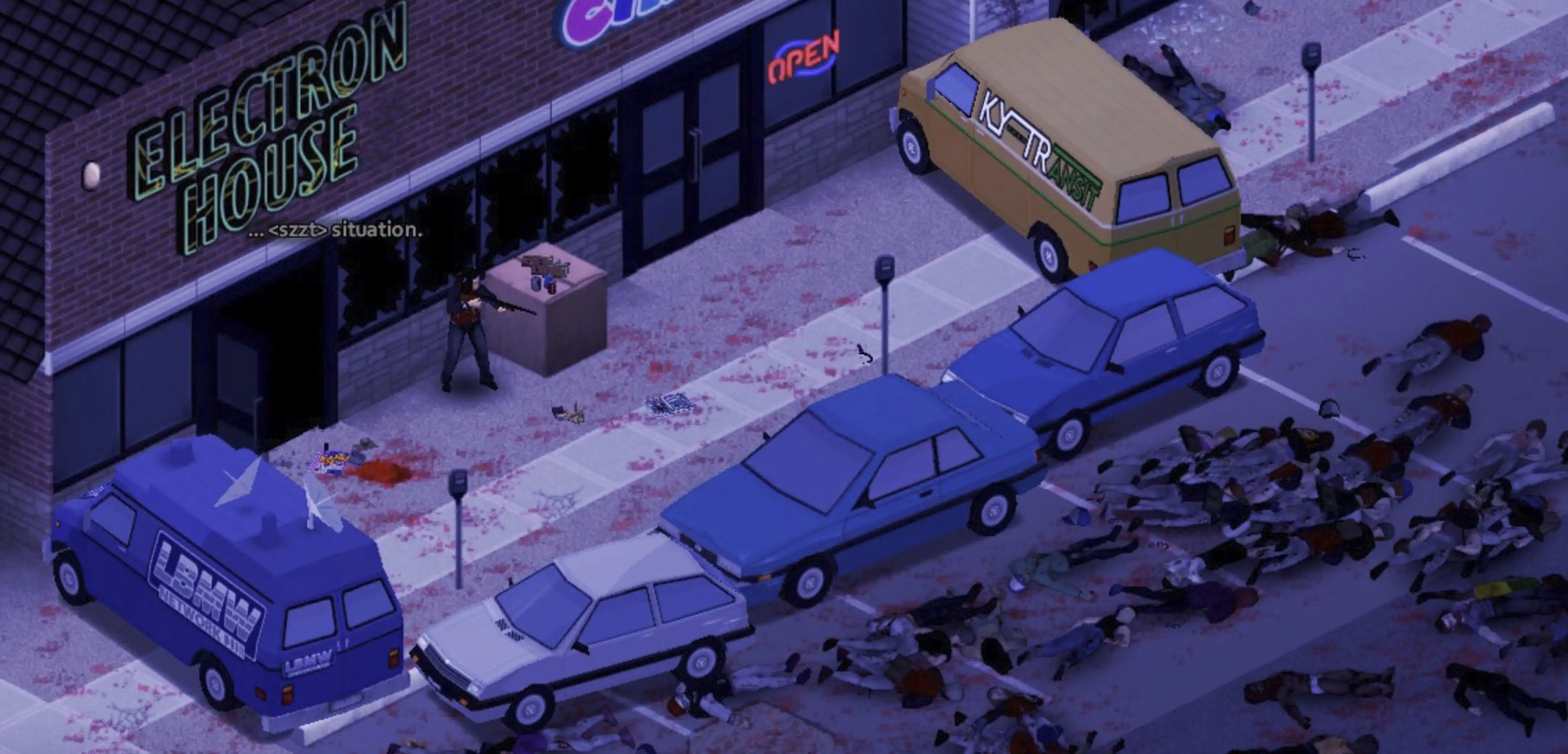
A working car can mean the difference between survival and becoming another statistic in Knox County. However, what can you do if you don’t have the keys to start a vehicle? If so, learn how to hotwire a car in Project Zomboid, and embody this crucial yet risky skill to escape the clutches of the undead.
 First, you must complete certain requirements before you can hotwire a car in Project Zomboid:
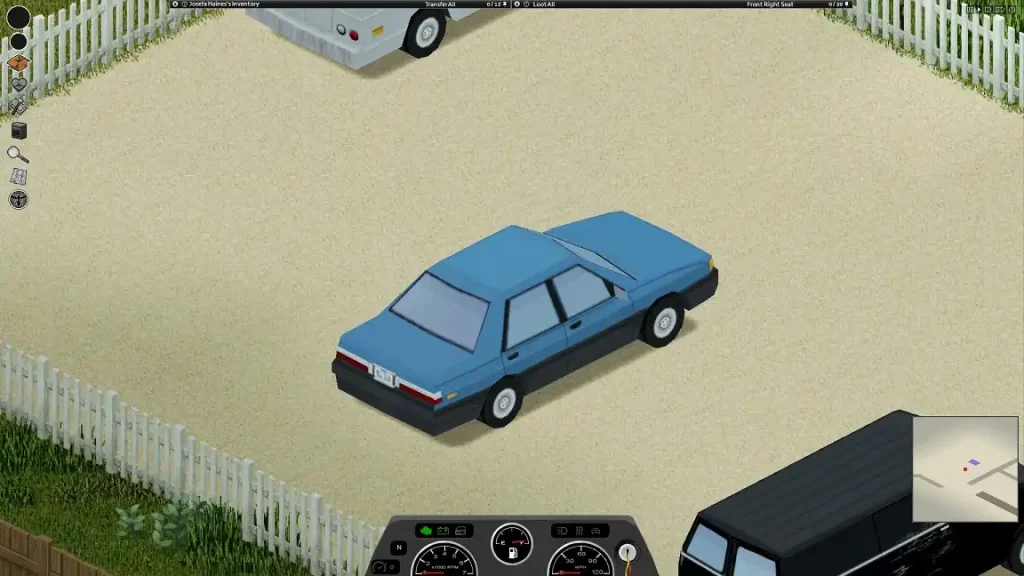 Introduced in Build 39, cars are plentiful in Project Zomboid, and they serve as platforms for fast transportation, at least the ones that work. These vehicles generally fall under three main categories: Standard, Sports, and Heavy-Duty. Each car has unique features and stats that can bring advantages and disadvantages. Know which vehicle to own as you survive the zombie horde in Knox County by looking at your choices below:
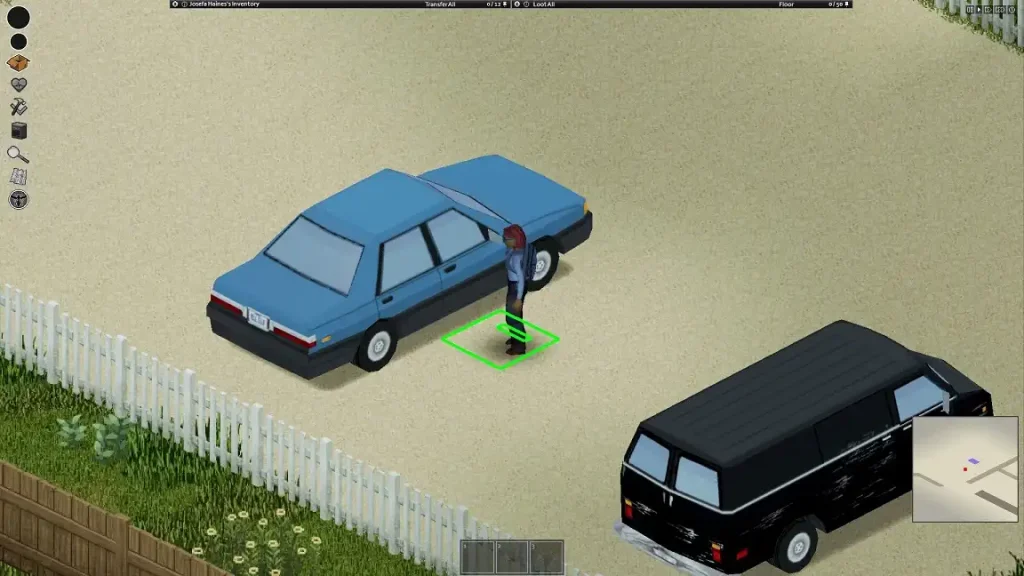 Learning how to hotwire and get into a car will only get you so far in Project Zomboid. Understanding how to drive your “appropriated” vehicle should also be part of your recipe for survival. Thankfully, most, if not all, cars in Project Zomboid have an automatic transmission, so you don’t have to worry about manually changing gears.
So, follow these vehicle controls once you’re in front of a vehicle’s steering wheel:
Learning how to hotwire and get into a car will only get you so far in Project Zomboid. Understanding how to drive your “appropriated” vehicle should also be part of your recipe for survival. Thankfully, most, if not all, cars in Project Zomboid have an automatic transmission, so you don’t have to worry about manually changing gears.
So, follow these vehicle controls once you’re in front of a vehicle’s steering wheel:
How to Hotwire a Car in Project Zomboid
First, you must complete certain requirements before you can hotwire a car in Project Zomboid:
- You must have the Burglar Occupation, or
- You must have the following skills: Electrical Lv. 1 AND Mechanical Lv. 2
Car Types in Project Zomboid
Introduced in Build 39, cars are plentiful in Project Zomboid, and they serve as platforms for fast transportation, at least the ones that work. These vehicles generally fall under three main categories: Standard, Sports, and Heavy-Duty. Each car has unique features and stats that can bring advantages and disadvantages. Know which vehicle to own as you survive the zombie horde in Knox County by looking at your choices below:
Standard
Chevalier Cerise Wagon
- Weight: 900
- Engine Power: 420
- Engine Quality: 70
- Engine Loudness: 80
- Top Speed: 70
- Suspension Stiffness: 40
- Occupant Protection: 1.1
- Seats: 4
- Glove Box Capacity: 5
- Trunk Capacity: 60
- Total Storage: 145
Chevalier Dart
- Weight: 650
- Engine Power: 360
- Engine Quality: 60
- Engine Loudness: 55
- Top Speed: 70
- Suspension Stiffness: 30
- Occupant Protection: 0.8
- Seats: 4
- Glove Box Capacity: 5
- Trunk Capacity: 40
- Total Storage: 125
Chevalier Nyala
- Weight: 800
- Engine Power: 400
- Engine Quality: 70
- Engine Loudness: 80
- Top Speed: 90
- Suspension Stiffness: 40
- Occupant Protection: 1
- Seats: 4
- Glove Box Capacity: 5
- Trunk Capacity: 55
- Total Storage: 140
Dash Rancher
- Weight: 900
- Engine Power: 440
- Engine Quality: 70
- Engine Loudness: 90
- Top Speed: 90
- Suspension Stiffness: 30
- Occupant Protection: 0.8
- Seats: 2
- Glove Box Capacity: 4
- Trunk Capacity: 40
- Total Storage: 85
Masterson Horizon
- Weight: 650
- Engine Power: 360
- Engine Quality: 70
- Engine Loudness: 55
- Top Speed: 90
- Suspension Stiffness: 40
- Occupant Protection: 0.8
- Seats: 4
- Glove Box Capacity: 5
- Trunk Capacity: 40
- Total Storage: 125
Sports
Chevalier Cossette
- Weight: 800
- Engine Power: 570
- Engine Quality: 90
- Engine Loudness: 90
- Top Speed: 120
- Suspension Stiffness: 50
- Occupant Protection: 0.8
- Seats: 2
- Glove Box Capacity: 5
- Trunk Capacity: 30
- Total Storage: 75
Chevalier Primani
- Weight: 800
- Engine Power: 500
- Engine Quality: 70
- Engine Loudness: 80
- Top Speed: 90
- Suspension Stiffness: 40
- Occupant Protection: 1.1
- Seats: 4
- Glove Box Capacity: 5
- Trunk Capacity: 45
- Total Storage: 130
Dash Elite
- Weight: 800
- Engine Power: 500
- Engine Quality: 70
- Engine Loudness: 80
- Top Speed: 90
- Suspension Stiffness: 40
- Occupant Protection: 1.1
- Seats: 4
- Glove Box Capacity: 5
- Trunk Capacity: 45
- Total Storage: 130
Mercia Lang 4000
- Weight: 950
- Engine Power: 520
- Engine Quality: 70
- Engine Loudness: 80
- Top Speed: 105
- Suspension Stiffness: 40
- Occupant Protection: 1.1
- Seats: 2
- Glove Box Capacity: 5
- Trunk Capacity: 45
- Total Storage: 90
Race Car
- Weight: 800
- Engine Power: 700
- Engine Quality: 80
- Engine Loudness: 90
- Top Speed: 120
- Suspension Stiffness: 40
- Occupant Protection: 0.8
- Seats: 4
- Glove Box Capacity: 5
- Trunk Capacity: 20
- Total Storage: 105
Heavy-Duty
Ambulance
- Weight: 816
- Engine Power: 490
- Engine Quality: 75
- Engine Loudness: 110
- Top Speed: 70
- Suspension Stiffness: 40
- Occupant Protection: 1.3
- Seats: 2
- Glove Box Capacity: 10
- Trunk Capacity: 130
- Total Storage: 180
Chevalier D6
- Weight: 1,030
- Engine Power: 400
- Engine Quality: 80
- Engine Loudness: 110
- Top Speed: 70
- Suspension Stiffness: 40
- Occupant Protection: 1.3
- Seats: 2
- Glove Box Capacity: 10
- Trunk Capacity: 110
- Total Storage: 160
Chevalier Step Van
- Weight: 1,160
- Engine Power: 370
- Engine Quality: 70
- Engine Loudness: 100
- Top Speed: 70
- Suspension Stiffness: 40
- Occupant Protection: 1.1
- Seats: 2
- Glove Box Capacity: 10
- Trunk Capacity: 160
- Total Storage: 210
Dash Bulldriver
- Weight: 1,104
- Engine Power: 400
- Engine Quality: 80
- Engine Loudness: 120
- Top Speed: 60
- Suspension Stiffness: 20
- Occupant Protection: 1.3
- Seats: 2
- Glove Box Capacity: 10
- Trunk Capacity: 130
- Total Storage: 180
Franklin All-Terrain
- Weight: 1,000
- Engine Power: 470
- Engine Quality: 75
- Engine Loudness: 100
- Top Speed: 90
- Suspension Stiffness: 40
- Occupant Protection: 1.3
- Seats: 4
- Glove Box Capacity: 10
- Trunk Capacity: 85
- Total Storage: 175
Franklin Valuline
- Weight: 816
- Engine Power: 370
- Engine Quality: 70
- Engine Loudness: 100
- Top Speed: 65
- Suspension Stiffness: 30
- Occupant Protection: 1.1
- Seats: 2
- Glove Box Capacity: 10
- Trunk Capacity: 130
- Total Storage: 180
Franklin Valuline (6-seater)
- Weight: 916
- Engine Power: 260
- Engine Quality: 70
- Engine Loudness: 100
- Top Speed: 60
- Suspension Stiffness: 50
- Occupant Protection: 1.1
- Seats: 6
- Glove Box Capacity: 10
- Trunk Capacity: 50
- Total Storage: 180
LBMW Radio Van
- Weight: 956
- Engine Power: 270
- Engine Quality: 70
- Engine Loudness: 100
- Top Speed: 65
- Suspension Stiffness: 50
- Occupant Protection: 1.1
- Seats: 2
- Glove Box Capacity: 10
- Trunk Capacity: 130
- Total Storage: 180
Project Zomboid Car Controls
Learning how to hotwire and get into a car will only get you so far in Project Zomboid. Understanding how to drive your “appropriated” vehicle should also be part of your recipe for survival. Thankfully, most, if not all, cars in Project Zomboid have an automatic transmission, so you don’t have to worry about manually changing gears.
So, follow these vehicle controls once you’re in front of a vehicle’s steering wheel:
- Start Vehicle Engine: N
- Toggle Vehicle Headlights: F
- Vehicle Heater: O
- Vehicle Info: U
- Horn: Q
- Vehicle Radial Menu: V
- Switch Seat: Z
Create your own
Project Zomboid server
Project Zomboid server
Choose a plan, pick a game, and play with your friends!
Join our Newsletter
Subscribe for the latest updates on all things gaming!

How would you rate this blog?
Share your opinion and help us make our blogs even better!
Didn't like
Neutral
Liked

Need a game server?
Rent a game server where you and your friends can play privately with low latency and custom settings. Choose from 110+ games, invite people from around the globe, and enjoy private matches, or build your own online community with your own rules.

Relevant Blogs







GET THE INSIDE SCOOP!
Join our email for updates on our hosted games, company news and exclusive deals. Stay in the loop!













