
The Isle System Requirements: Minimum & Recommended PC Specs
Posted on by

Share:

Share on X

Share on Facebook

Share on Threads

Share on Bluesky

Copy to Clipboard

Share via email
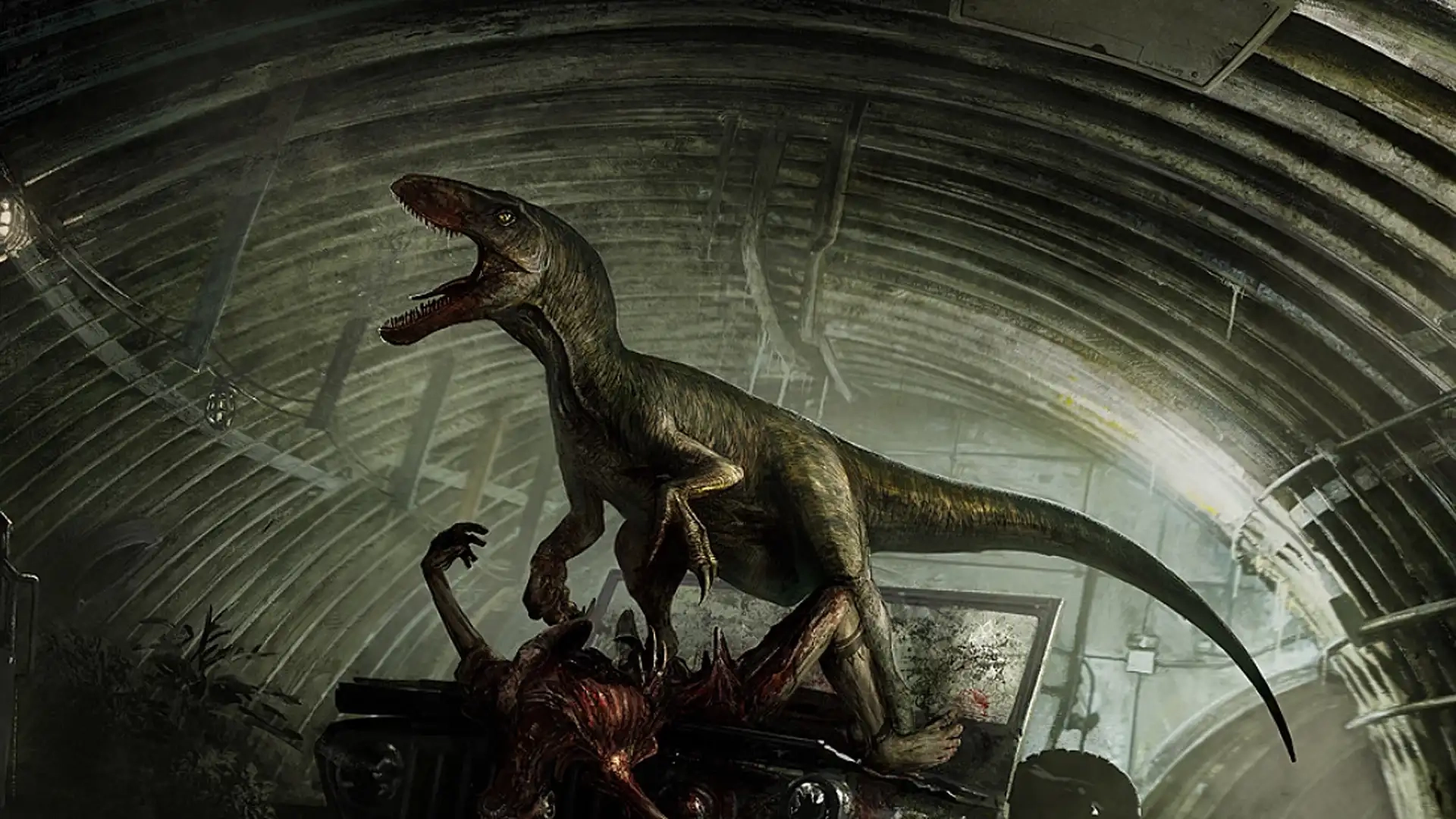
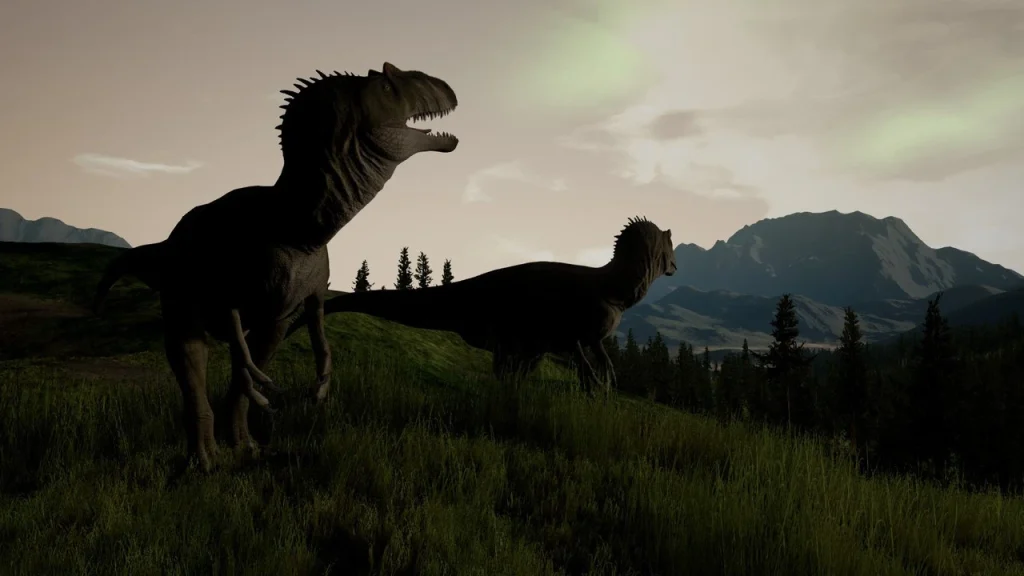
Romping around in The Isle as your favorite meat-eating or plant-munching dinosaurs is a fun time. Especially when you gather your friends on a custom dedicated server. But before you start living the dino life, you should make sure your PC can run the game. Here, we've outlined both the minimum and recommended PC specs for The Isle so you can ensure your rig is up to snuff.
 As an early access game, The Isle is still unfinished. As a result, it's not fully optimized, it has its fair share of bugs, and it can experience general online stability issues. With all of those Early Access quirks, it can be tricky to know if problems you experience are because of your PC or the game itself.
If you're having some stuttering gameplay trouble, here are a few things you can do to potentially improve performance:
As an early access game, The Isle is still unfinished. As a result, it's not fully optimized, it has its fair share of bugs, and it can experience general online stability issues. With all of those Early Access quirks, it can be tricky to know if problems you experience are because of your PC or the game itself.
If you're having some stuttering gameplay trouble, here are a few things you can do to potentially improve performance:
The Isle System Requirements: Minimum & Recommended PC Specs & Settings
As an early access game, The Isle is still unfinished. As a result, it's not fully optimized, it has its fair share of bugs, and it can experience general online stability issues. With all of those Early Access quirks, it can be tricky to know if problems you experience are because of your PC or the game itself.
If you're having some stuttering gameplay trouble, here are a few things you can do to potentially improve performance:
- Set the following graphics settings to Medium or Low:
- Post Processing
- Anti-Aliasing
- Shadows
- Effects
- View Distance
- Foliage
- Anytime you change your graphics settings, restart the game.
- Ensure the game's Smooth FPS box has been checked.
- Use the FPS cap setting to set a hard cap for your game's frame rate.
- A frame rate of 60 or 30 is recommended if your game is truly experiencing stuttering.
- Ensure your graphics card drivers are always up to date.
- Delete your game's Config Folder by doing the following:
- Close the game.
- Open your computer's Run box by pressing the Windows Key & R.
- Type "%localappdata%" and press Enter.
- Scroll until you find the file named "TheIsle" and enter it.
- Enter the file "Saved" and delete the Config folder inside.
- This can remove unwanted junk files that are bogging down your game's performance.
Minimum System Requirements for The Isle
- OS: Windows 7 (64-bit)
- Processor: Quad-core Intel or AMD - 3.0 GHz
- Memory: 8 GB RAM
- Graphics: NVIDIA GeForce GTX 960 or AMD Radeon R9 280X
- DirectX: Version 11
- Network: Broadband Internet Connection
- Storage: 25 GB
Recommended System Requirements for The Isle
- OS: Windows 10 (64-bit)
- Processor: Quad-core Intel or AMD - 3.4 GHz
- Memory: 16 GB RAM
- Graphics: NVIDIA GeForce GTX 1070
- DirectX: Version 11
- Network: Broadband Internet Connection
- Storage: 25GB
Join our Newsletter
Subscribe for the latest updates on all things gaming!

How would you rate this blog?
Share your opinion and help us make our blogs even better!
Didn't like
Neutral
Liked

Need a game server?
Rent a game server where you and your friends can play privately with low latency and custom settings. Choose from 110+ games, invite people from around the globe, and enjoy private matches, or build your own online community with your own rules.

Relevant Blogs







GET THE INSIDE SCOOP!
Join our email for updates on our hosted games, company news and exclusive deals. Stay in the loop!













