
All WARDOGS Twitch Drops: Requirements, End Date, & More
Posted on by

Share:

Share on X

Share on Facebook

Share on Threads

Share on Bluesky

Copy to Clipboard

Share via email
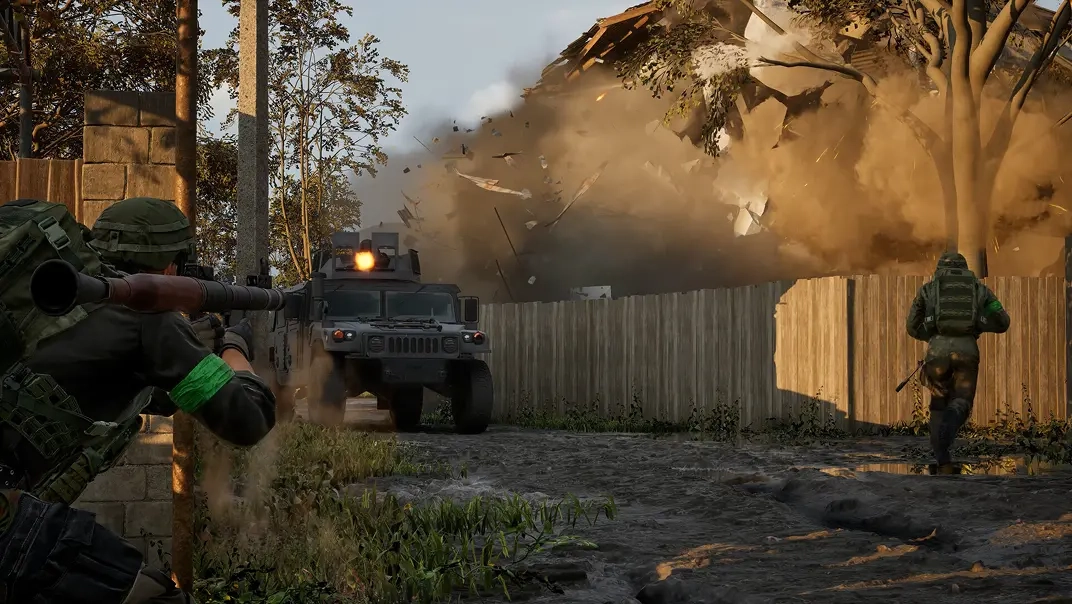
WARDOGS has officially entered early access, and to celebrate over on Twitch, there is an abundance of cosmetics and items to earn! So, today, explore all WARDOGS Twitch Drops and rewards, the requirements to get them, and when their limited availability comes to a close.
 Requirements:
 Requirements:
 Requirements:
 Requirements:
 Requirements:
 Requirements:
 Requirements:
 Requirements:
 Requirements:
 Requirements:
 Requirements:
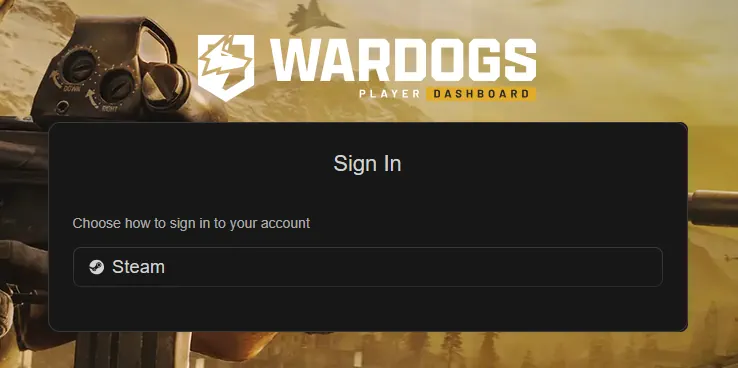 Once the watch time requirements have been met, the Twitch account in use will need to be linked with a Steam account to redeem the rewards. The steps below can be followed to link an account:
All WARDOGS Twitch Drops
Twitch Badges
Two WARDOGS Twitch badges are available from September 3 at 2:00 PM EDT to September 30 at 1:59 PM EDT. Once earned, they can be selected to appear next to your username in any Twitch chat, akin to a subscriber badge. They are a Twitch cosmetic, not a cosmetic in WARDOGS. For this reason, they do not require a linked WARDOGS account to redeem.WARDOG
Requirements:
- Find a participating WARDOGS Steam.
- Watch 30 minutes.
- Claim under “Drops & Rewards.”
Warlord
Requirements:
- Find a participating WARDOGS Steam.
- Purchase or gift one subscription.
- Claim under “Drops & Rewards.”
Twitch Drops
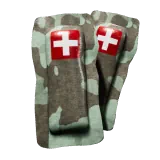
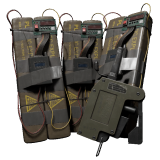
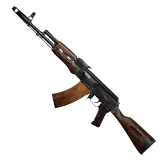
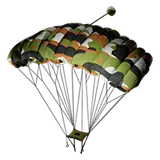
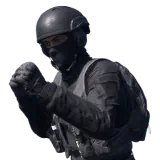
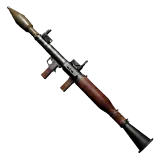
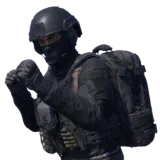
In addition to the badges, fans can earn up to nine in-game items from September 10 at 12:00 PM EDT to September 13 at 10:59 PM EDT. To earn every reward, 15 hours of participating WARDOGS streams must be watched. These are not cosmetics but instead one-time-use items added to your vault. Essentially, a free loadout.Bronze Drop 1 [EA 0.1]
Requirements:
- Watch 15 Minutes
Bronze Drop 2 [EA 0.1]
Requirements:
- Watch 1 Hour
Silver Drop 1 [EA 0.1]
Requirements:
- Watch 2 Hours
Gold Drop 1 [EA 0.1]
Requirements:
- Watch 5 Hours
Gold Drop 2 [EA 0.1]
Requirements:
- Watch 7 Hours
Gold Drop 3 [EA 0.1]
Requirements:
- Watch 9 Hours
Silver Drop 2 [EA 0.1]
Requirements:
- Watch 11 Hours
Gold Drop 4 [EA 0.1]
Requirements:
- Watch 13 Hours
Gold Drop 5 [EA 0.1]
Requirements:
- Watch 15 Hours
How to Redeem the WARDOGS Item Rewards From Twitch Drops
Once the watch time requirements have been met, the Twitch account in use will need to be linked with a Steam account to redeem the rewards. The steps below can be followed to link an account:
- Open the Twitch “Drops & Rewards” page.
- Select the “All Campaigns” tab.
- Select WARDOGS.
- Click “Connect”.
- Select Steam and sign in.
- Confirm the connection.
Join our Newsletter
Subscribe for the latest updates on all things gaming!

How would you rate this blog?
Share your opinion and help us make our blogs even better!
Didn't like
Neutral
Liked

Need a game server?
Rent a game server where you and your friends can play privately with low latency and custom settings. Choose from 110+ games, invite people from around the globe, and enjoy private matches, or build your own online community with your own rules.

Relevant Blogs







GET THE INSIDE SCOOP!
Join our email for updates on our hosted games, company news and exclusive deals. Stay in the loop!













