

How to Play Minecraft Java Edition Offline
Publié le par

Partager :

Partager sur X

Partager sur Facebook

Partager sur Threads

Partager sur Bluesky

Copier dans le presse-papiers

Partager par e-mail
(Estimated Read Time: 3 Minutes)
Sometimes, when Microsoft server issues arise, Java Edition players may find they can’t play Minecraft even in single-player offline. So, today, we explore how to play Minecraft Java Edition offline so that the game can be enjoyed anytime.Microsoft Servers and Minecraft Java Edition
 On the rare occasions there are troubles with Microsoft’s servers, Minecraft Java Edition players may find themselves stuck in the Minecraft launcher, unable to launch the game. This occurs because the systems that would normally verify the account in use can’t be accessed by the launcher.
At first glance, there may appear to be no workaround for this error. However, there is one way to still access single-player.
On the rare occasions there are troubles with Microsoft’s servers, Minecraft Java Edition players may find themselves stuck in the Minecraft launcher, unable to launch the game. This occurs because the systems that would normally verify the account in use can’t be accessed by the launcher.
At first glance, there may appear to be no workaround for this error. However, there is one way to still access single-player.
How to Play Minecraft Java Edition Offline
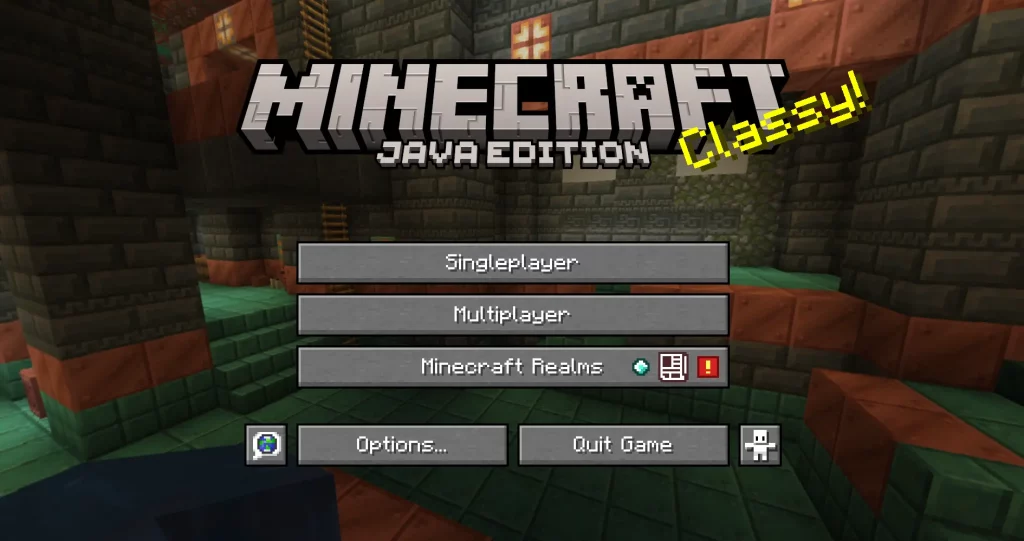 Minecraft Java Edition players can access single-player offline by turning off their internet or disconnecting the internet from their PC. The launcher will then allow the user to continue offline as long as a successful login has been made at least once before.
Can Realms and Private Servers Be Accessed Offline?
https://twitter.com/MojangStatus/status/1808210690802340118Sadly, realms and private servers are inaccessible until the troubles surrounding logins have passed. Typically, updates will be provided by the Mojang Status X (formally Twitter) account during these times, including notice of when the issue has been resolved. Mojang Status can be found here.
Alternative Survival Games
 While by no means ideal, sometimes temporarily switching to another game can be a much less frustrating way to wait out the downtime. Below, we have listed a few of our favorite multiplayer survival games that are best enjoyed alongside friends:
- Terraria
- Valheim
- The Forest
- Vintage Story
- Palworld
- Project Zomboid
- 7 Days to Die
- And many, many more.
Créez votre propre
serveur Minecraft
serveur Minecraft
Choisissez un plan, sélectionnez un jeu et jouez avec vos amis !
Abonnez-vous à notre newsletter
Abonnez-vous pour recevoir les dernières mises à jour sur l'univers du jeu vidéo !

Rejoignez notre Discord
Rejoignez notre communauté de plus de 20 000 membres passionnés !
Comment évalueriez-vous ce blog ?
Partagez votre avis et aidez-nous à améliorer nos blogs !
Pas aimé
Neutre
Aimé

Besoin d'un serveur de jeu ?
Louez un serveur de jeu où vous et vos amis pouvez jouer en privé avec une faible latence et des paramètres personnalisés. Choisissez parmi 110+ jeux, invitez des joueurs du monde entier et profitez de parties privées, ou créez votre propre communauté en ligne avec vos propres règles.

Blogs pertinents







OBTENEZ LES DERNIÈRES INFOS !
Inscrivez-vous à nos e-mails pour obtenir des mises à jour sur nos jeux hébergés, des nouvelles de l'entreprise et des offres exclusives. Restez au courant !













