

Hytale Error Applying Update (How to Fix)
Publicado em por

Compartilhar:

Compartilhar no X

Compartilhar no Facebook

Compartilhar no Threads

Compartilhar no Bluesky

Copiar para a área de transferência

Compartilhar por e-mail
Hytale has already released some updates since its early access launch to fix bugs and minor issues. But many players have met with an unfortunate error when updating the game this frequently, which states "Error applying update to "game": error applying patch...".
Here we'll cover how to fix the "Hytale error applying update" message and get back into Orbis to enjoy the game (and your Hytale server) once more!
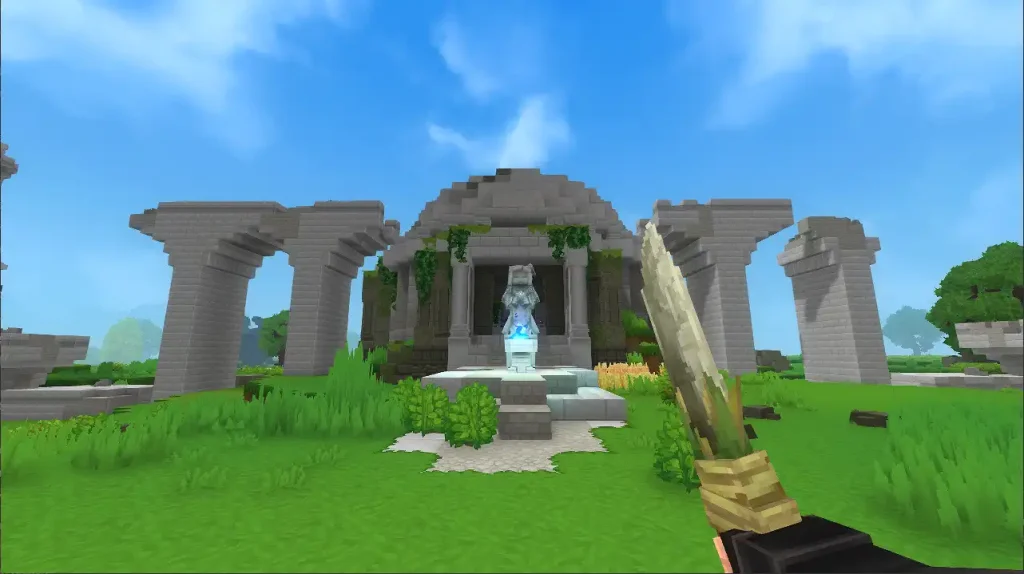 While Hytale updates can error for several different reasons, the most prevalent issue you'll see is the "Error Applying Update" message. Thankfully, this error is a very quick fix, and you certainly don't need to be a wizard to pull it off!
To fix this error, simply clear storage space for the update. This message is received when players don't have enough file space for the Hytale update, and with some updates being significantly bigger than others already, it may be a surprise to suddenly see the error on your second or third patch of the game.
Once you've cleared enough space for the Hytale update, simply press Update in your client once more, and the patch should complete successfully!
If you have further update errors after successfully clearing this one, you should look into the specific error message you receive to learn more about it. This isn't the first, and with how big the game is and how frequently it has been updating, it certainly won't be the last!
While Hytale updates can error for several different reasons, the most prevalent issue you'll see is the "Error Applying Update" message. Thankfully, this error is a very quick fix, and you certainly don't need to be a wizard to pull it off!
To fix this error, simply clear storage space for the update. This message is received when players don't have enough file space for the Hytale update, and with some updates being significantly bigger than others already, it may be a surprise to suddenly see the error on your second or third patch of the game.
Once you've cleared enough space for the Hytale update, simply press Update in your client once more, and the patch should complete successfully!
If you have further update errors after successfully clearing this one, you should look into the specific error message you receive to learn more about it. This isn't the first, and with how big the game is and how frequently it has been updating, it certainly won't be the last!
Hytale Error Applying Update Fix
While Hytale updates can error for several different reasons, the most prevalent issue you'll see is the "Error Applying Update" message. Thankfully, this error is a very quick fix, and you certainly don't need to be a wizard to pull it off!
To fix this error, simply clear storage space for the update. This message is received when players don't have enough file space for the Hytale update, and with some updates being significantly bigger than others already, it may be a surprise to suddenly see the error on your second or third patch of the game.
Once you've cleared enough space for the Hytale update, simply press Update in your client once more, and the patch should complete successfully!
If you have further update errors after successfully clearing this one, you should look into the specific error message you receive to learn more about it. This isn't the first, and with how big the game is and how frequently it has been updating, it certainly won't be the last!Crie seu próprio
servidor Hytale
servidor Hytale
Escolha um plano, selecione um jogo e jogue com seus amigos!
Assine nosso boletim informativo
Assine para receber as novidades mais recentes do mundo dos jogos!

Entre no nosso Discord
Faça parte da nossa comunidade com mais de 20.000 membros com os mesmos interesses!
Como você avaliaria este blog?
Compartilhe sua opinião e nos ajude a melhorar ainda mais nossos blogs!
Não curti
Neutro
Curti

Precisa de um servidor de jogo?
Alugue um servidor de jogos onde você e seus amigos podem jogar em privacidade, com baixa latência e configurações personalizadas. Escolha entre 110+ jogos, convide pessoas de todo o mundo e desfrute de partidas privadas ou construa sua comunidade on-line com suas próprias regras.

Blogs relevantes







FIQUE POR DENTRO!
Assine nosso boletim informativo para receber novidades sobre nossos jogos hospedados, notícias sobre a empresa e ofertas exclusivas. Fique por dentro!













