



分享至 X

分享至 Facebook

分享至 Threads

分享至 Bluesky

复制到剪贴板

通过电子邮件分享
Minecraft’s newest biome has gone live for testing, but how does one enjoy a snapshot with friends? Today we will be going over how to make Minecraft Snapshot 22w14a servers to get your friends and family into the new mangrove swamps as soon as possible. But be warned, this update is muddy!
Minecraft Snapshot 22w14a
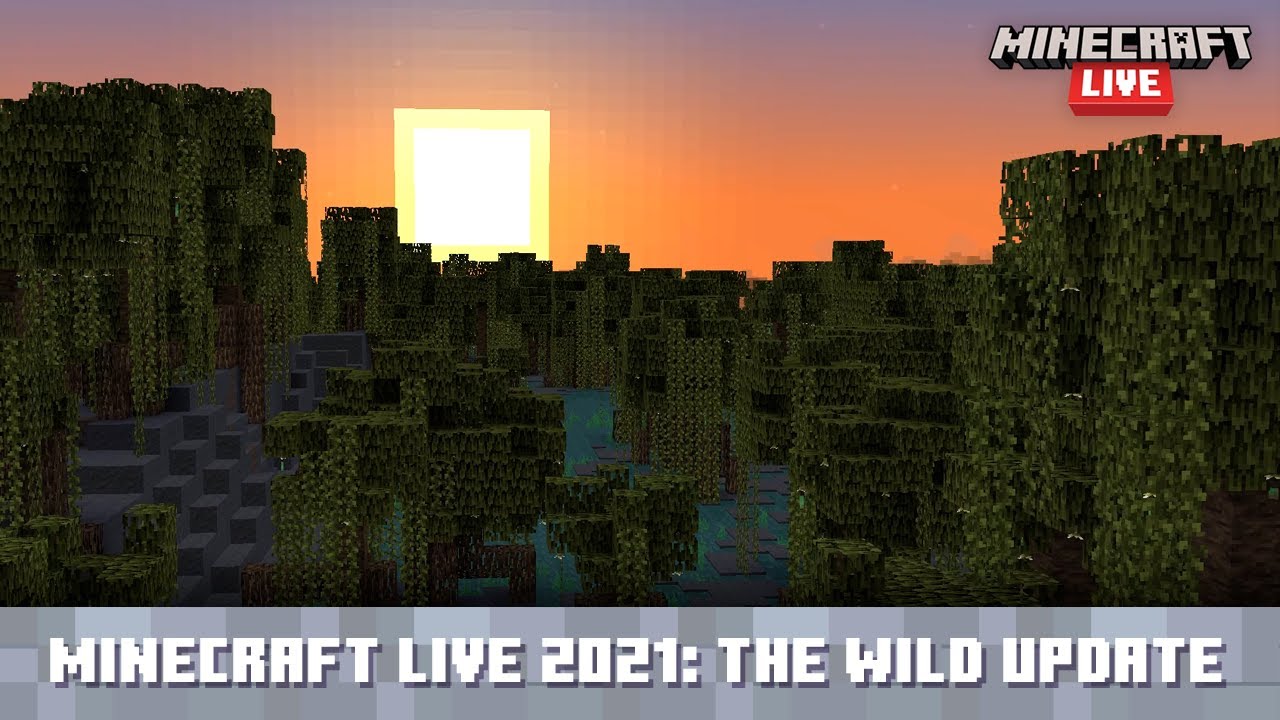

Before diving into the server-making process, it is best to know what was added in Snapshot 22w14a!
First, we have the mangrove swamp biome that looks nothing like the swamps previously known. Mangrove trees tower above, a maze of roots lines the muddy landscape, and frogs hop between the lily pads of narrow waterways.
Players will find boat travel to be the best navigation method in this biome, but keep an eye out! Bees will also be buzzing about, and fruit growing from the mangrove leaves above make for a tasty treat!
Done in the mud? Then it is time to mine down for ancient cities have new loot to be found! Echo Shards have been added to the loot chests of ancient cities and can be used to craft a recovery compass. A nifty tool that points to your last place of death!
While still underground, be sure to also grab some pointed dripstone for all that swamp mud from before. Placing mud on top causes it to dry out, making clay renewable for the very first time!
How to Download Minecraft Snapshot 22w14a
Connecting to a server running Minecraft snapshot 22w14a requires that all players have the snapshot installed client-side. This is thankfully a straightforward process done right from the Minecraft client. To quote the official Minecraft blog, players need only do the following:
“To install the snapshot, open up the Minecraft Launcher and enable snapshots in the “Installations” tab.”
From there, make a new installation with the snapshot and click play. But be warned, snapshots can corrupt old worlds! Ensure backups have been taken!
How to make Minecraft Snapshot 22w14a Servers
Snapshot servers can be created for free through home hosting, but paid hosting is recommended for ease of use and performance. Especially with snapshots that can be naturally buggy! Paid hosting is offered here at BisectHosting and many other places around the web. In either case, no less than 4GB of server RAM is recommended.
Now, with that being said, let’s jump into the specifics of making a Minecraft Snapshot 22w14a Server!
How to make Minecraft Snapshot 22w14a Servers: Home Hosting
The future server owner will need to download the official server jar from the Minecraft Snapshot 22w14a article, which can be found here. Then, with the jar downloaded, they will need to move it to a new folder. This will be the location of the server files, so ensure it is somewhere safe!
Once moved, double-click the server jar and follow the prompts it provides. Files should now be present, including one called Minecraft EULA. Open and change it to true, adjust any of the other server settings to your liking, and then double click the jar once more. Your server should now be online!
It is important to note that home hosting can run into many specific issues, such as port forwarding requirements or firewalls preventing connections. These would need to be addressed as they arise. Servers are also very resource intensive so ensure the hosting PC has good specs!
How to make Minecraft Snapshot 22w14a Servers: Paid Hosting
Most hosts will offer Minecraft Snapshot 22w14a as a pre-install option or in their jar menu following the purchase. The server information email should additionally arrive instantly via email with the server IP and panel login. However, this is generally speaking, as every host is different.
Here at BisectHosting, java edition snapshots are added to the jar menu of both Budget and Premium servers as soon as they are released. If it is not yet in the pre-install list during purchase, it can be selected post-purchase from our jar selection menu within the multicraft panel for free. Select the snapshot, click start, and you are good to go!
Should any trouble arise, our live staff and ticket staff are standing by to provide support within twenty minutes, if not instantly. While not an official avenue for support, I am happy to personally answer questions here as well.
Enjoy the Mud and More!
With these instructions followed, your server should be online and ready to go. Take care in your travels and beware the witch huts, for the swamp is still their home!
Until Next Time,
BisectHosting =)

您对这篇博客有何评价?









获取第一手独家资讯!
订阅我们的电子邮件,获取有关我们托管游戏、公司新闻和独家优惠的最新动态。随时掌握一手资讯!













