

Minecraft 1.20 Snapshot: How to Try the Cherry Blossom Biome
tarihinde yazan:

Paylaş:

X'te Paylaş

Facebook'ta Paylaş

Threads'te Paylaş

Bluesky'da Paylaş

Panoya Kopyala

E-posta ile Paylaş
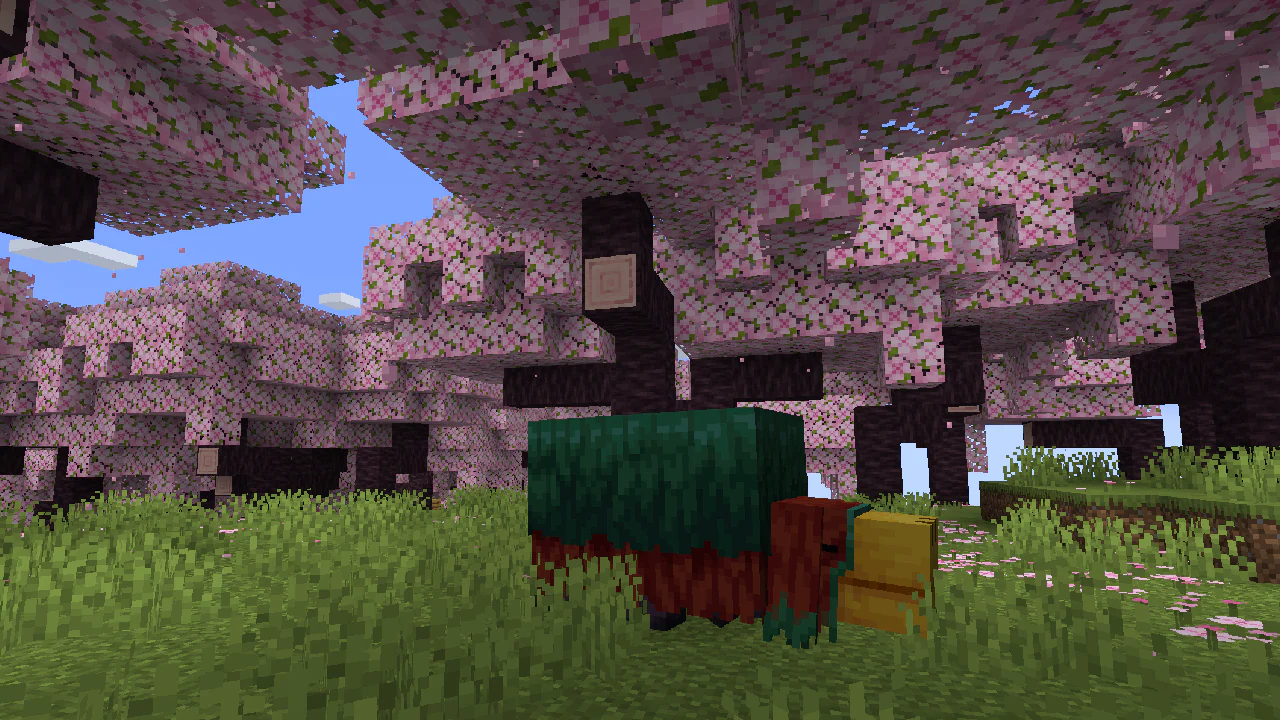
The last of Minecraft 1.20’s content has been announced, and the snapshot is now live to try it all out! Today we explore all the new features added in Minecraft 1.20 snapshot 23W07A, including the sniffer, archeology, and the cherry blossom biome that just recently made its debut!
 In Java Edition, installing Minecraft 1.20 Snapshot 23W07A is done right from the Minecraft client. Players need only open up the Minecraft Launcher and enable snapshots in the ‘Installations’ tab. From there, click “New Installation,” select “Latest Snapshot” in the drop-down menu, and click create. Your new Minecraft 1.20 snapshot installation will now be a selectable option before clicking play.
However, Minecraft 1.20 snapshots have a few extra steps. Once in the game, click “Create New World,” then select “Datapacks,” and enable the built-in “bundle” and “update_1_20” datapacks before clicking “Create New World” again. Finally, with the new world made, all that’s left is to select it and click play!
Please note snapshots and pre-releases can corrupt worlds! Ensure backups have been taken.
In Java Edition, installing Minecraft 1.20 Snapshot 23W07A is done right from the Minecraft client. Players need only open up the Minecraft Launcher and enable snapshots in the ‘Installations’ tab. From there, click “New Installation,” select “Latest Snapshot” in the drop-down menu, and click create. Your new Minecraft 1.20 snapshot installation will now be a selectable option before clicking play.
However, Minecraft 1.20 snapshots have a few extra steps. Once in the game, click “Create New World,” then select “Datapacks,” and enable the built-in “bundle” and “update_1_20” datapacks before clicking “Create New World” again. Finally, with the new world made, all that’s left is to select it and click play!
Please note snapshots and pre-releases can corrupt worlds! Ensure backups have been taken.
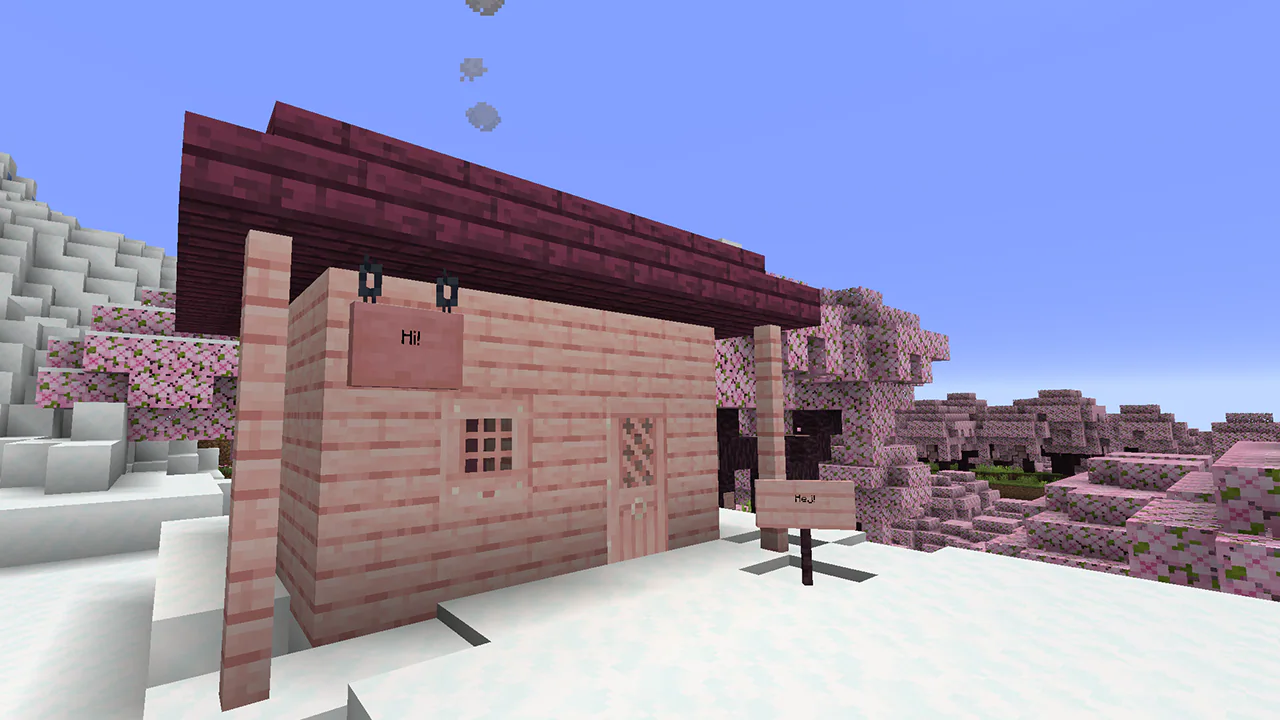 Interested in exploring cherry blossom biomes with friends? Snapshot 23W07A servers can be created for free through home hosting, but we recommend paid hosting options for ease of use and performance. Especially with snapshots since they can be buggy!
Paid hosting is offered here at BisectHosting and many other places around the web. In either case, no less than 4GB of server RAM is recommended.
Interested in exploring cherry blossom biomes with friends? Snapshot 23W07A servers can be created for free through home hosting, but we recommend paid hosting options for ease of use and performance. Especially with snapshots since they can be buggy!
Paid hosting is offered here at BisectHosting and many other places around the web. In either case, no less than 4GB of server RAM is recommended.
Details and Adjustments
https://twitter.com/slicedlime/status/1625887861525385218In addition to the sniffer, archeology, and cherry blossom biomes, Minecraft Snapshot 23W07A includes all the features showcased during Minecraft Live, playable mob sounds, the smithing overhaul, and armor trims! A one stop shop for all features found in Minecraft 1.20.
New Mobs
- The Sniffer
New Biomes
- Cherry Blossom Biome
New Features
- Archeology
How to Install Minecraft 1.20 Snapshot 23W07A
In Java Edition, installing Minecraft 1.20 Snapshot 23W07A is done right from the Minecraft client. Players need only open up the Minecraft Launcher and enable snapshots in the ‘Installations’ tab. From there, click “New Installation,” select “Latest Snapshot” in the drop-down menu, and click create. Your new Minecraft 1.20 snapshot installation will now be a selectable option before clicking play.
However, Minecraft 1.20 snapshots have a few extra steps. Once in the game, click “Create New World,” then select “Datapacks,” and enable the built-in “bundle” and “update_1_20” datapacks before clicking “Create New World” again. Finally, with the new world made, all that’s left is to select it and click play!
Please note snapshots and pre-releases can corrupt worlds! Ensure backups have been taken.
How to make Minecraft 1.20 Snapshot 23W07A Servers
Interested in exploring cherry blossom biomes with friends? Snapshot 23W07A servers can be created for free through home hosting, but we recommend paid hosting options for ease of use and performance. Especially with snapshots since they can be buggy!
Paid hosting is offered here at BisectHosting and many other places around the web. In either case, no less than 4GB of server RAM is recommended.
Minecraft 1.20 Snapshot: How to Try the Cherry Blossom Biome
With a single announcement, Minecraft 1.20’s reception has skyrocketed! Who would have guessed the long-requested cherry blossom biome would be the last of the 1.20 content? But now that all the Minecraft 1.20 features have been confirmed, what name do you think the update deserves? Until Next Time, BisectHosting =)Kendi
Minecraft sunucunuzu oluşturun
Minecraft sunucunuzu oluşturun
Bir plan seçin, bir oyun belirleyin ve arkadaşlarınızla oynayın!
Bültenimize Katılın
Oyun dünyasındaki en son güncellemeler için abone olun!

Discord'umuza Katılın
20.000'den fazla kafa dengi üyeden oluşan topluluğumuzun bir parçası olun!
Bu blogu nasıl değerlendirirsiniz?
Fikrinizi paylaşın ve bloglarımızı daha da iyi hale getirmemize yardımcı olun!
Beğenmedim
Nötr
Beğendim

Bir oyun sunucusuna mı ihtiyacınız var?
Siz ve arkadaşlarınızın düşük gecikme süresi ve özel ayarlarla özel olarak oynayabileceğiniz bir oyun sunucusu kiralayın. 110+ oyun arasından seçim yapın, dünyanın dört bir yanından insanları davet edin ve özel maçların keyfini çıkarın veya kendi kurallarınızla kendi çevrimiçi topluluğunuzu oluşturun.

İlgili Bloglar







İLK SENİN HABERİN OLSUN!
Barındırdığımız oyunlar, şirket haberleri ve özel fırsatlar hakkında güncellemeler için e-posta listemize katılın. Haberdar olun!













