Team Fortress 2 Gold Rush Mod: Content, Features, & More
Publicado em por

Partilhar:

Partilhar no X

Partilhar no Facebook

Partilhar no Threads

Partilhar no Bluesky

Copiar para a Área de Transferência

Partilhar por e-mail
Not to be confused with the update of the same name, the Gold Rush mod for Team Fortress 2 is a faithful community remaking of the game’s golden age. Travel back to the 2009-2010 period and enjoy certain features that were seemingly lost over time. So, continue reading to discover what you need to know about this mod.
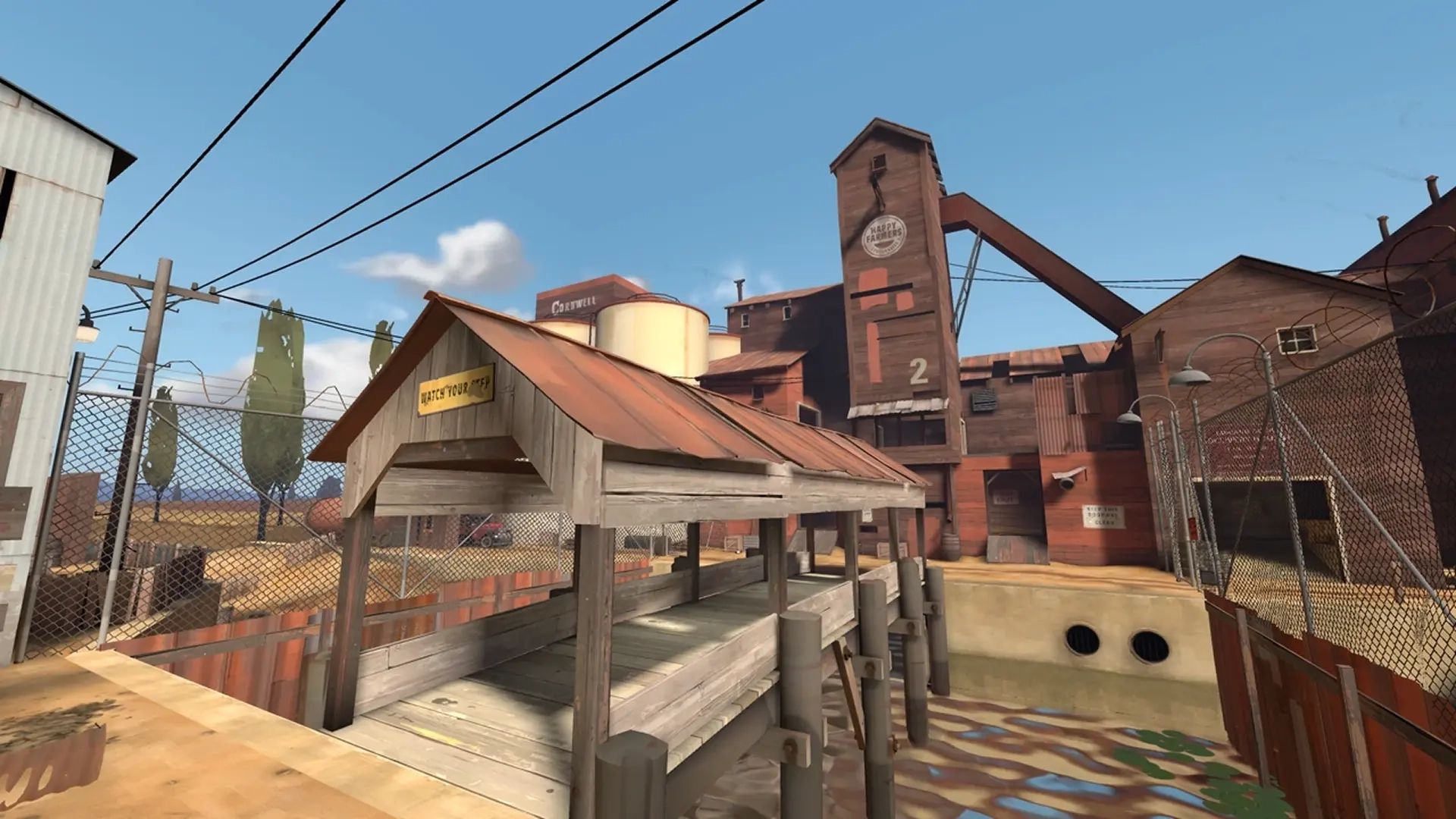
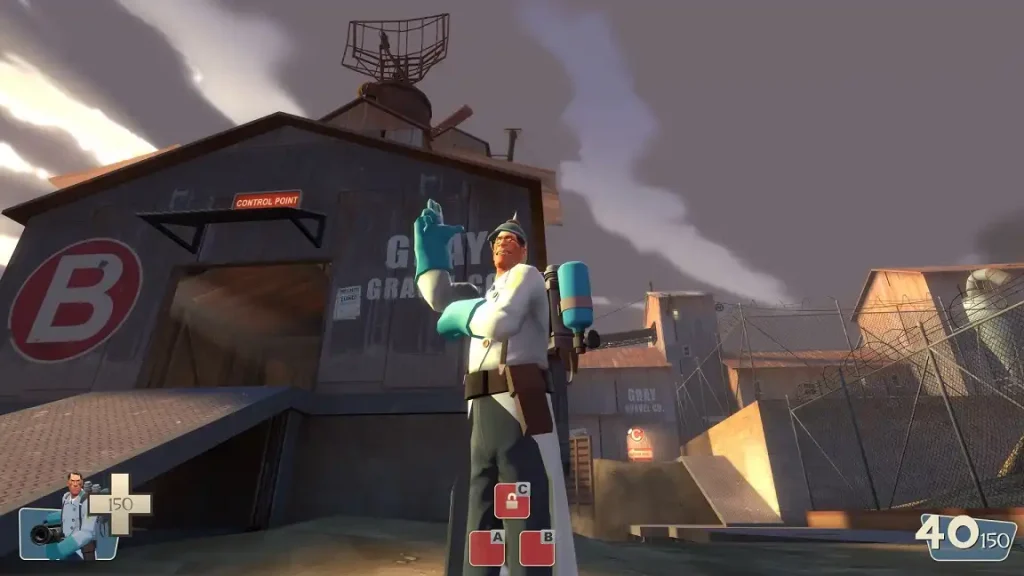 The Gold Rush mod for Team Fortress 2 lets players return to the game’s original vintage splendor. It revives TF2’s classic 1960s spy movie aesthetic, complete with a painted visual style that includes weapons and character cosmetics that fit the theme.
This free mod concentrates on delivering a polished and cohesive experience reminiscent of the game’s influential years. Although it’s not a massive expansion to TF2, the Gold Rush mod still satisfies certain criteria by featuring only the maps and items familiar to the game’s early legacy.
Players will find this living tribute to have carefully-selected additions found in TF2’s early post-launch updates, including maps and key balance changes. Nonetheless, it maintains a tightly curated pool of various unlockables, ensuring its provided content matches and harmonizes the game’s original artistic vision and class roles.
The Gold Rush mod for Team Fortress 2 lets players return to the game’s original vintage splendor. It revives TF2’s classic 1960s spy movie aesthetic, complete with a painted visual style that includes weapons and character cosmetics that fit the theme.
This free mod concentrates on delivering a polished and cohesive experience reminiscent of the game’s influential years. Although it’s not a massive expansion to TF2, the Gold Rush mod still satisfies certain criteria by featuring only the maps and items familiar to the game’s early legacy.
Players will find this living tribute to have carefully-selected additions found in TF2’s early post-launch updates, including maps and key balance changes. Nonetheless, it maintains a tightly curated pool of various unlockables, ensuring its provided content matches and harmonizes the game’s original artistic vision and class roles.
Team Fortress 2 Gold Rush Mod: An Overview
The Gold Rush mod for Team Fortress 2 lets players return to the game’s original vintage splendor. It revives TF2’s classic 1960s spy movie aesthetic, complete with a painted visual style that includes weapons and character cosmetics that fit the theme.
This free mod concentrates on delivering a polished and cohesive experience reminiscent of the game’s influential years. Although it’s not a massive expansion to TF2, the Gold Rush mod still satisfies certain criteria by featuring only the maps and items familiar to the game’s early legacy.
Players will find this living tribute to have carefully-selected additions found in TF2’s early post-launch updates, including maps and key balance changes. Nonetheless, it maintains a tightly curated pool of various unlockables, ensuring its provided content matches and harmonizes the game’s original artistic vision and class roles.
Content & Features
The Team Fortress 2 Gold Rush mod embodies what it feels like back in its vintage glory days. Instead of adding more content and features to the game, the developers decided to remove most of the add-ons that inhabit the current state of TF2. That means this mod removes various elements, such as hit sounds (by default, but you can still re-enable them) and several hats.Cosmetics
Some cosmetic items make their way into the Team Fortress 2 Gold Rush mod. However, the only way to acquire them is if these items are in your regular TF2 inventory. The reason behind this decision is that Valve informed the developers of this mod that adding cosmetics “constitutes manipulation of the item economy.” With that, some of the hats that you can wear in the TF2 Gold Rush mod include the following:- Batter’s Helm, Baker Boy
- Brigade Helm
- Demoman’s Fro, Glengarry Bonnet
- Fancy Fedora, Backbiter’s Billycock
- Football Helmet, Officer’s Ushanka
- Mining Light, Texas Ten Gallon, Engineer’s Cap
- Prussian Pickelhaube, Otolaryngologist’s Mirror, Physician’s Procedure Mask
- Soldier’s Stash, Gentle Manne’s Service Medal
- Trophy Belt
Achievement System for Unlocking Weapons
Unlike regular TF2, the only way to unlock weapons in the Gold Rush mod is by completing achievements. So, relatively every player has an equal opportunity to acquire weapons, rather than hoping they randomly drop during a game. Some of the unlockable weapons in the TF2 Gold Rush mod are the following:- Ambassador, Your Eternal Reward, Dead Ringer, Cloak & Dagger
- Backburner, Flare Gun, Homewrecker, Axtinguisher
- Blutsauger, Kritzkrieg, Ubersaw
- Direct Hit, Buff Banner, Gunboats, Equalizer
- Force-a-Nature, Bonk Atomic Punch, Sandman
- Frontier Justice, Wrangler
- Huntsman, Razorback, Jarate
- Loch N Load, Scottish Resistance, Ullapool Caber
- Natascha, Sandvich, KGB
How to Install Mods in Team Fortress 2
Installing mods in Team Fortress 2, including the Gold Rush mod, is a fairly straightforward process. Start by navigating to the following path: C:\Program Files (x86)\Steam\steamapps\(your username)\Team Fortress 2\tf\custom. Note that if your Team Fortress 2 files aren’t in that default path, you might’ve installed the game to a custom folder. If so, navigate to your Steam library and right-click on Team Fortress 2 on the left sidebar. Next, highlight "Manage" from the context menu, and then click "Browse Files." A new window should appear containing the game’s files on your PC. Assuming that you’ve downloaded the mod of your choice, extract its files to the custom folder. Now, launch the game to check if the downloaded mod functions as intended. Remember to contact customer support if you encounter any issues installing the Gold Rush mod or any other mod for your TF2 server.Cria o teu próprio servidor de
Team Fortress 2
Team Fortress 2
Escolhe um plano, seleciona um jogo e joga com os teus amigos!
Subscreve a nossa Newsletter
Subscreve para receber as últimas atualizações sobre tudo do mundo dos jogos!

Junta-te ao nosso Discord
Entra na nossa comunidade com mais de 20.000 membros com os mesmos interesses!
Como avaliarias este blog?
Partilha a tua opinião e ajuda-nos a tornar os nossos blogs ainda melhores!
Não gostei
Neutro
Gostei

Precisas de um servidor de jogo?
Aluga um servidor de jogo onde tu e os teus amigos podem jogar em privado com baixa latência e definições personalizadas. Escolhe entre 110+ jogos, convida pessoas de todo o mundo e desfruta de partidas privadas, ou constrói a tua própria comunidade online com as tuas próprias regras.

Blogs Relevantes







FICA A PAR DE TUDO!
Junta-te ao nosso e-mail para receberes atualizações sobre os nossos jogos alojados, notícias da empresa e promoções exclusivas. Fica a par!