

Hytale Download Errors: Error Codes & How to Fix
Publicado el por

Compartir:

Compartir en X

Compartir en Facebook

Compartir en Threads

Compartir en Bluesky

Copiar al portapapeles

Compartir por correo electrónico
Hytale has had a somewhat tumultuous start for some players when it comes to downloading the game and its early patches, resulting in a range of errors and error codes, some caused by overall server traffic, others by storage capacity concerns. Here we tackle all Hytale download errors that are currently known and cover how to fix them so you can get back into the game (and your server)!
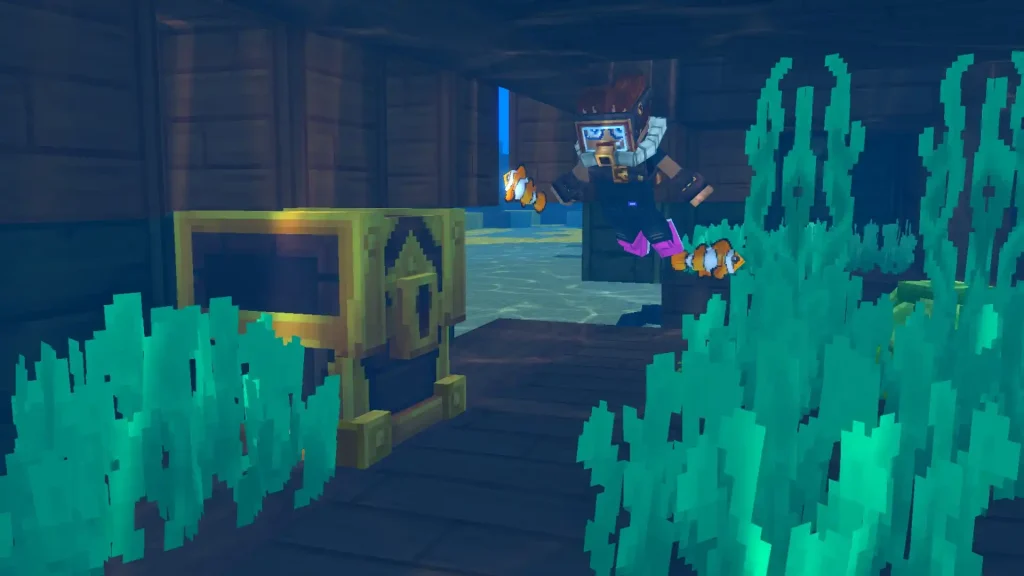
Hytale Download Errors: Common Error Code & How to Fix
"Error applying update to "game": error applying patch..."...
This error message is the current most likely error code you'll receive when downloading a Hytale update. Thankfully, it's an extremely quick fix and requires no tech wizardry! This error is received when players don't have enough storage space to download the Hytale update. This especially comes up with the game's frequent, varying-size updates during its early access start. To fix it, simply clear enough file space to download the update, then return to your client and click "Update".Error applying update to “game”: error downloading patch 0: error downloading file from https://game-patches.hytale.com/patches/windows/amd64/release/0/1.pwr: stream error: stream ID 1; INTERNAL_ERROR; received from peer
Many are speculating that this download error appears primarily because several players are simultaneously trying to download the game, causing slowdowns and crashes to the Hytale’s download server. So, the ideal solution is to click “Relaunch” and then try again. The game retains progress between attempts, so you won't have to continuously start from zero, so don't lose hope! Alternatively, connect to a VPN before and attempt to download the game again. Use different portals, particularly those with less server traffic than normal. Certain players reported that this method worked for them, as doing so showed little to no sign of issues when downloading the game. It may take a few (or a lot) of tries before the Hytale downloads successfully. So, patience and perseverance are advised to download and launch the game. Some players were able to download the game successfully, despite the error message appearing.Crea tu propio
servidor de Hytale
servidor de Hytale
¡Elige un plan, escoge un juego y juega con tus amigos!
Suscríbete a nuestro boletín
¡Suscríbete para recibir las últimas novedades sobre todo lo relacionado con videojuegos!

Únete a nuestro Discord
¡Forma parte de nuestra comunidad de más de 20 000 miembros con los mismos intereses!
¿Cómo calificarías este blog?
¡Comparte tu opinión y ayúdanos a mejorar aún más nuestros blogs!
No me gustó
Neutral
Me gustó

¿Necesitas un servidor de juegos?
Alquila un servidor de juego donde tú y tus amigos podáis jugar en privado con baja latencia y ajustes personalizados. Elige entre 110+ juegos, invita a gente de todo el mundo y disfruta de partidas privadas, o crea tu propia comunidad en línea con tus propias reglas.

Blogs relevantes







¡ENTÉRATE DE TODO!
Suscríbete a nuestro boletín para recibir las novedades sobre nuestros juegos alojados, noticias de la empresa y ofertas exclusivas. ¡Mantente al tanto de todo!













