
Minecraft 27.1 Update: Release Date Predictions, New Features, & More
Veröffentlicht am von

Teilen:

Auf X teilen

Auf Facebook teilen

Auf Threads teilen

Auf Bluesky teilen

In die Zwischenablage kopieren

Per E-Mail teilen
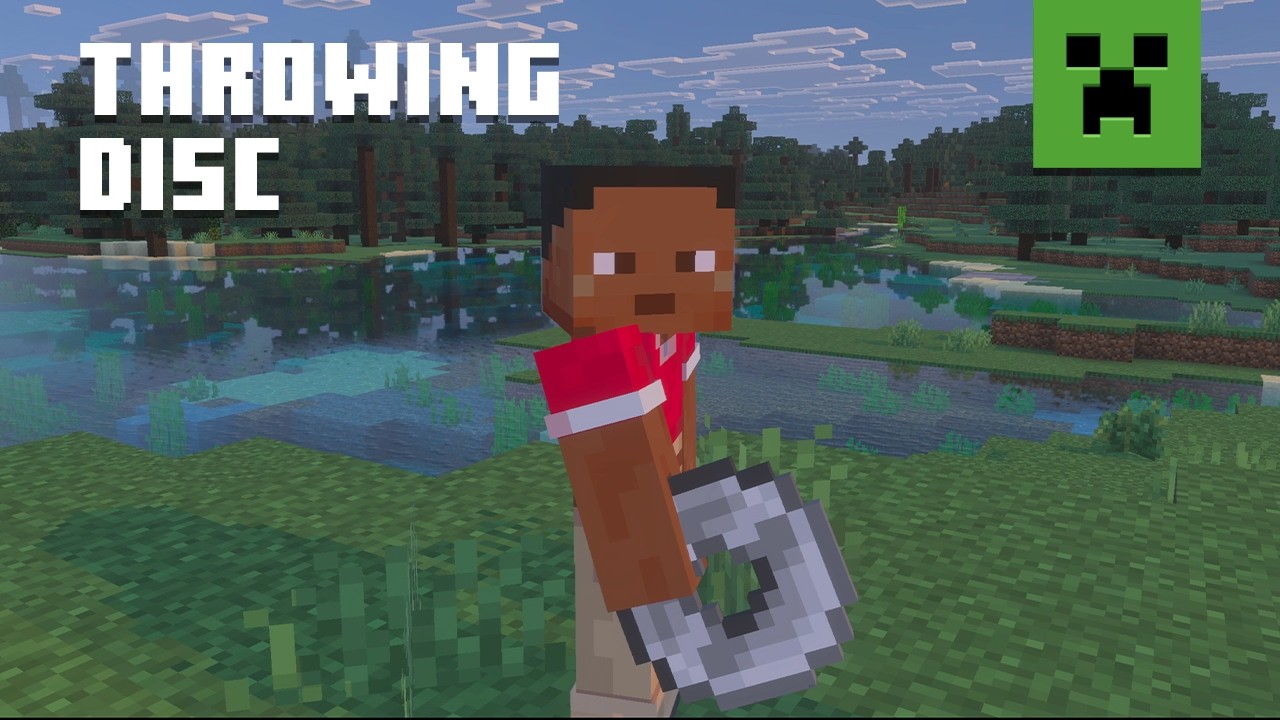
Announced during San Diego TwitchCon 2026, the Minecraft 27.1 Game Drop will be the first update of 2027, complete with a brand-new weapon! So, today, we explore the Minecraft 27.1 release date window while highlighting some of the most exciting features on the way so far!
 The Minecraft 27.1 Game Drop is confirmed to be releasing in 2027. A more specific date is not yet available. However, previous quarter one game drops suggest a release date around late March.
As for snapshots, there are none yet since Minecraft 26.4 is still in testing and awaiting release. It is not known if a 27.1 snapshot will be shared before the new year. Hopefully we get a holiday miracle, and they sneak one in!
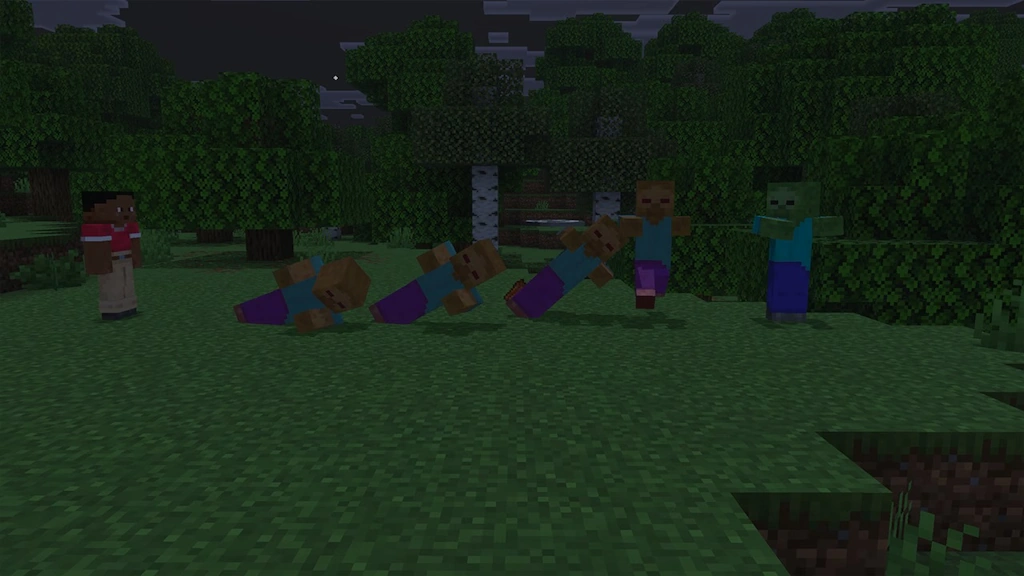
 As of November 19, 2026, there are no snapshots available for the Minecraft 27.1 Game Drop or official methods of testing the Throwing Disc. Attempting to load the latest snapshot will instead result in a Minecraft 26.4 Deep Freeze snapshot. Those who would still like to prepare a snapshot install ahead of time can do so from right inside the Minecraft client. The necessary steps can each be found below:
Minecraft 27.1 Release Date
Minecraft 27.1 Highlights
Throwing Discs
- Recipe: Copper Ingot, Iron Ingot, Gold Ingot, Diamond, or Netherite ingot x4
How to Install Minecraft 27.1 Snapshots
As of November 19, 2026, there are no snapshots available for the Minecraft 27.1 Game Drop or official methods of testing the Throwing Disc. Attempting to load the latest snapshot will instead result in a Minecraft 26.4 Deep Freeze snapshot. Those who would still like to prepare a snapshot install ahead of time can do so from right inside the Minecraft client. The necessary steps can each be found below:
- Open the Minecraft Launcher and select Java Edition.
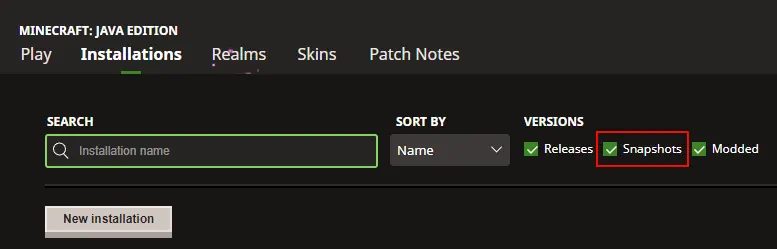
- Enable snapshots under the ‘Installations’ tab.
- If a new installation called “Latest Snapshot,” represented by a dirt block, is now present, that can be used immediately to start playing. Otherwise, proceed with step four.
- Click ‘New Installation’
- Select ‘Latest Snapshot’ in the drop-down menu.
- Click ‘Install.’
Erstelle deinen eigenen
Minecraft-Server
Minecraft-Server
Wähle einen Tarif, such dir ein Spiel aus und spiele mit deinen Freunden!
Abonniere unseren Newsletter
Abonniere für die neuesten Updates rund ums Gaming!

Tritt unserem Discord bei
Werde Teil unserer Community von über 20.000 gleichgesinnten Mitgliedern!
Wie würdest du diesen Blog bewerten?
Teile deine Meinung und hilf uns, unsere Blogs noch besser zu machen!
Hat mir nicht gefallen
Neutral
Hat mir gefallen

Brauchst du einen Spielserver?
Miete einen Spielserver, auf dem du und deine Freunde privat mit niedriger Latenz und benutzerdefinierten Einstellungen spielen könnt. Wähle aus 110+ Spielen, lade Leute aus der ganzen Welt ein und genieße private Matches oder baue deine eigene Online-Community mit deinen eigenen Regeln auf.

Relevante Blogs







HOL DIR DIE INSIDER-INFOS!
Melde dich für unsere E-Mails an, um Updates zu unseren gehosteten Spielen, Unternehmensnachrichten und exklusiven Angeboten zu erhalten. Bleib auf dem Laufenden!













