



分享至 X

分享至 Facebook

分享至 Threads

分享至 Bluesky

复制到剪贴板

通过电子邮件分享
Minecraft’s most anticipated mob has finally made its way to Java Edition, but can snapshots be enjoyed with friends? Today we will be going over how to make Minecraft Snapshot 22w12a servers to get your friends and family into the Deep Dark Biome as soon as possible. But be warned, the Warden always finds those who roam!
Minecraft Snapshot 22w12a
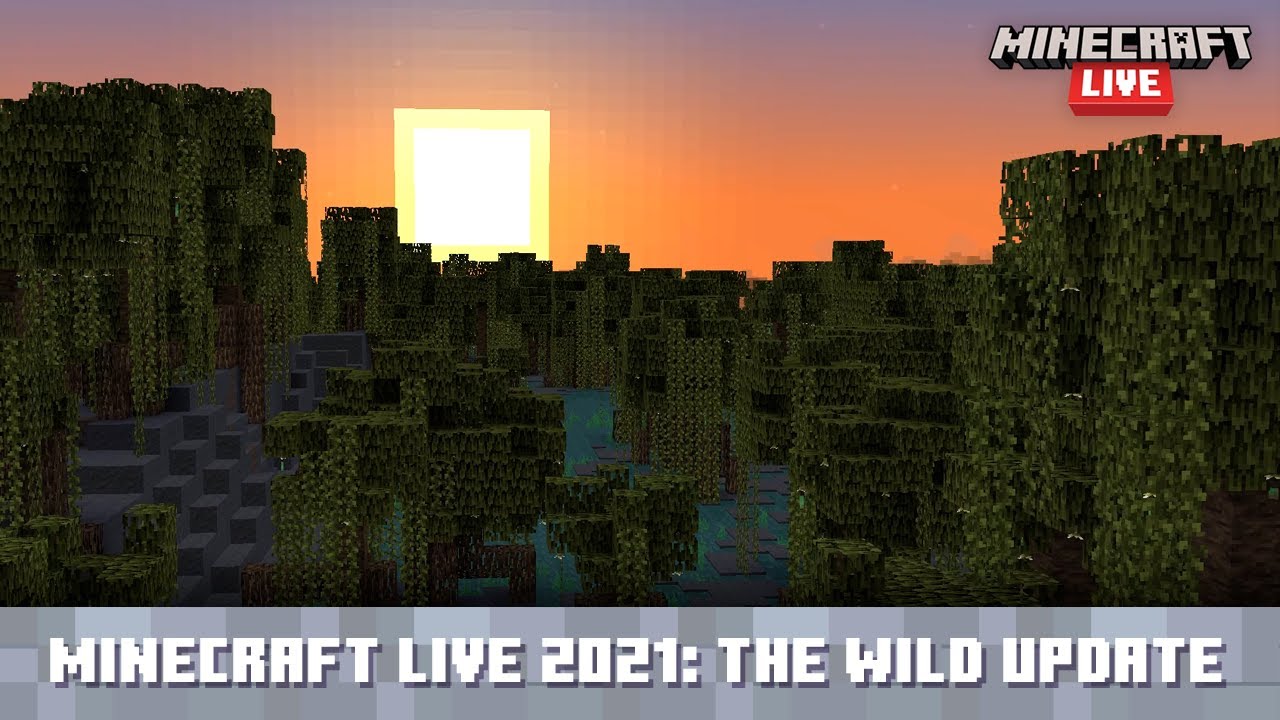

Before diving into the server-making process, it is best to know what was added in Snapshot 22w12a!
First, we have the Warden mob, but as we covered in our in-depth overview, players will find this terrifying creature is not so easily beaten. Sculk Shriekers have also been added, but do your best not to disturb them, or you may find yourself in the new darkness status effect with a Warden on your heels!
The new legging exclusive enchantment, Swift Sneak, can now be found within ancient cities of the deep dark as well. Will you brave their eerie halls for ninja-like sneaking speed? Finally, back on the surface, we have boats! but not just any boats… Boats with chests! Carry your loot across the sea to lands far and wide. Like an alpaca in a boat without all the hassle.
How to Download Minecraft Snapshot 22w12a
To connect to a server running Minecraft snapshot 22w12a, all players must have the snapshot installed client-side. This is thankfully a straightforward process done right from the Minecraft client. To quote the official Minecraft blog, players need only do the following:
“To install the snapshot, open up the Minecraft Launcher and enable snapshots in the “Installations” tab.”
From there, make a new installation with the snapshot and click play. But be warned, snapshots can corrupt old worlds! Ensure backups have been taken!
How to make Minecraft Snapshot 22w12a Servers
Snapshot servers can be created for free through home hosting, but we recommend paid hosting options for ease of use and performance. Especially with snapshots that can be buggy! Paid hosting is offered here at BisectHosting and many other places around the web. In either case, no less than 4GB of server RAM is recommended.
Now, with that being said, let's jump into the specifics of making a Minecraft Snapshot 22w12a Server!
Home Hosting
The future server owner will need to download the official server jar from the Minecraft Snapshot 22w12a article, which can be found here. Then, with the jar downloaded, move it to a new folder. This will be the location of your server files, so ensure it is somewhere safe!
Once moved, double-click the server jar and follow the prompts it provides. Files should now be present, including one called Minecraft EULA. Open and change it to true, adjust any of the other server settings to your liking, and then double click the jar once more. Your server should now be online!
It is important to note that home hosting can run into many specific issues such as port forwarding requirements or firewall troubles preventing connections. These would need to be addressed as they arise. Servers are also very resource intensive so ensure the hosting PC has good specs!
Paid Hosting
Most hosts will offer Minecraft Snapshot 22w12a as a pre-install option or in their jar menu following the purchase. The server information email should additionally arrive instantly via email with the server IP and panel login. However, this is generally speaking, as every host is different.
Here at BisectHosting, java edition snapshots are added to the jar menu of both Budget and Premium servers as soon as they are released. If it is not yet in the pre-install list during purchase, it can be selected post-purchase from our jar selection menu within the multicraft panel for free. Select the snapshot, click start, and you are good to go!
Should any trouble arise, our live staff or ticket staff are standing by to provide support within twenty minutes, if not instantly. While not an official avenue for support, I am happy to personally answer questions here as well.
Enjoy The Warden and More!
With these instructions followed, your server should be online and ready to go. Take care in your travels and beware the darkened depths, for the Warden waits to hear your steps!
Until Next Time,
BisectHosting =)

您对这篇博客有何评价?









获取第一手独家资讯!
订阅我们的电子邮件,获取有关我们托管游戏、公司新闻和独家优惠的最新动态。随时掌握一手资讯!













