

Romestead Controls Guide: PC (Keyboard & Controller)
Publicado em por

Partilhar:

Partilhar no X

Partilhar no Facebook

Partilhar no Threads

Partilhar no Bluesky

Copiar para a Área de Transferência

Partilhar por e-mail
You have a lot of work to do in Romestead. There are citizens to recruit, monsters to destroy, gods to appease, and an empire to build. But, before you get started, you ought to come to grips with the game's controls. To that end, we have our Romstead controls guide below for your convenience. Take a look and let your roaming, Roman adventure begin!
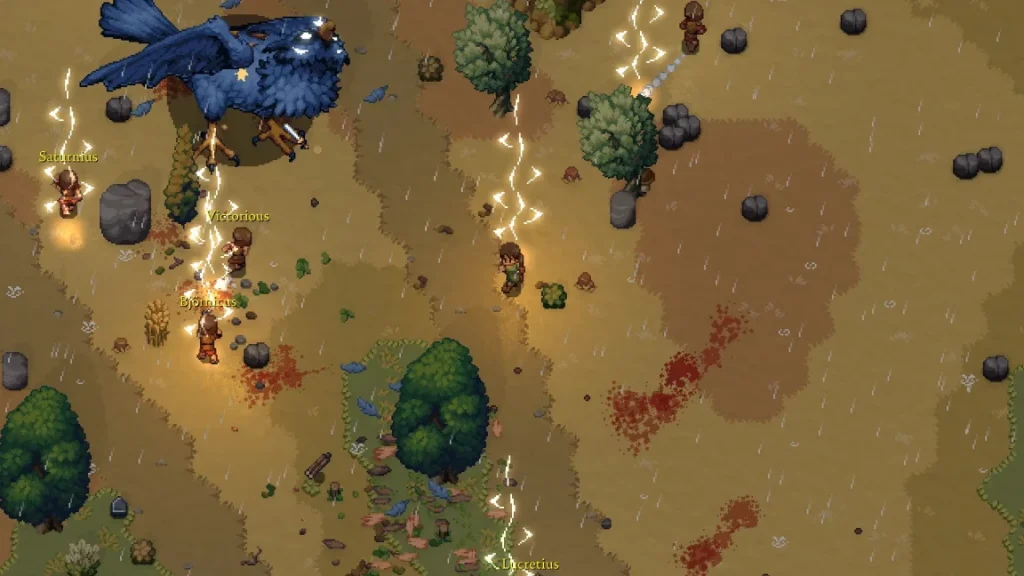 Romestead does feature a few tutorial quests to help you come to grips with the game. However, these tutorial quests are a bit more focused on what you need to do next in-game rather than what your buttons do. We've listed all of the possible in-game commands below, whether you're playing on PC with a mouse & keyboard or a controller.
Keep in mind that if you're using a mouse & keyboard, you will have access to a few more controls than when using a controller. Additionally, you can hop into the game's settings to modify your keybindings yourself for either control option. The game is still in early access, so some keybind switching might not work exactly as intended.
Romestead does feature a few tutorial quests to help you come to grips with the game. However, these tutorial quests are a bit more focused on what you need to do next in-game rather than what your buttons do. We've listed all of the possible in-game commands below, whether you're playing on PC with a mouse & keyboard or a controller.
Keep in mind that if you're using a mouse & keyboard, you will have access to a few more controls than when using a controller. Additionally, you can hop into the game's settings to modify your keybindings yourself for either control option. The game is still in early access, so some keybind switching might not work exactly as intended.
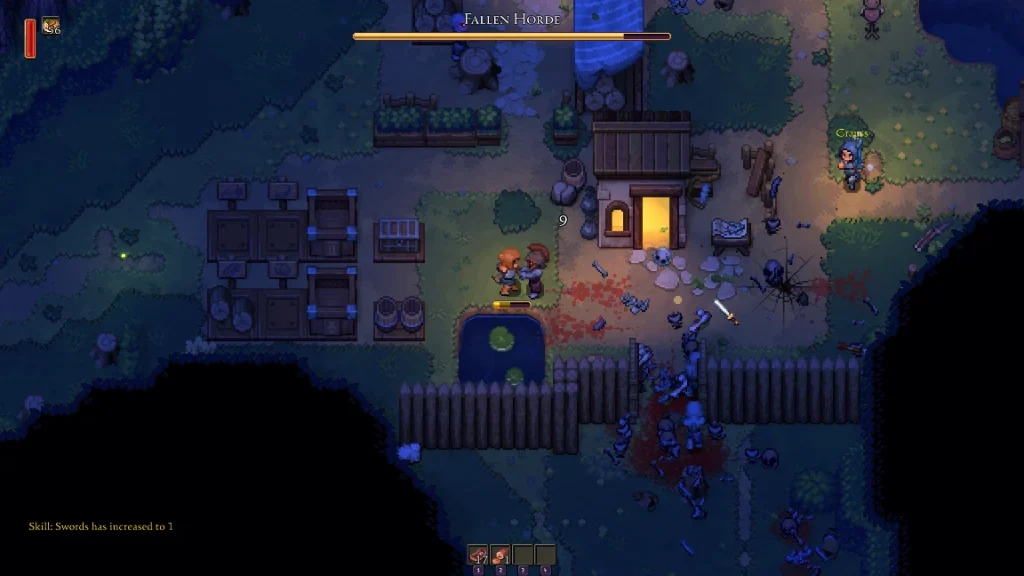
Romestead Controls & Keybinds: PC (Mouse & Keyboard)
Romestead does feature a few tutorial quests to help you come to grips with the game. However, these tutorial quests are a bit more focused on what you need to do next in-game rather than what your buttons do. We've listed all of the possible in-game commands below, whether you're playing on PC with a mouse & keyboard or a controller.
Keep in mind that if you're using a mouse & keyboard, you will have access to a few more controls than when using a controller. Additionally, you can hop into the game's settings to modify your keybindings yourself for either control option. The game is still in early access, so some keybind switching might not work exactly as intended.
- Primary Attack: Left Mouse Button
- Secondary Attack: Right Mouse Button
- Grab/Place: Spacebar
- Dash: Left or Right Shift
- Interact: E
- Cancel Action: Escape
- Furniture Mode: R
- Quick Heal: G
- Open Chat: Enter
- Send Message: Enter
- Toggle Minimap: N
- Place: Left Mouse Button
- Select: Left Mouse Button
- Close/Cancel: Escape
- Use/Quick Equip: Right Mouse Button
- Settings: Escape
- World Map: M
- Quests: T
- Skills: K
- Toggle Walking: CapsLock
- Switch Weapons: F
- Hotbar 1: 1
- Hotbar 2: 2
- Hotbar 3: 3
- Hotbar 4: 4
- Move Up: W
- Move Left: A
- Move Down: S
- Move Right: D
- UI Up: Arrow Up
- UI Left: Arrow Left
- UI Down: Arrow Down
- UI Right: Arrow Right
- Toggle Cursor: Not set by Default
- Hold to Split Stack: Left Control
Romestead Controls & Keybinds: PC (Controller)
- Primary Attack: RT (Xbox) R2 (PlayStation)
- Secondary Attack: LT (Xbox) L2 (PlayStation)
- Grab/Place: RB (Xbox) R1 (PlayStation)
- Dash: A (Xbox) Cross (PlayStation)
- Interact: X (Xbox) Square (PlayStation)
- Cancel Action: B (Xbox) Circle (PlayStation)
- Furniture Mode: Not set by default
- Toggle Minimap: Click in Left Stick
- Place: A (Xbox) Cross (PlayStation)
- Select: A (Xbox) Cross (PlayStation)
- Close/Cancel: B (Xbox) Circle (PlayStation)
- Use/Quick Equip: X (Xbox) Square (PlayStation)
- Drop: Y (Xbox) Triangle (PlayStation)
- Next Window: RB (Xbox) R1 (PlayStation)
- Previous Window: LB (Xbox) L1 (PlayStation)
- Open Notification: LT (Xbox) L2 (PlayStation)
- Bind to Hotbar: RT (Xbox) R2 (PlayStation)
- Toggle Walking: Not set by default
- Switch Weapons: Click in Right Stick
- Hotbar 1: D-Pad Up
- Hotbar 2: D-Pad Left
- Hotbar 3: D-Pad Right
- Hotbar 4: D-Pad Down
- Move Up: Not set by default
- Move Left: Not set by default
- Move Down: Not set by default
- Move Right: Not set by default
- UI Up: D-Pad Up or Left Stick Up
- UI Left: D-Pad Left or Left Stick Left
- UI Down: D-Pad Down or Left Stick Down
- UI Right: D-Pad Right or Left Stick Right
- Toggle Cursor: Not set by Default
Cria o teu próprio servidor de
Romestead
Romestead
Escolhe um plano, seleciona um jogo e joga com os teus amigos!
Subscreve a nossa Newsletter
Subscreve para receber as últimas atualizações sobre tudo do mundo dos jogos!

Junta-te ao nosso Discord
Entra na nossa comunidade com mais de 20.000 membros com os mesmos interesses!
Como avaliarias este blog?
Partilha a tua opinião e ajuda-nos a tornar os nossos blogs ainda melhores!
Não gostei
Neutro
Gostei

Precisas de um servidor de jogo?
Aluga um servidor de jogo onde tu e os teus amigos podem jogar em privado com baixa latência e definições personalizadas. Escolhe entre 110+ jogos, convida pessoas de todo o mundo e desfruta de partidas privadas, ou constrói a tua própria comunidade online com as tuas próprias regras.

Blogs Relevantes







FICA A PAR DE TUDO!
Junta-te ao nosso e-mail para receberes atualizações sobre os nossos jogos alojados, notícias da empresa e promoções exclusivas. Fica a par!













