
Minecraft 27.1 Update: Release Date Predictions, New Features, & More
Publicado em por

Partilhar:

Partilhar no X

Partilhar no Facebook

Partilhar no Threads

Partilhar no Bluesky

Copiar para a Área de Transferência

Partilhar por e-mail
Announced during San Diego TwitchCon 2026, the Minecraft 27.1 Game Drop will be the first update of 2027, complete with a brand-new weapon! So, today, we explore the Minecraft 27.1 release date window while highlighting some of the most exciting features on the way so far!
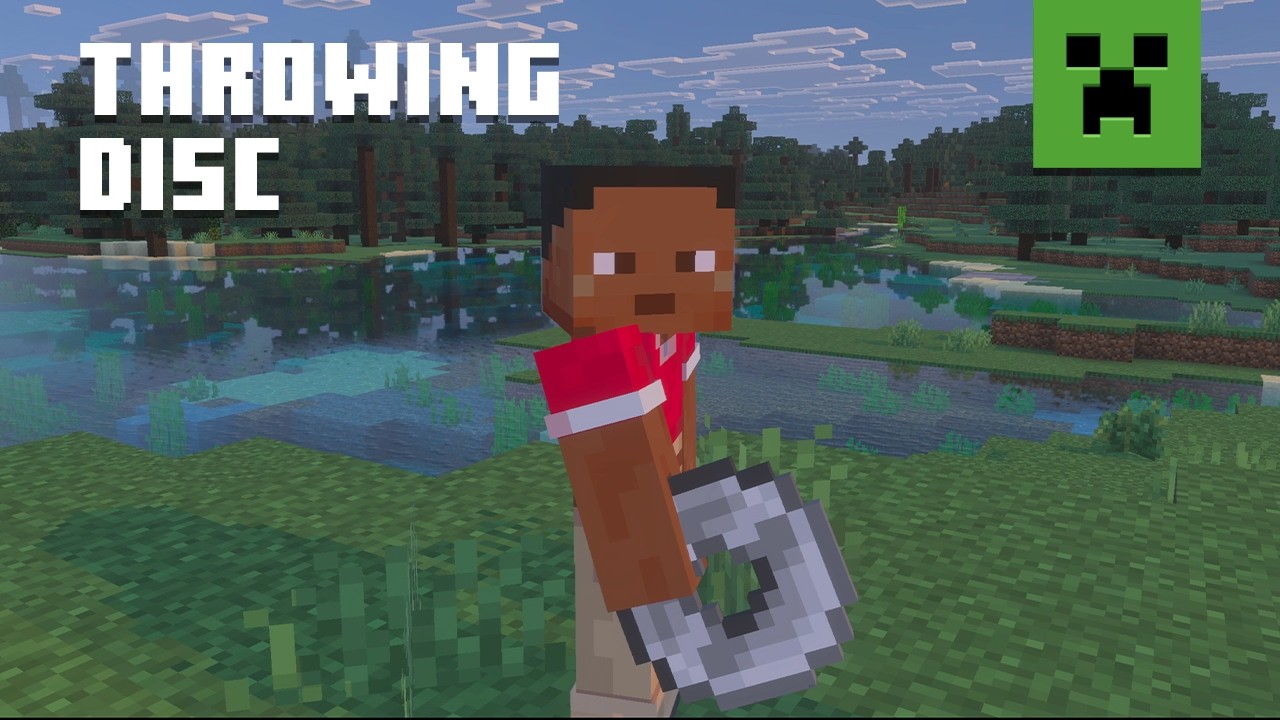
 The Minecraft 27.1 Game Drop is confirmed to be releasing in 2027. A more specific date is not yet available. However, previous quarter one game drops suggest a release date around late March.
As for snapshots, there are none yet since Minecraft 26.4 is still in testing and awaiting release. It is not known if a 27.1 snapshot will be shared before the new year. Hopefully we get a holiday miracle, and they sneak one in!
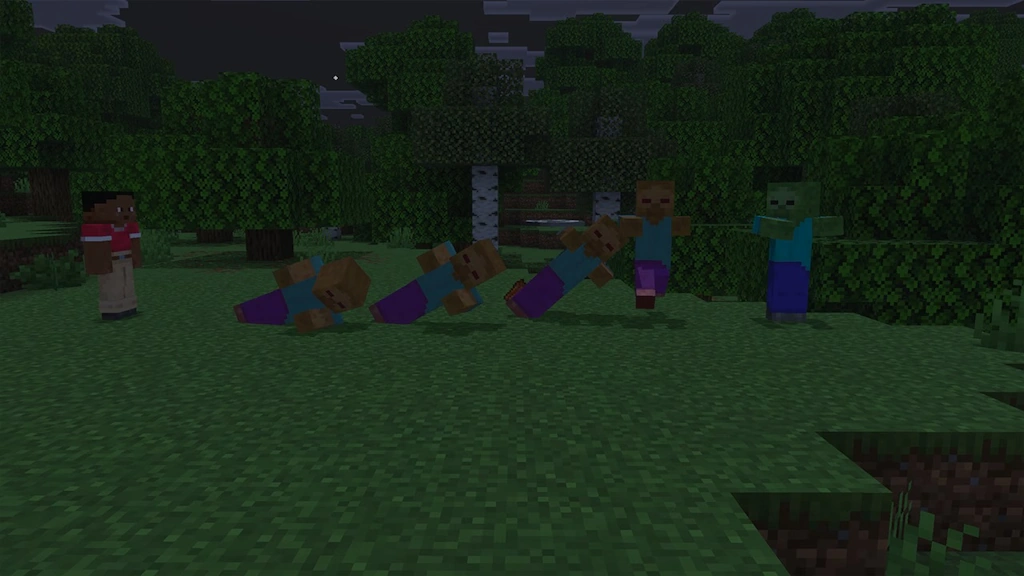
 As of November 19, 2026, there are no snapshots available for the Minecraft 27.1 Game Drop or official methods of testing the Throwing Disc. Attempting to load the latest snapshot will instead result in a Minecraft 26.4 Deep Freeze snapshot. Those who would still like to prepare a snapshot install ahead of time can do so from right inside the Minecraft client. The necessary steps can each be found below:
Minecraft 27.1 Release Date
Minecraft 27.1 Highlights
Throwing Discs
- Recipe: Copper Ingot, Iron Ingot, Gold Ingot, Diamond, or Netherite ingot x4
How to Install Minecraft 27.1 Snapshots
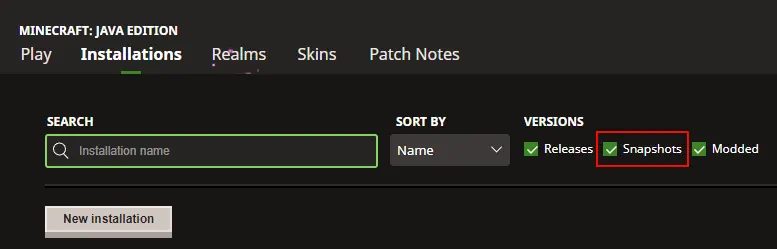
As of November 19, 2026, there are no snapshots available for the Minecraft 27.1 Game Drop or official methods of testing the Throwing Disc. Attempting to load the latest snapshot will instead result in a Minecraft 26.4 Deep Freeze snapshot. Those who would still like to prepare a snapshot install ahead of time can do so from right inside the Minecraft client. The necessary steps can each be found below:
- Open the Minecraft Launcher and select Java Edition.
- Enable snapshots under the ‘Installations’ tab.
- If a new installation called “Latest Snapshot,” represented by a dirt block, is now present, that can be used immediately to start playing. Otherwise, proceed with step four.
- Click ‘New Installation’
- Select ‘Latest Snapshot’ in the drop-down menu.
- Click ‘Install.’
Cria o teu próprio servidor de
Minecraft
Minecraft
Escolhe um plano, seleciona um jogo e joga com os teus amigos!
Subscreve a nossa Newsletter
Subscreve para receber as últimas atualizações sobre tudo do mundo dos jogos!

Junta-te ao nosso Discord
Entra na nossa comunidade com mais de 20.000 membros com os mesmos interesses!
Como avaliarias este blog?
Partilha a tua opinião e ajuda-nos a tornar os nossos blogs ainda melhores!
Não gostei
Neutro
Gostei

Precisas de um servidor de jogo?
Aluga um servidor de jogo onde tu e os teus amigos podem jogar em privado com baixa latência e definições personalizadas. Escolhe entre 110+ jogos, convida pessoas de todo o mundo e desfruta de partidas privadas, ou constrói a tua própria comunidade online com as tuas próprias regras.

Blogs Relevantes







FICA A PAR DE TUDO!
Junta-te ao nosso e-mail para receberes atualizações sobre os nossos jogos alojados, notícias da empresa e promoções exclusivas. Fica a par!













