
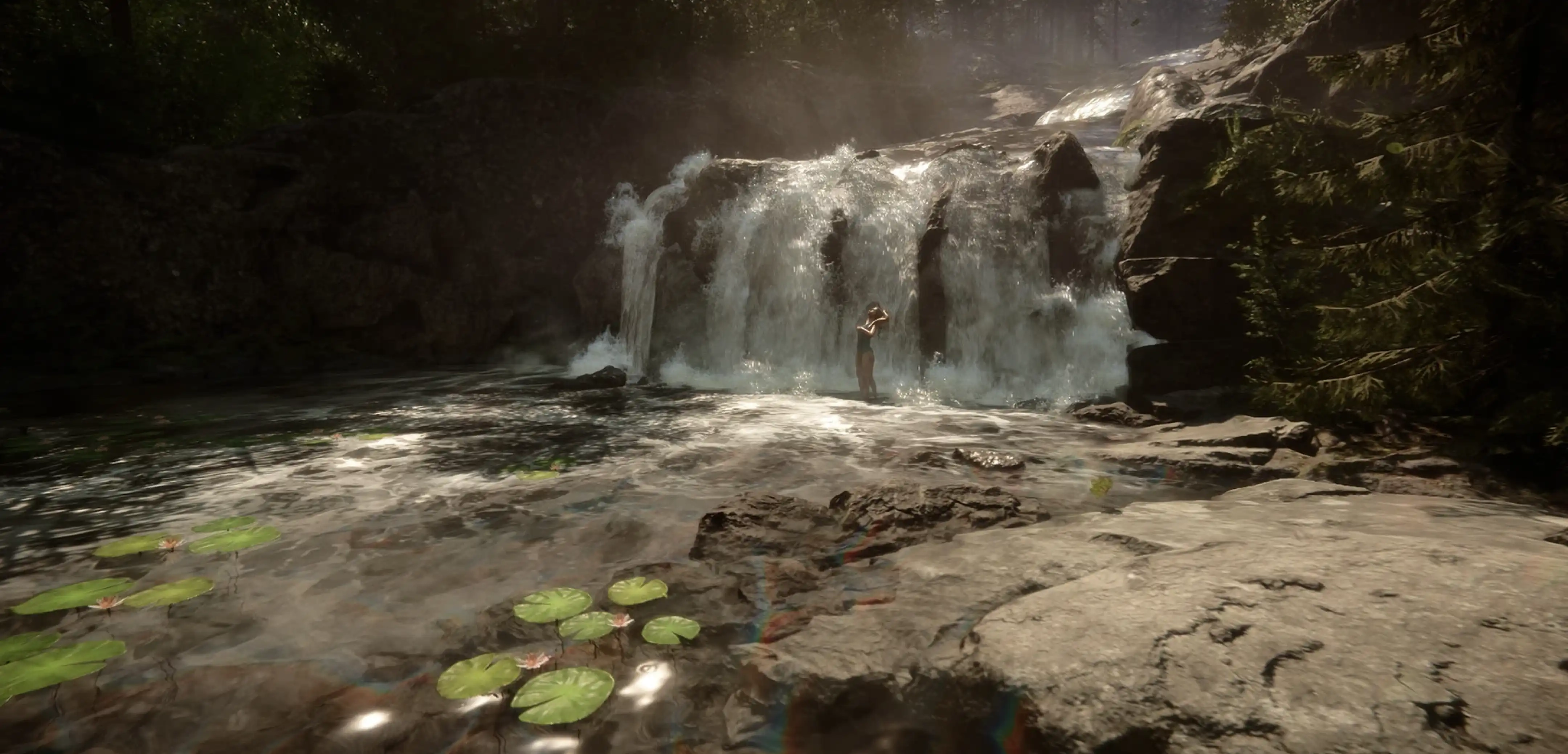
Sons of the Forest GPS Locators Guide: Locations, Requirements, & How to Use Them
Publié le par

Partager :

Partager sur X

Partager sur Facebook

Partager sur Threads

Partager sur Bluesky

Copier dans le presse-papiers

Partager par e-mail
In Sons of the Forest, GPS locators help players navigate and track important locations and resources. Players can access this tool by pressing “M” on their keyboards. But first, you’ll have to find them.
Here’s where you can find each Sons of the Forest GPS locator and how you can utilize these important items.
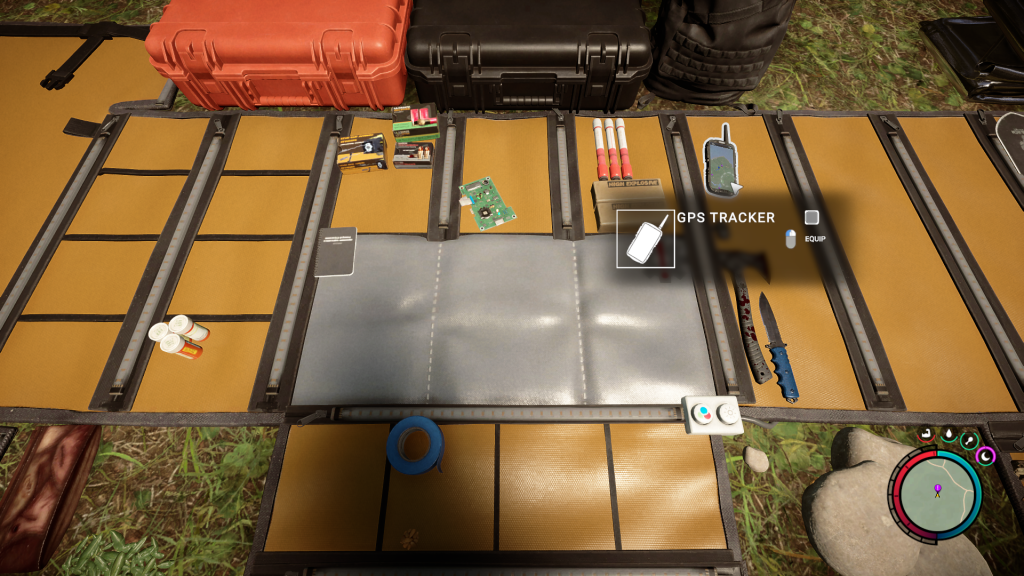 There are a total of three GPS locators in Sons of the Forest. Each GPS locator requires players to complete specific requirements before gaining access to the tool.
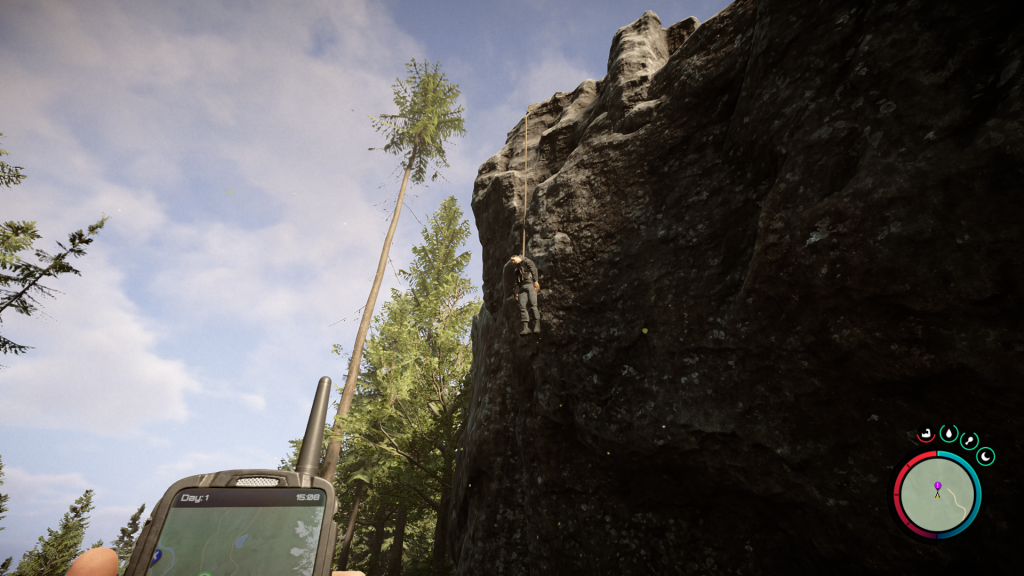 The first GPS locator is near the purple map marker west of the snowy mountain region. Once here, players will find a body of a suspended man near the cliff face.
Lowering the body will grant players the tool, along with the flashlight. Players have two options to achieve this objective:
The first GPS locator is near the purple map marker west of the snowy mountain region. Once here, players will find a body of a suspended man near the cliff face.
Lowering the body will grant players the tool, along with the flashlight. Players have two options to achieve this objective:
 Note: Sharks will be patrolling near the second GPS Locator’s location, so it’s best to prepare for possible encounters.
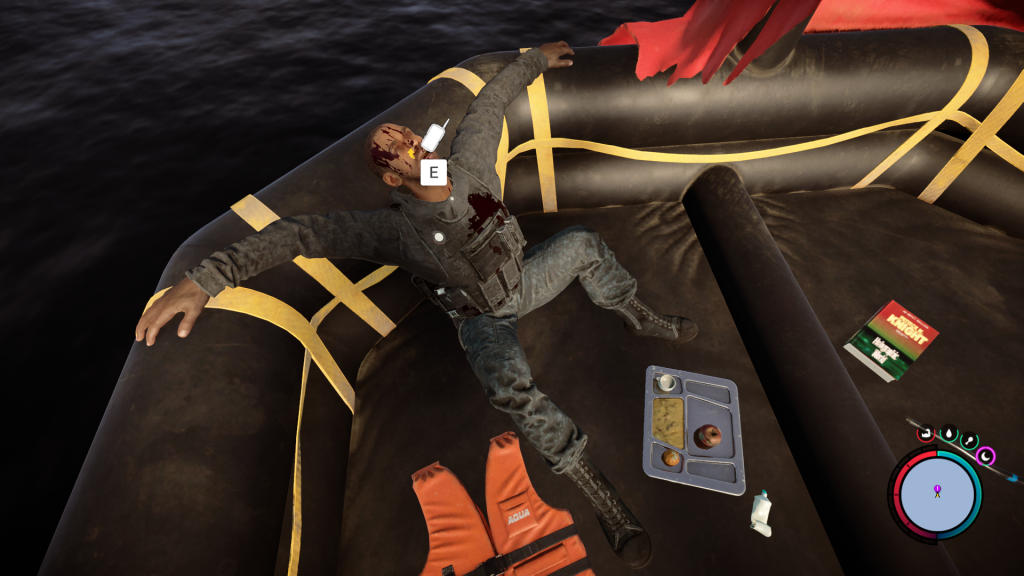
To find the second GPS Locator, travel to the western coastline to find a small orange raft. Push the raft to the water and prepare to fight patrolling sharks. Take note that some players may not experience encountering these enemies.
While in the raft, search for the dead body in the watercraft. Players will then receive the second GPS locator, along with the pistol.
If the sharks appear, shoot them with the pistol or use an adequate weapon to fend them off. Take note that choosing the former option requires players to expend valuable bullets, so it could be worthwhile to get creative.
Note: Sharks will be patrolling near the second GPS Locator’s location, so it’s best to prepare for possible encounters.
To find the second GPS Locator, travel to the western coastline to find a small orange raft. Push the raft to the water and prepare to fight patrolling sharks. Take note that some players may not experience encountering these enemies.
While in the raft, search for the dead body in the watercraft. Players will then receive the second GPS locator, along with the pistol.
If the sharks appear, shoot them with the pistol or use an adequate weapon to fend them off. Take note that choosing the former option requires players to expend valuable bullets, so it could be worthwhile to get creative.
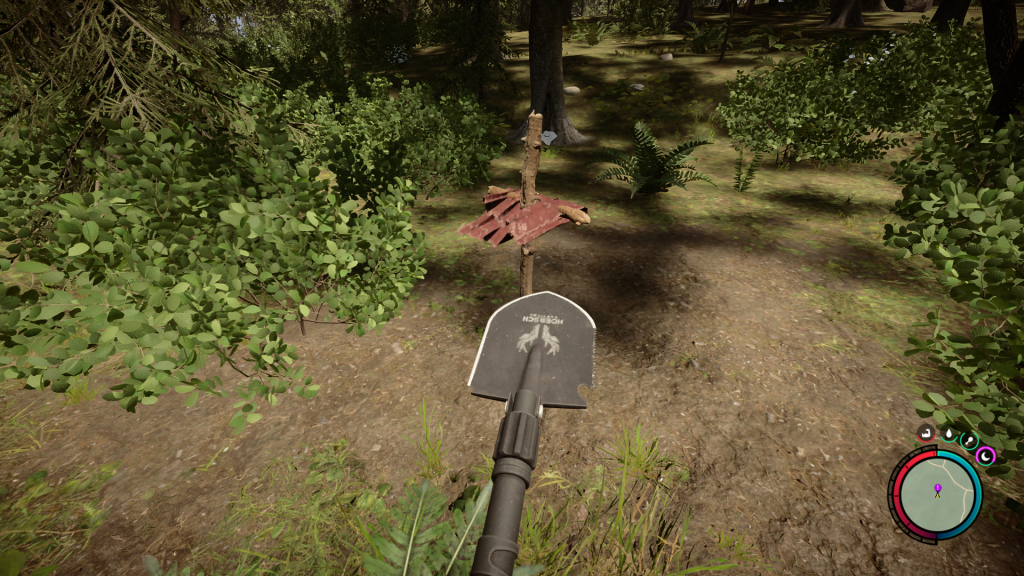 Note: Players need a shovel to unearth the third GPS locator.
For the third GPS Locator, travel to the northwest corner of the map and search for a grave in an open field. Dig the grave to reveal a coffin. Open the coffin to obtain the final GPS locator, along with the trusty shotgun.
DON'T MISS IT: What's Coming in the Minecraft Trails and Tales Update?
Note: Players need a shovel to unearth the third GPS locator.
For the third GPS Locator, travel to the northwest corner of the map and search for a grave in an open field. Dig the grave to reveal a coffin. Open the coffin to obtain the final GPS locator, along with the trusty shotgun.
DON'T MISS IT: What's Coming in the Minecraft Trails and Tales Update?
Sons of the Forest GPS Locator Locations & How to Get Them
There are a total of three GPS locators in Sons of the Forest. Each GPS locator requires players to complete specific requirements before gaining access to the tool.
- Complete the “Hanged Man GPS Quest” for the first GPS locator
- Complete the “Wooden Cross Grave GPS Quest” for the second GPS locator
- Complete the “Ocean Boat GPS Quest” for the third GPS locator
GPS Locator #1
The first GPS locator is near the purple map marker west of the snowy mountain region. Once here, players will find a body of a suspended man near the cliff face.
Lowering the body will grant players the tool, along with the flashlight. Players have two options to achieve this objective:
- Head to the top of the cliff and search for a small moss-covered rock. Cut the rope surrounding the stone to lower the body to the ground.
- Alternatively, throw a small rock or a ranged cutting weapon to cut the rope from the ground without climbing the cliff.
GPS Locator #2
Note: Sharks will be patrolling near the second GPS Locator’s location, so it’s best to prepare for possible encounters.
To find the second GPS Locator, travel to the western coastline to find a small orange raft. Push the raft to the water and prepare to fight patrolling sharks. Take note that some players may not experience encountering these enemies.
While in the raft, search for the dead body in the watercraft. Players will then receive the second GPS locator, along with the pistol.
If the sharks appear, shoot them with the pistol or use an adequate weapon to fend them off. Take note that choosing the former option requires players to expend valuable bullets, so it could be worthwhile to get creative.
GPS Locator #3
Note: Players need a shovel to unearth the third GPS locator.
For the third GPS Locator, travel to the northwest corner of the map and search for a grave in an open field. Dig the grave to reveal a coffin. Open the coffin to obtain the final GPS locator, along with the trusty shotgun.
DON'T MISS IT: What's Coming in the Minecraft Trails and Tales Update?
How to Use GPS Locators
Players can place their newly acquired GPS locators to mark specific points on their maps. Some examples include marking NPCs, bases, or food sources. To place a GPS locator, players first have to put a stick in the ground. After that, simply place the GPS locator on top of the stick. Players will know if a GPS locator is nearby as it beeps louder the closer it gets. As we get closer to the Sons of the Forest full release, you can also locate all the latest info on our Sons of the Forest server options here, no GPS locator required! DON'T MISS IT: Conan Exiles Age of Sorcery Update & How to Try it OutCréez votre propre
serveur Sons of the Forest
serveur Sons of the Forest
Choisissez un plan, sélectionnez un jeu et jouez avec vos amis !
Abonnez-vous à notre newsletter
Abonnez-vous pour recevoir les dernières mises à jour sur l'univers du jeu vidéo !

Rejoignez notre Discord
Rejoignez notre communauté de plus de 20 000 membres passionnés !
Comment évalueriez-vous ce blog ?
Partagez votre avis et aidez-nous à améliorer nos blogs !
Pas aimé
Neutre
Aimé

Besoin d'un serveur de jeu ?
Louez un serveur de jeu où vous et vos amis pouvez jouer en privé avec une faible latence et des paramètres personnalisés. Choisissez parmi 110+ jeux, invitez des joueurs du monde entier et profitez de parties privées, ou créez votre propre communauté en ligne avec vos propres règles.

Blogs pertinents







OBTENEZ LES DERNIÈRES INFOS !
Inscrivez-vous à nos e-mails pour obtenir des mises à jour sur nos jeux hébergés, des nouvelles de l'entreprise et des offres exclusives. Restez au courant !













