
Changelog
September 2026
September 2026
Feedback and Bug Report Systems
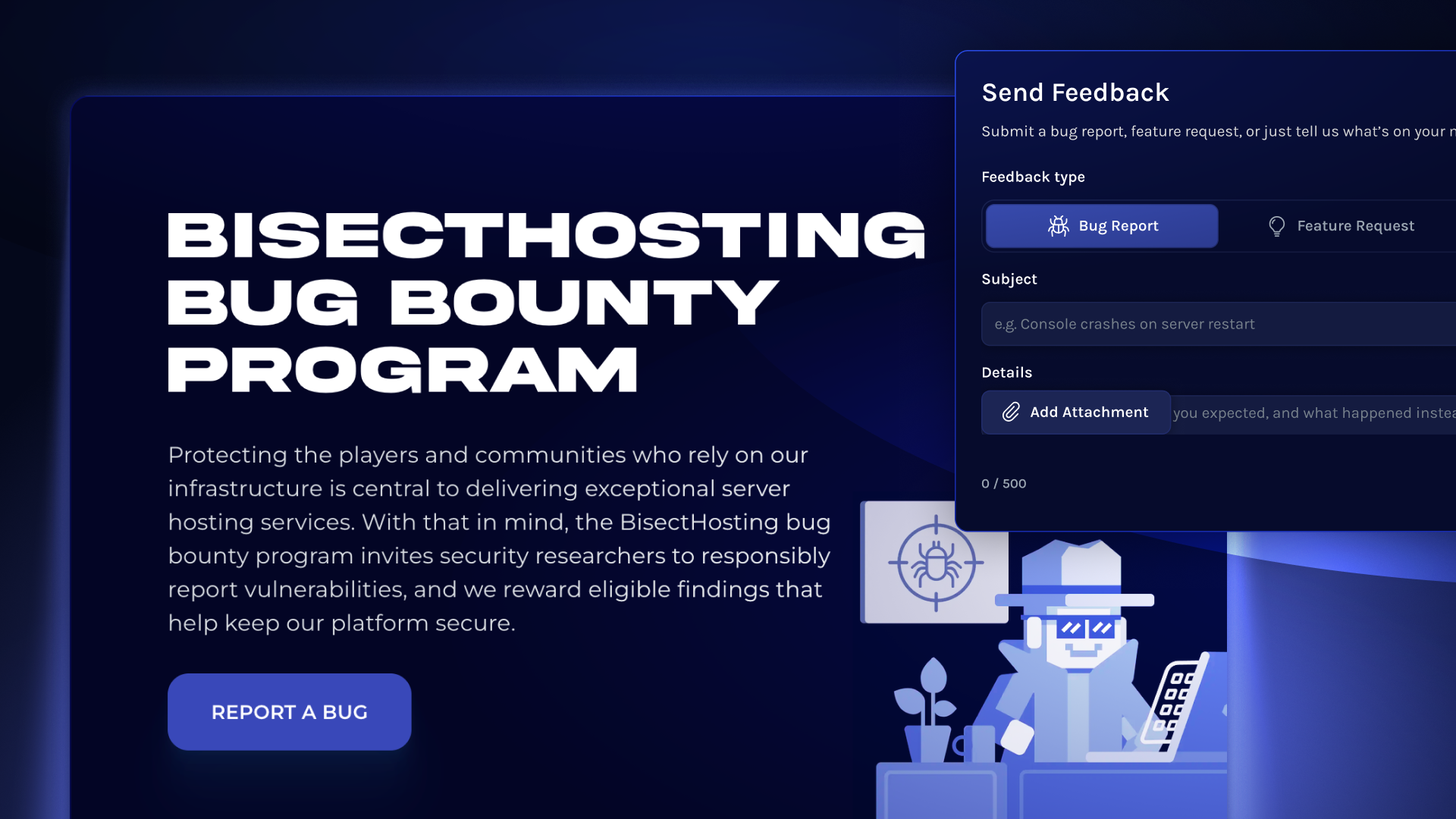
We're excited to announce new ways to provide your feedback and report both general and security-related bugs!
- Feature suggestions and general bug reports can be submitted in Starbase via the Feedback button in the top nav
- Security-related bugs and vulnerabilities can be submitted via our Bug Bounty Program
Our team regularly review suggestions, bug reports, and security concerns, all in the interest of improving user experience, stability, and information safety for our customers and partners.
September 2026
September 2026
6 New Languages Added
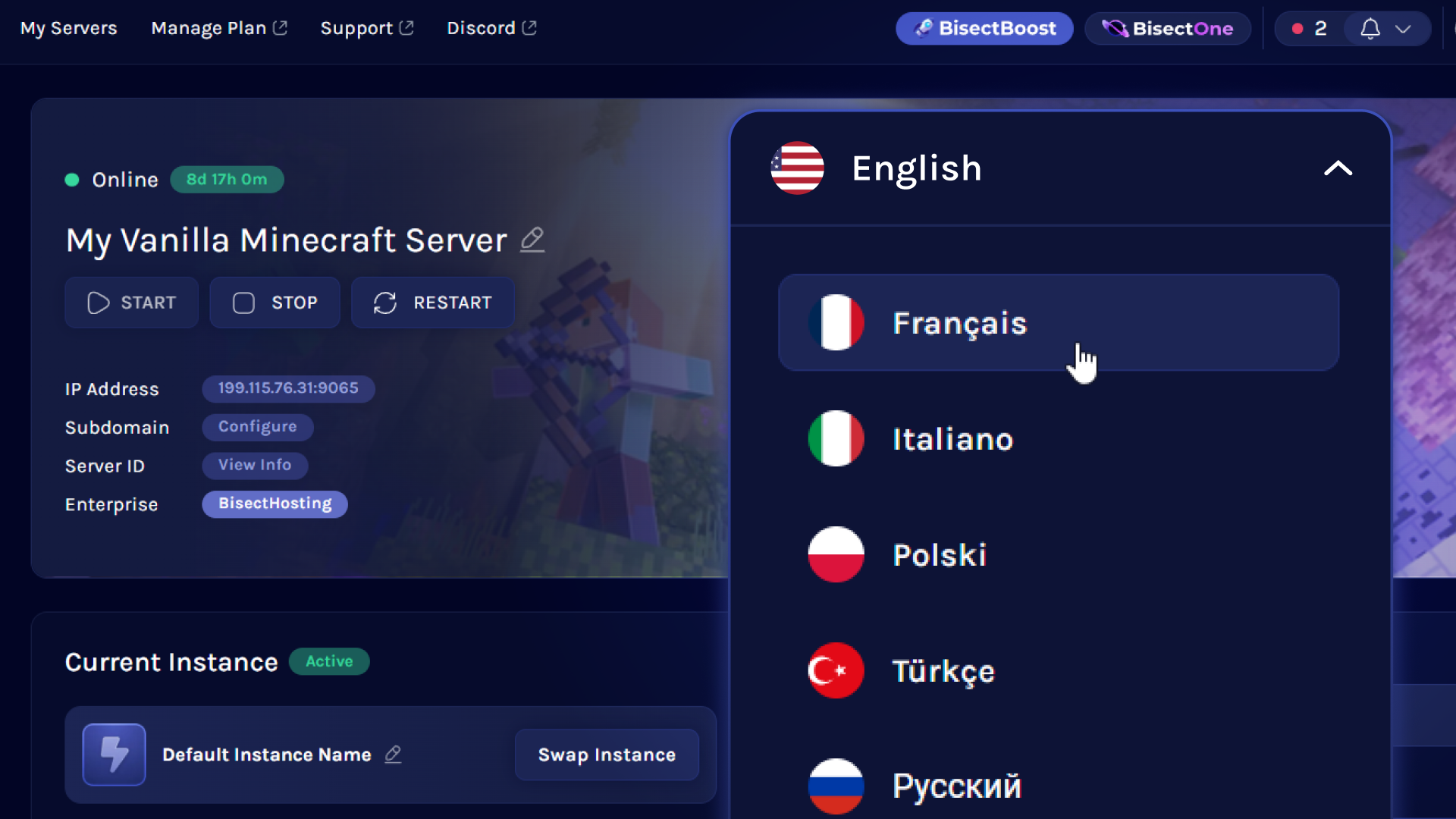
We've added translations for six new languages to the BisectHosting ecosystem: Chinese (Simplified), Russian, French, Italian, Polish, and Turkish!
These new languages are available across Starbase, our Help Center, and the BisectHosting website.
To change your language in Starbase, go to Account (top-right) > Language Dropdown.
Language selection for the BisectHosting Help Center and website is available in the top navbar.
August 2026
August 2026
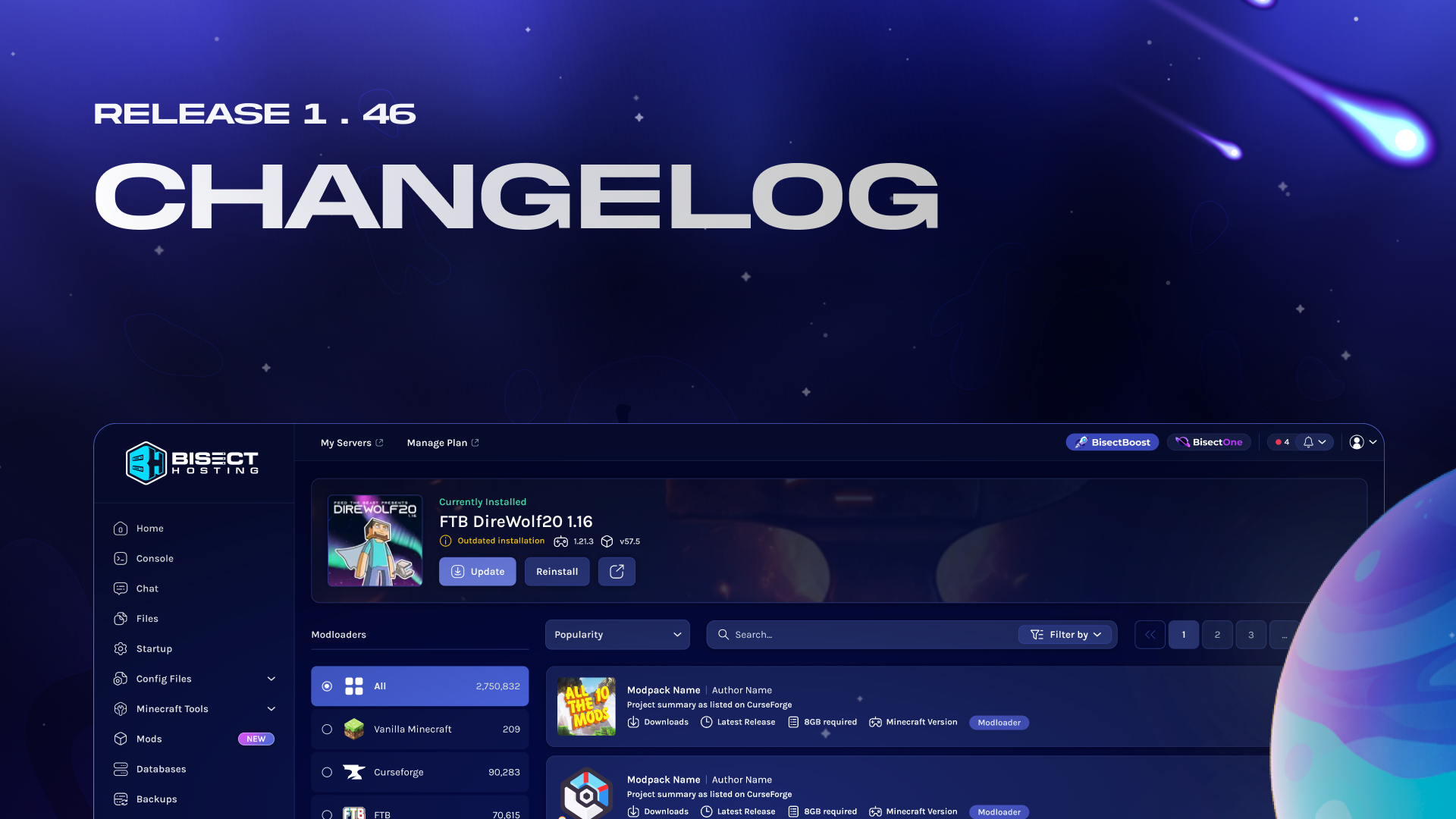
Release 1.46 Changelog
IMPROVEMENT:
- Biko now gives customers a clear explanation and a direct link to contact support when a service unavailability error occurs, instead of a vague message with no next step.
- Updated the internal and client-side mods for Schedule 1 to support the latest game build.
- Expanded the Profanity Filter on the Minecraft server.properties file to better align with the Minecraft End User License Agreement.
FIX:
- Fixed broken donation page URLs that returned a server-not-found error for customers using newer currencies like BRL.
- Fixed a regression that prevented startup variable toggles from being changed, restoring normal variable management for server owners and staff.
- Fixed a permissions bug that allowed subusers with the Donations tab disabled to still view and access the Donations page.
- Re-added the file path display to the Settings page so customers and staff can see exactly which config file is being edited.
- Fixed a 500 server error caused by a database collation mismatch when searching JARs with Cyrillic characters.
- Resolved a Proton compatibility issue affecting Palworld modded installs, which are now fully functional with Palworld 1.0.
- Fixed an issue where servers requested with Germany at checkout were instead created in New Jersey.
- Removed an outdated mention of Palworld modded support from the startup menu.
August 2026
August 2026
Enhanced Account Settings, Activity Logs, and Upcoming Improvements
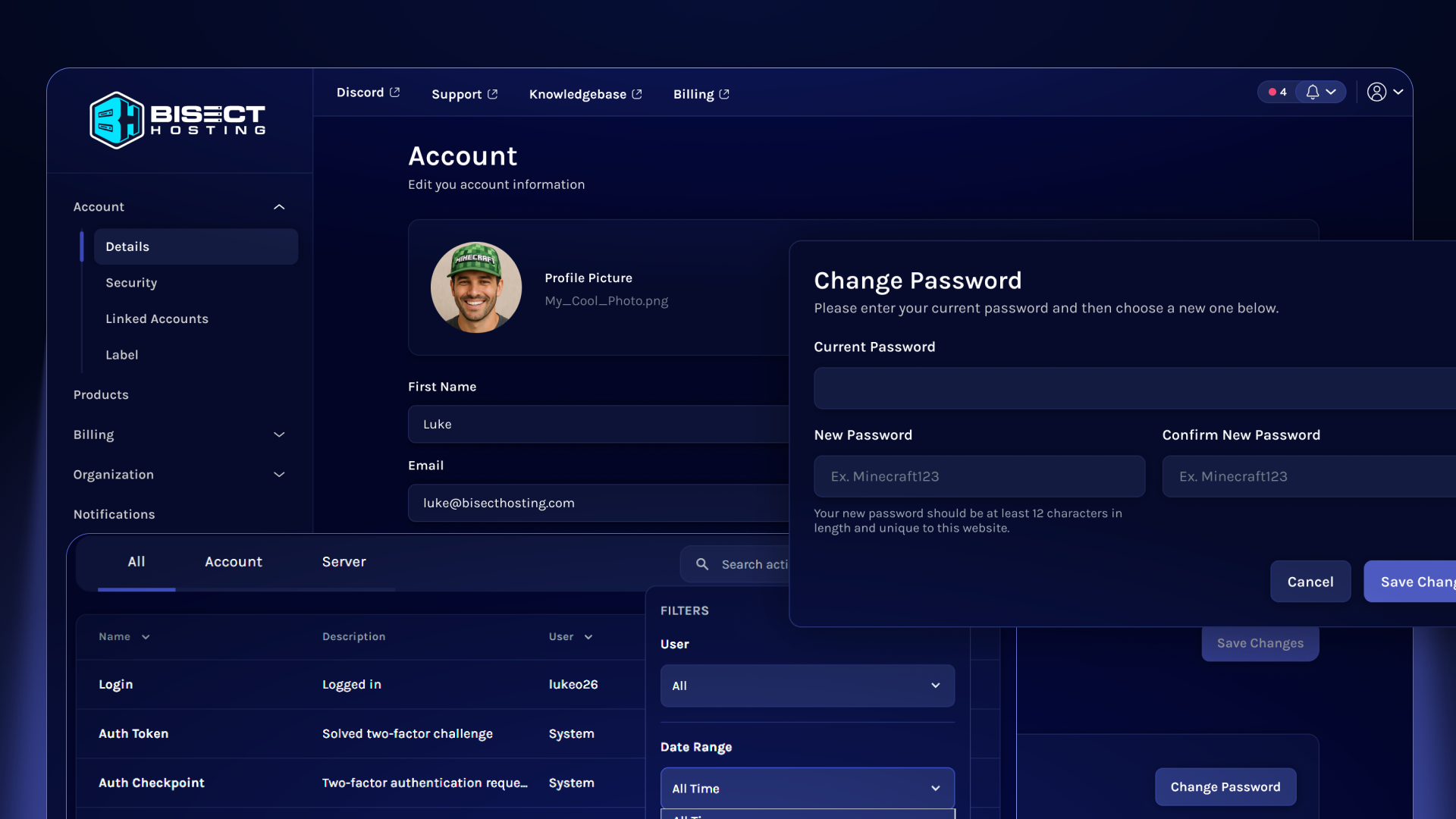
The Starbase Games panel’s Account Settings and Activity Logs just got a fresh new look, bringing them in line with our new design system.
And this is only the beginning! Soon, billing, account settings, and game controls will all live under one roof. One unified panel, one login, and zero tab-juggling.
Stay up-to-date on our Official Discord Server or Join Boost Squad for early-access invites.
July 2026
July 2026
Release 1.45 Changelog
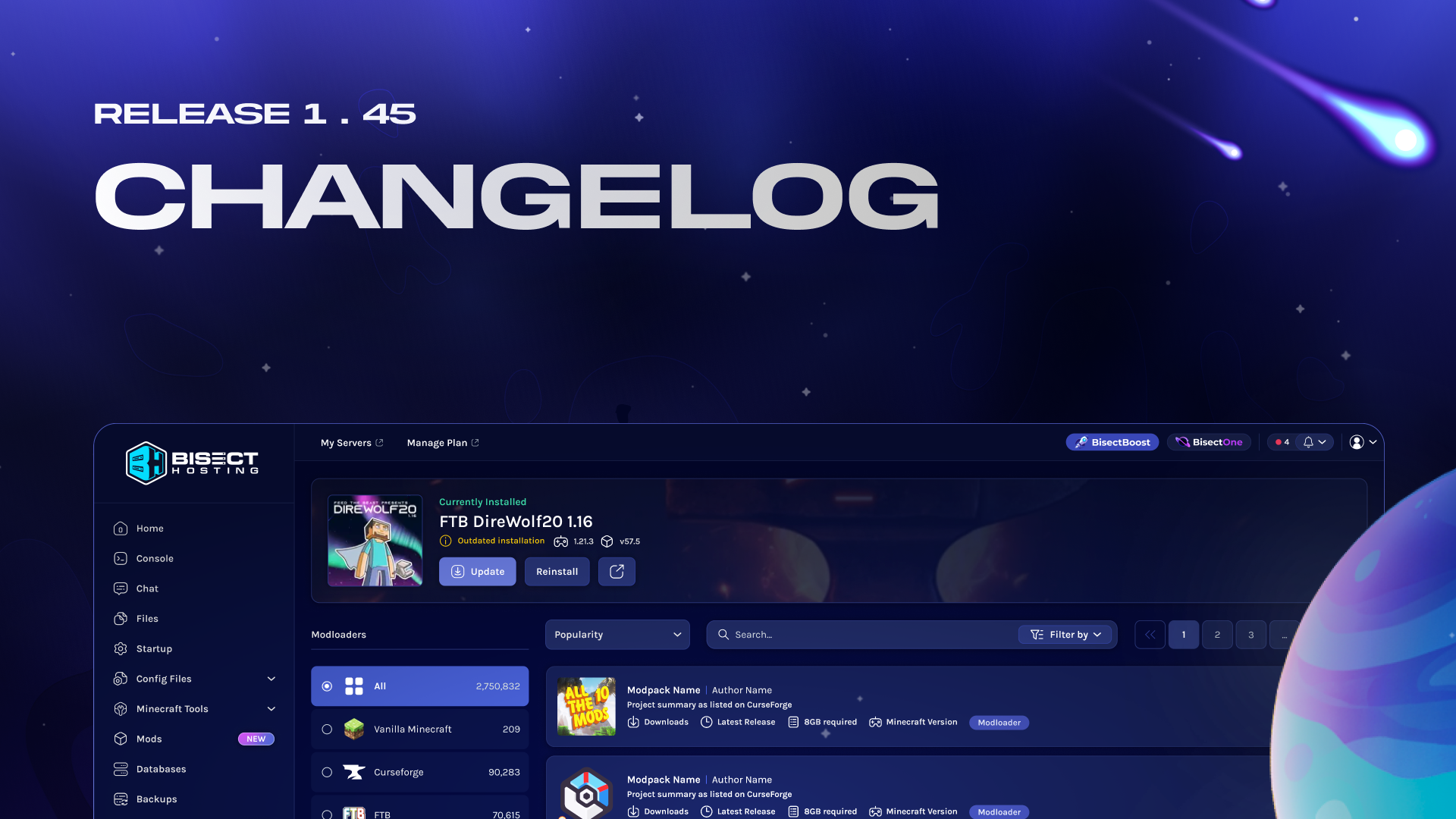
NEW:
- Config Shortcuts now support wildcard matching, making it easier to apply shortcuts across similarly named configuration options.
- Player detection can now track additional game-specific data, expanding the information available for supported servers.
- Panel notifications are now sent when a server location transfer fails, giving customers clearer feedback when a transfer cannot be completed.
- PixARK server hosting is now available.
- Day of Dragons server hosting is now available.
- Hurtworld server hosting is now available.
- Night of the Dead server hosting is now available.
- Frontier Legends server hosting is now available.
IMPROVEMENT:
- WebSocket reconnection logic has been improved to restore panel connections more reliably after temporary network interruptions.
- Dune: Awakening infrastructure has been reorganized across dedicated nodes to improve server distribution and reliability.
FIXED:
- Domain verification emails are now sent correctly when customers begin the verification process.
- Panel timestamps now display correctly for customers in the Mountain Time zone.
- Server transfers are no longer incorrectly blocked after the transfer cooldown timer reaches zero.
- Checkout no longer displays an “Already Registered” button to customers who are currently logged in.
- Dune: Awakening servers now receive all expected server events.
- Farming Simulator servers now download the required files correctly during installation and updates.
July 2026
July 2026
Release 1.44 Changelog
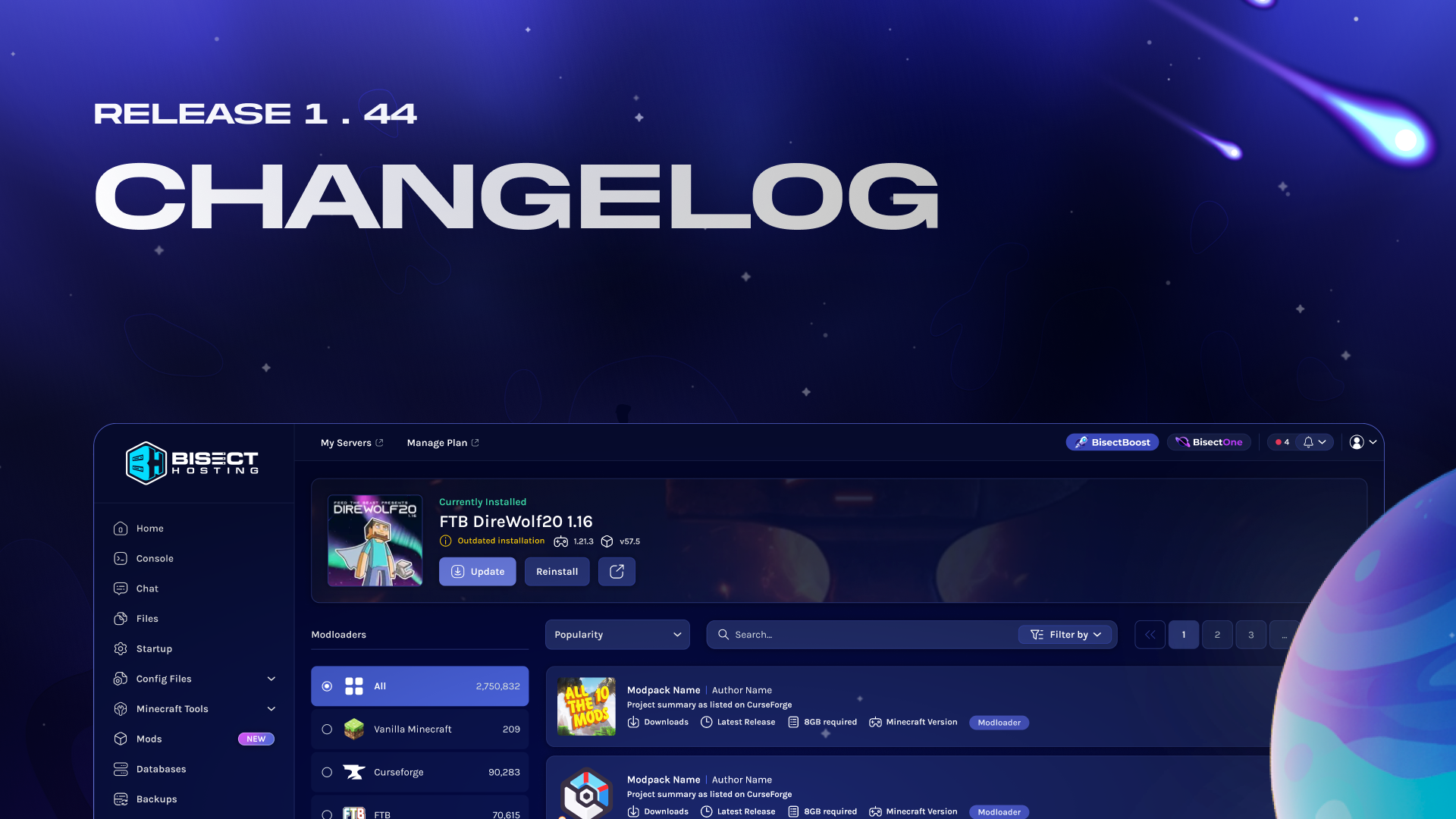
NEW:
- Biko can now directly read your server's live console output and crash logs to diagnose issues without asking you to manually copy and paste log data.
- Server owners can now control exactly which console commands their subusers are allowed to run, choosing between full access, an allowlist, or a blocklist.
- A new "Settings" section consolidates Startup and Config Files under a single unified navigation area, with a foundation for future features like server sleeping.
IMPROVEMENT:
- The BisectBoost Theme Editor received a final round of polish fixes covering loading behavior, button placement, padding alignment, and locked-state persistence.
- Several visual and behavioral issues in the new Config/Settings section were resolved, including icon corrections, dropdown highlighting, chevron animation, and a Biko widget overlap with the save button.
- The Minecraft Java JAR dropdown in the server importer now loads faster, reducing wait time when setting up an import.
- The panel's plugin list now refreshes periodically to remove plugins that have been taken down from Modrinth, preventing installation of unavailable or malicious plugins.
- The Starbase panel login page now has an updated title and meta description, improving how it appears in search results and browser tabs.
FIX:
- The JSON config writer now detects and respects the existing indentation style of config files, fixing a critical issue for games like Soulmask that were having their configs wiped on every server start.
- A cooldown display bug that showed node transfers as available while still blocking them has been corrected.
- Biko's web search domain whitelist, which broke due to a Laravel AI SDK bug and was temporarily removed, has been fully restored.
- New Sunkenland server orders have been disabled on the marketing site after the game's developers failed to update their dedicated server binaries for the latest version.
- The Dedicated IP option has been removed from Dune server orders, where it was never supported but was causing provisioning failures at checkout.
- 23 broken internal blog images returning 404 errors have been resolved, cleaning up a recurring SEO health issue.
- The missing Farming Simulator Sky Agriculture Pack DLC license key has been added to the distribution system so customers can now activate the pack.
- The og:locale meta tag is now correctly populated across all game pages, fixing an issue where social platforms were always displaying content as English.
July 2026
July 2026
Meet Biko: Server Assistant
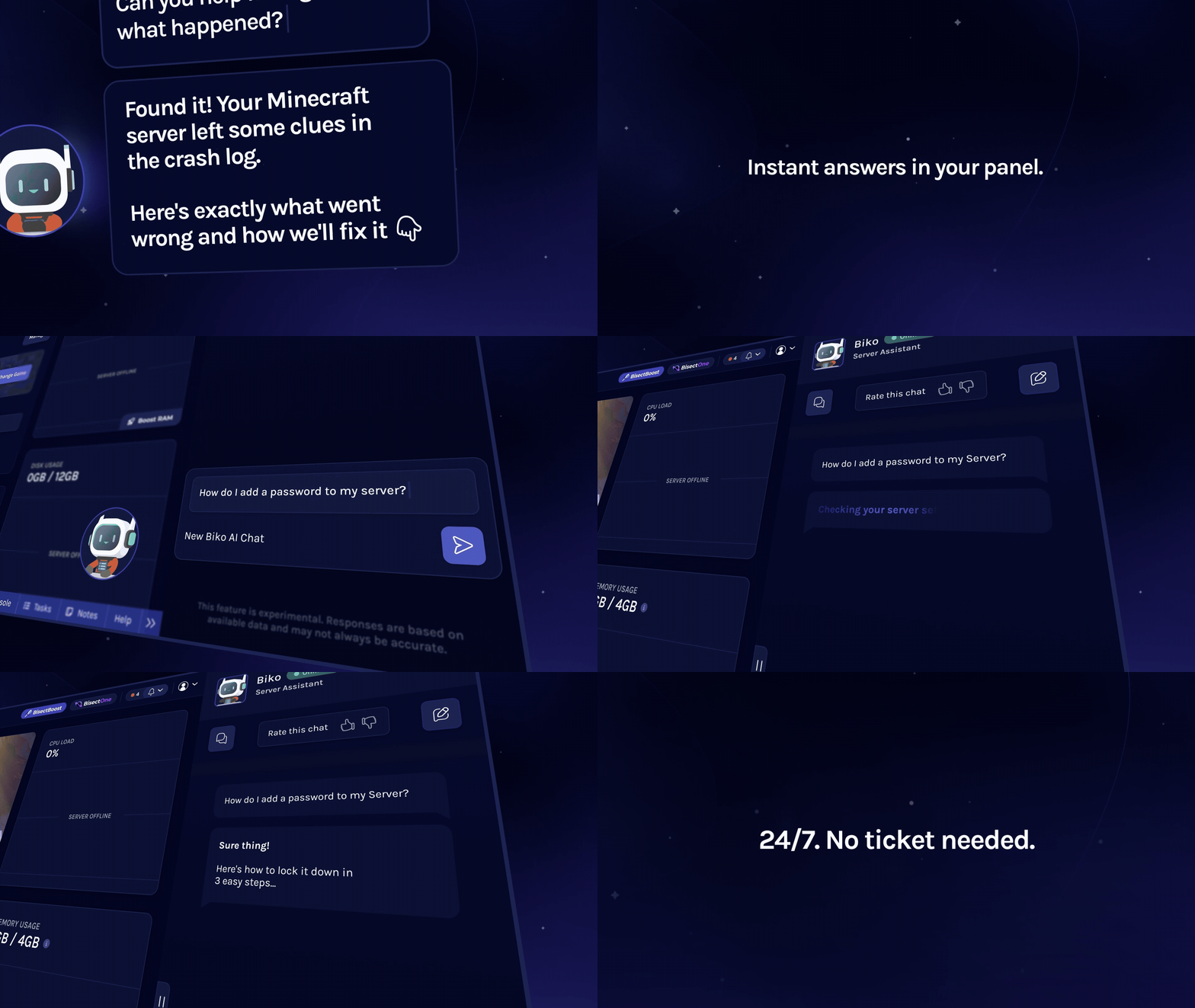
Biko is now available as an experienced server companion for BisectHosting server owners, right inside the Starbase panel.
Using your server's context, Biko can instantly answer questions and help troubleshoot issues without leaving the panel.
Biko can help with:
- Diagnosing server lag and performance issues
- Understanding plans and server requirements
- Explaining configuration files
- Mod installation and support
- Explaining Starbase panel features
- And much more. Just ask!
Biko is not a part of our human ticket or live-chat support systems. You can still contact our 24/7/365 human support team at any time without speaking to Biko first on our official Help Center.
July 2026
July 2026
Subuser Console Command Permissions
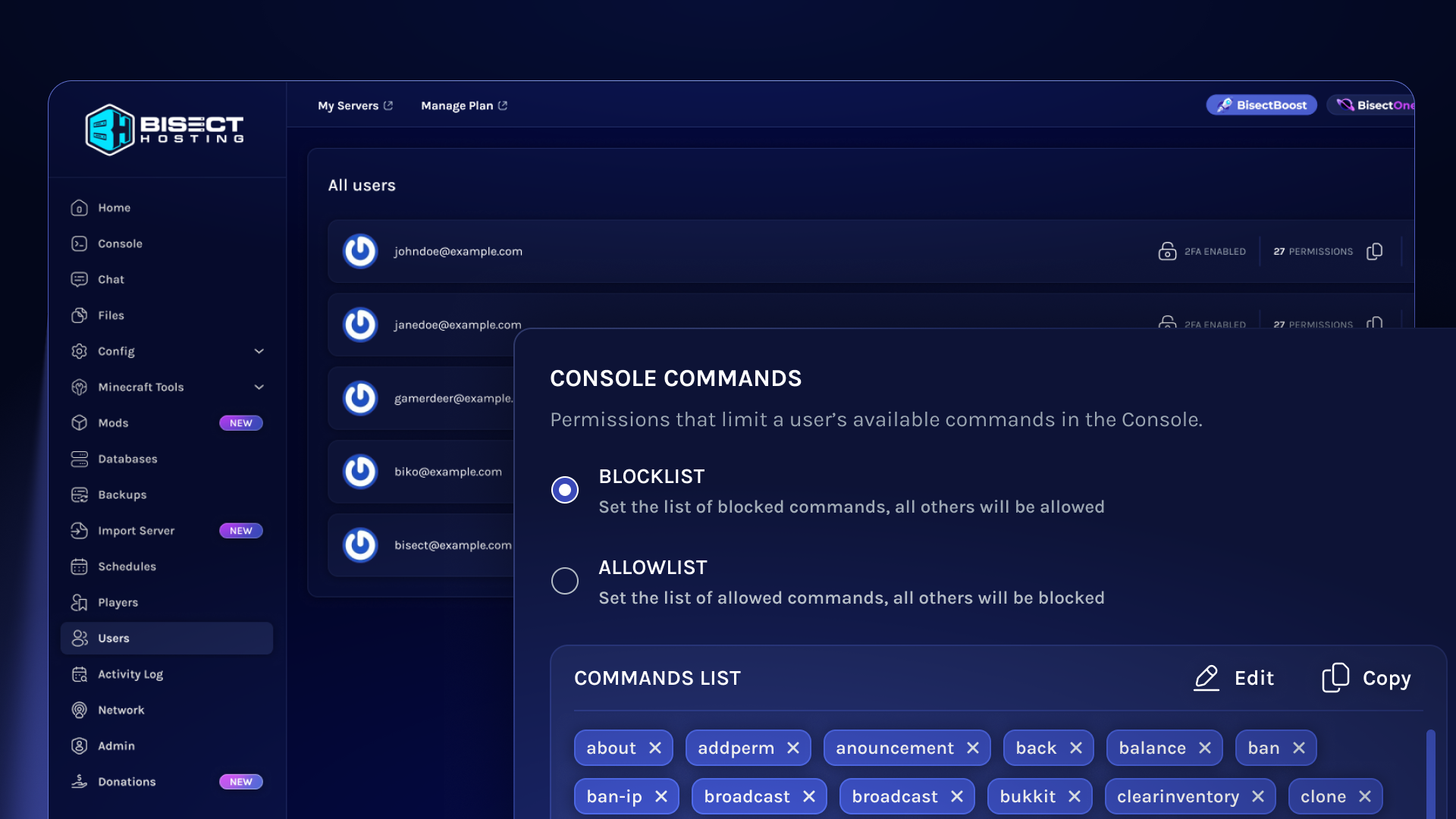
We've added Console Command permissions to help manage what commands subusers are allowed to use on servers they have access to.
You can now add either a blocklist or allowlist of commands to define what level of access subusers have when using commands in the console.
July 2026
July 2026
Server Config Editor Improvements
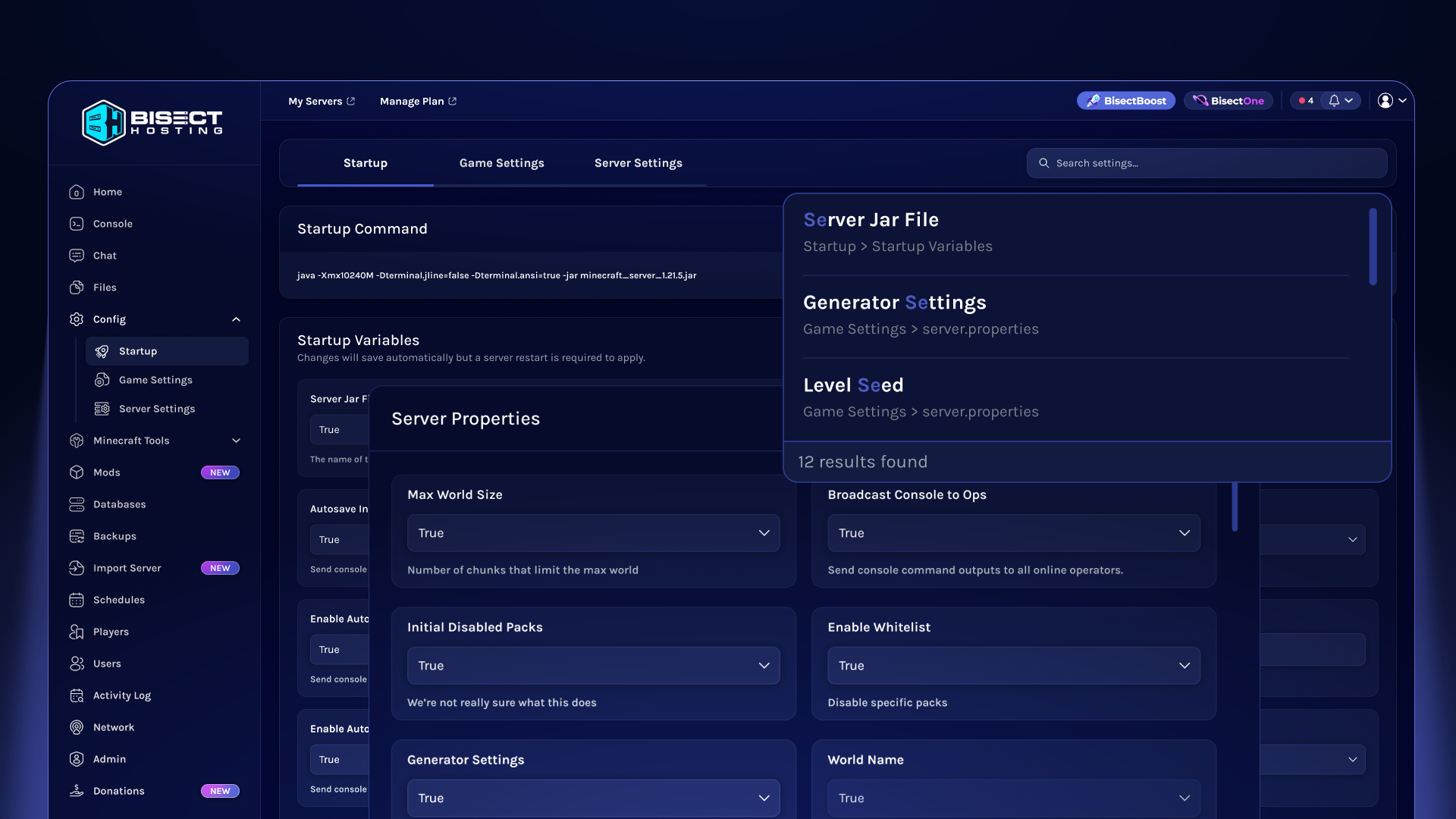
We've introduced the new Server Config Editor to bring every way you configure your server into one streamlined, tab-based experience.
Quickly search across startup settings, configuration files, and more with enhanced smart search, then make changes from a single, centralized Config menu.
June 2026
June 2026
Customizable Theme Editor
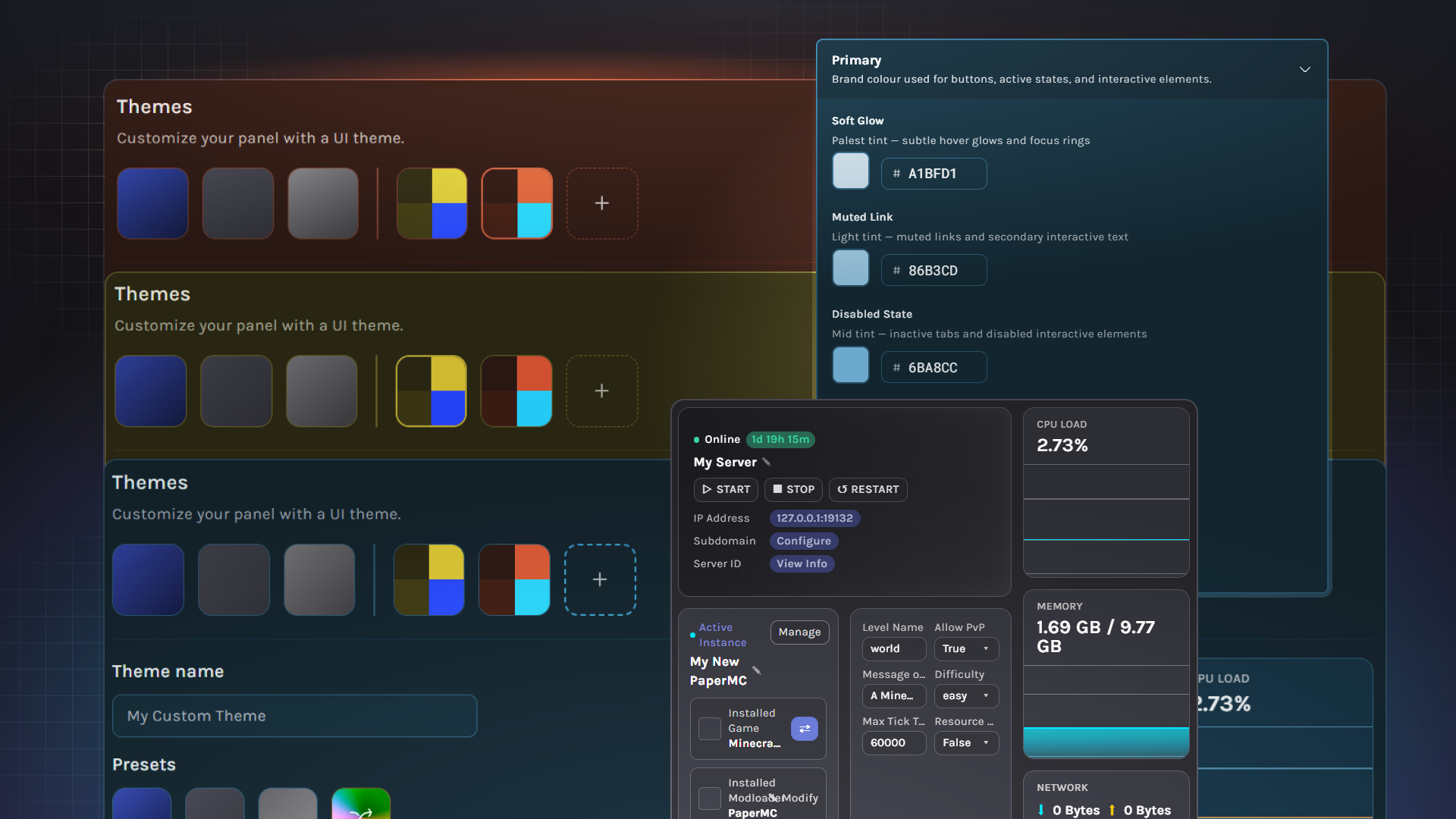
A new BisectBoost feature is now available: Custom Themes.
BisectBoost users can now:
- Create and save up to 10 custom themes
- Instantly generate cohesive random color palettes
- Customize more than 40 panel colors individually for complete control over the interface











