

The Isle System Requirements: Minimum & Recommended PC Specs
Veröffentlicht am von

Teilen:

Auf X teilen

Auf Facebook teilen

Auf Threads teilen

Auf Bluesky teilen

In die Zwischenablage kopieren

Per E-Mail teilen
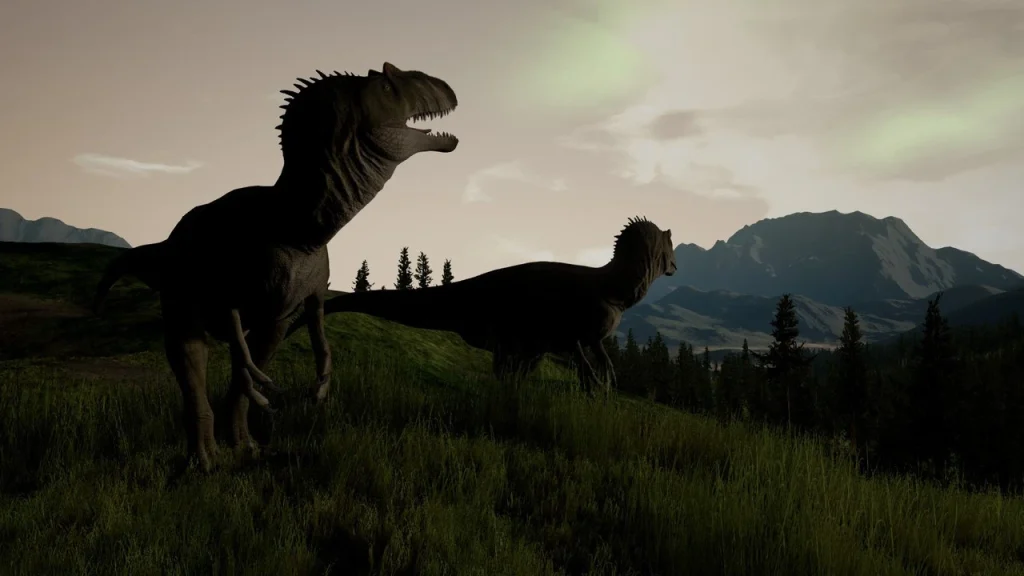
Romping around in The Isle as your favorite meat-eating or plant-munching dinosaurs is a fun time. Especially when you gather your friends on a custom dedicated server. But before you start living the dino life, you should make sure your PC can run the game. Here, we've outlined both the minimum and recommended PC specs for The Isle so you can ensure your rig is up to snuff.
 As an early access game, The Isle is still unfinished. As a result, it's not fully optimized, it has its fair share of bugs, and it can experience general online stability issues. With all of those Early Access quirks, it can be tricky to know if problems you experience are because of your PC or the game itself.
If you're having some stuttering gameplay trouble, here are a few things you can do to potentially improve performance:
As an early access game, The Isle is still unfinished. As a result, it's not fully optimized, it has its fair share of bugs, and it can experience general online stability issues. With all of those Early Access quirks, it can be tricky to know if problems you experience are because of your PC or the game itself.
If you're having some stuttering gameplay trouble, here are a few things you can do to potentially improve performance:
The Isle System Requirements: Minimum & Recommended PC Specs & Settings
As an early access game, The Isle is still unfinished. As a result, it's not fully optimized, it has its fair share of bugs, and it can experience general online stability issues. With all of those Early Access quirks, it can be tricky to know if problems you experience are because of your PC or the game itself.
If you're having some stuttering gameplay trouble, here are a few things you can do to potentially improve performance:
- Set the following graphics settings to Medium or Low:
- Post Processing
- Anti-Aliasing
- Shadows
- Effects
- View Distance
- Foliage
- Anytime you change your graphics settings, restart the game.
- Ensure the game's Smooth FPS box has been checked.
- Use the FPS cap setting to set a hard cap for your game's frame rate.
- A frame rate of 60 or 30 is recommended if your game is truly experiencing stuttering.
- Ensure your graphics card drivers are always up to date.
- Delete your game's Config Folder by doing the following:
- Close the game.
- Open your computer's Run box by pressing the Windows Key & R.
- Type "%localappdata%" and press Enter.
- Scroll until you find the file named "TheIsle" and enter it.
- Enter the file "Saved" and delete the Config folder inside.
- This can remove unwanted junk files that are bogging down your game's performance.
Minimum System Requirements for The Isle
- OS: Windows 7 (64-bit)
- Processor: Quad-core Intel or AMD - 3.0 GHz
- Memory: 8 GB RAM
- Graphics: NVIDIA GeForce GTX 960 or AMD Radeon R9 280X
- DirectX: Version 11
- Network: Broadband Internet Connection
- Storage: 25 GB
Recommended System Requirements for The Isle
- OS: Windows 10 (64-bit)
- Processor: Quad-core Intel or AMD - 3.4 GHz
- Memory: 16 GB RAM
- Graphics: NVIDIA GeForce GTX 1070
- DirectX: Version 11
- Network: Broadband Internet Connection
- Storage: 25GB
Erstelle deinen eigenen
The Isle-Server
The Isle-Server
Wähle einen Tarif, such dir ein Spiel aus und spiele mit deinen Freunden!
Abonniere unseren Newsletter
Abonniere für die neuesten Updates rund ums Gaming!

Tritt unserem Discord bei
Werde Teil unserer Community von über 20.000 gleichgesinnten Mitgliedern!
Wie würdest du diesen Blog bewerten?
Teile deine Meinung und hilf uns, unsere Blogs noch besser zu machen!
Hat mir nicht gefallen
Neutral
Hat mir gefallen

Brauchst du einen Spielserver?
Miete einen Spielserver, auf dem du und deine Freunde privat mit niedriger Latenz und benutzerdefinierten Einstellungen spielen könnt. Wähle aus 110+ Spielen, lade Leute aus der ganzen Welt ein und genieße private Matches oder baue deine eigene Online-Community mit deinen eigenen Regeln auf.

Relevante Blogs







HOL DIR DIE INSIDER-INFOS!
Melde dich für unsere E-Mails an, um Updates zu unseren gehosteten Spielen, Unternehmensnachrichten und exklusiven Angeboten zu erhalten. Bleib auf dem Laufenden!













