

RuneScape: Dragonwilds Controls Guide (Keyboard, Mouse, Controller)
Veröffentlicht am von

Teilen:

Auf X teilen

Auf Facebook teilen

Auf Threads teilen

Auf Bluesky teilen

In die Zwischenablage kopieren

Per E-Mail teilen
Are you looking into entering the world of Ashenfall? If so, mastering the default controls of RuneScape: Dragonwilds should be your first right of passage. Whether you’re using a keyboard or gamepad, engraving the commands to muscle memory separates the survivor from the fallen. So, begin your journey to become an expert adventurer by learning the game’s default keybinds through this guide.
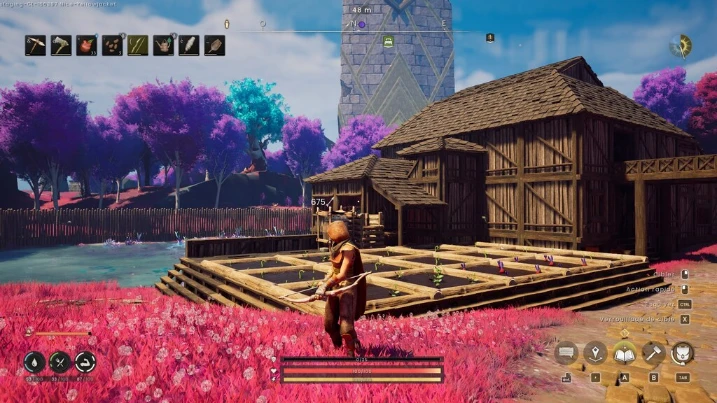
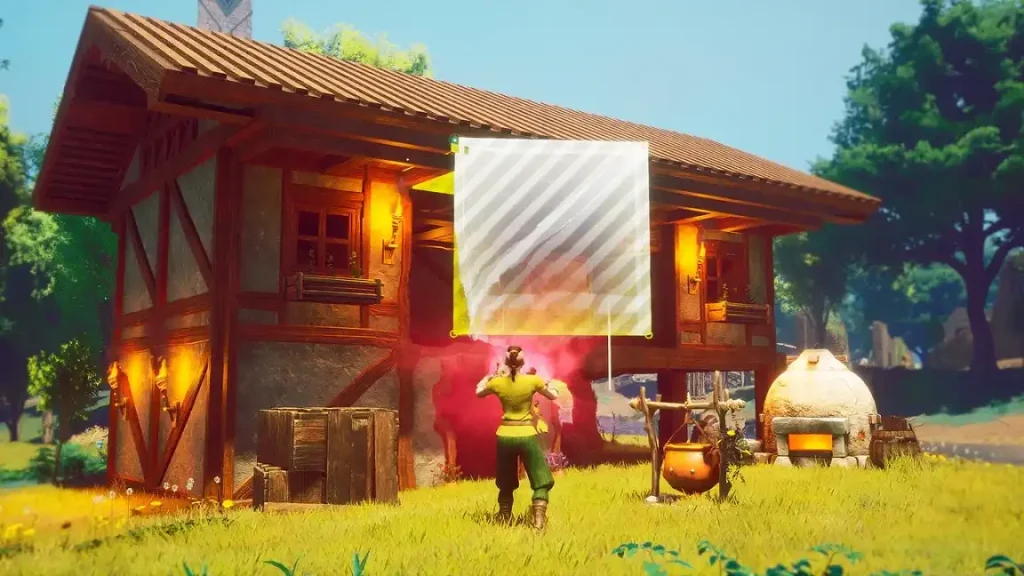 While Dragonwilds supports controllers and gamepads, it's important to note that many recommend using your mouse for some sections, including menus.
RuneScape: Dragonwilds Controls Guide
The following guide highlights the default controls for RuneScape: Dragonwilds. Consider these default keybinds for the gamepad and keyboard & mouse to be your foundation as a new player. Veterans, on the other hand, can use this guide to help remap their keybinds that suit their unique playstyles, especially for combat, resource farming, and basic survival.RuneScape: Dragonwilds Keyboard & Mouse Controls
Basic Movement Controls
- Move Forward: W
- Move Left: A
- Move Backward: S
- Move Right: D
- Crouch: C
- Jump: Space
- Sprint: SHIFT
Combat Controls
- Primary Action: Left mouse button
- Secondary Action: Right mouse button
- Special Action: Middle mouse button
- Interact: E
- Secondary Interact: F
- Evade: CTRL
Menu Controls
- Main Menu: M
- Journal: J
- Building: B
- Emote Menu: H
- Inventory Toggle: TAB
- Map: M
- Skills Menu: K
- Spells Menu: Q
- Top Bar Skills: K
- Top Bar Tab Left: Q
- Top Bar Tab Right: E
Inventory & Item Management Controls
- Destroy Item: X
- Grant Quick Transfer: CTRL
- Grant Split Stack: SHIFT
- Take All: R
Quick Access Controls
- Quick Access Slot 1: 1
- Quick Access Slot 2: 2
- Quick Access Slot 3: 3
- Quick Access Slot 4: 4
- Quick Access Slot 5: 5
- Quick Access Slot 6: 6
- Quick Access Slot 7: 7
- Quick Access Slot 8: 8
Building Controls
- Building Tab Left: Q
- Building Tab Right: E
- Cancel Building: Escape
- Destroy Object: Middle mouse button
- Free Placement: Y
- Oculus Move Down: C
- Oculus Move Up: Space
- Quick Interact: Left mouse button
- Repair: T
Crafting Controls
- Crafting Tab Left: Q
- Crafting Tab Right: E
Quest Dialog Controls
- Continue Conversation: Space
- Cancel Conversation: Escape
- Select Answer 1: 1
- Select Answer 2: 2
- Select Answer 3: 3
- Select Answer 4: 4
RuneScape: Dragonwilds Controller Controls (Xbox Controller Layout)
While Dragonwilds supports controllers and gamepads, it's important to note that many recommend using your mouse for some sections, including menus.
Basic Movement Controls
- Character Movement: Left analog stick
- Crouch: Click the right analog stick
- Jump: A
- Sprint: Click the left analog stick
Combat Controls
- Primary Action: Right trigger
- Secondary Action: Left trigger
- Special Action: Right bumper
- Interact: X
- Evade: B
Menu Controls
- Main Menu: Menu button
- Journal: Menu button
- Building: Down directional button
- Inventory Toggle: Y
- Map: Menu button
- Skills Menu: Menu button
- Spells Menu: Left bumper
- Top Bar Tab Left: Left bumper
- Top Bar Tab Right: Right bumper
Inventory & Item Management Controls
- Destroy Item: X
- Take All: Y
Building Controls
- Building Tab Left: Left bumper
- Building Tab Right: Right bumper
- Cancel Building: Up directional button
- Destroy Object: Left bumper
- Free Placement: Right directional button
- Oculus Move Down: Left analog stick
- Oculus Move Up: Right analog stick
- Quick Interact: Right bumper
- Repair: Down directional button
Crafting Controls
- Crafting Tab Left: Left bumper
- Crafting Tab Right: Right bumper
Quest Dialog Controls
- Continue Conversation: X
- Cancel Conversation: B
Erstelle deinen eigenen
Runescape: Dragonwilds-Server
Runescape: Dragonwilds-Server
Wähle einen Tarif, such dir ein Spiel aus und spiele mit deinen Freunden!
Abonniere unseren Newsletter
Abonniere für die neuesten Updates rund ums Gaming!

Tritt unserem Discord bei
Werde Teil unserer Community von über 20.000 gleichgesinnten Mitgliedern!
Wie würdest du diesen Blog bewerten?
Teile deine Meinung und hilf uns, unsere Blogs noch besser zu machen!
Hat mir nicht gefallen
Neutral
Hat mir gefallen

Brauchst du einen Spielserver?
Miete einen Spielserver, auf dem du und deine Freunde privat mit niedriger Latenz und benutzerdefinierten Einstellungen spielen könnt. Wähle aus 110+ Spielen, lade Leute aus der ganzen Welt ein und genieße private Matches oder baue deine eigene Online-Community mit deinen eigenen Regeln auf.

Relevante Blogs







HOL DIR DIE INSIDER-INFOS!
Melde dich für unsere E-Mails an, um Updates zu unseren gehosteten Spielen, Unternehmensnachrichten und exklusiven Angeboten zu erhalten. Bleib auf dem Laufenden!













