

Hytale Minigames Guide: Hytale Prop Hunt, Minigame Browser, & More
Veröffentlicht am von

Teilen:

Auf X teilen

Auf Facebook teilen

Auf Threads teilen

Auf Bluesky teilen

In die Zwischenablage kopieren

Per E-Mail teilen
One of Hytale’s three core pillars of gameplay is minigames, but until Update 7, they were not available to try. So, today, we explore each of the official Hytale minigames alongside what the future has in store in our Hytale minigames guide.
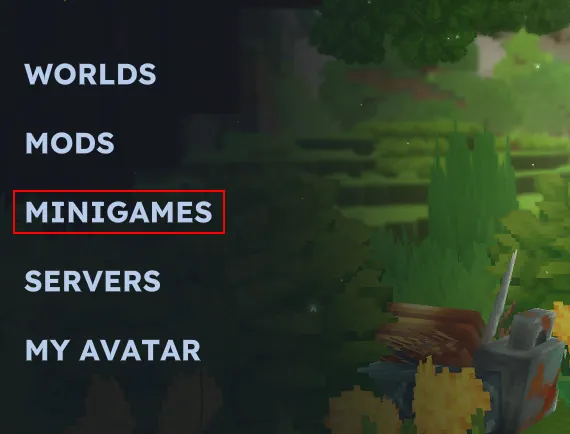 As of Hytale Update 7, two official minigames are available to try. They can be found by selecting “Minigames” in the main menu. However, first-time players will need to accept the Minigames Rules and Community Guidelines. Upon doing so, the featured minigames become available to select.
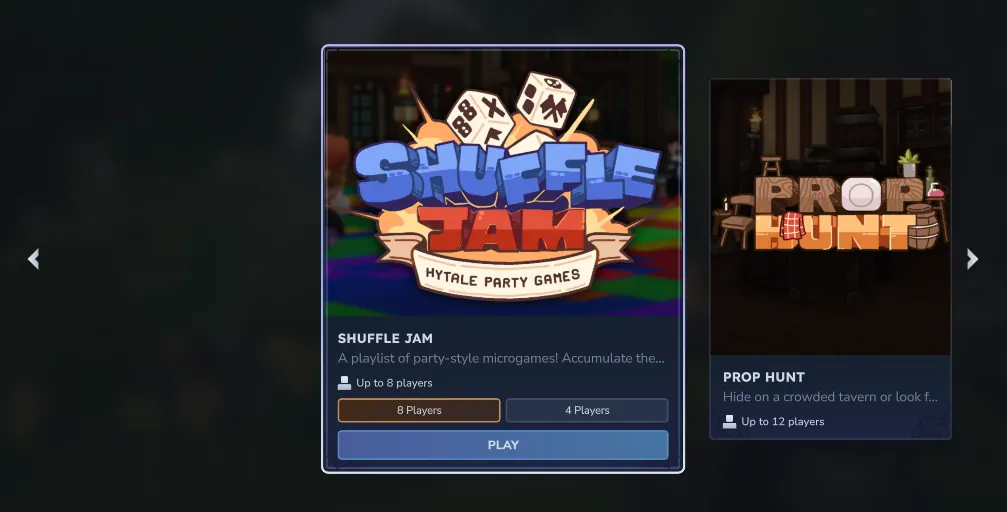 Featured minigames can be explored by clicking the arrows on either side of the screen. When one of interest is spotted, selecting anywhere but the play button brings up the instructions and rules. Otherwise, “Play” can be clicked right away to jump into queue.
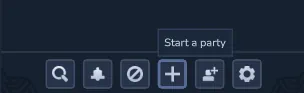 To queue or play with friends, a party must be formed. Parties can be created by selecting the player icon on the top right of the screen, followed by the “+” at the bottom of the friends list. This will form a party, which friends can then be invited to join. Once done, minigames can be queued for as normal from the minigames menu.
 Currently, the minigame browser is unavailable.

 For those craving more minigames, the community has you covered! By typing “Minigames” into the Hytale server browser, or using the filter for the minigame tag, servers with their own custom minigames can be explored. At this time, there are a few large networks not unlike Hypixel, which started it all.
In the future, the Hytale team also spoke about the mod menu having a minigame section so that players could try fan-made minigames with friends. It would even be possible for the most popular among them to be featured in some capacity. Hopefully it is all added soon!
For those craving more minigames, the community has you covered! By typing “Minigames” into the Hytale server browser, or using the filter for the minigame tag, servers with their own custom minigames can be explored. At this time, there are a few large networks not unlike Hypixel, which started it all.
In the future, the Hytale team also spoke about the mod menu having a minigame section so that players could try fan-made minigames with friends. It would even be possible for the most popular among them to be featured in some capacity. Hopefully it is all added soon!
How to Play Official Hytale Minigames
Opening the Minigames Menu
As of Hytale Update 7, two official minigames are available to try. They can be found by selecting “Minigames” in the main menu. However, first-time players will need to accept the Minigames Rules and Community Guidelines. Upon doing so, the featured minigames become available to select.
Selecting a Minigame
Featured minigames can be explored by clicking the arrows on either side of the screen. When one of interest is spotted, selecting anywhere but the play button brings up the instructions and rules. Otherwise, “Play” can be clicked right away to jump into queue.
Minigames With Friends
To queue or play with friends, a party must be formed. Parties can be created by selecting the player icon on the top right of the screen, followed by the “+” at the bottom of the friends list. This will form a party, which friends can then be invited to join. Once done, minigames can be queued for as normal from the minigames menu.
Using the Browser
Currently, the minigame browser is unavailable.
Official Hytale Minigames
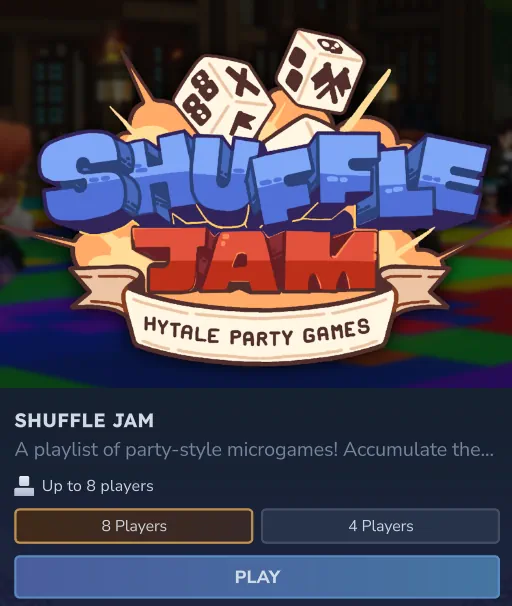
Shuffle Jam
- Players: 4 or 8
- Color Party - Step onto the dance floor and stand on the correct block to survive.
- Diving - Leap off a platform as a frog and claim blocks in the pond.
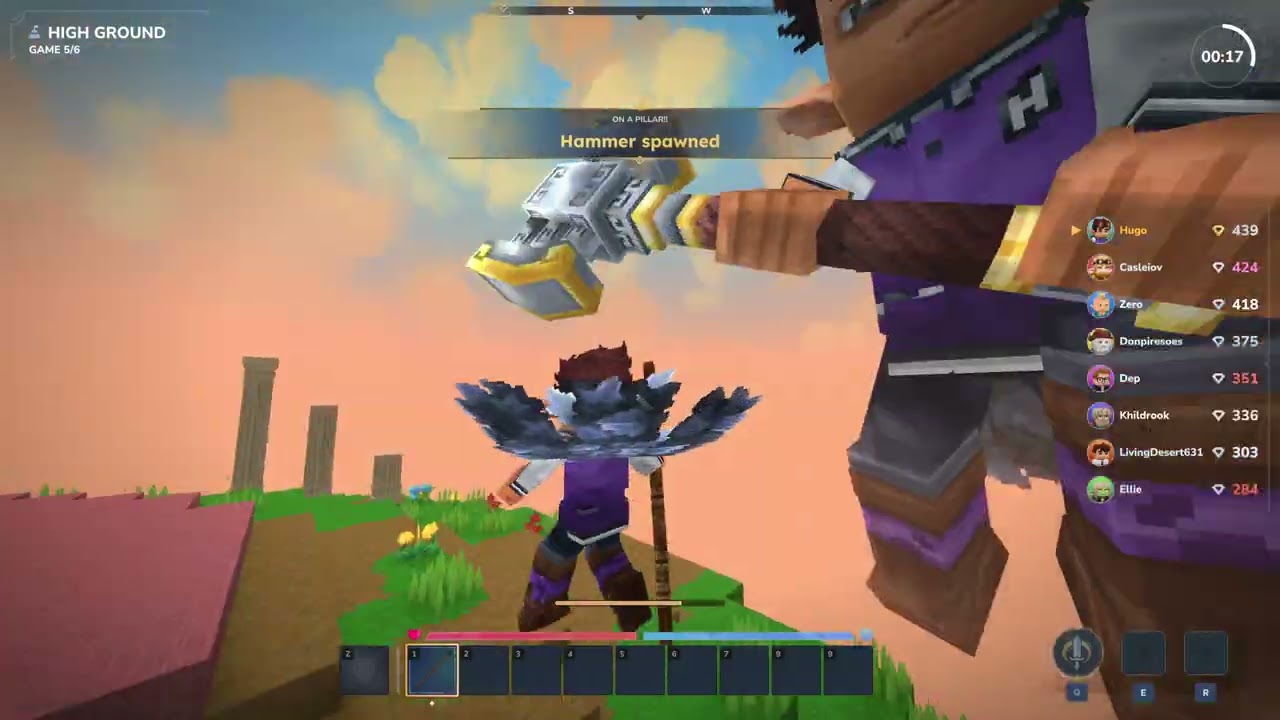
- High Ground - Stay inside the circle to earn points while knocking everyone else out.
- Lavablocks - Escape the rising lava by breaking blocks and positioning yourself wisely.
- Lazers - Fire deadly lasers at your enemies and rack up the most eliminations.
- Memory Floor - Memorize the shapes on the floor and stand on the correct one.
- Plot Painter - Paint blocks next to your color and claim the biggest share of the board.
- Racing - Shoot the right blocks to speed up and cover the most distance.
- Stash & Seek - Hide your relics and find everyone else’s.
- Tile Flip - Claim tiles by running over them and grab power-ups along the way.
- TNT Run - Run and parkour across the map as the blocks fall into the void.
- TNT Tag - Tag other players to pass on the TNT before it explodes.
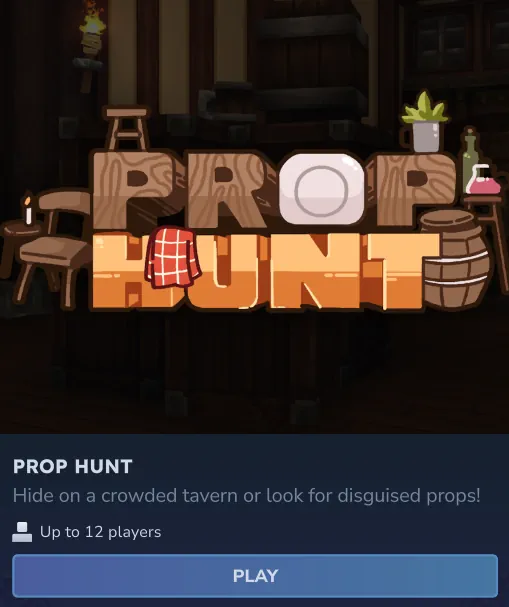
Prop Hunt
- Players: 12
Community Options
For those craving more minigames, the community has you covered! By typing “Minigames” into the Hytale server browser, or using the filter for the minigame tag, servers with their own custom minigames can be explored. At this time, there are a few large networks not unlike Hypixel, which started it all.
In the future, the Hytale team also spoke about the mod menu having a minigame section so that players could try fan-made minigames with friends. It would even be possible for the most popular among them to be featured in some capacity. Hopefully it is all added soon!Erstelle deinen eigenen
Hytale-Server
Hytale-Server
Wähle einen Tarif, such dir ein Spiel aus und spiele mit deinen Freunden!
Abonniere unseren Newsletter
Abonniere für die neuesten Updates rund ums Gaming!

Tritt unserem Discord bei
Werde Teil unserer Community von über 20.000 gleichgesinnten Mitgliedern!
Wie würdest du diesen Blog bewerten?
Teile deine Meinung und hilf uns, unsere Blogs noch besser zu machen!
Hat mir nicht gefallen
Neutral
Hat mir gefallen

Brauchst du einen Spielserver?
Miete einen Spielserver, auf dem du und deine Freunde privat mit niedriger Latenz und benutzerdefinierten Einstellungen spielen könnt. Wähle aus 110+ Spielen, lade Leute aus der ganzen Welt ein und genieße private Matches oder baue deine eigene Online-Community mit deinen eigenen Regeln auf.

Relevante Blogs







HOL DIR DIE INSIDER-INFOS!
Melde dich für unsere E-Mails an, um Updates zu unseren gehosteten Spielen, Unternehmensnachrichten und exklusiven Angeboten zu erhalten. Bleib auf dem Laufenden!













