
Valheim Ashlands Update: World Crashing Error & How to Fix It
发布于 ,作者

分享:

分享至 X

分享至 Facebook

分享至 Threads

分享至 Bluesky

复制到剪贴板

通过电子邮件分享
(Estimated Read Time: 3 minutes)
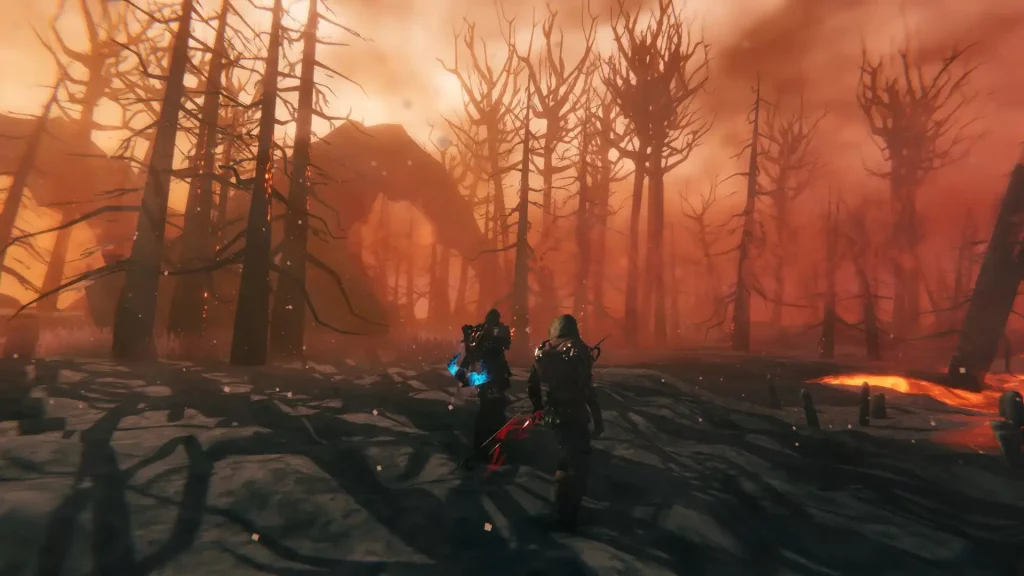
The Valheim Ashlands Update is here! However, many players are reporting that the app is crashing when trying to load their worlds. If you’re experiencing this Vahleim Ashlands world crashing error, keep reading and we’ll help you in this regard.How to Fix the World Crashing Error in Valheim Ashlands
 It’s important to mention that the methods mentioned below are only possible solutions to the world crashing error from the Valheim Ashlands Update. If these techniques don’t work, consider waiting for a hotfix from the game’s developer, Iron Gate Studio.
Method #1: Remove Mods
Some mods might not be compatible with the current update. Consider removing these mods temporarily and reinstall them when Valheim’s developer posts a hotfix. Also, stay updated with mod developers to see if they have updates for their mods. Valheim community members banded together to check which mods cause the game to misbehave after the update's release. These mods include the following:- Simple_Meads v1.4.1 by Allegiant_Games
- Foraging v1.0.8 by Smoothbrain
- ValheimRecycle v2.5.0 by SQG
- Blacksmithing v1.2.5 by Smoothbrain
- Automatics v1.5.1 by eideehi
Method #2: Remove the Command Console
Other Valheim players also mentioned that the in-game command console might be causing the world crashing error after the Valheim Ashlands Update. Remove the command console by going to your Steam Library and right-clicking on Valheim in the left sidebar. Then, remove the “-console” function under Launch Options. Remember, you can’t use console commands without this function.Method #3: Wait
It seems that loading a pre-existing world with the new assets generated by the Valheim Ashlands Update takes longer than usual and some users report that it may take about 10 minutes for it to complete. Don’t interact with your PC during this time and let the world load. Otherwise, additional actions may interrupt the loading process, causing the world crashing error.Method #4: Reinstall Valheim
If the other methods don’t work, perhaps it’s wise to do a clean reinstall. But be warned, for a complete wipe may make you lose valuable data from your saved files. So, it’s essential to back up your files before attempting this possible solution.
您对这篇博客有何评价?
分享您的看法,帮助我们将博客做得更好!
不喜欢
一般
喜欢

需要游戏服务器吗?
租用一台游戏服务器,您可以和朋友们在极低延迟和自定义设置下私密游玩。从 110+ 款游戏中挑选您的最爱,邀请全球玩家,享受私密对战,或者按照您自己的规则建立属于您的在线社区。








获取第一手独家资讯!
订阅我们的电子邮件,获取有关我们托管游戏、公司新闻和独家优惠的最新动态。随时掌握一手资讯!













