
What is the Rust Staging Branch?
发布于 ,作者

分享:

分享至 X

分享至 Facebook

分享至 Threads

分享至 Bluesky

复制到剪贴板

通过电子邮件分享
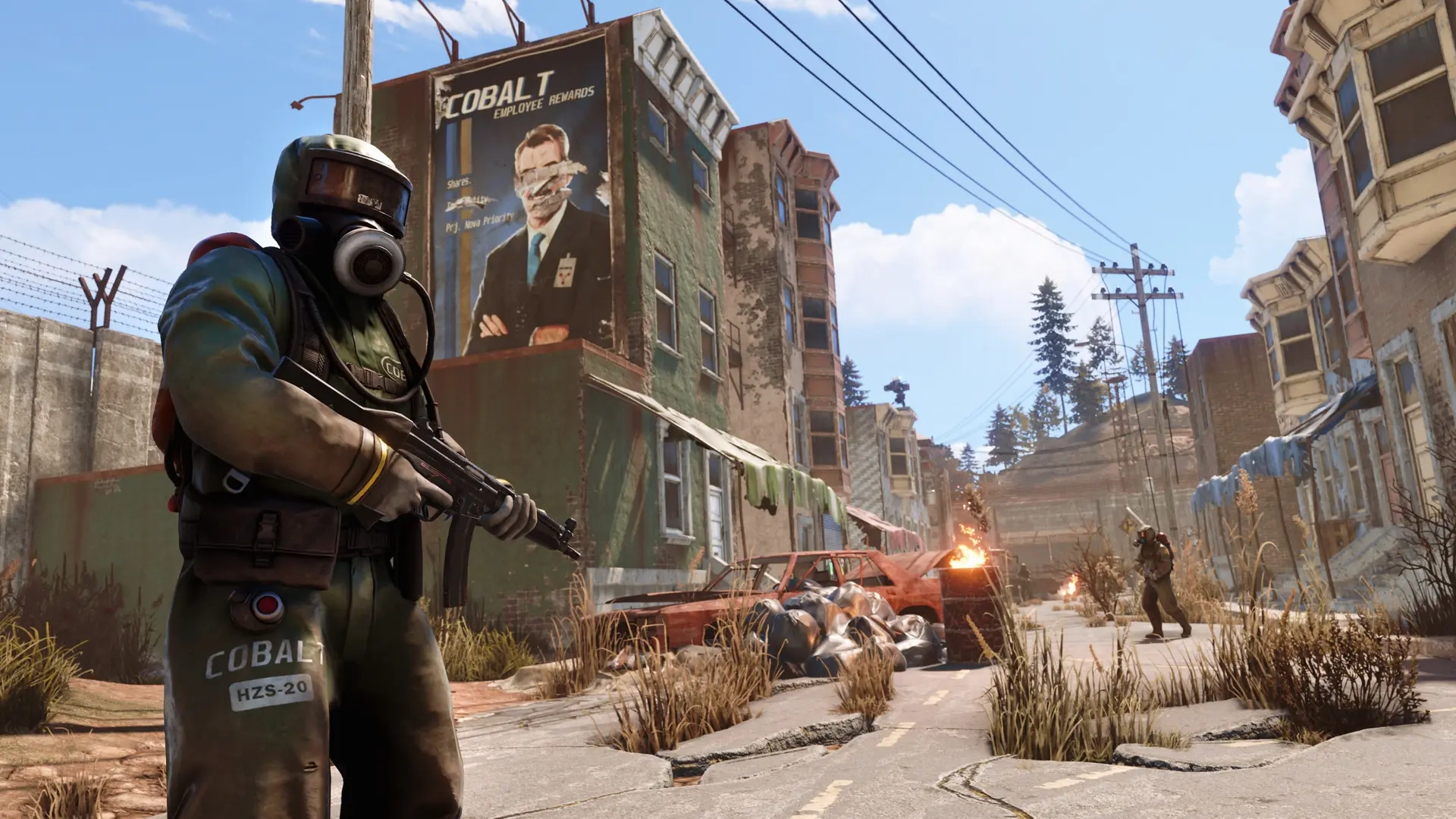
Typically, downloading a game will only produce one launcher app. However, downloading Rust produces two, one of which is the Staging Branch. Here we'll cover what the Rust Staging Branch is and why it could be worth trying out.
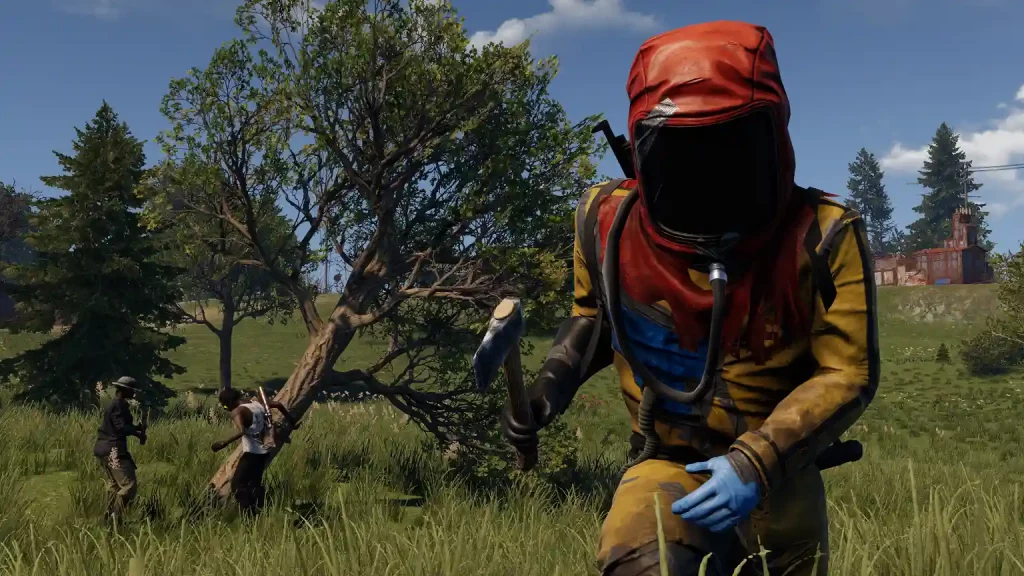 Rust's Staging Branch is like a test server. Before Facepunch Studios, Rust’s developer, releases a new update, the company first launches it to the Staging Branch. Here, the developers and players who opt into this testing program can check for bugs, glitches, and other errors before the update is released to official servers.
Players who play in the Staging Branch gain the advantage of experiencing new content and features before others on the official servers. Note that you can still use Rust’s features normally, such as authorizing and using the Tugboat. However, encountering these early-stage updates while still in their testing stages often leads to various issues.
On the other hand, Staging Branch players can understand new systems before users on the official servers. The learning curve reduces, allowing Staging Branch players to gain the upper hand over other users upon the release of the update’s stable version.
But be warned, as the developers can wipe all player progress in the Staging Branch at any time. That way, the servers receive fresh starts, removing potential bugs and glitches that might appear during previous tests.
Rust's Staging Branch is like a test server. Before Facepunch Studios, Rust’s developer, releases a new update, the company first launches it to the Staging Branch. Here, the developers and players who opt into this testing program can check for bugs, glitches, and other errors before the update is released to official servers.
Players who play in the Staging Branch gain the advantage of experiencing new content and features before others on the official servers. Note that you can still use Rust’s features normally, such as authorizing and using the Tugboat. However, encountering these early-stage updates while still in their testing stages often leads to various issues.
On the other hand, Staging Branch players can understand new systems before users on the official servers. The learning curve reduces, allowing Staging Branch players to gain the upper hand over other users upon the release of the update’s stable version.
But be warned, as the developers can wipe all player progress in the Staging Branch at any time. That way, the servers receive fresh starts, removing potential bugs and glitches that might appear during previous tests.
What is the Rust Staging Branch?
Rust's Staging Branch is like a test server. Before Facepunch Studios, Rust’s developer, releases a new update, the company first launches it to the Staging Branch. Here, the developers and players who opt into this testing program can check for bugs, glitches, and other errors before the update is released to official servers.
Players who play in the Staging Branch gain the advantage of experiencing new content and features before others on the official servers. Note that you can still use Rust’s features normally, such as authorizing and using the Tugboat. However, encountering these early-stage updates while still in their testing stages often leads to various issues.
On the other hand, Staging Branch players can understand new systems before users on the official servers. The learning curve reduces, allowing Staging Branch players to gain the upper hand over other users upon the release of the update’s stable version.
But be warned, as the developers can wipe all player progress in the Staging Branch at any time. That way, the servers receive fresh starts, removing potential bugs and glitches that might appear during previous tests.
How to Install
Note that the Staging Branch is a different client than the base Rust game. So, your system must have sufficient storage space to download and install the additional files. After checking and verifying that your system has enough storage space, follow these fairly straightforward steps for the download and installation:- Log into your Steam account and access the game library
- Click on the Rust - Staging Branch on the left sidebar
- Click on the large blue button labeled “Install” to begin the download and installation
- Wait for the installation to complete, and click “Play” to launch Staging Branch

您对这篇博客有何评价?
分享您的看法,帮助我们将博客做得更好!
不喜欢
一般
喜欢

需要游戏服务器吗?
租用一台游戏服务器,您可以和朋友们在极低延迟和自定义设置下私密游玩。从 110+ 款游戏中挑选您的最爱,邀请全球玩家,享受私密对战,或者按照您自己的规则建立属于您的在线社区。








获取第一手独家资讯!
订阅我们的电子邮件,获取有关我们托管游戏、公司新闻和独家优惠的最新动态。随时掌握一手资讯!













