

Project Zomboid: How to Teleport Players
发布于 ,作者

分享:

分享至 X

分享至 Facebook

分享至 Threads

分享至 Bluesky

复制到剪贴板

通过电子邮件分享
(Estimated Read Time: 3 minutes)
Exploring Knox Country on your two feet is always a dangerous idea. Zombies are everywhere, and one wrong turn can lead to an early grave. But if you're looking to meet up with your friends before you get into the thick of things, you can also teleport players in Project Zomboid, and we’re here to show you how.How to Teleport Players in Project Zomboid
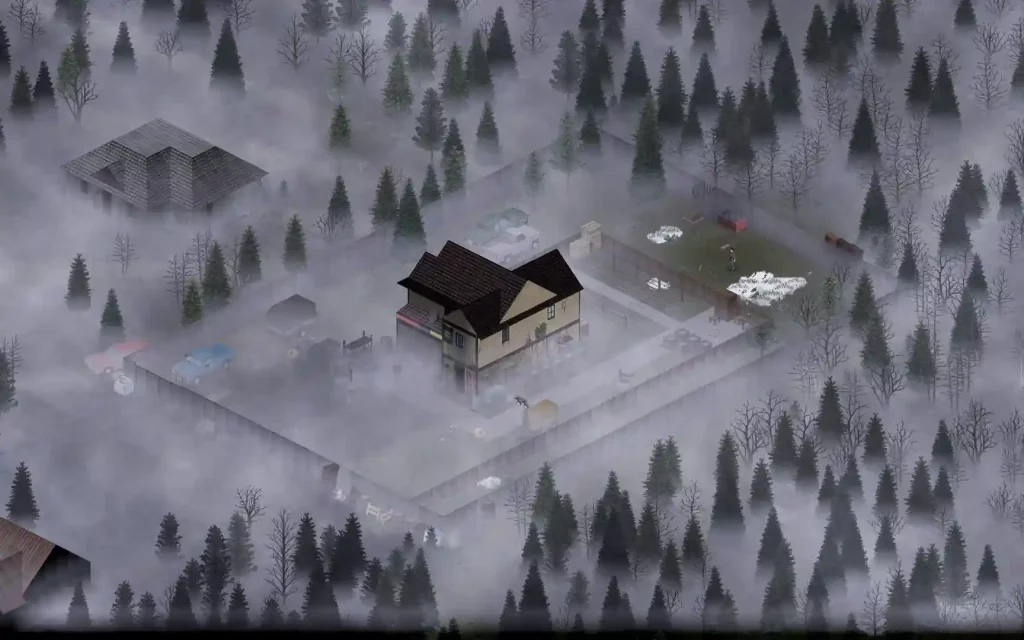 A player must be an administrator before using the teleport command in Project Zomboid. Creating a Project Zomboid server will automatically give you admin privileges.
But you can also give another user on the same server these privileges these advantages by using the “/grantadmin” command (without the quotes). If this command doesn’t work, the “/setaccesslevel” command is another option to grant another user administrative rights.
Also, all teleporting commands require you to open the console. Do so by pressing the ENTER, "`," or “T” keyboard keys.
Once you're there, here are the methods to teleport in Project Zomboid:
A player must be an administrator before using the teleport command in Project Zomboid. Creating a Project Zomboid server will automatically give you admin privileges.
But you can also give another user on the same server these privileges these advantages by using the “/grantadmin” command (without the quotes). If this command doesn’t work, the “/setaccesslevel” command is another option to grant another user administrative rights.
Also, all teleporting commands require you to open the console. Do so by pressing the ENTER, "`," or “T” keyboard keys.
Once you're there, here are the methods to teleport in Project Zomboid:
Teleporting to Coordinates
Teleport to specific coordinates by typing the following command on the console: /teleportto x, y, z. For example, teleport to one of the gas stations by typing /teleportto 3710, 8942, 1. You can find the coordinates to a particular location here.Teleporting a Player to You
If you’re playing in a multiplayer server, you can teleport another user to your location using the following command: /teleport <playername>. Substitute the <playername> tag with the user’s in-game name. Alternatively, press “ESC” to bring up the menu. Then, choose the “Players” option. Select the user you want to teleport to your location and press the “Teleport To You” button.Teleporting One Player to Another
While still in an online multiplayer setting, teleport a particular player to another user using the following command: /teleport <playername1> <playername2>. Again, remember to change the <playername> tags with the users’ in-game names. You can use this command to teleport your character to another player’s location.Teleporting Using Mods
Some Project Zomboid mods have teleport functions without the need to use these methods. One notable mod is ToastedFishSandwich's Teleportation Mod. With it, you can teleport using your arrow keys.
您对这篇博客有何评价?
分享您的看法,帮助我们将博客做得更好!
不喜欢
一般
喜欢

需要游戏服务器吗?
租用一台游戏服务器,您可以和朋友们在极低延迟和自定义设置下私密游玩。从 110+ 款游戏中挑选您的最爱,邀请全球玩家,享受私密对战,或者按照您自己的规则建立属于您的在线社区。








获取第一手独家资讯!
订阅我们的电子邮件,获取有关我们托管游戏、公司新闻和独家优惠的最新动态。随时掌握一手资讯!













