



分享至 X

分享至 Facebook

分享至 Threads

分享至 Bluesky

复制到剪贴板

通过电子邮件分享
Another Java Edition snapshot has appeared with mud and mangrove swamps on full display, but how can it be played? Today we will be going over how to install Minecraft Snapshot 22w14a! But first, let’s get those feature explanations out of the way.
Mangrove Swamp Biomes
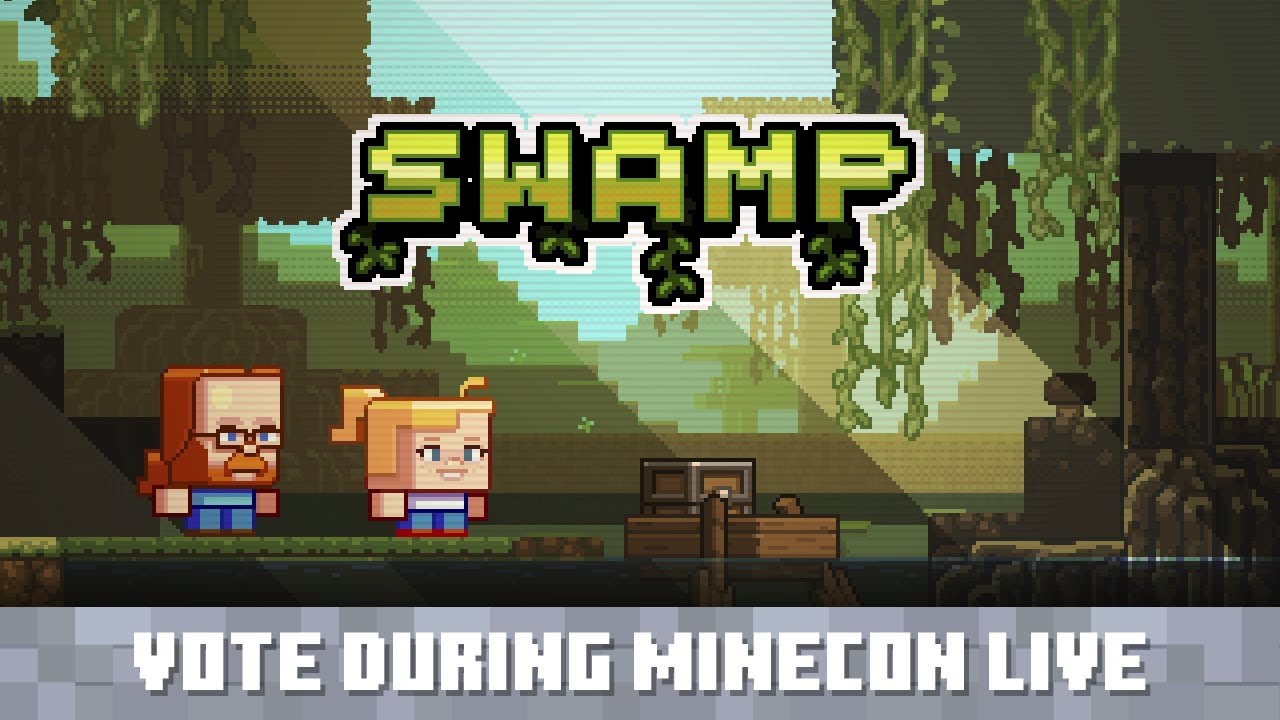

The first main addition of this snapshot is the Mangrove Swamp Biome, and get ready because it contains a lot! Covered in mud and surrounded by the towering roots of mangrove trees, players will find a swamp biome like that of a modpack.
Warm frogs sit on their lilies, and bees buzz between the roots and trees. Hungry? Just grab Mangrove Propagules growing from the leaves! However, exploring this new biome is not without spooky witches who still call the swamp home.
Those who return should have quite a bit of mud, but hold on before crafting them into blocks! Mud can now be dried out into clay by placing it on pointed dripstone. This makes the block renewable and farmable for the first time in Minecraft’s history!
Recovery Compass
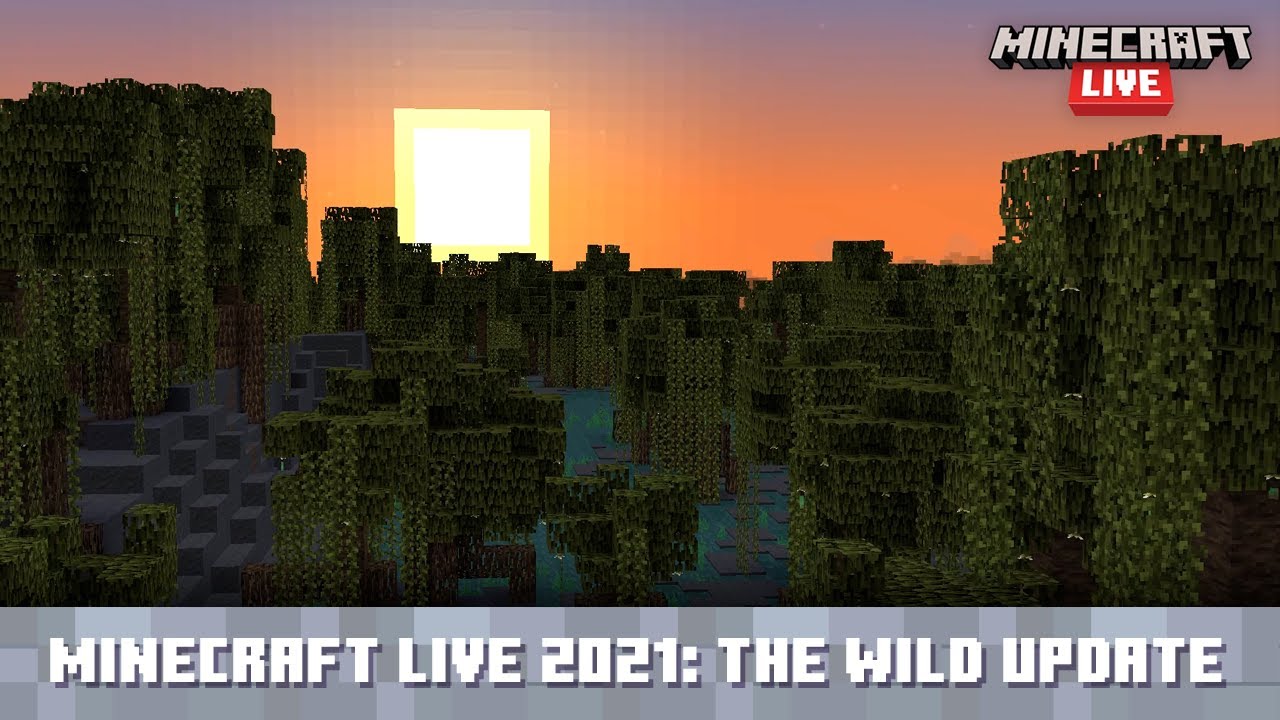
The second main addition of this snapshot takes us back to ancient cities. Those brave enough to return may find new loot scattered throughout the ruins. Specifically, an item called Echo Shards! This new item is used to craft the Recovery Compass, which points to the location of your last death.
Be careful not to lose it by dying a second time, and watch out for the warden!
How to Install Minecraft Snapshot 22w14a
Installing Minecraft Snapshot 22w14a is a straightforward process done right from the Minecraft client. To quote the official Minecraft blog, players need only do the following:
“To install the snapshot, open up the Minecraft Launcher and enable snapshots in the “Installations” tab.”
From there, make a new installation with the snapshot and click play. But be warned, snapshots can corrupt old worlds! Ensure backups have been taken!
How to make Minecraft Snapshot 22w14a Servers
Interested in exploring mangrove swamps with friends? Snapshot servers can be created for free through home hosting, but we recommend paid hosting options for ease of use and performance. Especially with snapshots that can be buggy!
Paid hosting is offered here at BisectHosting and many other places around the web. In either case, no less than 4GB of server RAM is recommended.
Minecraft Snapshot 22w14a
Minecraft 1.19 is shaping up to be wilder and wilder with each passing day, and after this most recent snapshot, I’m struggling to get the mud out of my boots! Don’t forget your boat while exploring the swamp and be careful in those ancient cities. Like I warned last time, The Warden can hear you no matter how deep in the dark.
Until Next Time,
BisectHosting =)

您对这篇博客有何评价?









获取第一手独家资讯!
订阅我们的电子邮件,获取有关我们托管游戏、公司新闻和独家优惠的最新动态。随时掌握一手资讯!













