
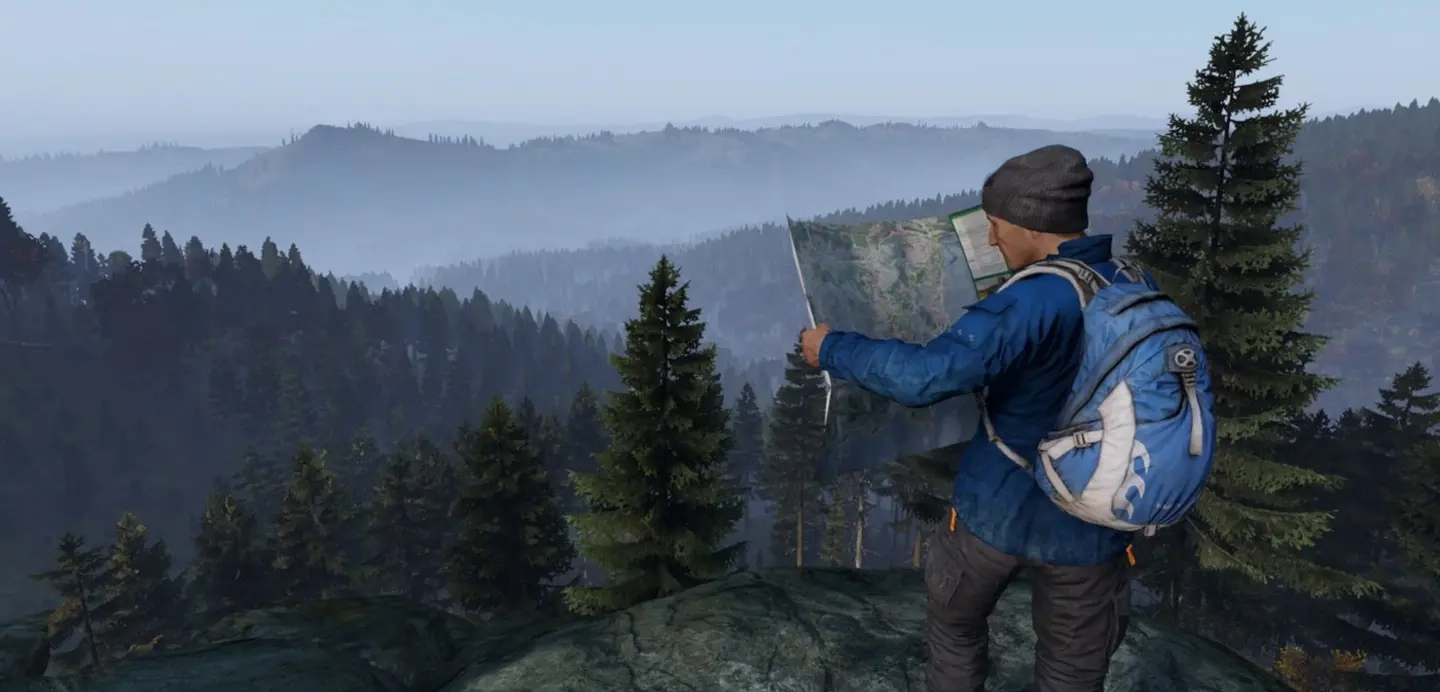
What is DayZ Experimental?
发布于 ,作者

分享:

分享至 X

分享至 Facebook

分享至 Threads

分享至 Bluesky

复制到剪贴板

通过电子邮件分享
Do you want to try DayZ updates before they are released into official servers? Then, logging into the DayZ Experimental Branch can pique your interest, and we’re here to tell you about it.
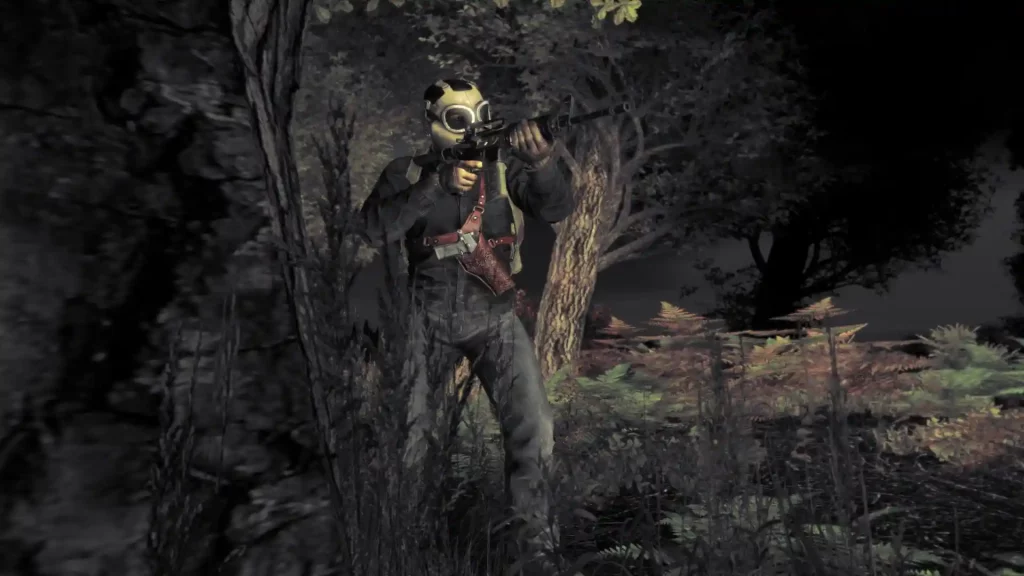 The Experimental Branch is an alternate version of DayZ that shows up as a different game in your Steam library, with the Stable branch being the option for official servers. Think of the Experimental Branch as the test client, wherein players can try out new content and features from future DayZ updates before the developers release them to the game’s Stable client.
Since it’s a client used for testing, the Experimental Branch is, by definition, “unstable,” according to Creative Director Brian Hicks from an official forum post. So, although you can try new content and features before they are officially released, playing in the Experimental Branch may not be a steady experience. One way to control this is to host your own server for DayZ experimental with us here at BisectHosting!
Note: Character data doesn’t carry over from the Experimental Branch to the Stable Client and vice-versa.
The Experimental Branch is an alternate version of DayZ that shows up as a different game in your Steam library, with the Stable branch being the option for official servers. Think of the Experimental Branch as the test client, wherein players can try out new content and features from future DayZ updates before the developers release them to the game’s Stable client.
Since it’s a client used for testing, the Experimental Branch is, by definition, “unstable,” according to Creative Director Brian Hicks from an official forum post. So, although you can try new content and features before they are officially released, playing in the Experimental Branch may not be a steady experience. One way to control this is to host your own server for DayZ experimental with us here at BisectHosting!
Note: Character data doesn’t carry over from the Experimental Branch to the Stable Client and vice-versa.
What is DayZ Experimental?
The Experimental Branch is an alternate version of DayZ that shows up as a different game in your Steam library, with the Stable branch being the option for official servers. Think of the Experimental Branch as the test client, wherein players can try out new content and features from future DayZ updates before the developers release them to the game’s Stable client.
Since it’s a client used for testing, the Experimental Branch is, by definition, “unstable,” according to Creative Director Brian Hicks from an official forum post. So, although you can try new content and features before they are officially released, playing in the Experimental Branch may not be a steady experience. One way to control this is to host your own server for DayZ experimental with us here at BisectHosting!
Note: Character data doesn’t carry over from the Experimental Branch to the Stable Client and vice-versa.
Playing DayZ Experimental
If you purchased DayZ before June 25, 2019, to access the different versions, you must simply alternate between the Stable and Experimental Branch versions of the game. If you purchased DayZ after that date, you will download a separate DayZ Experimental Branch client to your PC. The Experimental Branch should show up on the left sidebar of your Steam game library. In particular, it should be underneath the DayZ Stable version. Click on the Experimental Branch and download the game from its window. Then, wait for the game to finish downloading and installing into your system to start playing in this version. Note that the Experimental Branch requires the same minimum and recommended system requirements as the game’s Stable version. These specifications are the following:Minimum System Requirements
- OS: Windows 7/8.1 64-bit
- Processor: Intel Core i5-4430
- Memory: 8 GB RAM
- Graphics: NVIDIA GeForce GTX 760 or AMD R9 270X
- DirectX: Version 11
- Storage: 25 GB available space
- Sound Card: DirectX®-compatible
Recommended System Requirements
- OS: Windows 10 64-bit
- Processor: Intel Core i5-6600K or AMD R5 1600X
- Memory: 12 GB RAM
- Graphics: NVIDIA GeForce GTX 1060 or AMD RX 580
- DirectX: Version 11
- Storage: 30 GB available space
- Sound Card: DirectX®-compatible
Helping the Future of DayZ With Experimental
The developers are always keeping a watchful eye on users playing in the Experimental Branch. But sometimes bugs, glitches, and errors might escape the devs’ vision. As a DayZ Experimental Branch player, you can submit feedback regarding your experience with certain elements. You can send messages to the Bohemia Interactive Feedback Tracker to report concerns. Remember to be as detailed as possible when submitting feedback. If you can, record the bug, glitch, or error so the developers know what to fix. You can also submit a bug report from Steam, albeit it needs extra steps. If you want to go with this route, here are the steps to do it:- Launch Steam and log into your account
- Navigate to your Steam game library and right-click on the DayZ Experimental Branch title at the left sidebar
- Select “Properties” from the context menu
- In the Properties window, search for “Steam launch parameters”
- Type “-dologs” in the field (without the quotes)

您对这篇博客有何评价?
分享您的看法,帮助我们将博客做得更好!
不喜欢
一般
喜欢

需要游戏服务器吗?
租用一台游戏服务器,您可以和朋友们在极低延迟和自定义设置下私密游玩。从 110+ 款游戏中挑选您的最爱,邀请全球玩家,享受私密对战,或者按照您自己的规则建立属于您的在线社区。








获取第一手独家资讯!
订阅我们的电子邮件,获取有关我们托管游戏、公司新闻和独家优惠的最新动态。随时掌握一手资讯!













