
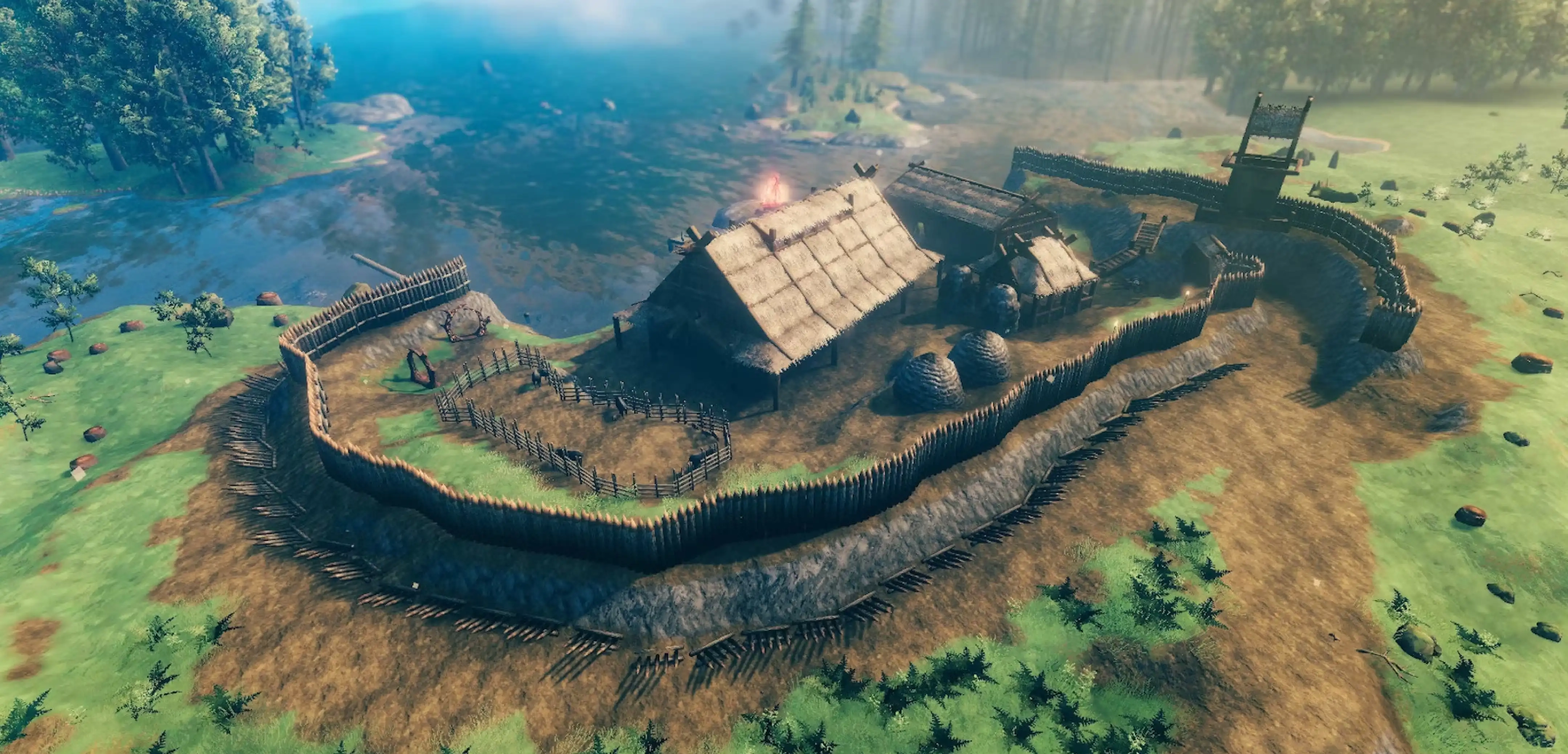
How to Find Your World Seed in Valheim
tarihinde yazan:

Paylaş:

X'te Paylaş

Facebook'ta Paylaş

Threads'te Paylaş

Bluesky'da Paylaş

Panoya Kopyala

E-posta ile Paylaş
You can reuse or share your world seed in Valheim. But first, you must know how to find the file in your PC. We’ll answer this concern in this post, so keep reading!
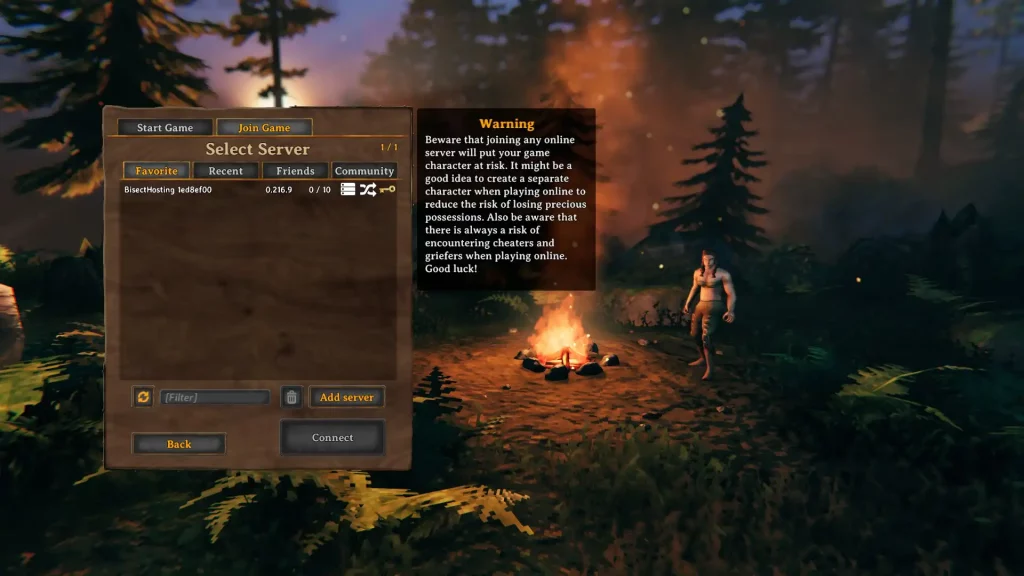 There are two main methods for identifying your world seed in Valheim, one involving File Explorer, and the other using SkToolBox.
Finding Your World Seed in Valheim
There are two main methods for identifying your world seed in Valheim, one involving File Explorer, and the other using SkToolBox.
Option #1: Use File Explorer
- Click on the “Start” button
- Type “run” without the quotes and press the enter key on your keyboard
- On the new window, type “%USERPROFILE%/AppData/LocalLow” without the quotes and click “OK”
- Navigate to the “IronGate” folder and open it
- Open the “Valheim” folder, then the “Worlds” folder
- Check the world seed names in the “Worlds” folder (these files have .db and .fwl extensions)
Option #2: Install and Use the SkToolBox Mod
- Download the SkToolBox Mod and save it to your preferred location on your PC
- Open your Steam library, and right-click on “Valheim” at the sidebar
- Select “Properties,” then click the “Local Files” sidebar item on the window that appears
- With the Local Files section open, click on the “Browse” button
- Extract the file you downloaded in Step 1 to your Valheim game folder
- Launch Valheim and enter your world
- Open the console command by pressing F5
- Type “/seed” without the quotes and press Enter
- Check the world seed information that displays on the game’s command window
Kendi
Valheim sunucunuzu oluşturun
Valheim sunucunuzu oluşturun
Bir plan seçin, bir oyun belirleyin ve arkadaşlarınızla oynayın!
Bültenimize Katılın
Oyun dünyasındaki en son güncellemeler için abone olun!

Discord'umuza Katılın
20.000'den fazla kafa dengi üyeden oluşan topluluğumuzun bir parçası olun!
Bu blogu nasıl değerlendirirsiniz?
Fikrinizi paylaşın ve bloglarımızı daha da iyi hale getirmemize yardımcı olun!
Beğenmedim
Nötr
Beğendim

Bir oyun sunucusuna mı ihtiyacınız var?
Siz ve arkadaşlarınızın düşük gecikme süresi ve özel ayarlarla özel olarak oynayabileceğiniz bir oyun sunucusu kiralayın. 110+ oyun arasından seçim yapın, dünyanın dört bir yanından insanları davet edin ve özel maçların keyfini çıkarın veya kendi kurallarınızla kendi çevrimiçi topluluğunuzu oluşturun.

İlgili Bloglar







İLK SENİN HABERİN OLSUN!
Barındırdığımız oyunlar, şirket haberleri ve özel fırsatlar hakkında güncellemeler için e-posta listemize katılın. Haberdar olun!













