
What is the Rust Staging Branch?
tarihinde yazan:

Paylaş:

X'te Paylaş

Facebook'ta Paylaş

Threads'te Paylaş

Bluesky'da Paylaş

Panoya Kopyala

E-posta ile Paylaş
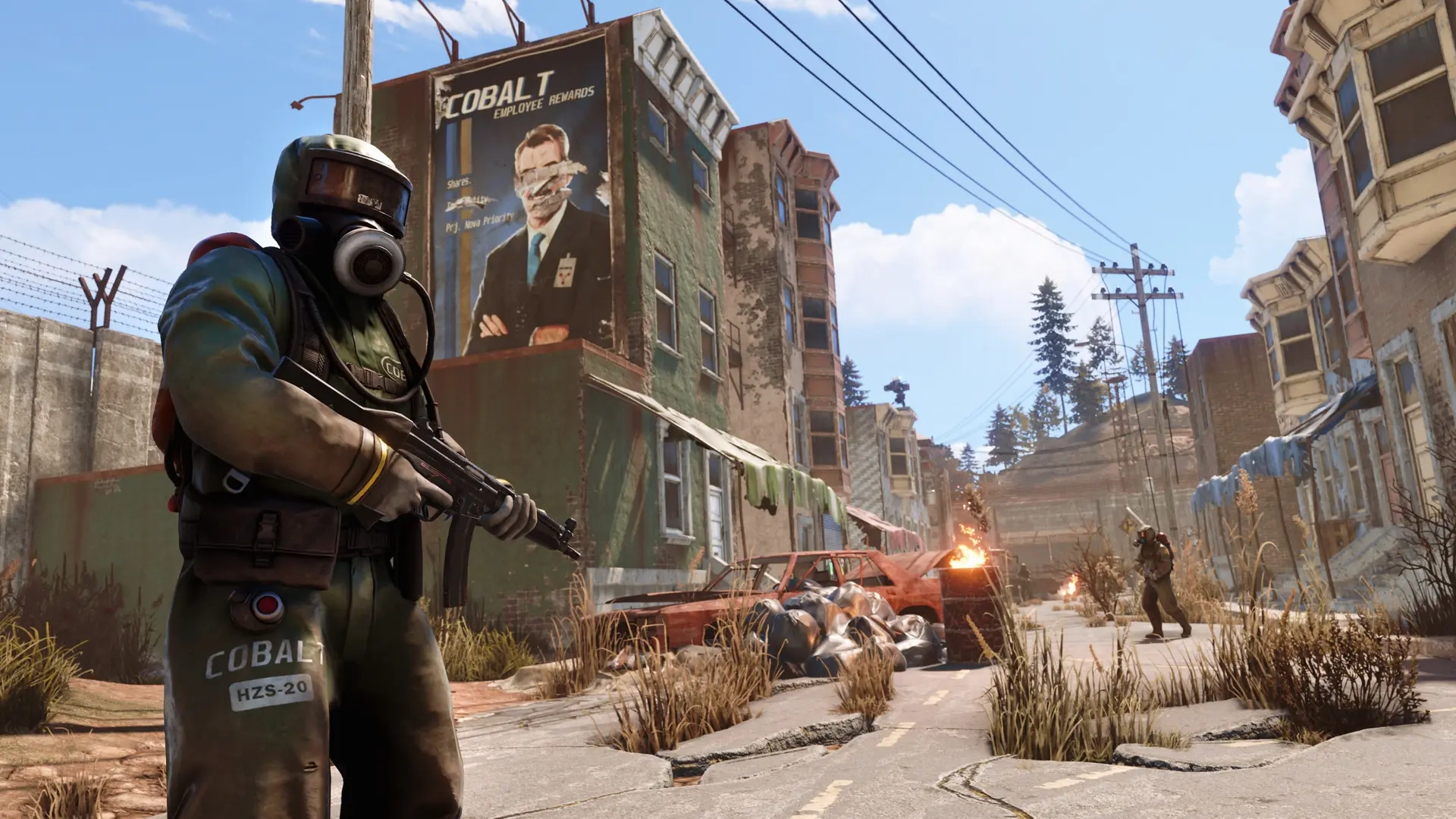
Typically, downloading a game will only produce one launcher app. However, downloading Rust produces two, one of which is the Staging Branch. Here we'll cover what the Rust Staging Branch is and why it could be worth trying out.
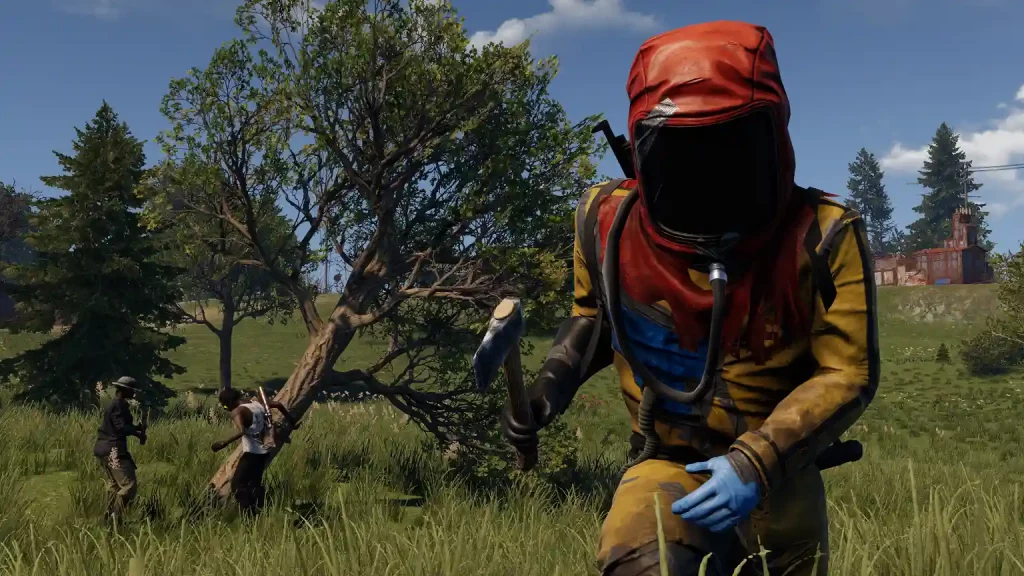 Rust's Staging Branch is like a test server. Before Facepunch Studios, Rust’s developer, releases a new update, the company first launches it to the Staging Branch. Here, the developers and players who opt into this testing program can check for bugs, glitches, and other errors before the update is released to official servers.
Players who play in the Staging Branch gain the advantage of experiencing new content and features before others on the official servers. Note that you can still use Rust’s features normally, such as authorizing and using the Tugboat. However, encountering these early-stage updates while still in their testing stages often leads to various issues.
On the other hand, Staging Branch players can understand new systems before users on the official servers. The learning curve reduces, allowing Staging Branch players to gain the upper hand over other users upon the release of the update’s stable version.
But be warned, as the developers can wipe all player progress in the Staging Branch at any time. That way, the servers receive fresh starts, removing potential bugs and glitches that might appear during previous tests.
Rust's Staging Branch is like a test server. Before Facepunch Studios, Rust’s developer, releases a new update, the company first launches it to the Staging Branch. Here, the developers and players who opt into this testing program can check for bugs, glitches, and other errors before the update is released to official servers.
Players who play in the Staging Branch gain the advantage of experiencing new content and features before others on the official servers. Note that you can still use Rust’s features normally, such as authorizing and using the Tugboat. However, encountering these early-stage updates while still in their testing stages often leads to various issues.
On the other hand, Staging Branch players can understand new systems before users on the official servers. The learning curve reduces, allowing Staging Branch players to gain the upper hand over other users upon the release of the update’s stable version.
But be warned, as the developers can wipe all player progress in the Staging Branch at any time. That way, the servers receive fresh starts, removing potential bugs and glitches that might appear during previous tests.
What is the Rust Staging Branch?
Rust's Staging Branch is like a test server. Before Facepunch Studios, Rust’s developer, releases a new update, the company first launches it to the Staging Branch. Here, the developers and players who opt into this testing program can check for bugs, glitches, and other errors before the update is released to official servers.
Players who play in the Staging Branch gain the advantage of experiencing new content and features before others on the official servers. Note that you can still use Rust’s features normally, such as authorizing and using the Tugboat. However, encountering these early-stage updates while still in their testing stages often leads to various issues.
On the other hand, Staging Branch players can understand new systems before users on the official servers. The learning curve reduces, allowing Staging Branch players to gain the upper hand over other users upon the release of the update’s stable version.
But be warned, as the developers can wipe all player progress in the Staging Branch at any time. That way, the servers receive fresh starts, removing potential bugs and glitches that might appear during previous tests.
How to Install
Note that the Staging Branch is a different client than the base Rust game. So, your system must have sufficient storage space to download and install the additional files. After checking and verifying that your system has enough storage space, follow these fairly straightforward steps for the download and installation:- Log into your Steam account and access the game library
- Click on the Rust - Staging Branch on the left sidebar
- Click on the large blue button labeled “Install” to begin the download and installation
- Wait for the installation to complete, and click “Play” to launch Staging Branch
Kendi
Rust sunucunuzu oluşturun
Rust sunucunuzu oluşturun
Bir plan seçin, bir oyun belirleyin ve arkadaşlarınızla oynayın!
Bültenimize Katılın
Oyun dünyasındaki en son güncellemeler için abone olun!

Discord'umuza Katılın
20.000'den fazla kafa dengi üyeden oluşan topluluğumuzun bir parçası olun!
Bu blogu nasıl değerlendirirsiniz?
Fikrinizi paylaşın ve bloglarımızı daha da iyi hale getirmemize yardımcı olun!
Beğenmedim
Nötr
Beğendim

Bir oyun sunucusuna mı ihtiyacınız var?
Siz ve arkadaşlarınızın düşük gecikme süresi ve özel ayarlarla özel olarak oynayabileceğiniz bir oyun sunucusu kiralayın. 110+ oyun arasından seçim yapın, dünyanın dört bir yanından insanları davet edin ve özel maçların keyfini çıkarın veya kendi kurallarınızla kendi çevrimiçi topluluğunuzu oluşturun.

İlgili Bloglar







İLK SENİN HABERİN OLSUN!
Barındırdığımız oyunlar, şirket haberleri ve özel fırsatlar hakkında güncellemeler için e-posta listemize katılın. Haberdar olun!













