
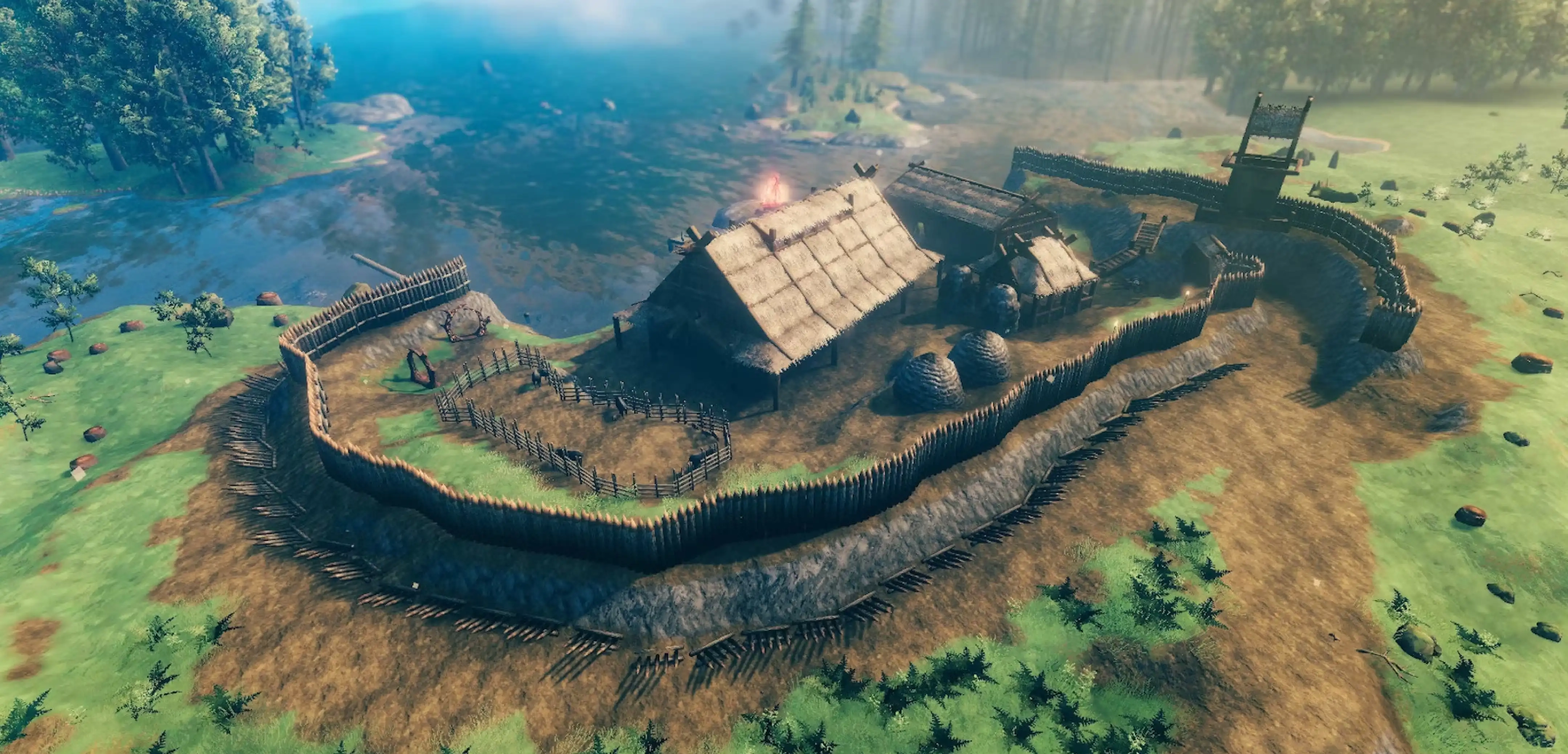
How to Find Your World Seed in Valheim
Опубликовано автором

Поделиться:

Поделиться в X

Поделиться в Facebook

Поделиться в Threads

Поделиться в Bluesky

Скопировать в буфер обмена

Поделиться по email
You can reuse or share your world seed in Valheim. But first, you must know how to find the file in your PC. We’ll answer this concern in this post, so keep reading!
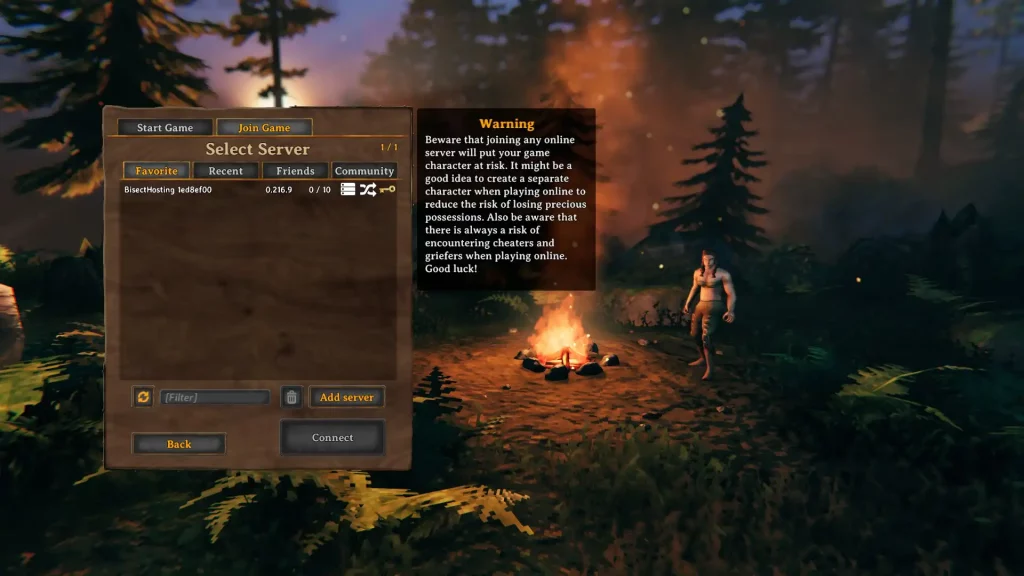 There are two main methods for identifying your world seed in Valheim, one involving File Explorer, and the other using SkToolBox.
Finding Your World Seed in Valheim
There are two main methods for identifying your world seed in Valheim, one involving File Explorer, and the other using SkToolBox.
Option #1: Use File Explorer
- Click on the “Start” button
- Type “run” without the quotes and press the enter key on your keyboard
- On the new window, type “%USERPROFILE%/AppData/LocalLow” without the quotes and click “OK”
- Navigate to the “IronGate” folder and open it
- Open the “Valheim” folder, then the “Worlds” folder
- Check the world seed names in the “Worlds” folder (these files have .db and .fwl extensions)
Option #2: Install and Use the SkToolBox Mod
- Download the SkToolBox Mod and save it to your preferred location on your PC
- Open your Steam library, and right-click on “Valheim” at the sidebar
- Select “Properties,” then click the “Local Files” sidebar item on the window that appears
- With the Local Files section open, click on the “Browse” button
- Extract the file you downloaded in Step 1 to your Valheim game folder
- Launch Valheim and enter your world
- Open the console command by pressing F5
- Type “/seed” without the quotes and press Enter
- Check the world seed information that displays on the game’s command window
Создайте свой собственный
сервер Valheim
сервер Valheim
Выберите тариф, укажите игру и играйте с друзьями!
Подпишитесь на нашу рассылку
Подпишитесь, чтобы получать последние новости из мира игр!

Присоединяйтесь к нашему Discord
Станьте частью нашего сообщества, в котором уже более 20000 единомышленников!
Как бы вы оценили этот блог?
Поделитесь своим мнением и помогите нам сделать наши блоги еще лучше!
Не понравилось
Нейтрально
Понравилось

Нужен игровой сервер?
Арендуйте игровой сервер, где вы и ваши друзья сможете играть в закрытом режиме с низкой задержкой и собственными настройками. Выбирайте из 110+ игр, приглашайте людей со всего мира и наслаждайтесь приватными матчами или создайте свое собственное онлайн-сообщество со своими правилами.

Похожие статьи







УЗНАЙТЕ ВСЕ ПЕРВЫМИ!
Подпишитесь на нашу рассылку, чтобы получать обновления о наших играх, новости компании и эксклюзивные предложения. Будьте в курсе!













