
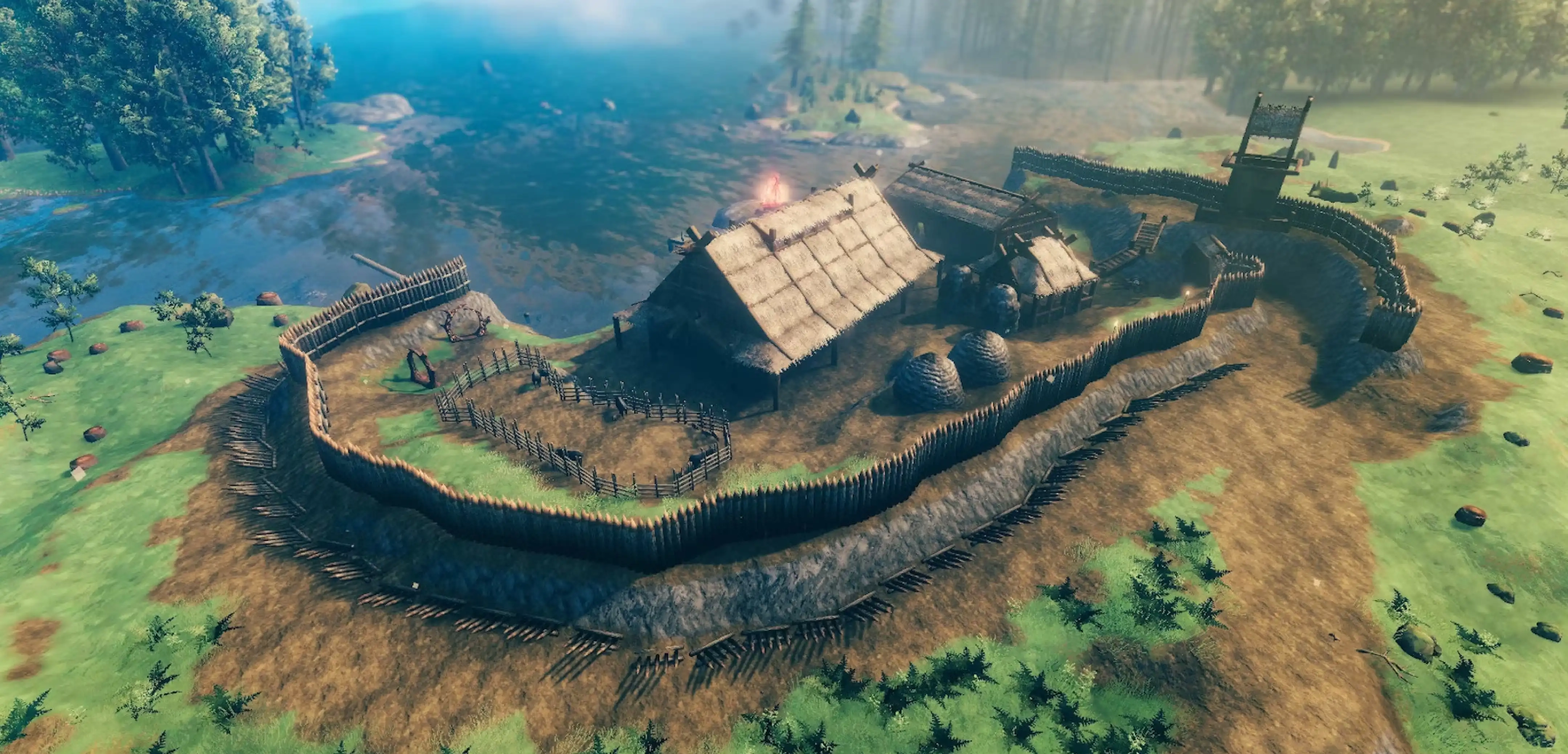
How to Find Your World Seed in Valheim
Opublikowano przez

Udostępnij:

Udostępnij na X

Udostępnij na Facebooku

Udostępnij na Threads

Udostępnij na Bluesky

Skopiuj do schowka

Udostępnij przez e-mail
You can reuse or share your world seed in Valheim. But first, you must know how to find the file in your PC. We’ll answer this concern in this post, so keep reading!
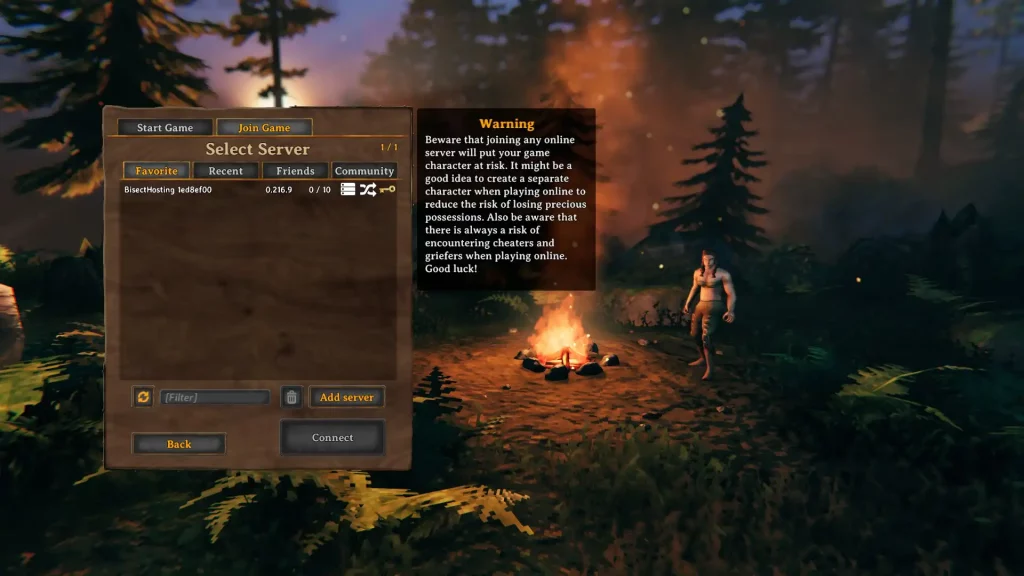 There are two main methods for identifying your world seed in Valheim, one involving File Explorer, and the other using SkToolBox.
Finding Your World Seed in Valheim
There are two main methods for identifying your world seed in Valheim, one involving File Explorer, and the other using SkToolBox.
Option #1: Use File Explorer
- Click on the “Start” button
- Type “run” without the quotes and press the enter key on your keyboard
- On the new window, type “%USERPROFILE%/AppData/LocalLow” without the quotes and click “OK”
- Navigate to the “IronGate” folder and open it
- Open the “Valheim” folder, then the “Worlds” folder
- Check the world seed names in the “Worlds” folder (these files have .db and .fwl extensions)
Option #2: Install and Use the SkToolBox Mod
- Download the SkToolBox Mod and save it to your preferred location on your PC
- Open your Steam library, and right-click on “Valheim” at the sidebar
- Select “Properties,” then click the “Local Files” sidebar item on the window that appears
- With the Local Files section open, click on the “Browse” button
- Extract the file you downloaded in Step 1 to your Valheim game folder
- Launch Valheim and enter your world
- Open the console command by pressing F5
- Type “/seed” without the quotes and press Enter
- Check the world seed information that displays on the game’s command window
Zapisz się do newslettera
Subskrybuj, aby otrzymywać najnowsze informacje ze świata gier!

Dołącz do naszego Discorda
Zostań częścią naszej społeczności ponad 20,000 podobnie myślących członków!
Jak oceniasz ten wpis?
Podziel się swoją opinią i pomóż nam tworzyć jeszcze lepsze artykuły!
Nie podobał mi się
Neutralnie
Podobał mi się

Potrzebujesz serwera do gry?
Wynajmij serwer gier, na którym Ty i Twoi znajomi możecie grać prywatnie z niskim opóźnieniem i własnymi ustawieniami. Wybieraj spośród 110+ gier, zaproś ludzi z całego świata i ciesz się prywatnymi rozgrywkami lub zbuduj własną społeczność online z własnymi zasadami.

Powiązane wpisy







BĄDŹ NA BIEŻĄCO!
Dołącz do naszego newslettera, aby otrzymywać informacje o naszych hostowanych grach, nowościach firmowych i ekskluzywnych ofertach. Bądź na bieżąco!













