
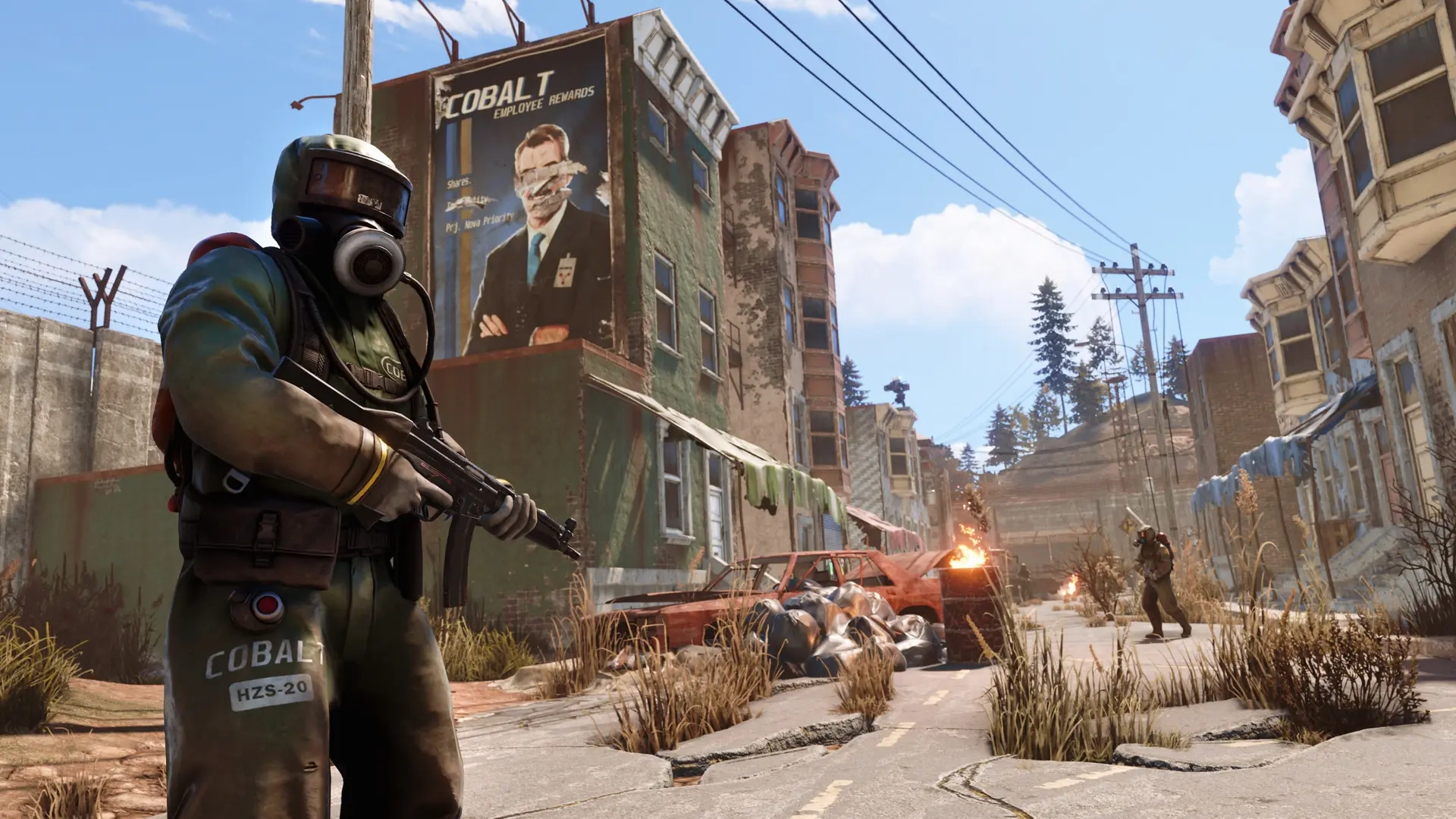
What is the Rust Staging Branch?
Opublikowano przez

Udostępnij:

Udostępnij na X

Udostępnij na Facebooku

Udostępnij na Threads

Udostępnij na Bluesky

Skopiuj do schowka

Udostępnij przez e-mail
Typically, downloading a game will only produce one launcher app. However, downloading Rust produces two, one of which is the Staging Branch. Here we'll cover what the Rust Staging Branch is and why it could be worth trying out.
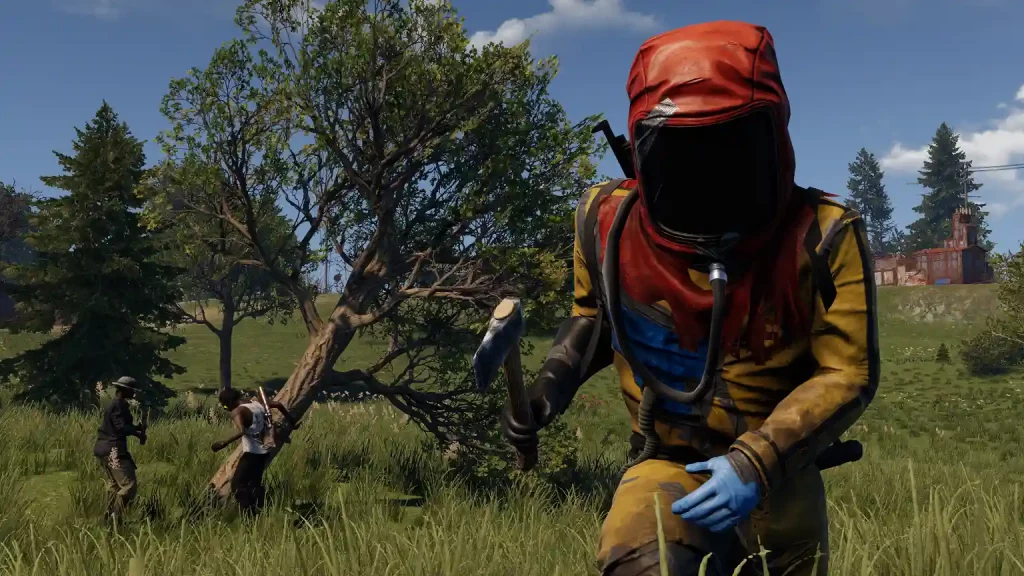 Rust's Staging Branch is like a test server. Before Facepunch Studios, Rust’s developer, releases a new update, the company first launches it to the Staging Branch. Here, the developers and players who opt into this testing program can check for bugs, glitches, and other errors before the update is released to official servers.
Players who play in the Staging Branch gain the advantage of experiencing new content and features before others on the official servers. Note that you can still use Rust’s features normally, such as authorizing and using the Tugboat. However, encountering these early-stage updates while still in their testing stages often leads to various issues.
On the other hand, Staging Branch players can understand new systems before users on the official servers. The learning curve reduces, allowing Staging Branch players to gain the upper hand over other users upon the release of the update’s stable version.
But be warned, as the developers can wipe all player progress in the Staging Branch at any time. That way, the servers receive fresh starts, removing potential bugs and glitches that might appear during previous tests.
Rust's Staging Branch is like a test server. Before Facepunch Studios, Rust’s developer, releases a new update, the company first launches it to the Staging Branch. Here, the developers and players who opt into this testing program can check for bugs, glitches, and other errors before the update is released to official servers.
Players who play in the Staging Branch gain the advantage of experiencing new content and features before others on the official servers. Note that you can still use Rust’s features normally, such as authorizing and using the Tugboat. However, encountering these early-stage updates while still in their testing stages often leads to various issues.
On the other hand, Staging Branch players can understand new systems before users on the official servers. The learning curve reduces, allowing Staging Branch players to gain the upper hand over other users upon the release of the update’s stable version.
But be warned, as the developers can wipe all player progress in the Staging Branch at any time. That way, the servers receive fresh starts, removing potential bugs and glitches that might appear during previous tests.
What is the Rust Staging Branch?
Rust's Staging Branch is like a test server. Before Facepunch Studios, Rust’s developer, releases a new update, the company first launches it to the Staging Branch. Here, the developers and players who opt into this testing program can check for bugs, glitches, and other errors before the update is released to official servers.
Players who play in the Staging Branch gain the advantage of experiencing new content and features before others on the official servers. Note that you can still use Rust’s features normally, such as authorizing and using the Tugboat. However, encountering these early-stage updates while still in their testing stages often leads to various issues.
On the other hand, Staging Branch players can understand new systems before users on the official servers. The learning curve reduces, allowing Staging Branch players to gain the upper hand over other users upon the release of the update’s stable version.
But be warned, as the developers can wipe all player progress in the Staging Branch at any time. That way, the servers receive fresh starts, removing potential bugs and glitches that might appear during previous tests.
How to Install
Note that the Staging Branch is a different client than the base Rust game. So, your system must have sufficient storage space to download and install the additional files. After checking and verifying that your system has enough storage space, follow these fairly straightforward steps for the download and installation:- Log into your Steam account and access the game library
- Click on the Rust - Staging Branch on the left sidebar
- Click on the large blue button labeled “Install” to begin the download and installation
- Wait for the installation to complete, and click “Play” to launch Staging Branch
Zapisz się do newslettera
Subskrybuj, aby otrzymywać najnowsze informacje ze świata gier!

Dołącz do naszego Discorda
Zostań częścią naszej społeczności ponad 20,000 podobnie myślących członków!
Jak oceniasz ten wpis?
Podziel się swoją opinią i pomóż nam tworzyć jeszcze lepsze artykuły!
Nie podobał mi się
Neutralnie
Podobał mi się

Potrzebujesz serwera do gry?
Wynajmij serwer gier, na którym Ty i Twoi znajomi możecie grać prywatnie z niskim opóźnieniem i własnymi ustawieniami. Wybieraj spośród 110+ gier, zaproś ludzi z całego świata i ciesz się prywatnymi rozgrywkami lub zbuduj własną społeczność online z własnymi zasadami.

Powiązane wpisy







BĄDŹ NA BIEŻĄCO!
Dołącz do naszego newslettera, aby otrzymywać informacje o naszych hostowanych grach, nowościach firmowych i ekskluzywnych ofertach. Bądź na bieżąco!













