

Project Zomboid: How to Teleport Players
Opublikowano przez

Udostępnij:

Udostępnij na X

Udostępnij na Facebooku

Udostępnij na Threads

Udostępnij na Bluesky

Skopiuj do schowka

Udostępnij przez e-mail
(Estimated Read Time: 3 minutes)
Exploring Knox Country on your two feet is always a dangerous idea. Zombies are everywhere, and one wrong turn can lead to an early grave. But if you're looking to meet up with your friends before you get into the thick of things, you can also teleport players in Project Zomboid, and we’re here to show you how.How to Teleport Players in Project Zomboid
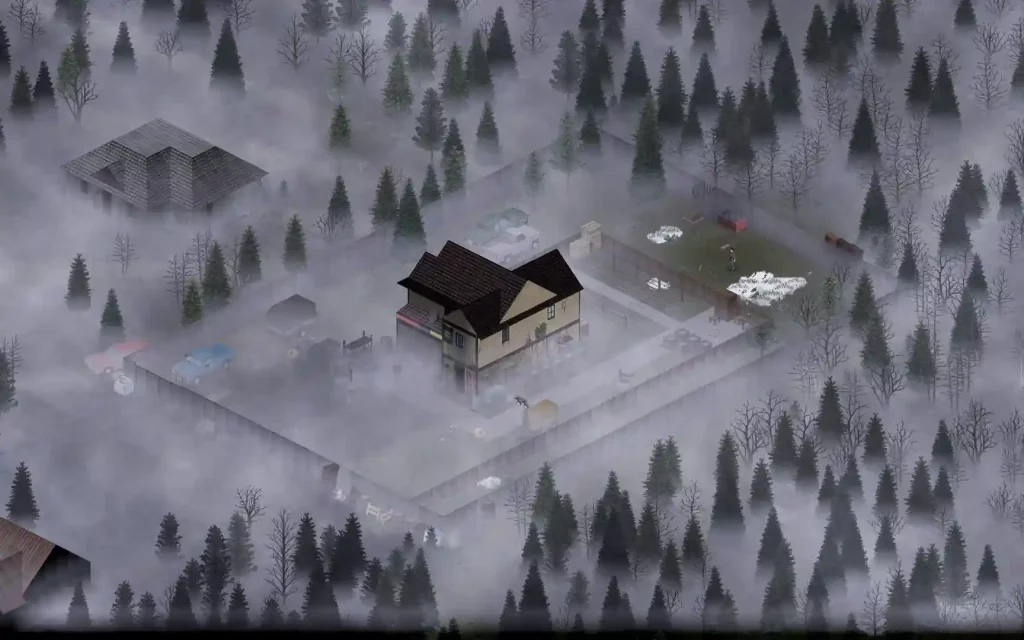 A player must be an administrator before using the teleport command in Project Zomboid. Creating a Project Zomboid server will automatically give you admin privileges.
But you can also give another user on the same server these privileges these advantages by using the “/grantadmin” command (without the quotes). If this command doesn’t work, the “/setaccesslevel” command is another option to grant another user administrative rights.
Also, all teleporting commands require you to open the console. Do so by pressing the ENTER, "`," or “T” keyboard keys.
Once you're there, here are the methods to teleport in Project Zomboid:
A player must be an administrator before using the teleport command in Project Zomboid. Creating a Project Zomboid server will automatically give you admin privileges.
But you can also give another user on the same server these privileges these advantages by using the “/grantadmin” command (without the quotes). If this command doesn’t work, the “/setaccesslevel” command is another option to grant another user administrative rights.
Also, all teleporting commands require you to open the console. Do so by pressing the ENTER, "`," or “T” keyboard keys.
Once you're there, here are the methods to teleport in Project Zomboid:
Teleporting to Coordinates
Teleport to specific coordinates by typing the following command on the console: /teleportto x, y, z. For example, teleport to one of the gas stations by typing /teleportto 3710, 8942, 1. You can find the coordinates to a particular location here.Teleporting a Player to You
If you’re playing in a multiplayer server, you can teleport another user to your location using the following command: /teleport <playername>. Substitute the <playername> tag with the user’s in-game name. Alternatively, press “ESC” to bring up the menu. Then, choose the “Players” option. Select the user you want to teleport to your location and press the “Teleport To You” button.Teleporting One Player to Another
While still in an online multiplayer setting, teleport a particular player to another user using the following command: /teleport <playername1> <playername2>. Again, remember to change the <playername> tags with the users’ in-game names. You can use this command to teleport your character to another player’s location.Teleporting Using Mods
Some Project Zomboid mods have teleport functions without the need to use these methods. One notable mod is ToastedFishSandwich's Teleportation Mod. With it, you can teleport using your arrow keys.Zapisz się do newslettera
Subskrybuj, aby otrzymywać najnowsze informacje ze świata gier!

Dołącz do naszego Discorda
Zostań częścią naszej społeczności ponad 20,000 podobnie myślących członków!
Jak oceniasz ten wpis?
Podziel się swoją opinią i pomóż nam tworzyć jeszcze lepsze artykuły!
Nie podobał mi się
Neutralnie
Podobał mi się

Potrzebujesz serwera do gry?
Wynajmij serwer gier, na którym Ty i Twoi znajomi możecie grać prywatnie z niskim opóźnieniem i własnymi ustawieniami. Wybieraj spośród 110+ gier, zaproś ludzi z całego świata i ciesz się prywatnymi rozgrywkami lub zbuduj własną społeczność online z własnymi zasadami.

Powiązane wpisy







BĄDŹ NA BIEŻĄCO!
Dołącz do naszego newslettera, aby otrzymywać informacje o naszych hostowanych grach, nowościach firmowych i ekskluzywnych ofertach. Bądź na bieżąco!













