
How to Find Your World Seed in Valheim
Pubblicato il da

Condividi:

Condividi su X

Condividi su Facebook

Condividi su Threads

Condividi su Bluesky

Copia negli Appunti

Condividi via email
You can reuse or share your world seed in Valheim. But first, you must know how to find the file in your PC. We’ll answer this concern in this post, so keep reading!
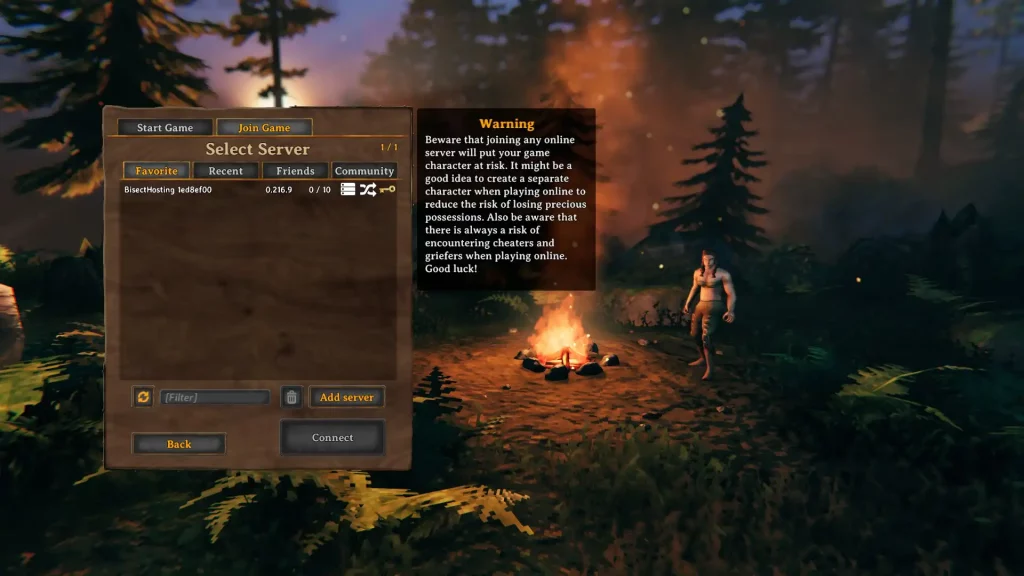 There are two main methods for identifying your world seed in Valheim, one involving File Explorer, and the other using SkToolBox.
Finding Your World Seed in Valheim
There are two main methods for identifying your world seed in Valheim, one involving File Explorer, and the other using SkToolBox.
Option #1: Use File Explorer
- Click on the “Start” button
- Type “run” without the quotes and press the enter key on your keyboard
- On the new window, type “%USERPROFILE%/AppData/LocalLow” without the quotes and click “OK”
- Navigate to the “IronGate” folder and open it
- Open the “Valheim” folder, then the “Worlds” folder
- Check the world seed names in the “Worlds” folder (these files have .db and .fwl extensions)
Option #2: Install and Use the SkToolBox Mod
- Download the SkToolBox Mod and save it to your preferred location on your PC
- Open your Steam library, and right-click on “Valheim” at the sidebar
- Select “Properties,” then click the “Local Files” sidebar item on the window that appears
- With the Local Files section open, click on the “Browse” button
- Extract the file you downloaded in Step 1 to your Valheim game folder
- Launch Valheim and enter your world
- Open the console command by pressing F5
- Type “/seed” without the quotes and press Enter
- Check the world seed information that displays on the game’s command window
Crea il tuo server
Valheim
Valheim
Scegli un piano, seleziona un gioco e gioca con i tuoi amici!
Iscriviti alla nostra Newsletter
Iscriviti per ricevere gli ultimi aggiornamenti sul mondo del gaming!

Unisciti al nostro Discord
Entra a far parte della nostra community con oltre 20.000 membri appassionati come te!
Come valuteresti questo blog?
Condividi la tua opinione e aiutaci a migliorare sempre di più i nostri blog!
Non mi è piaciuto
Neutrale
Mi è piaciuto

Hai bisogno di un server di gioco?
Noleggia un server di gioco dove tu e i tuoi amici potrete giocare in privato con bassa latenza e impostazioni personalizzate. Scegli tra 110+ giochi, invita persone da tutto il mondo, goditi le partite private o costruisci la tua community online con le tue regole.

Blog Pertinenti







SCOPRI LE ULTIME NOVITÀ!
Iscriviti alla nostra newsletter per ricevere aggiornamenti sui nostri giochi ospitati, novità aziendali e offerte esclusive. Rimani sempre aggiornato!













