
How to Find Your World Seed in Valheim
Publié le par

Partager :

Partager sur X

Partager sur Facebook

Partager sur Threads

Partager sur Bluesky

Copier dans le presse-papiers

Partager par e-mail
You can reuse or share your world seed in Valheim. But first, you must know how to find the file in your PC. We’ll answer this concern in this post, so keep reading!
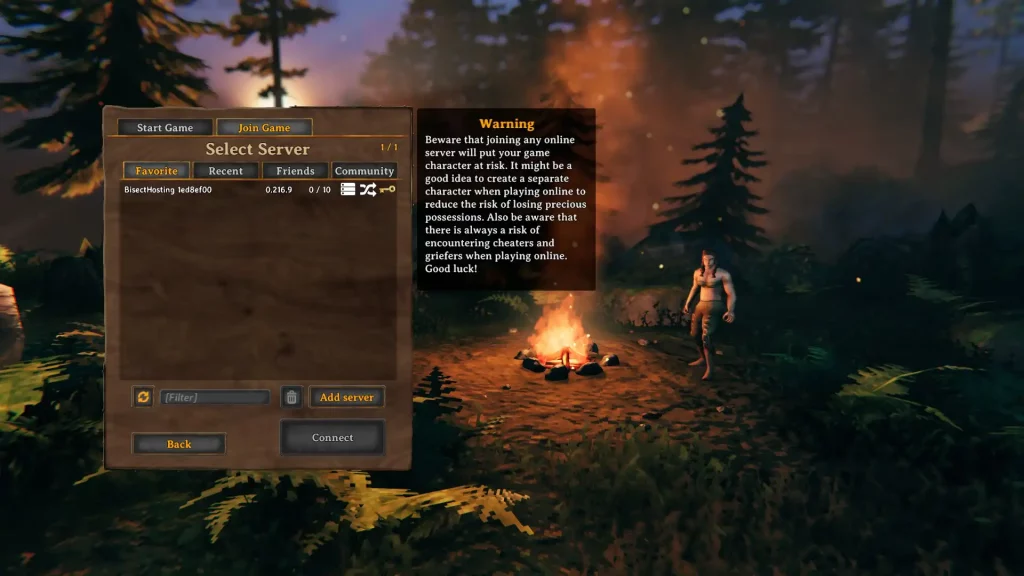 There are two main methods for identifying your world seed in Valheim, one involving File Explorer, and the other using SkToolBox.
Finding Your World Seed in Valheim
There are two main methods for identifying your world seed in Valheim, one involving File Explorer, and the other using SkToolBox.
Option #1: Use File Explorer
- Click on the “Start” button
- Type “run” without the quotes and press the enter key on your keyboard
- On the new window, type “%USERPROFILE%/AppData/LocalLow” without the quotes and click “OK”
- Navigate to the “IronGate” folder and open it
- Open the “Valheim” folder, then the “Worlds” folder
- Check the world seed names in the “Worlds” folder (these files have .db and .fwl extensions)
Option #2: Install and Use the SkToolBox Mod
- Download the SkToolBox Mod and save it to your preferred location on your PC
- Open your Steam library, and right-click on “Valheim” at the sidebar
- Select “Properties,” then click the “Local Files” sidebar item on the window that appears
- With the Local Files section open, click on the “Browse” button
- Extract the file you downloaded in Step 1 to your Valheim game folder
- Launch Valheim and enter your world
- Open the console command by pressing F5
- Type “/seed” without the quotes and press Enter
- Check the world seed information that displays on the game’s command window
Créez votre propre
serveur Valheim
serveur Valheim
Choisissez un plan, sélectionnez un jeu et jouez avec vos amis !
Abonnez-vous à notre newsletter
Abonnez-vous pour recevoir les dernières mises à jour sur l'univers du jeu vidéo !

Rejoignez notre Discord
Rejoignez notre communauté de plus de 20 000 membres passionnés !
Comment évalueriez-vous ce blog ?
Partagez votre avis et aidez-nous à améliorer nos blogs !
Pas aimé
Neutre
Aimé

Besoin d'un serveur de jeu ?
Louez un serveur de jeu où vous et vos amis pouvez jouer en privé avec une faible latence et des paramètres personnalisés. Choisissez parmi 110+ jeux, invitez des joueurs du monde entier et profitez de parties privées, ou créez votre propre communauté en ligne avec vos propres règles.

Blogs pertinents







OBTENEZ LES DERNIÈRES INFOS !
Inscrivez-vous à nos e-mails pour obtenir des mises à jour sur nos jeux hébergés, des nouvelles de l'entreprise et des offres exclusives. Restez au courant !













