
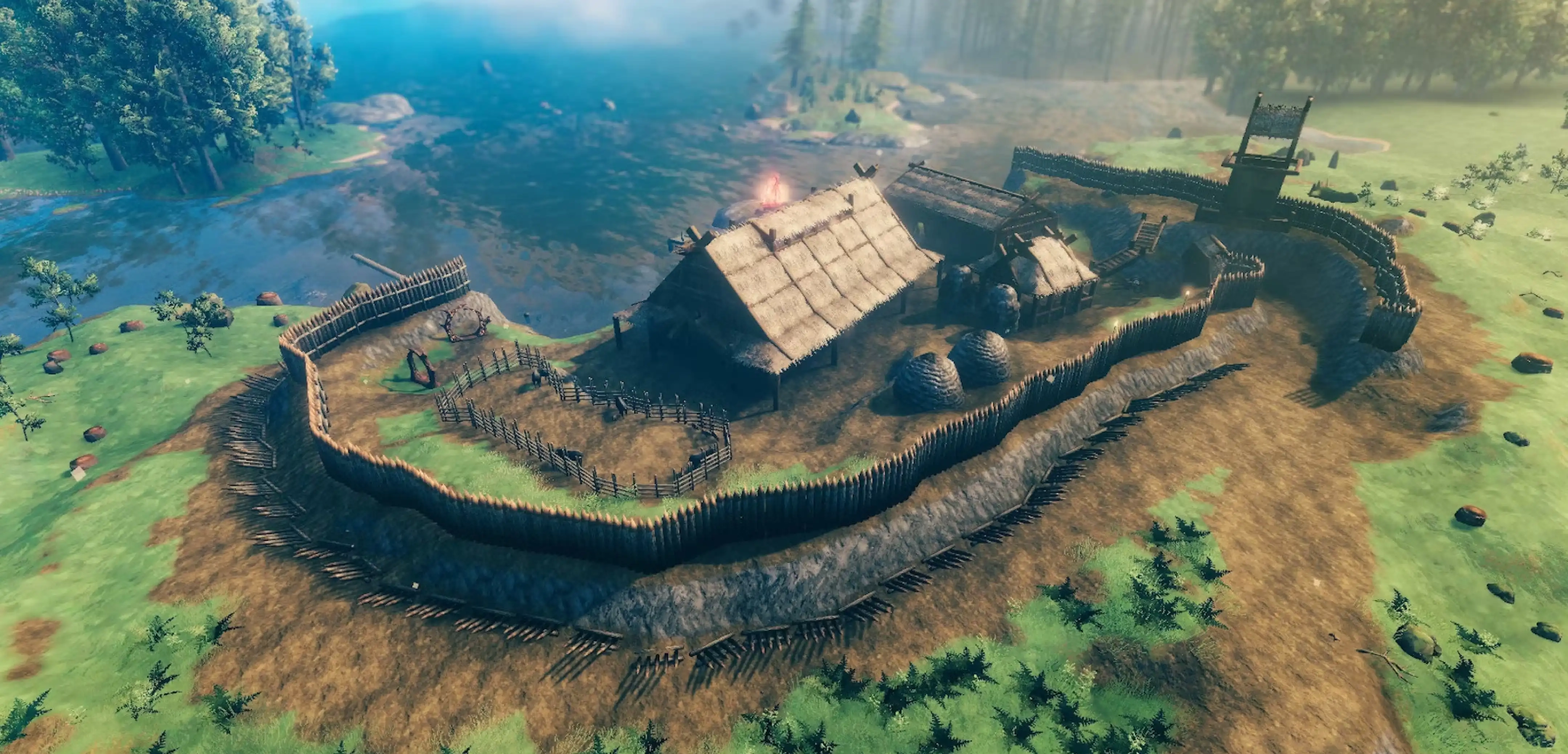
Valheim Ashlands Update: World Crashing Error & How to Fix It
Publié le par

Partager :

Partager sur X

Partager sur Facebook

Partager sur Threads

Partager sur Bluesky

Copier dans le presse-papiers

Partager par e-mail
(Estimated Read Time: 3 minutes)
The Valheim Ashlands Update is here! However, many players are reporting that the app is crashing when trying to load their worlds. If you’re experiencing this Vahleim Ashlands world crashing error, keep reading and we’ll help you in this regard.How to Fix the World Crashing Error in Valheim Ashlands
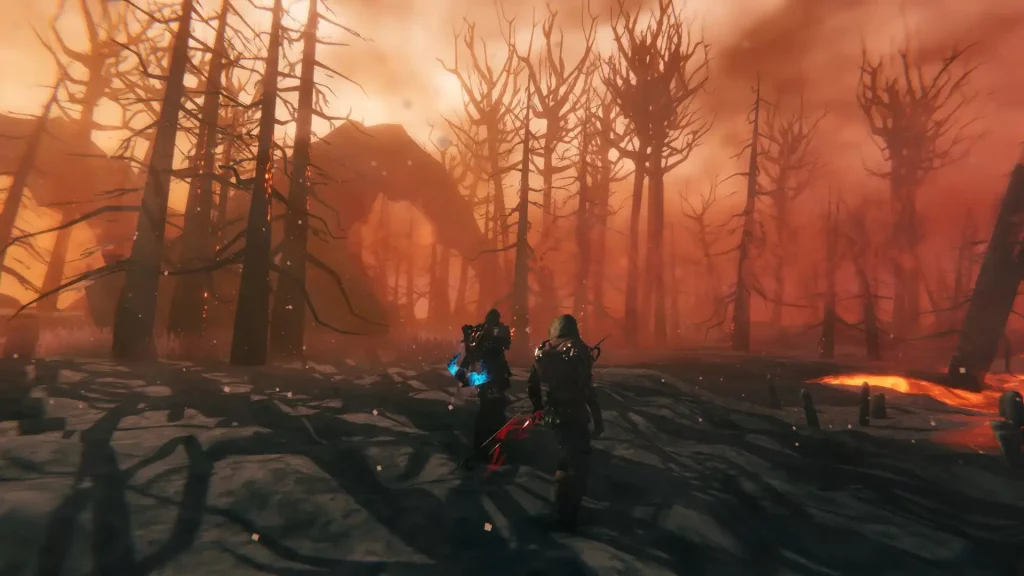 It’s important to mention that the methods mentioned below are only possible solutions to the world crashing error from the Valheim Ashlands Update. If these techniques don’t work, consider waiting for a hotfix from the game’s developer, Iron Gate Studio.
Method #1: Remove Mods
Some mods might not be compatible with the current update. Consider removing these mods temporarily and reinstall them when Valheim’s developer posts a hotfix. Also, stay updated with mod developers to see if they have updates for their mods. Valheim community members banded together to check which mods cause the game to misbehave after the update's release. These mods include the following:- Simple_Meads v1.4.1 by Allegiant_Games
- Foraging v1.0.8 by Smoothbrain
- ValheimRecycle v2.5.0 by SQG
- Blacksmithing v1.2.5 by Smoothbrain
- Automatics v1.5.1 by eideehi
Method #2: Remove the Command Console
Other Valheim players also mentioned that the in-game command console might be causing the world crashing error after the Valheim Ashlands Update. Remove the command console by going to your Steam Library and right-clicking on Valheim in the left sidebar. Then, remove the “-console” function under Launch Options. Remember, you can’t use console commands without this function.Method #3: Wait
It seems that loading a pre-existing world with the new assets generated by the Valheim Ashlands Update takes longer than usual and some users report that it may take about 10 minutes for it to complete. Don’t interact with your PC during this time and let the world load. Otherwise, additional actions may interrupt the loading process, causing the world crashing error.Method #4: Reinstall Valheim
If the other methods don’t work, perhaps it’s wise to do a clean reinstall. But be warned, for a complete wipe may make you lose valuable data from your saved files. So, it’s essential to back up your files before attempting this possible solution.Créez votre propre
serveur Valheim
serveur Valheim
Choisissez un plan, sélectionnez un jeu et jouez avec vos amis !
Abonnez-vous à notre newsletter
Abonnez-vous pour recevoir les dernières mises à jour sur l'univers du jeu vidéo !

Rejoignez notre Discord
Rejoignez notre communauté de plus de 20 000 membres passionnés !
Comment évalueriez-vous ce blog ?
Partagez votre avis et aidez-nous à améliorer nos blogs !
Pas aimé
Neutre
Aimé

Besoin d'un serveur de jeu ?
Louez un serveur de jeu où vous et vos amis pouvez jouer en privé avec une faible latence et des paramètres personnalisés. Choisissez parmi 110+ jeux, invitez des joueurs du monde entier et profitez de parties privées, ou créez votre propre communauté en ligne avec vos propres règles.

Blogs pertinents







OBTENEZ LES DERNIÈRES INFOS !
Inscrivez-vous à nos e-mails pour obtenir des mises à jour sur nos jeux hébergés, des nouvelles de l'entreprise et des offres exclusives. Restez au courant !













