
Project Zomboid: How to Hotwire a Car
Veröffentlicht am von

Teilen:

Auf X teilen

Auf Facebook teilen

Auf Threads teilen

Auf Bluesky teilen

In die Zwischenablage kopieren

Per E-Mail teilen
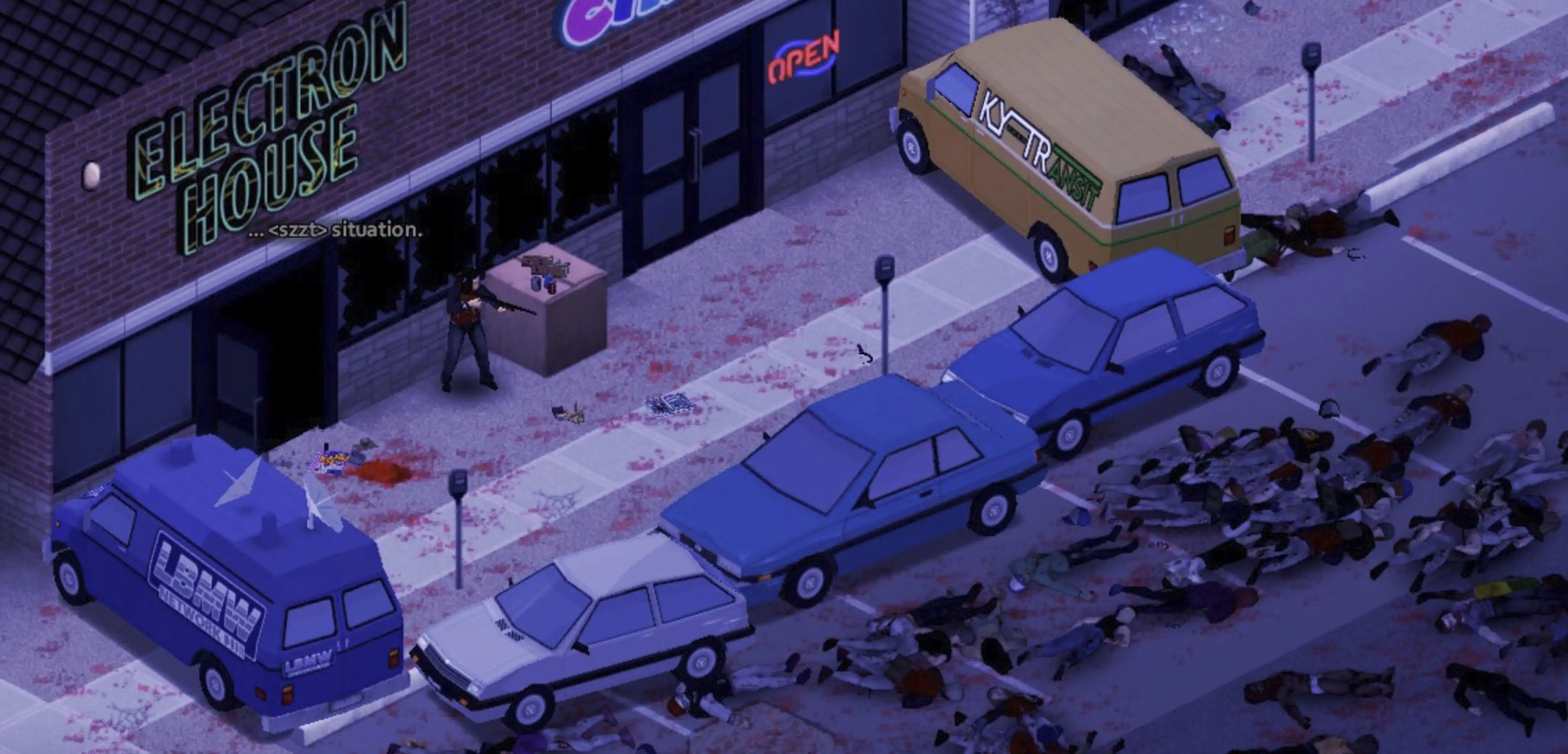
A working car can mean the difference between survival and becoming another statistic in Knox County. However, what can you do if you don’t have the keys to start a vehicle? If so, learn how to hotwire a car in Project Zomboid, and embody this crucial yet risky skill to escape the clutches of the undead.
 First, you must complete certain requirements before you can hotwire a car in Project Zomboid:
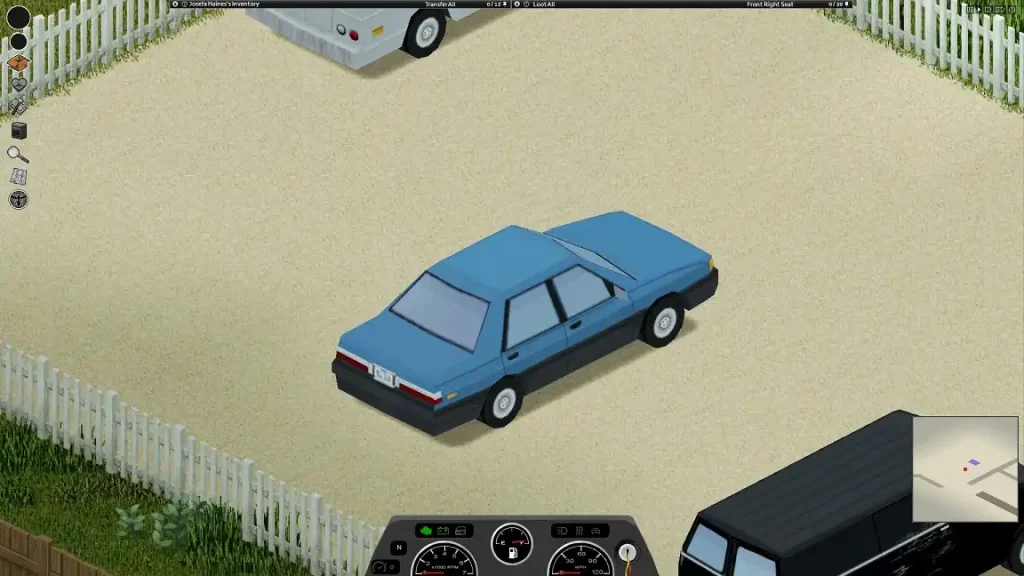 Introduced in Build 39, cars are plentiful in Project Zomboid, and they serve as platforms for fast transportation, at least the ones that work. These vehicles generally fall under three main categories: Standard, Sports, and Heavy-Duty. Each car has unique features and stats that can bring advantages and disadvantages. Know which vehicle to own as you survive the zombie horde in Knox County by looking at your choices below:
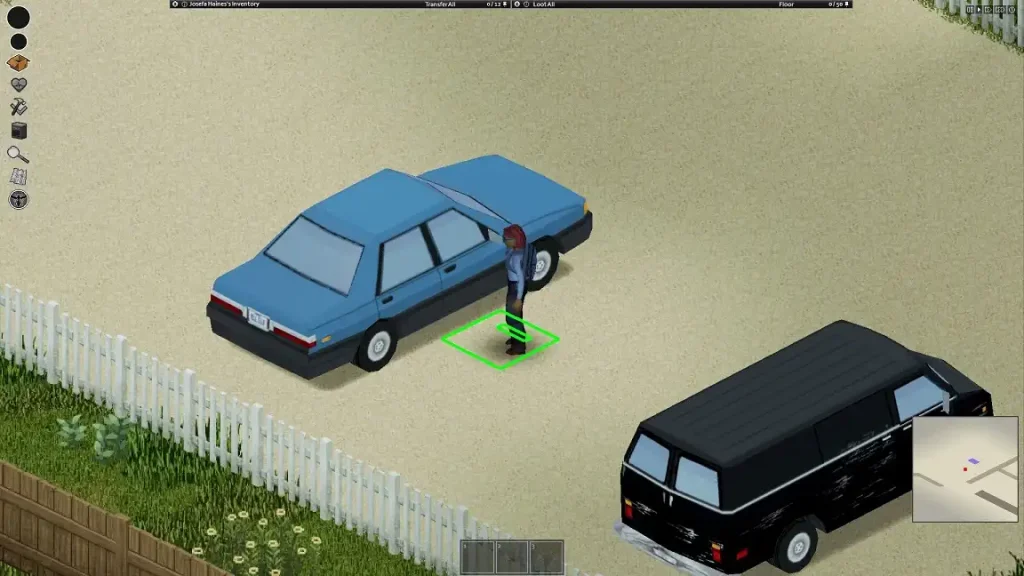 Learning how to hotwire and get into a car will only get you so far in Project Zomboid. Understanding how to drive your “appropriated” vehicle should also be part of your recipe for survival. Thankfully, most, if not all, cars in Project Zomboid have an automatic transmission, so you don’t have to worry about manually changing gears.
So, follow these vehicle controls once you’re in front of a vehicle’s steering wheel:
Learning how to hotwire and get into a car will only get you so far in Project Zomboid. Understanding how to drive your “appropriated” vehicle should also be part of your recipe for survival. Thankfully, most, if not all, cars in Project Zomboid have an automatic transmission, so you don’t have to worry about manually changing gears.
So, follow these vehicle controls once you’re in front of a vehicle’s steering wheel:
How to Hotwire a Car in Project Zomboid
First, you must complete certain requirements before you can hotwire a car in Project Zomboid:
- You must have the Burglar Occupation, or
- You must have the following skills: Electrical Lv. 1 AND Mechanical Lv. 2
Car Types in Project Zomboid
Introduced in Build 39, cars are plentiful in Project Zomboid, and they serve as platforms for fast transportation, at least the ones that work. These vehicles generally fall under three main categories: Standard, Sports, and Heavy-Duty. Each car has unique features and stats that can bring advantages and disadvantages. Know which vehicle to own as you survive the zombie horde in Knox County by looking at your choices below:
Standard
Chevalier Cerise Wagon
- Weight: 900
- Engine Power: 420
- Engine Quality: 70
- Engine Loudness: 80
- Top Speed: 70
- Suspension Stiffness: 40
- Occupant Protection: 1.1
- Seats: 4
- Glove Box Capacity: 5
- Trunk Capacity: 60
- Total Storage: 145
Chevalier Dart
- Weight: 650
- Engine Power: 360
- Engine Quality: 60
- Engine Loudness: 55
- Top Speed: 70
- Suspension Stiffness: 30
- Occupant Protection: 0.8
- Seats: 4
- Glove Box Capacity: 5
- Trunk Capacity: 40
- Total Storage: 125
Chevalier Nyala
- Weight: 800
- Engine Power: 400
- Engine Quality: 70
- Engine Loudness: 80
- Top Speed: 90
- Suspension Stiffness: 40
- Occupant Protection: 1
- Seats: 4
- Glove Box Capacity: 5
- Trunk Capacity: 55
- Total Storage: 140
Dash Rancher
- Weight: 900
- Engine Power: 440
- Engine Quality: 70
- Engine Loudness: 90
- Top Speed: 90
- Suspension Stiffness: 30
- Occupant Protection: 0.8
- Seats: 2
- Glove Box Capacity: 4
- Trunk Capacity: 40
- Total Storage: 85
Masterson Horizon
- Weight: 650
- Engine Power: 360
- Engine Quality: 70
- Engine Loudness: 55
- Top Speed: 90
- Suspension Stiffness: 40
- Occupant Protection: 0.8
- Seats: 4
- Glove Box Capacity: 5
- Trunk Capacity: 40
- Total Storage: 125
Sports
Chevalier Cossette
- Weight: 800
- Engine Power: 570
- Engine Quality: 90
- Engine Loudness: 90
- Top Speed: 120
- Suspension Stiffness: 50
- Occupant Protection: 0.8
- Seats: 2
- Glove Box Capacity: 5
- Trunk Capacity: 30
- Total Storage: 75
Chevalier Primani
- Weight: 800
- Engine Power: 500
- Engine Quality: 70
- Engine Loudness: 80
- Top Speed: 90
- Suspension Stiffness: 40
- Occupant Protection: 1.1
- Seats: 4
- Glove Box Capacity: 5
- Trunk Capacity: 45
- Total Storage: 130
Dash Elite
- Weight: 800
- Engine Power: 500
- Engine Quality: 70
- Engine Loudness: 80
- Top Speed: 90
- Suspension Stiffness: 40
- Occupant Protection: 1.1
- Seats: 4
- Glove Box Capacity: 5
- Trunk Capacity: 45
- Total Storage: 130
Mercia Lang 4000
- Weight: 950
- Engine Power: 520
- Engine Quality: 70
- Engine Loudness: 80
- Top Speed: 105
- Suspension Stiffness: 40
- Occupant Protection: 1.1
- Seats: 2
- Glove Box Capacity: 5
- Trunk Capacity: 45
- Total Storage: 90
Race Car
- Weight: 800
- Engine Power: 700
- Engine Quality: 80
- Engine Loudness: 90
- Top Speed: 120
- Suspension Stiffness: 40
- Occupant Protection: 0.8
- Seats: 4
- Glove Box Capacity: 5
- Trunk Capacity: 20
- Total Storage: 105
Heavy-Duty
Ambulance
- Weight: 816
- Engine Power: 490
- Engine Quality: 75
- Engine Loudness: 110
- Top Speed: 70
- Suspension Stiffness: 40
- Occupant Protection: 1.3
- Seats: 2
- Glove Box Capacity: 10
- Trunk Capacity: 130
- Total Storage: 180
Chevalier D6
- Weight: 1,030
- Engine Power: 400
- Engine Quality: 80
- Engine Loudness: 110
- Top Speed: 70
- Suspension Stiffness: 40
- Occupant Protection: 1.3
- Seats: 2
- Glove Box Capacity: 10
- Trunk Capacity: 110
- Total Storage: 160
Chevalier Step Van
- Weight: 1,160
- Engine Power: 370
- Engine Quality: 70
- Engine Loudness: 100
- Top Speed: 70
- Suspension Stiffness: 40
- Occupant Protection: 1.1
- Seats: 2
- Glove Box Capacity: 10
- Trunk Capacity: 160
- Total Storage: 210
Dash Bulldriver
- Weight: 1,104
- Engine Power: 400
- Engine Quality: 80
- Engine Loudness: 120
- Top Speed: 60
- Suspension Stiffness: 20
- Occupant Protection: 1.3
- Seats: 2
- Glove Box Capacity: 10
- Trunk Capacity: 130
- Total Storage: 180
Franklin All-Terrain
- Weight: 1,000
- Engine Power: 470
- Engine Quality: 75
- Engine Loudness: 100
- Top Speed: 90
- Suspension Stiffness: 40
- Occupant Protection: 1.3
- Seats: 4
- Glove Box Capacity: 10
- Trunk Capacity: 85
- Total Storage: 175
Franklin Valuline
- Weight: 816
- Engine Power: 370
- Engine Quality: 70
- Engine Loudness: 100
- Top Speed: 65
- Suspension Stiffness: 30
- Occupant Protection: 1.1
- Seats: 2
- Glove Box Capacity: 10
- Trunk Capacity: 130
- Total Storage: 180
Franklin Valuline (6-seater)
- Weight: 916
- Engine Power: 260
- Engine Quality: 70
- Engine Loudness: 100
- Top Speed: 60
- Suspension Stiffness: 50
- Occupant Protection: 1.1
- Seats: 6
- Glove Box Capacity: 10
- Trunk Capacity: 50
- Total Storage: 180
LBMW Radio Van
- Weight: 956
- Engine Power: 270
- Engine Quality: 70
- Engine Loudness: 100
- Top Speed: 65
- Suspension Stiffness: 50
- Occupant Protection: 1.1
- Seats: 2
- Glove Box Capacity: 10
- Trunk Capacity: 130
- Total Storage: 180
Project Zomboid Car Controls
Learning how to hotwire and get into a car will only get you so far in Project Zomboid. Understanding how to drive your “appropriated” vehicle should also be part of your recipe for survival. Thankfully, most, if not all, cars in Project Zomboid have an automatic transmission, so you don’t have to worry about manually changing gears.
So, follow these vehicle controls once you’re in front of a vehicle’s steering wheel:
- Start Vehicle Engine: N
- Toggle Vehicle Headlights: F
- Vehicle Heater: O
- Vehicle Info: U
- Horn: Q
- Vehicle Radial Menu: V
- Switch Seat: Z
Erstelle deinen eigenen
Project Zomboid-Server
Project Zomboid-Server
Wähle einen Tarif, such dir ein Spiel aus und spiele mit deinen Freunden!
Abonniere unseren Newsletter
Abonniere für die neuesten Updates rund ums Gaming!

Tritt unserem Discord bei
Werde Teil unserer Community von über 20.000 gleichgesinnten Mitgliedern!
Wie würdest du diesen Blog bewerten?
Teile deine Meinung und hilf uns, unsere Blogs noch besser zu machen!
Hat mir nicht gefallen
Neutral
Hat mir gefallen

Brauchst du einen Spielserver?
Miete einen Spielserver, auf dem du und deine Freunde privat mit niedriger Latenz und benutzerdefinierten Einstellungen spielen könnt. Wähle aus 110+ Spielen, lade Leute aus der ganzen Welt ein und genieße private Matches oder baue deine eigene Online-Community mit deinen eigenen Regeln auf.

Relevante Blogs







HOL DIR DIE INSIDER-INFOS!
Melde dich für unsere E-Mails an, um Updates zu unseren gehosteten Spielen, Unternehmensnachrichten und exklusiven Angeboten zu erhalten. Bleib auf dem Laufenden!













