
Valheim Update 1.0.14 Patch Notes: New Keybinding Options, Improved Performance and Optimization, Bug Fixes, & More
发布于 ,作者

分享:

分享至 X

分享至 Facebook

分享至 Threads

分享至 Bluesky

复制到剪贴板

通过电子邮件分享
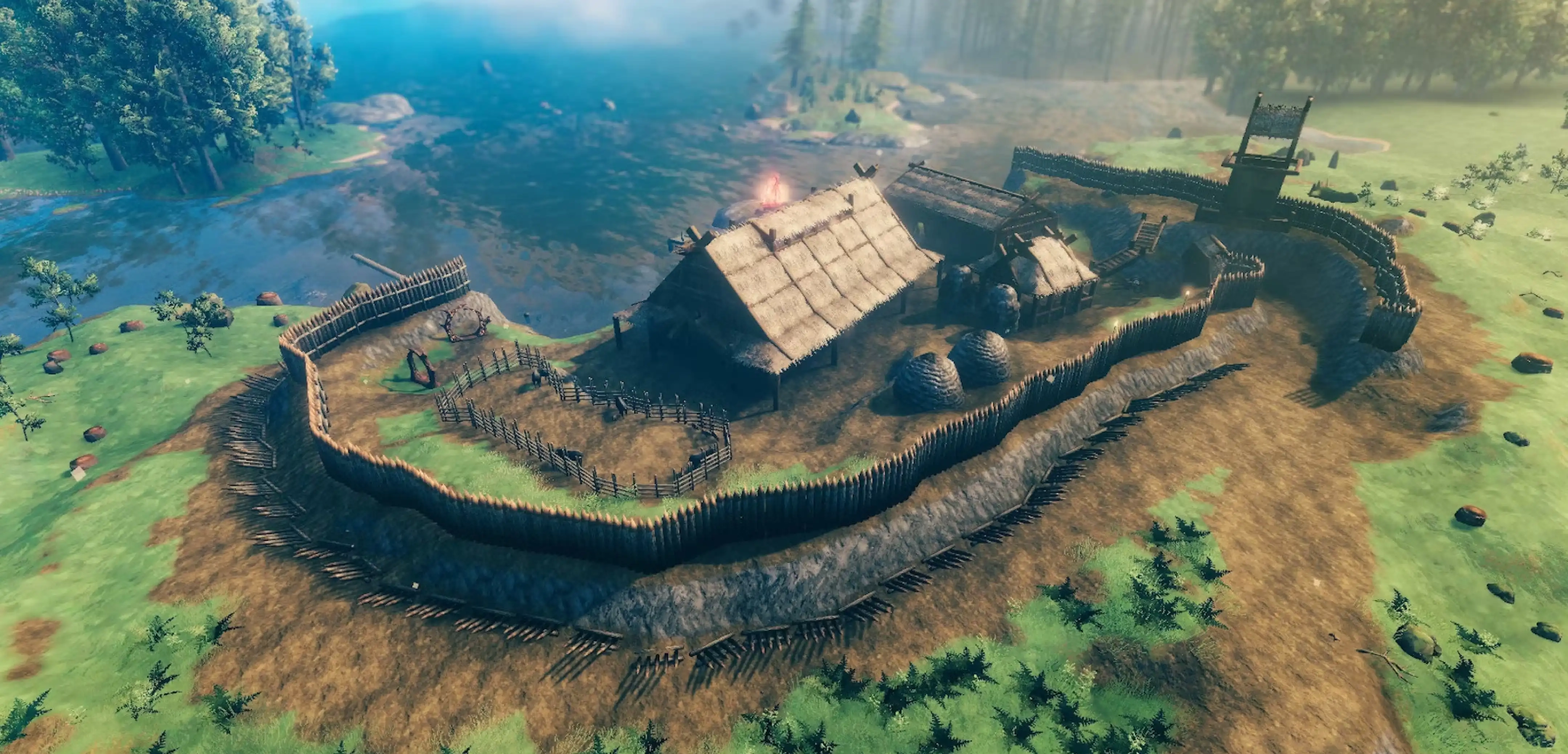
Valheim 1.0 was a massive release, bringing hundreds of thousands of players back to brave the Viking journey and the new Deep North biome. Now deep into its launch, Valheim has a new patch to improve performance, quality of life, and fix plenty of bugs along the way! Here, we cover everything you need to know about Valheim Patch 1.0.14 and all the new changes in its patch notes.
 Valheim's latest update, patch 1.0.14, doesn't add many new features in its patch notes. Instead, this patch is about optimizing and improving the game experience in the wake of the massive 1.0 launch. This includes new keybinding options, toggled blocking, improved GPU performance across multiple platforms, and more!
Valheim Update 1.0.14 Patch Notes (FULL)
Valheim's latest update, patch 1.0.14, doesn't add many new features in its patch notes. Instead, this patch is about optimizing and improving the game experience in the wake of the massive 1.0 launch. This includes new keybinding options, toggled blocking, improved GPU performance across multiple platforms, and more!
Quality of Life
- Added several new keybinding options to the keyboard (Alternate dodge key, hotbar rebinding (on top of 1-8), support for rebinding radial wheel, support for removing keybinds)
- Added an accessibility setting to be able to toggle blocking
- Add toggle to Gameplay settings to skip the intro cinematic on startup
- When attacking, the player’s rotation now also snaps towards the intended attack direction when the “attack towards look direction” option is enabled, not just when it’s disabled
- Swapped Motion Sensor and Sheath keybinds on gamepad, returning Sheath to its original keybind. Motion Sensor can now be activated with the ALT key + Sheath button instead
Optimizations
- Improved GPU performance when tessellation is disabled by eliminating unnecessary GPU overhead in this case
- Heightmap shadows are now calculated more accurately and at a lower performance cost
- Optimized particle systems in the main menu to reduce overdraw
- Multiple GPU performance improvements on Switch 2
Bugs & Issues
- PlayerBase effect on some build pieces has been increased to block enemies more
- Fixed inaccuracies in stick input pre-processing that made it heavily weighted towards axis-aligned movement and 30% too slow diagonally
- Jotun puffs and Magecaps no longer respawn
- Fix for player characters sometimes mistakenly being marked as temporary cheaters, leading to items dropped by monsters they kill being incorrectly marked as having a cheated origin
- Cheated stackable items no longer stack with regular items, preventing uncheated stacks from being “corrupted” into a cheated state
- Persistent Events devcommand (“pevents”) is now actually behind the devcommands toggle and not available in the console by default
- Fixed errors when using the grappling hook’s secondary attack on creatures
- Fixed various issues with Ashlands water (VFX, water damage not stopping)
- Fixed a bug where characters didn’t save correctly when manually pressing Save while playing on a server hosted by someone else
- Disabled biomedata caching, fixing a bug where the cache could end up in an invalid state, making it impossible to join remote servers
- Fixed Deep North battleaxes tool tier, can now cut all the trees
- Made placeable boulders persist, only placeable on the ground, break if the ground they’re standing on goes away, and give ground-level support
- Updated Ballista to make it accept all new trophies (All Deep North enemies + Bjorn + Vile)
- Timberwood build pieces no longer incorrectly show up in earlier biome locations
- Fixed various crashes/errors that could happen in rare circumstances
- Fixed a bug where Helmet of the Protector was craftable directly via the Black Forge
- Fixed a bug where terrain modifications by players or monsters could lead to performance and portal issues in multiplayer, such as performance and portaling issues, terrain seams, and terrain modifications becoming undone
- Updated Deep North and Winding Tunnels music for better balance and to remove some clicks when looping
- Now plays the correct music in Mörkhalla
- Better mixing of location music in the Deep North
- Tweaked Seal and Baby Seal colliders to better match their bodies
- Fixed an issue where the “No time for snoozing” achievement could sometimes not be unlocked in multiplayer
- Fixed an issue where The Homesteader and The Architect achievements could unlock repeatedly
- Nintendo Switch 2: The TV output no longer switches from 120 Hz to 60 Hz while the virtual keyboard is open or while in the home menu when using the balanced graphics preset and playing online multiplayer, which caused a black screen while entering and leaving these menus
- PlayStation®5: The TV output no longer switches from 120 Hz to 60 Hz while in the home menu when using the balanced graphics preset, which caused a black screen when entering and leaving this menu
- PlayStation®5: The “Stronger Together” achievement is now achievable
- Steam: Fixed a bug where Steam Cloud could get stuck in an invalid state if the game crashed while saving

您对这篇博客有何评价?
分享您的看法,帮助我们将博客做得更好!
不喜欢
一般
喜欢

需要游戏服务器吗?
租用一台游戏服务器,您可以和朋友们在极低延迟和自定义设置下私密游玩。从 110+ 款游戏中挑选您的最爱,邀请全球玩家,享受私密对战,或者按照您自己的规则建立属于您的在线社区。








获取第一手独家资讯!
订阅我们的电子邮件,获取有关我们托管游戏、公司新闻和独家优惠的最新动态。随时掌握一手资讯!













