
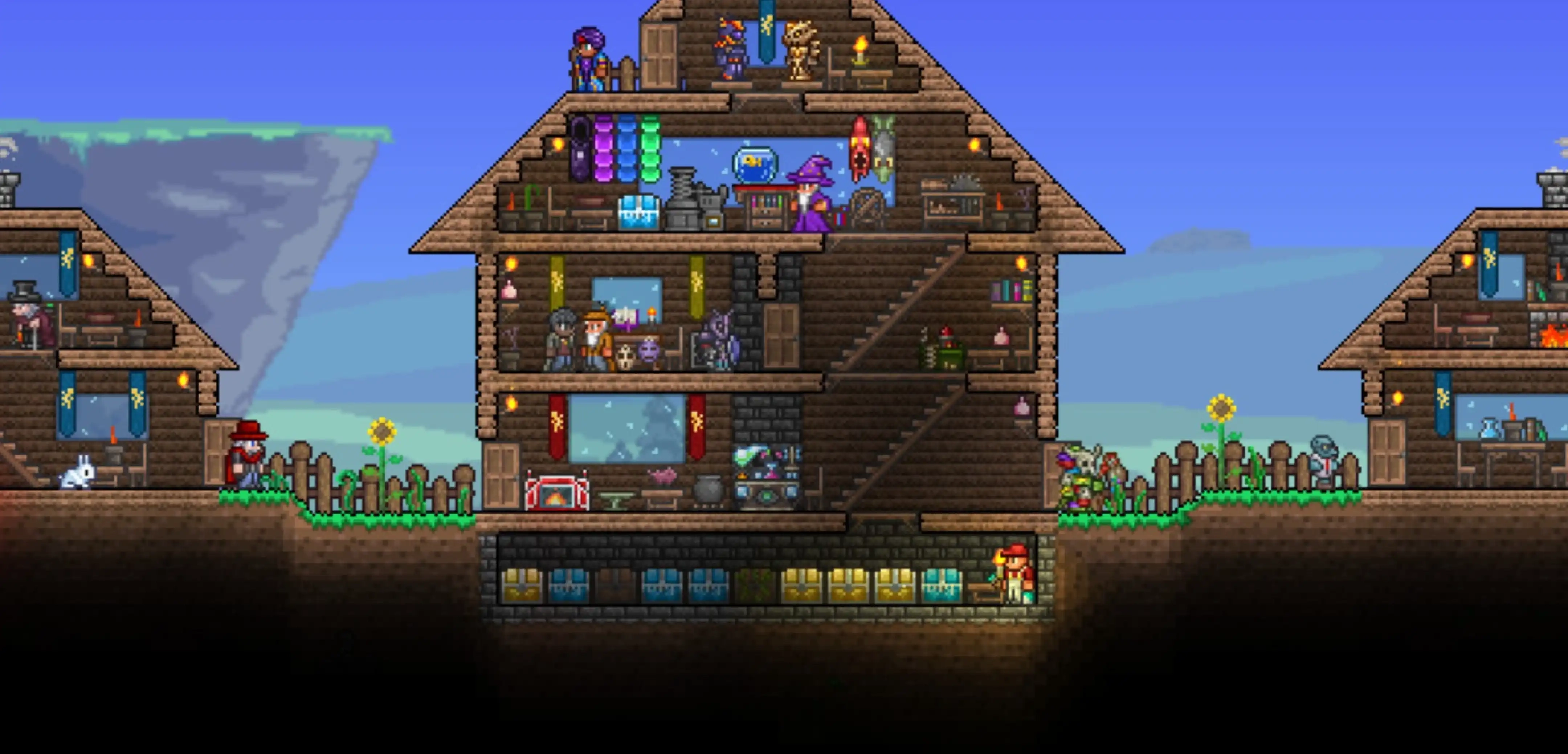
What is Journey Mode in Terraria?
发布于 ,作者

分享:

分享至 X

分享至 Facebook

分享至 Threads

分享至 Bluesky

复制到剪贴板

通过电子邮件分享
Journey Mode in Terraria frees players up by significantly reducing the amount of grinding required to progress. But what can you do in Journey Mode, and what exactly does it change?
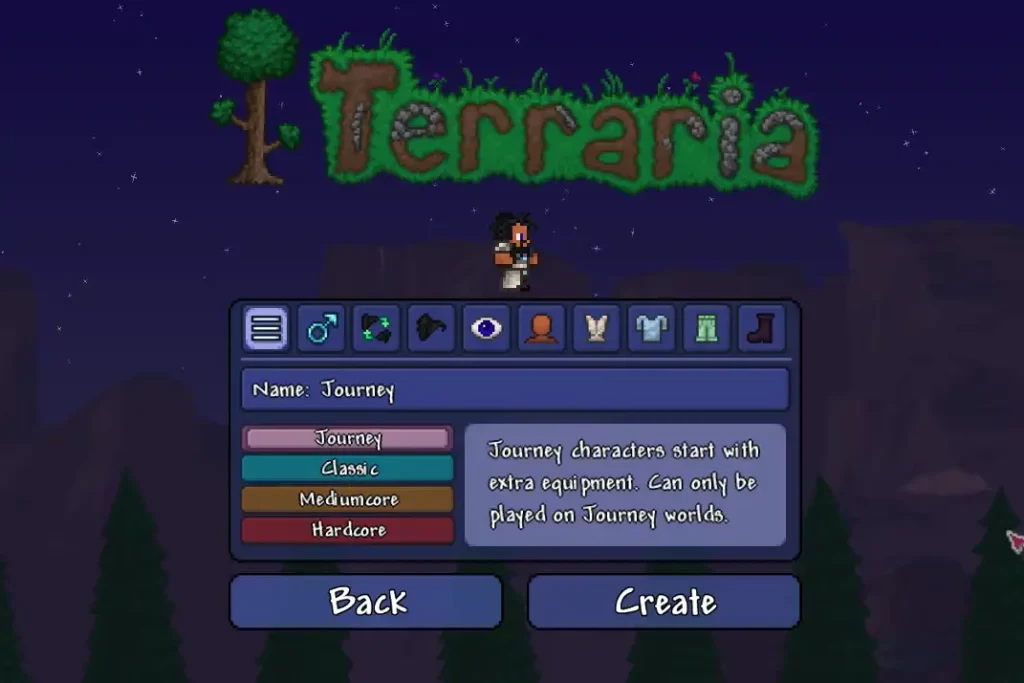 Introduced in the Journey’s End update, choosing Journey Mode as you create a world in Terraria gives you various options. Note that these selections are unavailable when choosing other difficulty options, namely Classic, Expert, and Master. This mode is also akin to the Creative Mode in other sandbox titles like Core Keeper.

Terraria Journey Mode: An Overview
Introduced in the Journey’s End update, choosing Journey Mode as you create a world in Terraria gives you various options. Note that these selections are unavailable when choosing other difficulty options, namely Classic, Expert, and Master. This mode is also akin to the Creative Mode in other sandbox titles like Core Keeper.
Starting Items
Starting a new character in a new Classic, Expert, or Master World in Terraria will give players the Copper Sword, Copper Axe, and Copper Pickaxe. But in Journey Mode, players start with the following items:- Iron Shortsword
- Iron Pickaxe
- Iron Axe
- Iron Hammer
- Finch Staff
- 100x Torch
- 100x Rope
- Magic Mirror
- Grappling Hook
- Fledgling Wings
Additional Features
Note that only a player created in a Journey Mode world can experience the generated map. In other words, you can’t enter other worlds if you created a Journey character in Terraria. Nonetheless, you can access various features that aren’t available in other world types.Power Menu
Above the crafting menu is the Power Menu, which gives you access to the world’s core features. The buttons in this menu are:Duplication
Duplicate any researched item indefinitely. However, duplicating items will only replicate their original variants. That means that the duplicated items won’t have modifiers. But players can still use the Goblin Tinkerer to generate modifiers for those duplicated items.Research
Players must research an item before they can duplicate it. This action is fairly straightforward, as players need only to place the item in the Research Box to start the process. Note that the item type is an important factor in providing the total number of required research items.Time
Journey Mode players can change, slow, stop, or speed up time. Time can be frozen or sped up by 1x to 24x the normal rate. Note: Falling Stars will not spawn during a time-frozen period.Weather
The weather command section has different sliders to let Journey Mode Terraria players control the world’s weather. These sliders are for rainfall volume, wind speed, and wind direction.Personal
Here, players can enable or disable Godmode, toggle the increase in item placement range, and change the enemy spawn rate. With Godmode enabled, the player can enjoy the following bonuses:- Immunity to all damage and knockback
- Unlimited breath when staying underwater
- Significantly fast mana recovery speed
- No damage from damage-over-time debuffs
Infection Spread
Players can toggle the spread of Corruption, Crimson, and Hallow in this area of the Power Menu. Bear in mind that it’s still not possible to reset a biome’s original features with this toggle button.Enemy Difficulty
As its name implies, this button changes the difficulty of enemies. Increasing the Journey World allows players to receive items only found in greater difficulties without leaving the map. For example, setting the world at 2x difficulty will replicate Expert Mode.
您对这篇博客有何评价?
分享您的看法,帮助我们将博客做得更好!
不喜欢
一般
喜欢

需要游戏服务器吗?
租用一台游戏服务器,您可以和朋友们在极低延迟和自定义设置下私密游玩。从 110+ 款游戏中挑选您的最爱,邀请全球玩家,享受私密对战,或者按照您自己的规则建立属于您的在线社区。








获取第一手独家资讯!
订阅我们的电子邮件,获取有关我们托管游戏、公司新闻和独家优惠的最新动态。随时掌握一手资讯!













