
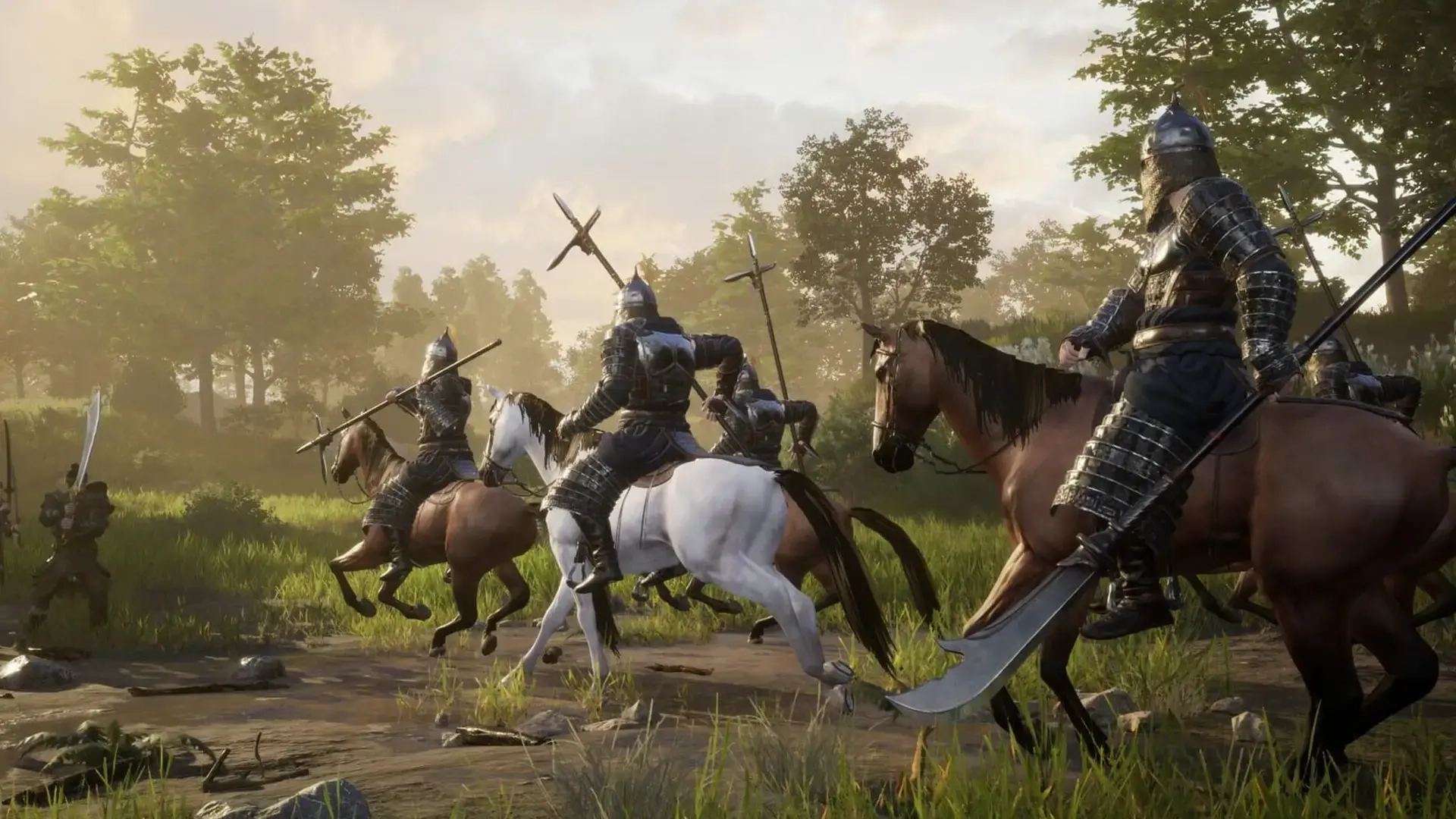
Myth of Empires Controls Guide: All PC Keybinds
发布于 ,作者

分享:

分享至 X

分享至 Facebook

分享至 Threads

分享至 Bluesky

复制到剪贴板

通过电子邮件分享
(Estimated Read Time: 3 minutes)
Before building an empire and conquering the world in Myth of Empires, you must first learn and master its basic controls. With that in mind, here we'll cover all the controls and keybinds for Myth of Empires.Myth of Empires Controls and Keybinds
 First, it's important to mention that Myth of Empires is only available on the PC through Steam. Additionally, it has limited controller support at the time of writing. In other words, players may use a controller to play the game, but some buttons may not work on their chosen gamepads.
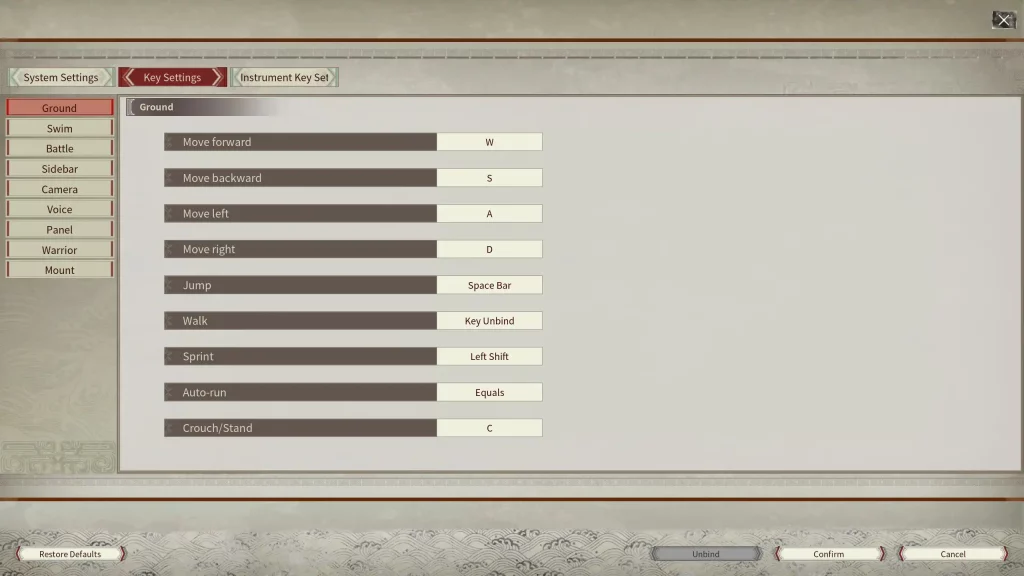
With that, here are all the basic PC controls for Myth of Empires using the keyboard and mouse peripherals:
First, it's important to mention that Myth of Empires is only available on the PC through Steam. Additionally, it has limited controller support at the time of writing. In other words, players may use a controller to play the game, but some buttons may not work on their chosen gamepads.
With that, here are all the basic PC controls for Myth of Empires using the keyboard and mouse peripherals:
Ground
- Move forward: W
- Move backward: S
- Move left: A
- Move right: D
- Jump: Space Bar
- Walk: N/A
- Sprint: Left Shift
- Auto-run: Equals (=)
- Crouch/Stand: C
Swim
- Swim up: Space Bar
- Swim down: Q
Battle
- Climb: Space Bar
- Block: Right Mouse Button
- Attack: Left Mouse Button
- Kick: F
- Attack upwards: Num 8
- Attack downwards: Num 2
- Attack left: Num 4
- Attack Right: Num 6
- Attack from upper left: Num 7
- Attack from upper right: Num 9
- Attack from bottom left: Num 1
- Attack from bottom right: Num 3
- Toggle single/continuous attack: B
- Mainhand weapon skill: X
- Offhand weapon skill: Z
Sidebar
- Sidebar 1: 1
- Sidebar 2: 2
- Sidebar 3: 3
- Sidebar 4: 4
- Sidebar 5: 5
- Sidebar 6: 6
- Sidebar 7: 7
- Sidebar 8: 8
- Sidebar 9: 9
- Sidebar 0: 0
- Sidebar Last Page: Shift + Up
- Sidebar Next Page: Shift + Down
Camera
- Zoom out: Mouse Wheel Down
- Zoom in: Mouse Wheel Up
- Track projectile: Left Alt
- Toggle perspective: V
- Free camera: O
Voice
- Press to talk: H
Panel
- Show/hide chatbox: Ctrl + T
- Show/hide message prompts: Ctrl + R
- Open Crafting Panel: P
- Open Inventory Panel: I
- Open Map: K
- Open Missions Panel: M
- Open Warrior Panel: L
- Open Guild Panel: Y
- Open Emote Panel: G
- Hide Panel: Tab
- Show/hide key info: Ctrl + H
- Open Instrument Settings Panel: Ctrl + F
- Show/hide Mission Tracker Panel: J
Warrior
- Select all warriors: Ctrl + 1
- Selected Warrior 1: Ctrl + 2
- Selected Warrior 2: Ctrl + 3
- Selected Warrior 3: Ctrl + 4
- Selected Warrior 4: Ctrl + 5
- Selected Warrior 5: Ctrl + 6
- Move warrior: F1
- Warrior formation: F2
- Attack method: F3
- Warrior mount: F4
- Warrior attack: F5
- Battle mode: F6
- Alert radius: F7
- Rescue: F8
Mount
- Call horse: U

您对这篇博客有何评价?
分享您的看法,帮助我们将博客做得更好!
不喜欢
一般
喜欢

需要游戏服务器吗?
租用一台游戏服务器,您可以和朋友们在极低延迟和自定义设置下私密游玩。从 110+ 款游戏中挑选您的最爱,邀请全球玩家,享受私密对战,或者按照您自己的规则建立属于您的在线社区。








获取第一手独家资讯!
订阅我们的电子邮件,获取有关我们托管游戏、公司新闻和独家优惠的最新动态。随时掌握一手资讯!













