
Minecraft 27.1 Update: Release Date Predictions, New Features, & More
发布于 ,作者

分享:

分享至 X

分享至 Facebook

分享至 Threads

分享至 Bluesky

复制到剪贴板

通过电子邮件分享
Announced during San Diego TwitchCon 2026, the Minecraft 27.1 Game Drop will be the first update of 2027, complete with a brand-new weapon! So, today, we explore the Minecraft 27.1 release date window while highlighting some of the most exciting features on the way so far!
 The Minecraft 27.1 Game Drop is confirmed to be releasing in 2027. A more specific date is not yet available. However, previous quarter one game drops suggest a release date around late March.
As for snapshots, there are none yet since Minecraft 26.4 is still in testing and awaiting release. It is not known if a 27.1 snapshot will be shared before the new year. Hopefully we get a holiday miracle, and they sneak one in!
 As of November 19, 2026, there are no snapshots available for the Minecraft 27.1 Game Drop or official methods of testing the Throwing Disc. Attempting to load the latest snapshot will instead result in a Minecraft 26.4 Deep Freeze snapshot. Those who would still like to prepare a snapshot install ahead of time can do so from right inside the Minecraft client. The necessary steps can each be found below:
Minecraft 27.1 Release Date
Minecraft 27.1 Highlights
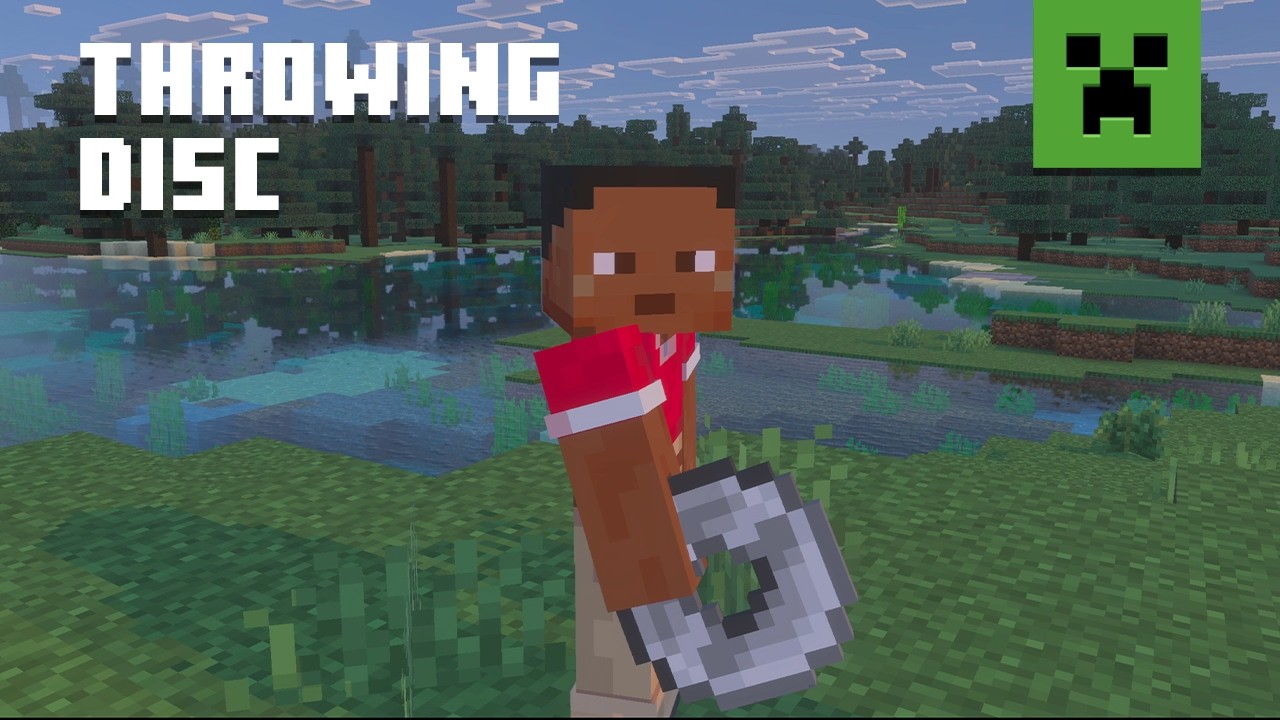
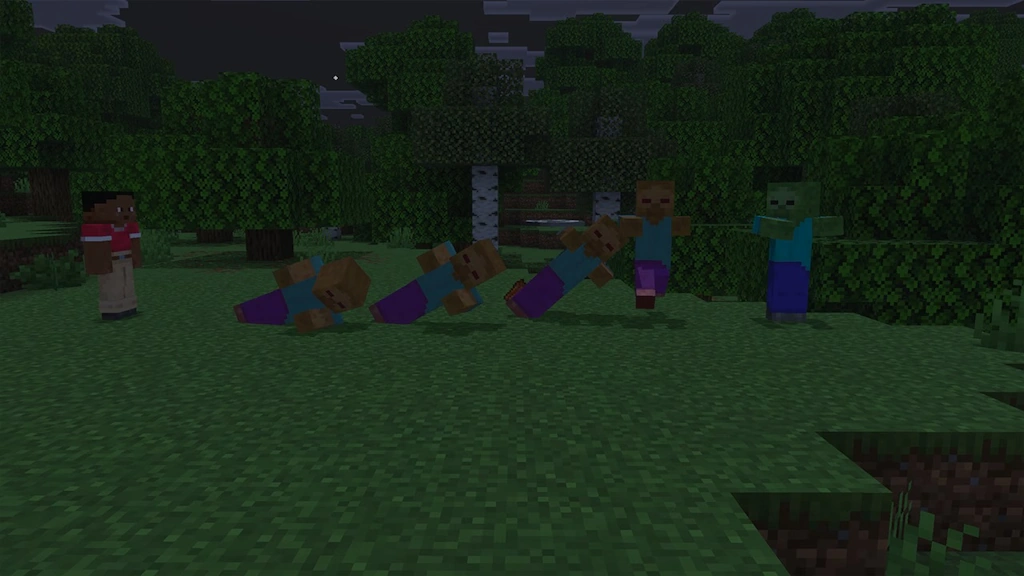
Throwing Discs
- Recipe: Copper Ingot, Iron Ingot, Gold Ingot, Diamond, or Netherite ingot x4
How to Install Minecraft 27.1 Snapshots
As of November 19, 2026, there are no snapshots available for the Minecraft 27.1 Game Drop or official methods of testing the Throwing Disc. Attempting to load the latest snapshot will instead result in a Minecraft 26.4 Deep Freeze snapshot. Those who would still like to prepare a snapshot install ahead of time can do so from right inside the Minecraft client. The necessary steps can each be found below:
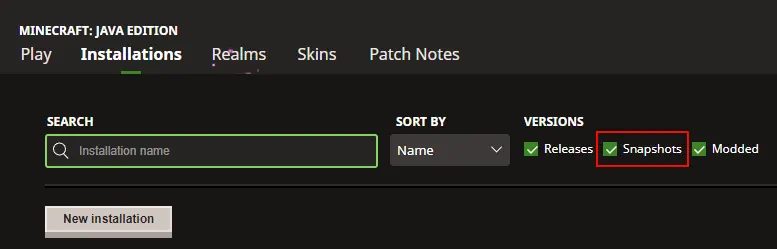
- Open the Minecraft Launcher and select Java Edition.
- Enable snapshots under the ‘Installations’ tab.
- If a new installation called “Latest Snapshot,” represented by a dirt block, is now present, that can be used immediately to start playing. Otherwise, proceed with step four.
- Click ‘New Installation’
- Select ‘Latest Snapshot’ in the drop-down menu.
- Click ‘Install.’

您对这篇博客有何评价?
分享您的看法,帮助我们将博客做得更好!
不喜欢
一般
喜欢

需要游戏服务器吗?
租用一台游戏服务器,您可以和朋友们在极低延迟和自定义设置下私密游玩。从 110+ 款游戏中挑选您的最爱,邀请全球玩家,享受私密对战,或者按照您自己的规则建立属于您的在线社区。








获取第一手独家资讯!
订阅我们的电子邮件,获取有关我们托管游戏、公司新闻和独家优惠的最新动态。随时掌握一手资讯!













