
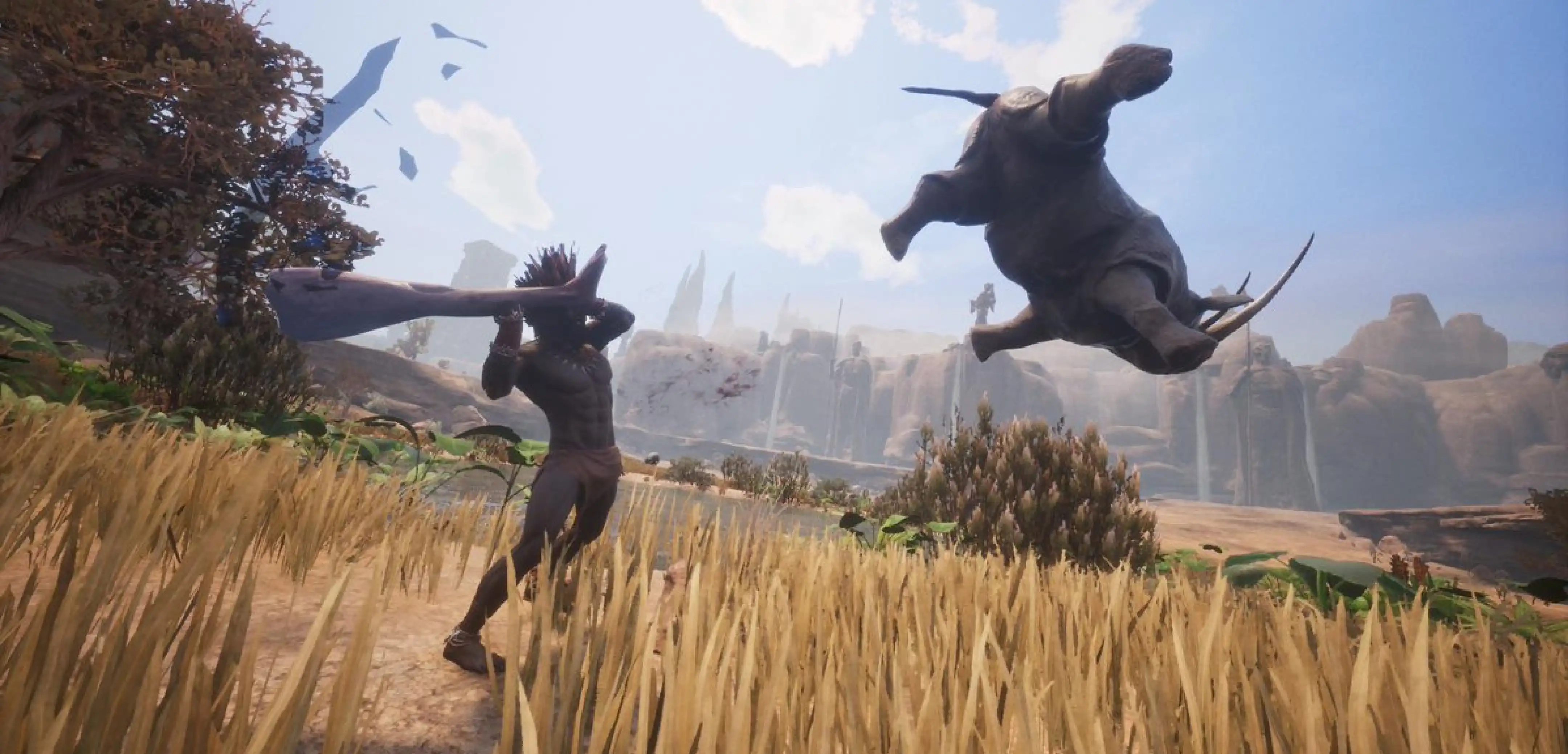
Conan Exiles May Update (Patch 1.1.0): Patch Notes, Server Browser Improvements, Saddle Dyeing, & more
发布于 ,作者

分享:

分享至 X

分享至 Facebook

分享至 Threads

分享至 Bluesky

复制到剪贴板

通过电子邮件分享
Conan Exiles Enhanced has brought new life to the massive survival title, and its latest update makes some nice improvements for players looking to get into the action! So let's dive into the Conan Exiles May update, Patch 1.1.0, and all the improvements in its patch notes.
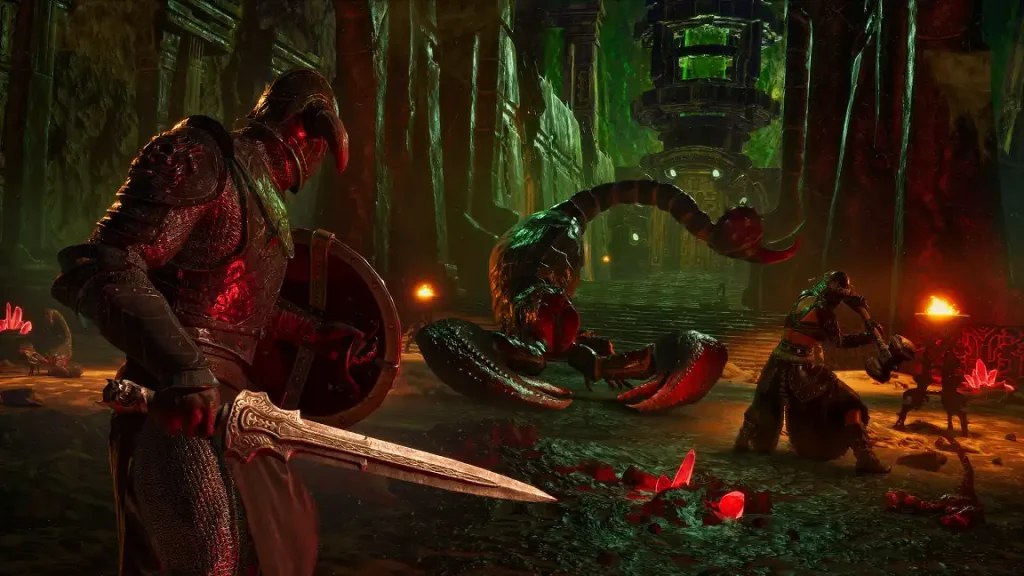 Conan Exiles Enhanced's latest update, Patch 1.1.0, isn't the largest in terms of content additions, especially compared to the Enhanced update itself. Still, it brings some exciting improvements to the game.
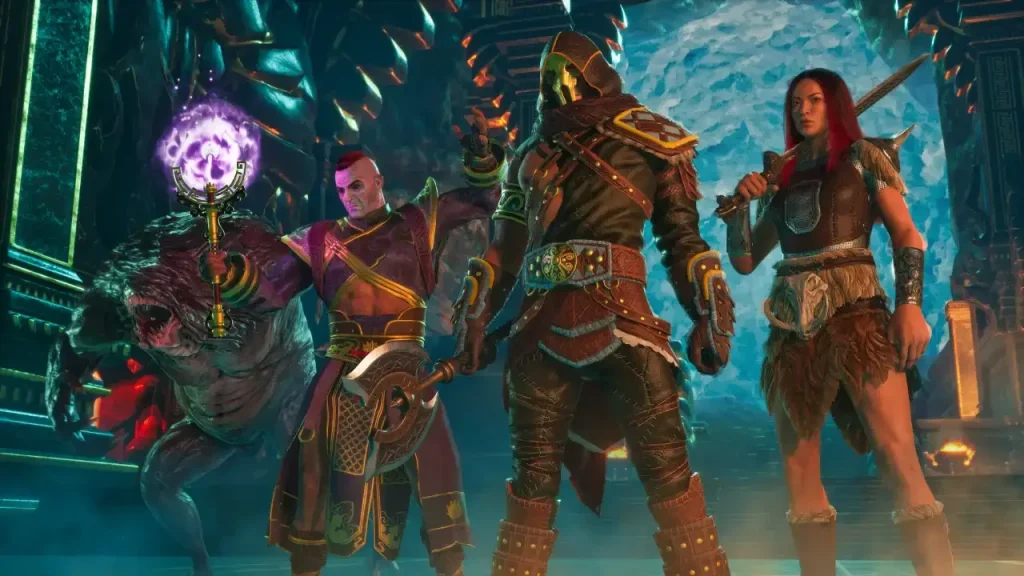 Dive right into the full patch notes for the latest Conan Exiles Enhanced update below!
What's New in the Conan Exiles May Update? (Patch 1.1.0)
Conan Exiles Enhanced's latest update, Patch 1.1.0, isn't the largest in terms of content additions, especially compared to the Enhanced update itself. Still, it brings some exciting improvements to the game.
Server Browser Improvements
Several new improvements are coming to the Conan Exiles server browser in Patch 1.1.0, including improved filtering (better performance, saved filters) and more accurate ping representation. So if you're looking to dive into a new multiplayer server, finding the right fit will be easier than ever!Saddle Color Dyes
A feature first introduced to Conan Exiles via mods like Fashionist is officially coming to the game: saddle dyeing! Bring your fashion sense out on your travels with this latest addition to the core game. No mods required.Conan Exiles May Update (Patch 1.1.0) Patch Notes
Dive right into the full patch notes for the latest Conan Exiles Enhanced update below!
General
- Added confirmation pop-up when clicking ‘ResetAll’ on the Knowledge menu.
- Adjusted Argossean tileset pieces’ base color to be more in line with Aquillonian tileset base color.
- Stopped metal from visibly mipping on Siptah Tower; adjusted Siptah Tower master material to give better metal material response/appearance.
- Added collision to Blackhand table at Jamilla’s Liberty.
- Set lights in Conan’s tavern to not decay.
- Clicking DLC in the store will bring up the steam browser for the DLC item.
Miscellaneous
- Improved server browser performance on filtered searches.
- Server browser filters are now saved between sessions.
- Ping will now be closer to the network latency to help players join servers close to them.
- Made server browser ping representative of real ping, excluding server frame time.
- Changed region definition (Exiled Lands, Isle of Siptah, modded regions) for server owners to be an exclusion list, meaning modded regions can be loaded without the server owner specifying it.
- Added building-damageable PVP build from storage radius to server
settings.ini. - Dedicated Server -
GameUserSettings.iniis no longer updated for servers since it only contains client settings. - Added notification to explain why teleport fails if a co-op client that owns Isle of Siptah tries to teleport to the Isle of Siptah when the host does not.
- Added a slider to adjust microphone gain for proximity voice chat.
- Replaced deprecated markup in French item descriptions.
- Added KBM and Gamepad navigation support to the Commands submenu in the Controls settings.
- Improved keyboard and gamepad navigation for the Admin Menu’s left-most panel.
- Closing a menu with a gamepad will no longer keep the hotbar hidden if switching to KBM.
- Improved UI hotkey responsiveness when switching between gamepad and KBM.
- Navigating the settings menu with keyboard will properly show the highlight animation.
- The ‘TakeAll’ hotkey will not fire on KBM if it isn’t in the active panel.
- Adjusted hotkeys so they show on most buttons for KBM users.
- Navigating the hotbar with your keyboard while in your inventory will update the details on the left-most panel.
Crafting
- Item details in the character’s inventory panel will no longer update when selecting an artisan recipe.
- Numbers greater than 999 will present correctly when using the slider in the ‘Craft Many’ modal.
- Improved reliability of ‘View Obstructed’ check when placing or moving placeables.
- Allowed shift drag to split item stacks on sorted inventories.
- Reduced Exp gained from crafting certain decorations.
Journeys
- Using controller right-stick will successfully navigate the journey steps up and down
- Added a controller hotkey to the ‘Hide Completed Journeys’ button
AI and NPCs
- Pressing ‘E’ will close thrall trading menus.
Terrain & Environment
- Wind now affects Sandstone Thatched Roof Leaves.
- Updated harvestable brimstone to use the proper texture.
- Shooting arrows in water makes water splashes.
- Adjustments and spot fixes to waterfalls.
UI
- Improved navigation on Teleport dropdown in the Admin menu. The dropdown now waits on keypress before initiating teleport.
- Opening the Admin menu will close all other fullscreen menus. Admin menu cannot be opened while a pop-up window is active.
- Server time in the Settings menu will be hidden while in the startup menu.
- Save log hover/focus state is now more noticeable.
- Navigating items in the store’s inspect panel will scroll it into view.
- Vertically placed stat gauges will no longer appear when opening an inventory menu with a missing middle panel (ex: Barkeepers).
- Improved presentation of long buff/debuff names on HUD.
- Increased the size of rectangular hotkeys to improve readability.
Audio
- Added a toggle to play the classic menu music.
Modding
- Added ability for mods to define a region volume in a sublevel.
Bug Fixes
- Fixed exploit using ice bridges and loot bags to glitch through structures.
- Fixed a method of flying via exploit.
- Fixed a method of ghosting into undermesh.
- Fixed an exploit allowing infinite inventory storage.
- Added server-side verification of ‘View Obstructed’ when placing or moving placeables.
- Fixed bad scorch decal behavior on some braziers in Asylum of Fiends.
- Fixed blood material on bowls in Pit of the Grey Ones.
- Fixed not able to refill water skin from some water bodies.
- Fixed visible wrist seams on Corrupted effect for Female and Male Characters.
- Fixed Sorcery components weighing too much.
- Fixed issue where players sometimes couldn’t interact with things for a period of time after respawning or logging in.
- Fixed bug where the server settings were not being enabled after being made admin.
- Fixed translation mismatches for Character heading.
- Fixed Journey step tracker typo in French.
- Fixed intense sparkles appearing on weapons / armors when using DLSS.
- Fixed a rare crash related to invalid skeletal mesh data.
- Fixed a rare crash when attempting to update server settings during a transition.
- Fixed an issue that could cause a server crash when spawning quest NPCs.
- Fixed issue where a placeable couldn’t be moved after an object stacked atop was deleted.
- Fixed incorrect Stormglass foundation color.
- Fixed issue where the Stormglass double door could be placed in gate frames. Double doors will now be cleaned up if the double door frame it was placed within is removed.
- Fixed Sandstone steps being overly dark.
- Fixed breast size getting set to default while interacting with stations/chairs/beds.
- Fixed issue where the journey list would refresh to show completed journeys after activating a new journey even when ‘Hide Completed Journeys’ is toggled-on.
- Fixed rare issue where non-demolisher NPCs would sometimes attack doors owned by players not participating in the purge.
- Fixed Voidforge Mace not being able to take weapon modifications.
- Fixed incorrect textures on Argossean Gladiator armor set.
- Fixed overly blue saturation underwater in Exiled Lands.
- Fixed missing splash footsteps in some bodies of water.
- Fixed tree moss changing on tree hit for servers.
- Fixed errant black mesh in Volcano area.
- Fixed sudden lighting shift in the cave in Kurak’s Lair.
- Fixed cracked ice material.
- Fixed underwater post process for translucent materials.
- Fixed line wrapping problem on Journey screen.
- Fixed issue where maximum nudity text would continually shrink in width whenever selecting a new display language.
- Fixed stretching issues on video on title screen when on widescreen monitors.
- Fixed issue causing big hitches and slow loading times when loading large mods (over 2 GB). Large mod park files will no longer be read multiple times when loading the game and when a player joins a dedicated server. This should speed up the initial load of the game with large mods, and avoid a large hitch when players join dedicated servers.

您对这篇博客有何评价?
分享您的看法,帮助我们将博客做得更好!
不喜欢
一般
喜欢

需要游戏服务器吗?
租用一台游戏服务器,您可以和朋友们在极低延迟和自定义设置下私密游玩。从 110+ 款游戏中挑选您的最爱,邀请全球玩家,享受私密对战,或者按照您自己的规则建立属于您的在线社区。








获取第一手独家资讯!
订阅我们的电子邮件,获取有关我们托管游戏、公司新闻和独家优惠的最新动态。随时掌握一手资讯!













