

Assetto Corsa Mods Guide: How to Install, Content Manager, & more
发布于 ,作者

分享:

分享至 X

分享至 Facebook

分享至 Threads

分享至 Bluesky

复制到剪贴板

通过电子邮件分享
Do you want to enhance your Vanilla Assetto Corsa experience? Installing a mod (or two) can introduce a world of difference to how the game looks and functions. So, here we'll cover how to download and add mods to Assetto Corsa.
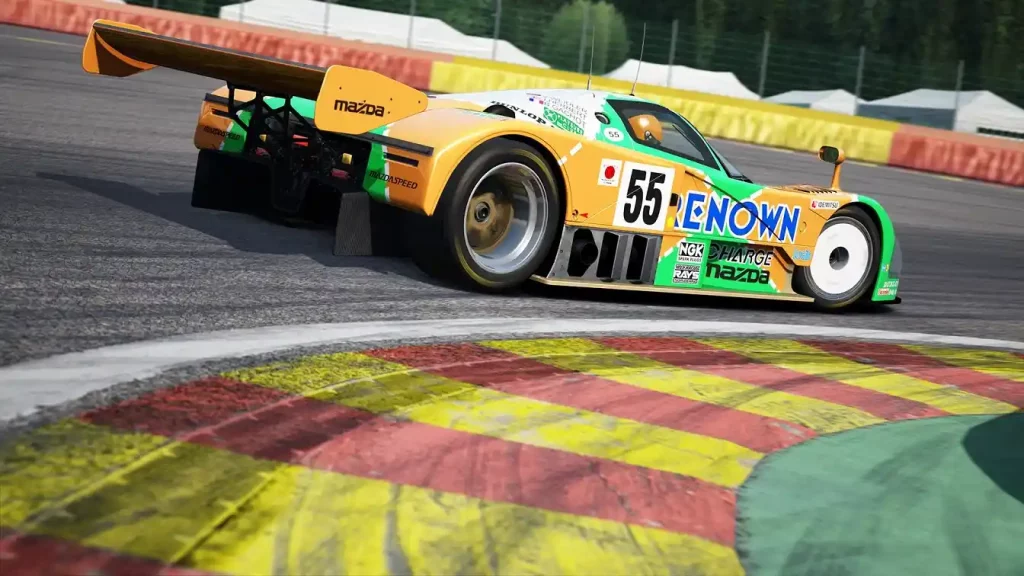 Installing an Assetto Corsa Mod typically requires the game’s Content Manager app, which you can download here. However, an alternate procedure exists to install mods if you don’t want to use this app. You can find both processes below:
How To Install Assetto Corsa Mods
Installing an Assetto Corsa Mod typically requires the game’s Content Manager app, which you can download here. However, an alternate procedure exists to install mods if you don’t want to use this app. You can find both processes below:
Installing Assetto Corsa Mods With Content Manager
It’s important to mention that Content Manager comes in free and premium versions. The latter gives you access to new features before the developers release them to the lite version. Additionally, paying for the premium version helps support the app’s developers. With that, here are the steps to install mods with Content Manager, assuming that you’ve installed the app:- 1. Open Content Manager and search for the Assetto Corsa folder in your system
- 2. Download your preferred Assetto Corsa mod
- 3. Search for the folder with the Assetto Corsa mod in your system and drag it to Content Manager
- 4. Wait for the mod installation to complete
- 5. Run Assetto Corsa to check if the mod is working as intended
Installing Assetto Corsa Mods Without Content Manager
Installing an Assetto Corsa mod without the Content Manager is still a reasonably straightforward process. However, the previous procedure is still more convenient than the manual method. Nonetheless, here are the steps to install your preferred Assetto Corsa mod without the Content Manager app:- 1. Download your preferred Assetto Corsa mod
- 2. Search and open the Assetto Corsa game directory on your PC
- 3. Extract the Assetto Corsa mod’s contents into the game’s directory
- 4. Run Assetto Corsa to check if the mod is working as intended

您对这篇博客有何评价?
分享您的看法,帮助我们将博客做得更好!
不喜欢
一般
喜欢

需要游戏服务器吗?
租用一台游戏服务器,您可以和朋友们在极低延迟和自定义设置下私密游玩。从 110+ 款游戏中挑选您的最爱,邀请全球玩家,享受私密对战,或者按照您自己的规则建立属于您的在线社区。








获取第一手独家资讯!
订阅我们的电子邮件,获取有关我们托管游戏、公司新闻和独家优惠的最新动态。随时掌握一手资讯!













