
7 Days to Die Wasteland Mod Guide: New Features & How to Download
发布于 ,作者

分享:

分享至 X

分享至 Facebook

分享至 Threads

分享至 Bluesky

复制到剪贴板

通过电子邮件分享
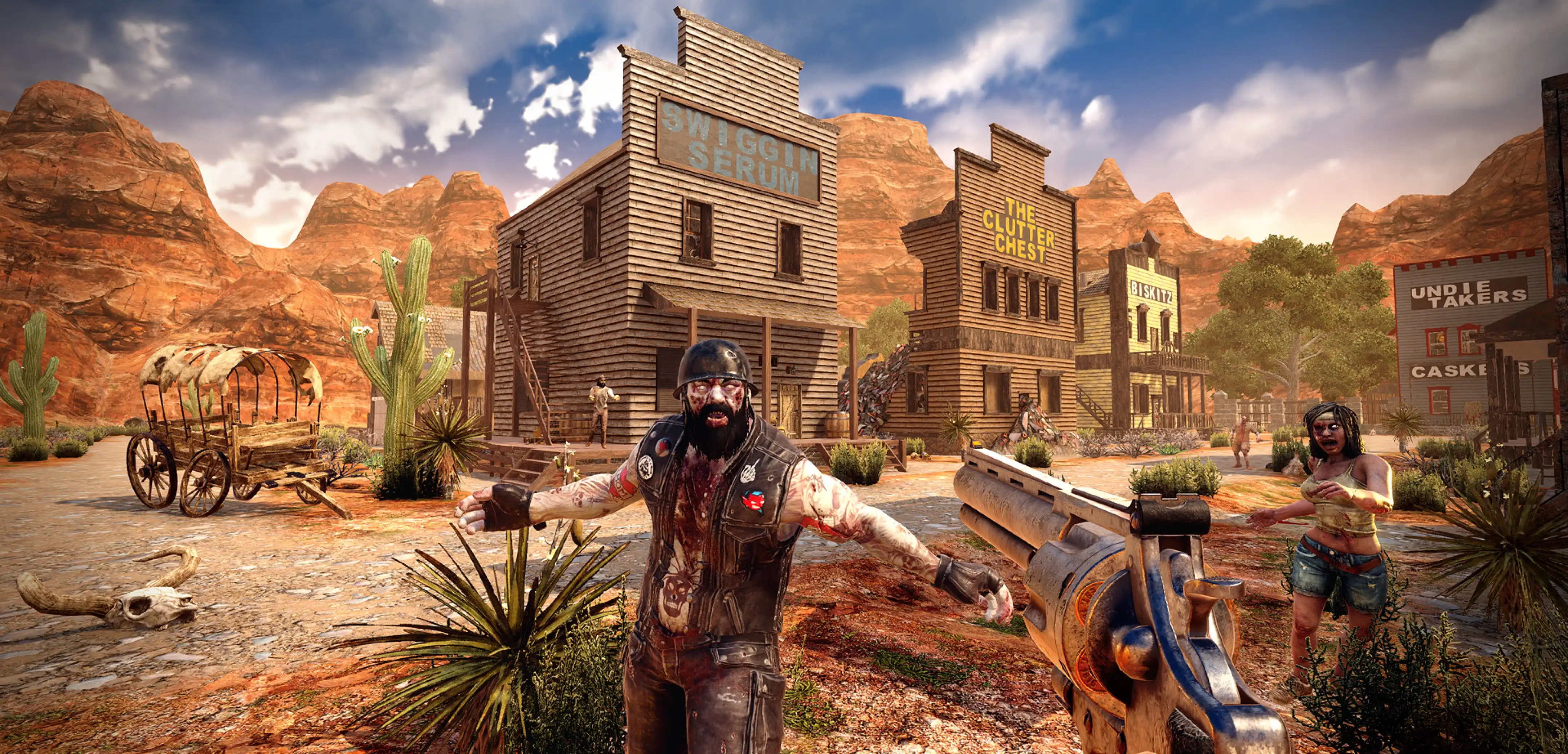
Are you looking for more challenges to shake up vanilla 7 Days to Die? If so, the Wasteland Mod can be an excellent choice to spice up your zombie survival time in Navezgane. So, keep reading as we guide you through the ins and outs of the 7 Days to Die Wasteland Mod and master a new apocalypse.
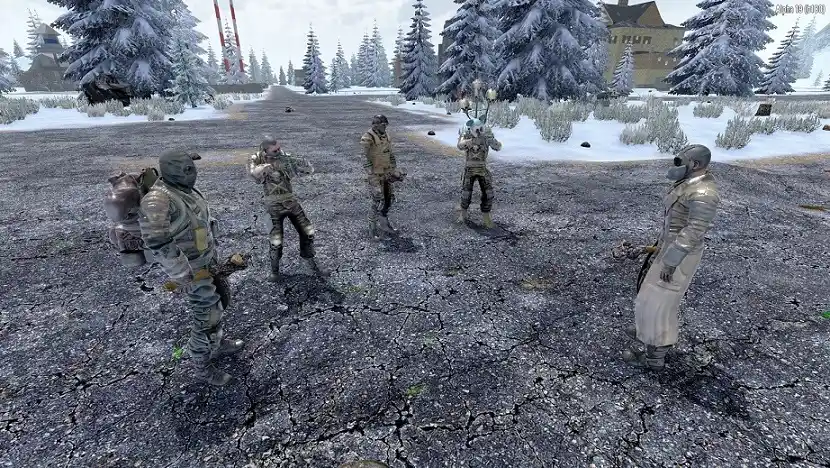 The Wasteland Mod for 7 Days to Die transforms the game into a Fallout-style wasteland. With it, players can encounter more dangerous enemies, craft and equip new gear, and discover new places to explore.
Apart from the new enemies, you must also deal with new threats, such as new illnesses. For instance, it’s possible to get radiation or rad poisoning and heatstroke.
If you want a tougher 7 Days to Die experience, then the Wasteland Mod should be right up your alley. Remember, this mod requires other mods before it can function properly. The mods you must install to run the Wasteland Mod are the following:
The Wasteland Mod for 7 Days to Die transforms the game into a Fallout-style wasteland. With it, players can encounter more dangerous enemies, craft and equip new gear, and discover new places to explore.
Apart from the new enemies, you must also deal with new threats, such as new illnesses. For instance, it’s possible to get radiation or rad poisoning and heatstroke.
If you want a tougher 7 Days to Die experience, then the Wasteland Mod should be right up your alley. Remember, this mod requires other mods before it can function properly. The mods you must install to run the Wasteland Mod are the following:
What is the 7 Days to Die Wasteland Mod?
The Wasteland Mod for 7 Days to Die transforms the game into a Fallout-style wasteland. With it, players can encounter more dangerous enemies, craft and equip new gear, and discover new places to explore.
Apart from the new enemies, you must also deal with new threats, such as new illnesses. For instance, it’s possible to get radiation or rad poisoning and heatstroke.
If you want a tougher 7 Days to Die experience, then the Wasteland Mod should be right up your alley. Remember, this mod requires other mods before it can function properly. The mods you must install to run the Wasteland Mod are the following:
- SCore v.21.2.101.931+
- NPCmod v21.1.0.20+
- Full Auto Launcher v1.2.2
- Random Mainmenu Background v1.0.2
Features: What’s Different About the Wasteland Mod?
SPIFSAL System
The SPIFSAL system used in the Wasteland Mod is a progression system similar to Vanilla 7 Days to Die. At the beginning of the game, each player can allocate 21 SPIFSAL points on various attributes, such as Strength, Dexterity, and Perception. Note that you must spend all points to start the game. You can earn additional SPIFSAL points through natural in-game progression.New Enemies
Turning Navezgane into a Fallout-inspired wasteland also introduces new hostiles to the map. These new enemies include mutants, raiders, and new undead variants. Additionally, the wildlife is now home to new yet dangerous species, such as giant scorpions, mutant hounds, and pesky insects.New Weapons, Armor, & Items
Thankfully, 7 Days to Die’s equipment and item library expands with the inclusion of the Wasteland Mod. Install this mod to use new weapons, armor, and items, including (but not limited to) the following:- Combat Shotgun
- Pipe Wrench
- Pitchfork
- Harpoon Rifle
- Laser Rifle
- Plasma Pistol
- Bottlecap Mine
- Nuka Grenade
- M79 Launcher
- .500 Magnum
- Plasma Cells
- Ballistic Ammunition (HP/AP variants)
- Power Armor
- Scrambled Hunter Eggs
- Deathclaw Souffle
More Points of Interest (POIs)
The 7 Days to Die Wasteland Mod also adds additional POIs to the game, including some occupied by raiders or hostile soldiers. Some POIs, such as the Nuka Factory and the Nav-Tek Research Facility, are even reminiscent of the Fallout series. Players can also see and experience changes to the Vanilla POIs. For instance, trader posts are no longer invulnerable, and some mutant groups have taken over abandoned trader establishments.Gameplay Changes
Other changes to the original 7 Days to Die experience delivered by the Wasteland Mod include the following:- Additional illnesses, such as rad poisoning, heatstroke, and frostbite
- Critical injuries, such as concussions and fatigue, will take a random amount of time to heal
- Weapons and armor generally require repair materials that were used to craft those items
- Air drops will draw the attention of the undead
- Vehicle crafting is removed
- Players must repair broken-down vehicles to use them
- Seeds need a nearby water source to grow
How to Install the 7 Days to Die Wasteland Mod
Installing the Wasteland Mod for 7 Days to Die (and other mods) is relatively straightforward. This process doesn’t require you to download and install additional software. However, you must follow these steps:- 1. Navigate to the following location in your PC: C:\Program Files (x86)\Steam\steamapps\common\7 Days To Die
- 2. Create a “Mods” folder (without the quotes) in this folder
- 3. Download the Wasteland Mod here
- 4. Extract the mod in the “Mods” folder
- 5. Launch the game and enjoy the 7 Days to Die Wasteland Mod

您对这篇博客有何评价?
分享您的看法,帮助我们将博客做得更好!
不喜欢
一般
喜欢

需要游戏服务器吗?
租用一台游戏服务器,您可以和朋友们在极低延迟和自定义设置下私密游玩。从 110+ 款游戏中挑选您的最爱,邀请全球玩家,享受私密对战,或者按照您自己的规则建立属于您的在线社区。








获取第一手独家资讯!
订阅我们的电子邮件,获取有关我们托管游戏、公司新闻和独家优惠的最新动态。随时掌握一手资讯!













