

How to Fix the Origin Ray Fail Error in 7 Days To Die
发布于 ,作者

分享:

分享至 X

分享至 Facebook

分享至 Threads

分享至 Bluesky

复制到剪贴板

通过电子邮件分享
It’s safe to say that the survival genre has its fair share of bugs and errors across all of its major games, and 7 Days to Die is no exception. With the game in early access, some of this is expected. One particular problem that plagues many players in 7 Days to Die, however, is the Origin Ray Fail error message. Often, a crash accompanies this error message, forcing players to restart the game. So, keep reading as we give you some possible solutions to fix this error.
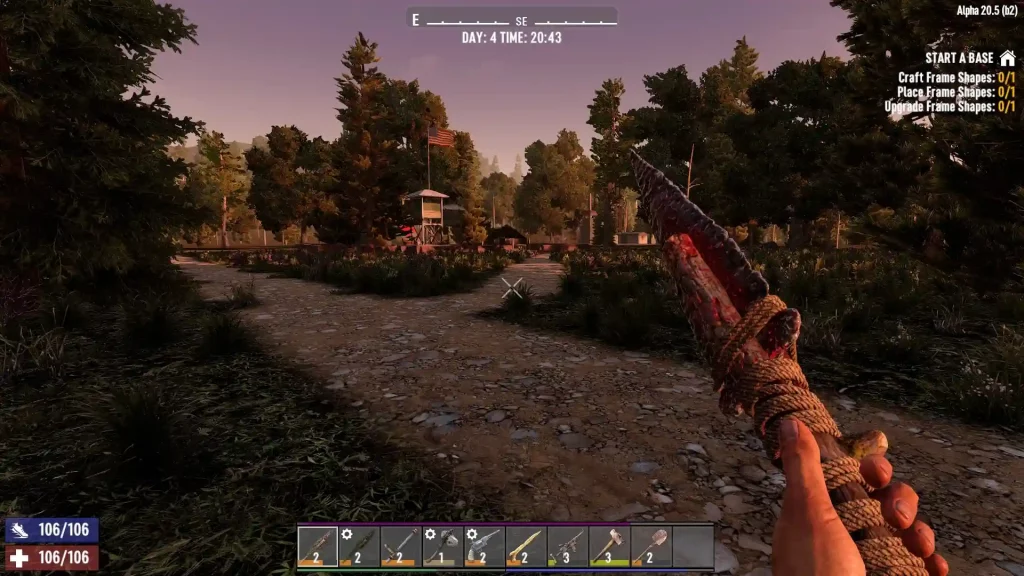 Different possible solutions exist to help you fix the “Origin Ray Fail” error in 7 Days to Die. But note that the following measures may not work for everyone. If so, you may need to contact the game’s helpline for assistance from the developers.
7 Days to Die: How to Fix the Origin Ray Fail Error
Different possible solutions exist to help you fix the “Origin Ray Fail” error in 7 Days to Die. But note that the following measures may not work for everyone. If so, you may need to contact the game’s helpline for assistance from the developers.
Solution #1: Delete the Drone
If the cause of the error message is because of an incorrectly positioned drone, here are the steps to fix it:- Press the WIN+R key on your keyboard to launch the Run console
- Type “%appdata%” (without the quotes) in the small window’s field and click “OK”
- Navigate to the 7 Days to Die folder, and then open “saves”
- Search and open your world’s folder
- Delete the files “drones.dat” and “drones.dat.bak”
- Launch the game, and press “F1” on your keyboard to open the console
- Type “cm” (without the quotes) and press “Enter” on your keyboard
- Press “U” on your keyboard to launch Creative Mode
- Recover your drone (and other in-game items) lost from deleting the broken unit
- Leave creative mode by pressing “F1” and typing “cm” on the console (optional)
Solution #2: Reinstall the Game
If the first method didn’t work, perhaps an incorrectly-placed drone isn’t the issue. If so, you may need to delete and reinstall the game for it to have a fresh start. Assuming you didn’t tamper with your save file, the error should disappear after a successful reinstallation.What Causes the Origin Ray Fail Error?
The Origin Fail Error in 7 Days to Die, particularly in Alpha 21, typically occurs because of improper positioning of an item. Generally, this issue appears because of an active drone leaving the character’s render distance. But the error may still occur because of reasons like the following:- Incorrect idle animation of in-game objects (e.g., tree sway and fire particles)
- Character fails to match the speed of the ridden vehicle
- Sudden FPS drops because the PC can’t render objects due to it being low spec
- Improper mod installation
- Tampering with the game’s files

您对这篇博客有何评价?
分享您的看法,帮助我们将博客做得更好!
不喜欢
一般
喜欢

需要游戏服务器吗?
租用一台游戏服务器,您可以和朋友们在极低延迟和自定义设置下私密游玩。从 110+ 款游戏中挑选您的最爱,邀请全球玩家,享受私密对战,或者按照您自己的规则建立属于您的在线社区。








获取第一手独家资讯!
订阅我们的电子邮件,获取有关我们托管游戏、公司新闻和独家优惠的最新动态。随时掌握一手资讯!













