

Minecraft Ender Dragon Egg Guide: How to Loot, Display, & more
tarihinde yazan:

Paylaş:

X'te Paylaş

Facebook'ta Paylaş

Threads'te Paylaş

Bluesky'da Paylaş

Panoya Kopyala

E-posta ile Paylaş
The ender dragon egg is one of the rarest items players can obtain, but if not careful, it may fall into the void after teleporting away. So, today, we explain step by step how to loot the ender dragon egg.
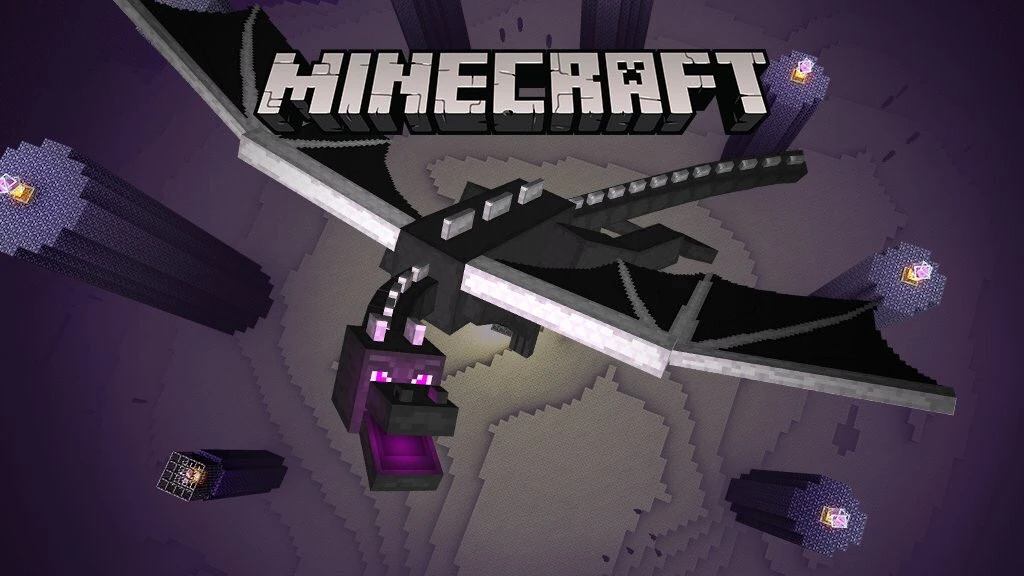 Before one can even consider looting the ender dragon egg, the ender dragon must first be slain. We offer a guide on how to achieve this feat here. Once the dragon is defeated, the egg will appear on top of the exit portal. Don’t touch it just yet, though!
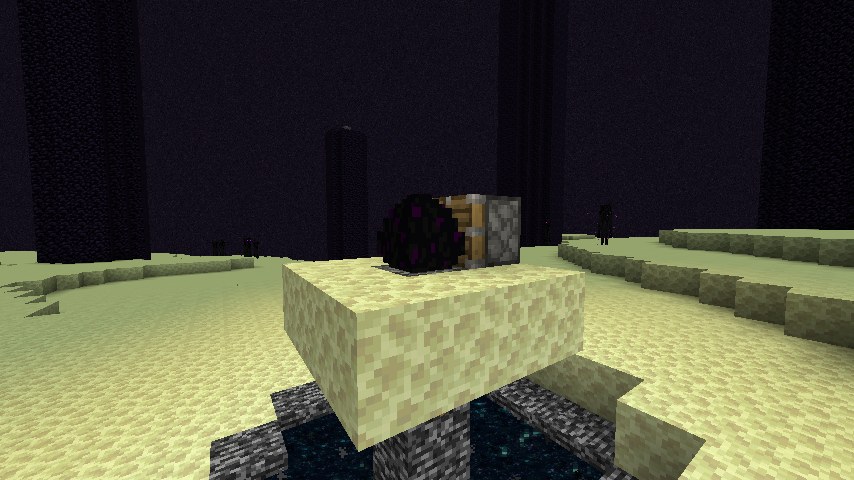 The dragon egg cannot be gathered with silk touch or any tool for that matter. Attempting to do so will cause the egg to teleport, potentially sending it into the void.
Instead, players must use a piston and redstone torch. The piston can be crafted using three plank blocks, four cobblestone blocks, one iron ingot, and one redstone, while the restone torch needs only a stick and one redstone. If the ender dragon egg is still on top of the exit portal, we recommend creating a small three-by-three platform around it at this point as well.
Once ready, place the piston directly next to the egg while ensuring that the piston is facing it. Then, place a redstone torch next to the piston to activate it. If all was done correctly, the egg should now be broken and available to pick up.
Congratulations on looting the dragon egg!
The dragon egg cannot be gathered with silk touch or any tool for that matter. Attempting to do so will cause the egg to teleport, potentially sending it into the void.
Instead, players must use a piston and redstone torch. The piston can be crafted using three plank blocks, four cobblestone blocks, one iron ingot, and one redstone, while the restone torch needs only a stick and one redstone. If the ender dragon egg is still on top of the exit portal, we recommend creating a small three-by-three platform around it at this point as well.
Once ready, place the piston directly next to the egg while ensuring that the piston is facing it. Then, place a redstone torch next to the piston to activate it. If all was done correctly, the egg should now be broken and available to pick up.
Congratulations on looting the dragon egg!
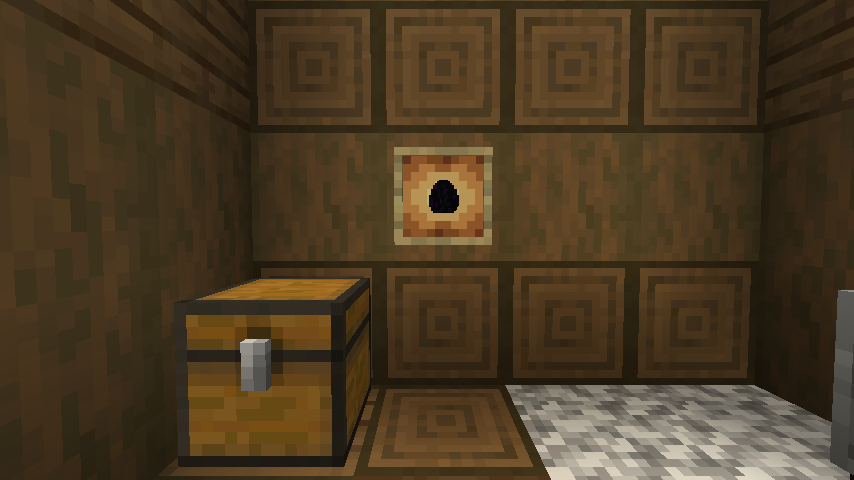 The dragon egg is an amazing trophy to have, but one punch, and it may end up somewhere far below the overworld. For this reason, we recommend that any player attempting to display the egg use an item frame or put it within a glass case to prevent any accidents. After all, only one egg can be looted in Java Edition and only two in Bedrock Edition.
Slay the Ender Dragon
Before one can even consider looting the ender dragon egg, the ender dragon must first be slain. We offer a guide on how to achieve this feat here. Once the dragon is defeated, the egg will appear on top of the exit portal. Don’t touch it just yet, though!
How to Loot the Ender Dragon Egg
The dragon egg cannot be gathered with silk touch or any tool for that matter. Attempting to do so will cause the egg to teleport, potentially sending it into the void.
Instead, players must use a piston and redstone torch. The piston can be crafted using three plank blocks, four cobblestone blocks, one iron ingot, and one redstone, while the restone torch needs only a stick and one redstone. If the ender dragon egg is still on top of the exit portal, we recommend creating a small three-by-three platform around it at this point as well.
Once ready, place the piston directly next to the egg while ensuring that the piston is facing it. Then, place a redstone torch next to the piston to activate it. If all was done correctly, the egg should now be broken and available to pick up.
Congratulations on looting the dragon egg!
Displaying the Egg
The dragon egg is an amazing trophy to have, but one punch, and it may end up somewhere far below the overworld. For this reason, we recommend that any player attempting to display the egg use an item frame or put it within a glass case to prevent any accidents. After all, only one egg can be looted in Java Edition and only two in Bedrock Edition.Kendi
Minecraft sunucunuzu oluşturun
Minecraft sunucunuzu oluşturun
Bir plan seçin, bir oyun belirleyin ve arkadaşlarınızla oynayın!
Bültenimize Katılın
Oyun dünyasındaki en son güncellemeler için abone olun!

Discord'umuza Katılın
20.000'den fazla kafa dengi üyeden oluşan topluluğumuzun bir parçası olun!
Bu blogu nasıl değerlendirirsiniz?
Fikrinizi paylaşın ve bloglarımızı daha da iyi hale getirmemize yardımcı olun!
Beğenmedim
Nötr
Beğendim

Bir oyun sunucusuna mı ihtiyacınız var?
Siz ve arkadaşlarınızın düşük gecikme süresi ve özel ayarlarla özel olarak oynayabileceğiniz bir oyun sunucusu kiralayın. 110+ oyun arasından seçim yapın, dünyanın dört bir yanından insanları davet edin ve özel maçların keyfini çıkarın veya kendi kurallarınızla kendi çevrimiçi topluluğunuzu oluşturun.

İlgili Bloglar







İLK SENİN HABERİN OLSUN!
Barındırdığımız oyunlar, şirket haberleri ve özel fırsatlar hakkında güncellemeler için e-posta listemize katılın. Haberdar olun!













